Set Environment Variable Linux Permanently Redhat How To Set Environment Variables In Linux Systran Box Redhat Enterprise Linux 7 Tutorial How To Mount RHEL DVD ISO Permanently How To Set Environment Variables In Linux DevsDay ru How To Set Environment Variables In Linux Permanently Ittwist Linux Environment Variables And Complete Setup Guide Web 12 I am running Red Hat Linux Enterprise 5 I am always using the export command to set environment variables Are there any other ways to set environment variables and what are the advantages disadvantages of them linux environment variables redhat enterprise linux Share Improve this question Follow edited Sep 16 2016 at 23 38
Web Dec 17 2020 nbsp 0183 32 Set an Environment Variable in Linux Permanently If you wish a variable to persist after you close the shell session you need to set it as an environmental variable permanently You can choose between setting it for the current user or all users Web Jun 3 2021 nbsp 0183 32 set The command sets or unsets shell variables When used without an argument it will print a list of all variables including environment and shell variables and shell functions unset The command deletes shell and environment variables export The command sets environment variables
Linux Environment Variables And Complete Setup Guide How To Set Environment Variables In Linux Built In Uso Del Entorno De Escritorio En RHEL 8 Red Hat Enterprise Linux 8 Systemd Service Set Environment Variable Linux Systemd Services Daemon How To Add Static Route In Redhat Linux Permanently Set Environment Variable In Windows AEM Geeks All About AEM Linux How O Set Environment Variable ION HowTo How To Set And List Environment Variables In Linux Tecnstuff Vrogue Linux Path Environment Variable Linux Command Line
Set Environment Variable Linux Permanently Redhat
 Set Environment Variable Linux Permanently Redhat
https://syscdn.systranbox.com/set_environment_variables_linux.png
Web May 20 2017 nbsp 0183 32 I need to permanently change JAVA HOME and JRE HOME environment variables in Linux So far I ve been doing export export JAVA HOME jdk install dir export PATH JAVA HOME bin PATH But after I close the terminal the changes go away How do I make the change permanent If it helps I m running Red Hat with
Pre-crafted templates provide a time-saving solution for creating a diverse range of files and files. These pre-designed formats and layouts can be made use of for various individual and expert tasks, including resumes, invites, flyers, newsletters, reports, presentations, and more, simplifying the material development procedure.
Set Environment Variable Linux Permanently Redhat
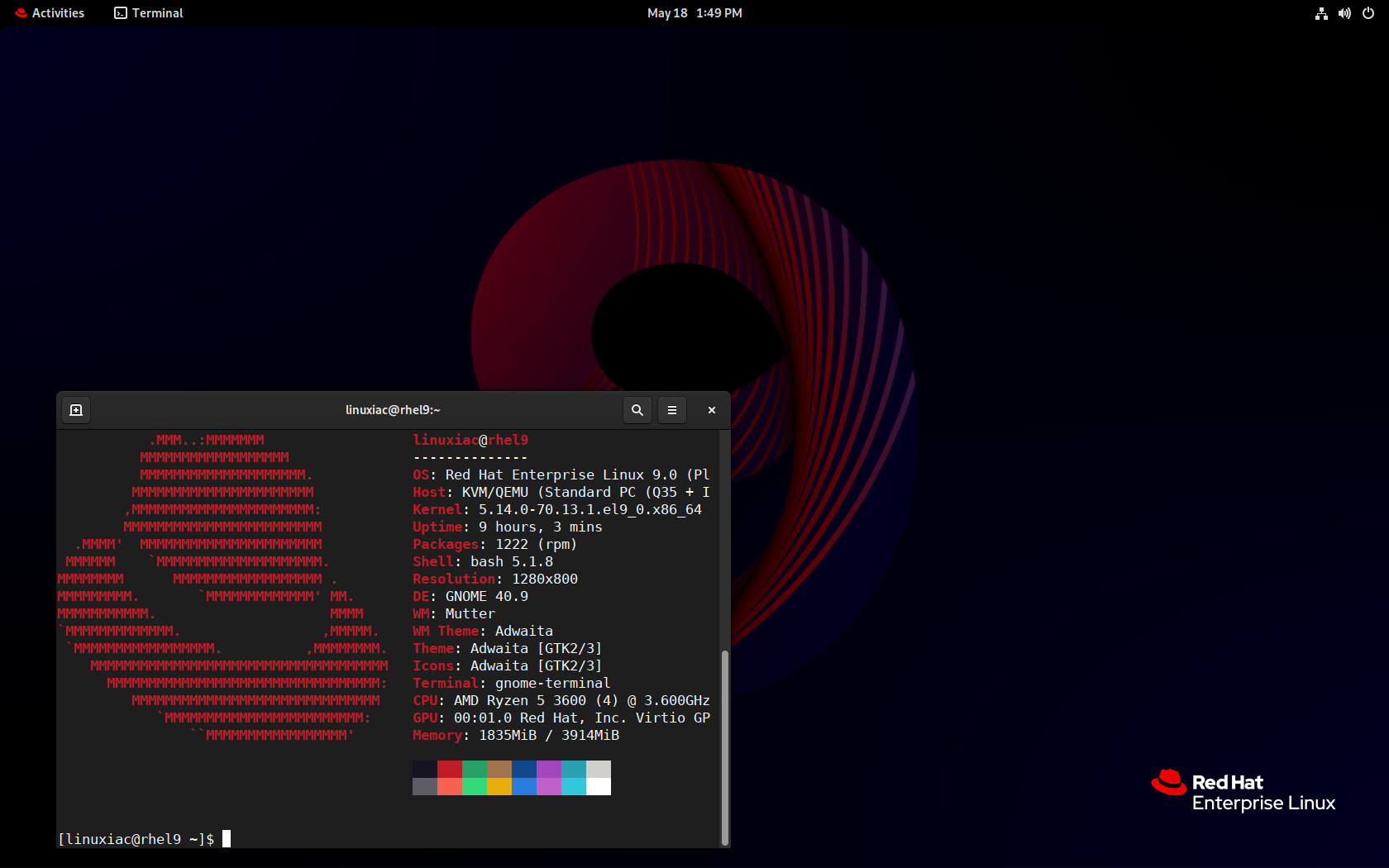
Red Hat Enterprise Linux 9 Released With Security Enhancements

How To Set Environment Variables In Linux Built In
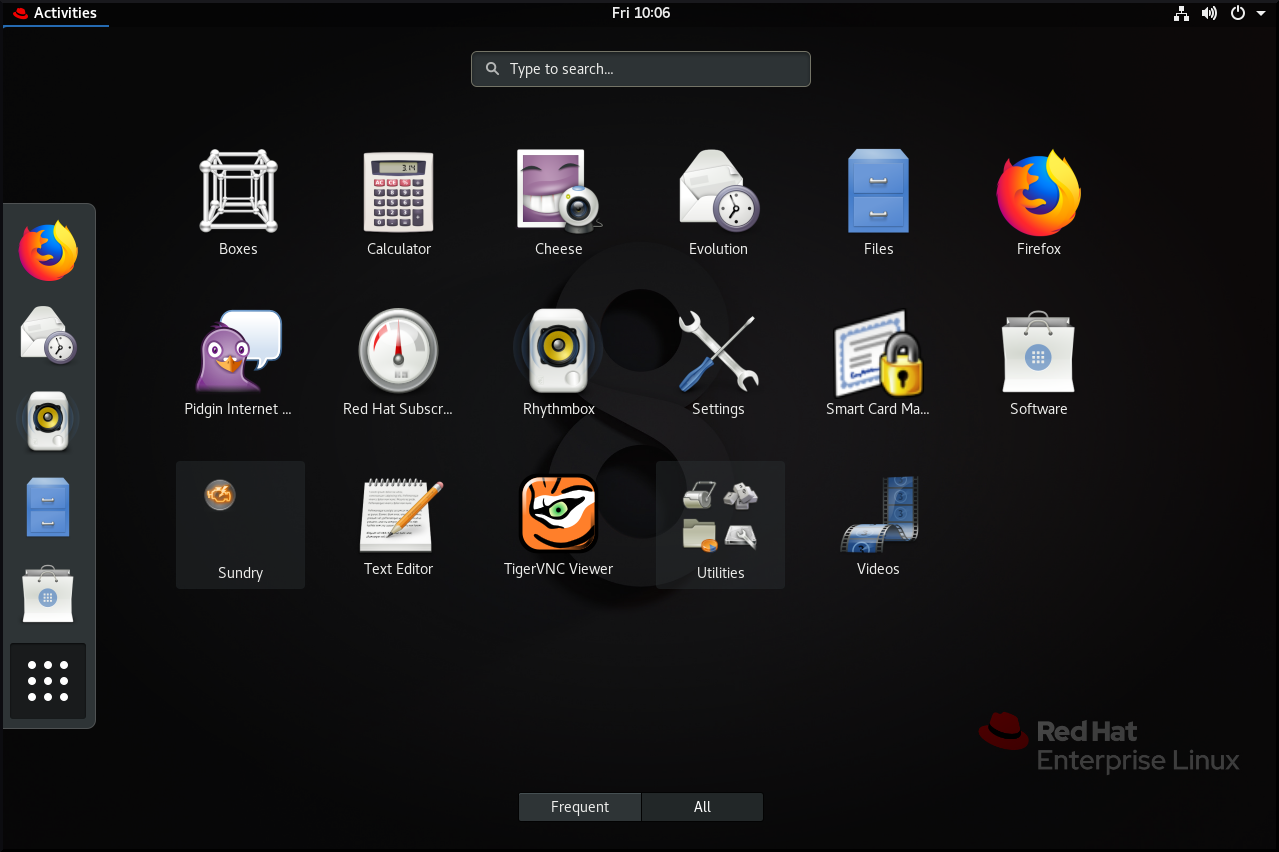
Uso Del Entorno De Escritorio En RHEL 8 Red Hat Enterprise Linux 8
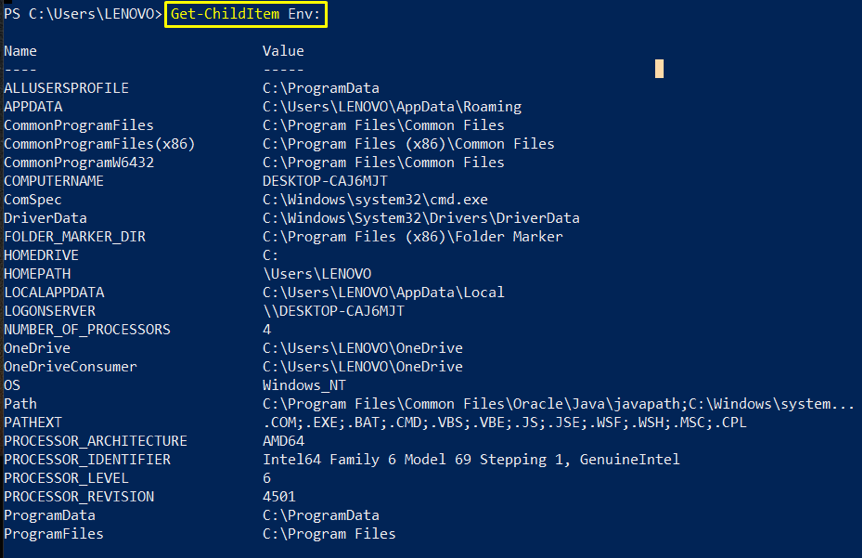
Systemd Service Set Environment Variable Linux Systemd Services Daemon
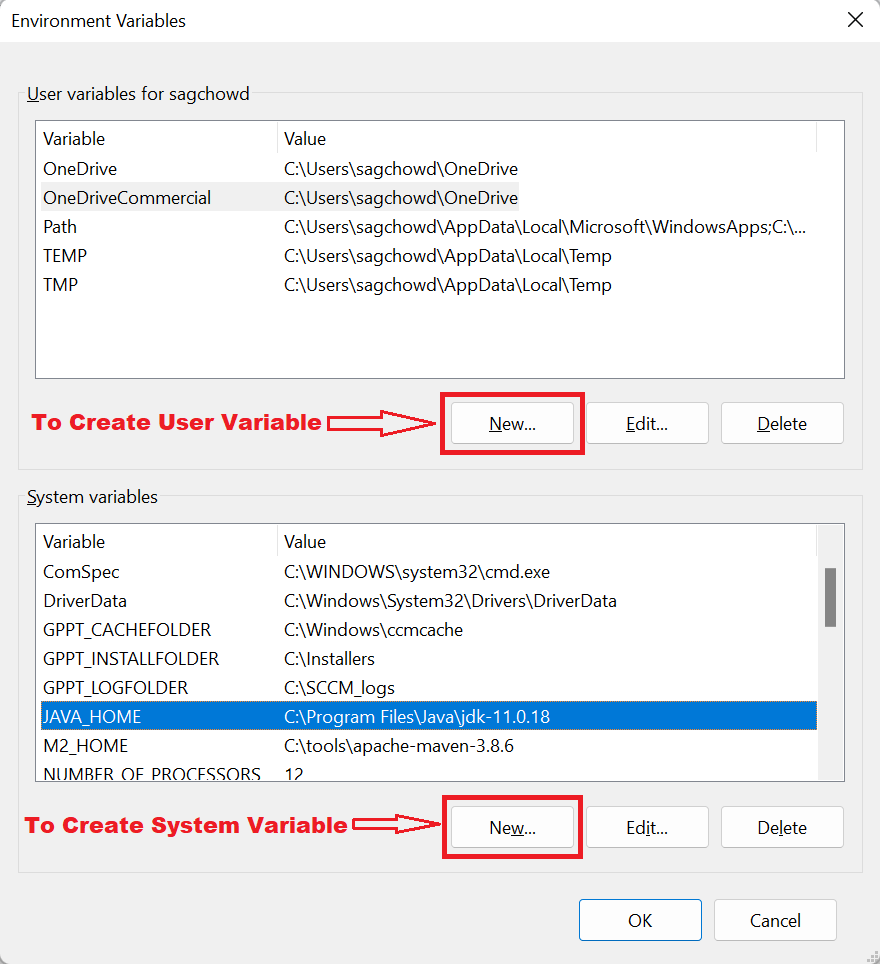
Set Environment Variable In Windows AEM Geeks All About AEM
Linux How O Set Environment Variable ION HowTo

Web Dec 18 2019 nbsp 0183 32 Download now To make permanent changes to the environment variables for all new accounts go to your etc skel files such as bashrc and change the ones that are already there or enter the new ones When you create new users these etc skel files will be copied to the new user s home directory

Web Aug 8 2015 nbsp 0183 32 As I m using Red Hat Linux 5 3 I m unable to set environment variable permanently I want the file names for csh from which I can add the environment variables permanently environment variables csh
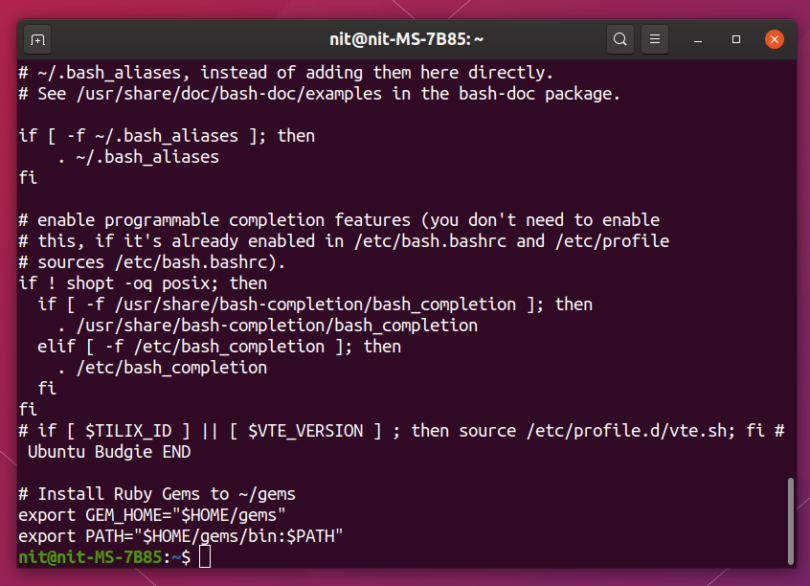
Web Feb 28 2014 nbsp 0183 32 4 Answers Sorted by 370 You can add it to the file profile or your login shell profile file located in your home directory To change the environmental variable quot permanently quot you ll need to consider at least these situations Login Non login shell Interactive Non interactive shell bash

Web Oct 29 2009 nbsp 0183 32 Amazingly Unix and Linux do not actually have a place to set global environment variables The best you can do is arrange for any specific shell to have a site specific initialization If you put it in etc profile that will take care of things for most posix compatible shell users

Web In some circumstances you may wish to make environment variables permanent between sessions users globally or reboots Global Settings The etc profile file contains system wide environment variables and settings All customizations that you put in this file will apply for every user on the system including processes running as users
Web 3 Answers Sorted by 17 LSB compliant see spec practice is to create a shell script in etc profile d folder Name it after your application and make sure that the name is unique make sure that the name ends with sh you might want to add scripts for other shells as well and export the variables you need in the script Web Dec 30 2022 nbsp 0183 32 You have to edit three files to set a permanent environment variable as follow bashrc When you open any terminal window this file will be run Therefore if you wish to have a permanent environment variable in all of your terminal windows you have to add the following line at the end of this file export DISPLAY 0 profile
Web Mar 3 2014 nbsp 0183 32 You can set environmental variables just like you would from the command line export VARNAME value Any new environmental variables can be added anywhere in the bashrc file as long as they aren t placed in the middle of another command or for loop We can then save and close the file