Set Default Printer Windows 10 Gpo How To Set Default Printer On Windows 10 4 Ways Included MiniTool Partition Wizard How To Set Default Printer On Windows 10 4 Ways Included How To Set A Default Printer In Windows 11 Try These 4 Ways Comment D finir L imprimante Par D faut Dans Windows 10 Les Fen tres 3 Methods To Set Default Printer In Windows 11 Password Recovery Tip You can change your snooze time and set your device s volume buttons to snooze or dismiss alarms Learn how to change your Clock app settings
To get results from Google each time you search you can make Google your default search engine Set Google as your default on your browser If your browser isn t listed below check its Web site created using create react app SET Contact Center
3 Methods To Set Default Printer In Windows 11 Password Recovery Set Default Printer In Windows 11 Tutorial Windows 11 Forum How To Set A Default Printer In Windows 10 Quickly Which Printer To Use As Default Digital How To Set A Default Printer Windows 10 11 Mac 2 Options Print Like This How To Set Default Printer On Windows 10 How To Set Default Printer In Windows 10 Set Default Printer Windows 11 How To Set The Default Printer On Windows 10 Or 11 Printer Not Responding To Print Command On Windows 11 10
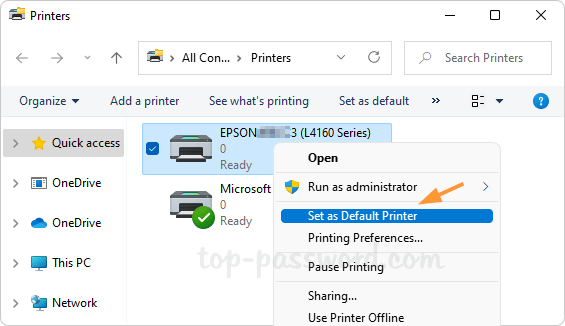
Set Default Printer Windows 10 Gpo
 Set Default Printer Windows 10 Gpo
https://www.partitionwizard.com/images/uploads/2020/03/set-default-printer-windows-10-thumbnail.jpg
Install amp set up Drive for desktop for Windows Important Before you start check that your operating system is compatible with Drive for desktop Tip If you use a work or school account
Templates are pre-designed documents or files that can be used for various purposes. They can save effort and time by offering a ready-made format and design for developing different type of material. Templates can be used for individual or professional jobs, such as resumes, invites, flyers, newsletters, reports, discussions, and more.
Set Default Printer Windows 10 Gpo
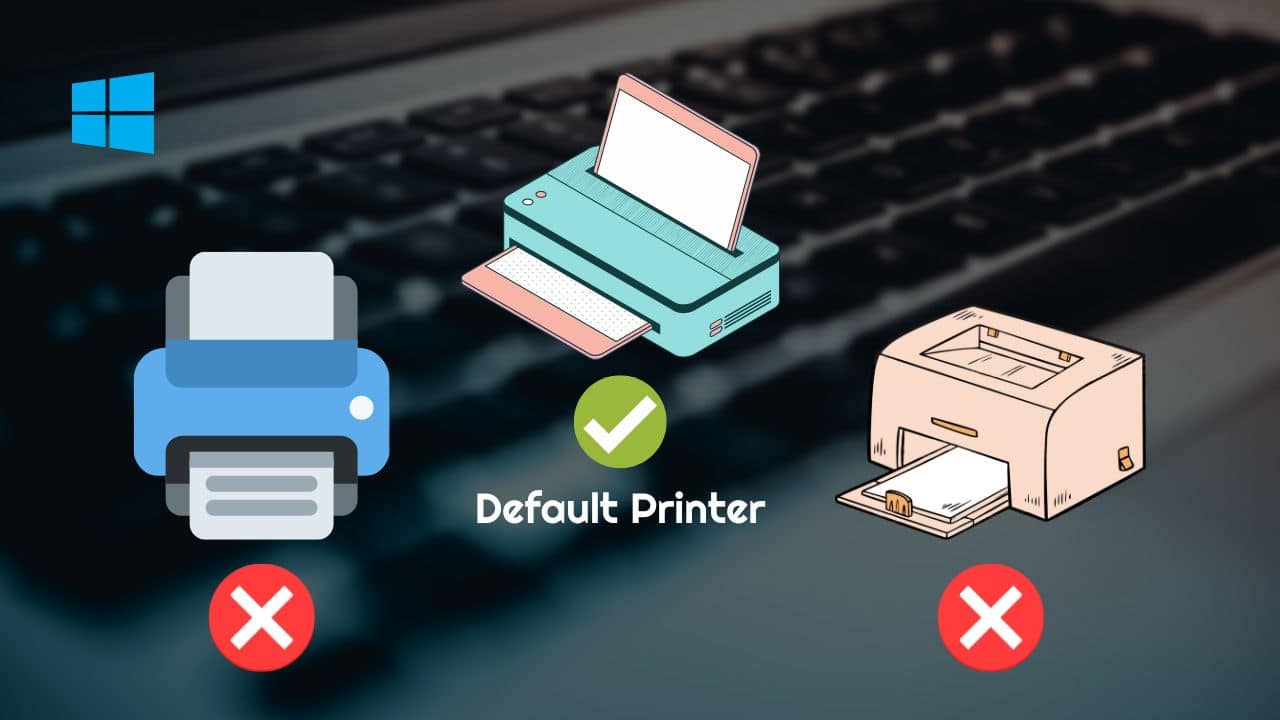
How To Set Default Printer On Windows 11 GUIDE
Set Default Printer In Windows 11 Tutorial Windows 11 Forum

How To Set A Default Printer In Windows 10 Quickly Which Printer To Use As Default Digital
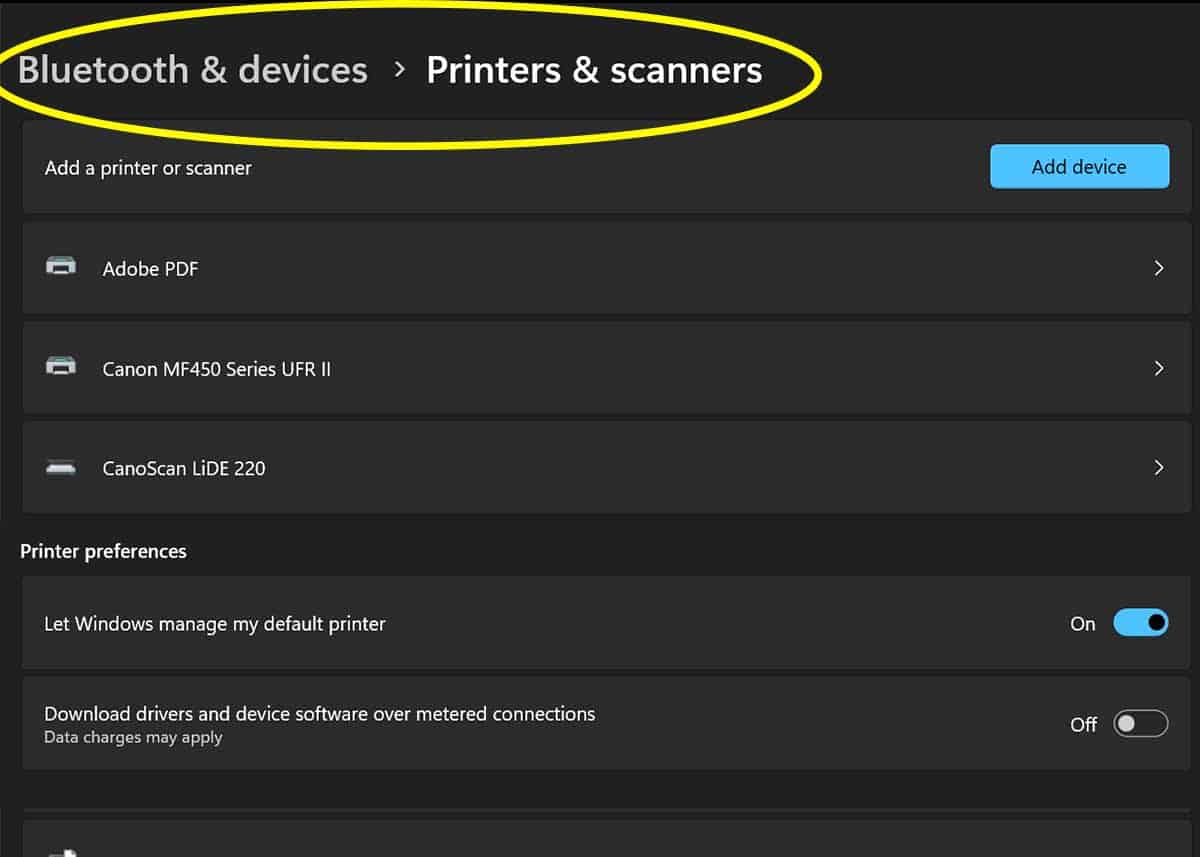
How To Set A Default Printer Windows 10 11 Mac 2 Options Print Like This

How To Set Default Printer In Windows 10

Set Default Printer Windows 11
Help Set up Google Voice Protect your verification code About Google Voice account types System and browser requirements for Voice

A business account also makes it easier to set up Google Business Profile which helps improve your business visibility and manage your online information When you create a Google
Important Before you set up a new Gmail account make sure to sign out of your current Gmail account Learn how to sign out of Gmail From your device go to the Google Account sign in

Manage supervision and content settings Once you ve added supervision to your child s Google Account you can Manage account settings Set app and screen time limits Check location of
Set your startup page You can control what page or pages appear when you launch Chrome on your computer
[desc-11] [desc-12]
[desc-13]