Separate Columns In Word How To Make Two Separate Columns In Word Printable Templates Create Two Columns In Microsoft Word Images And Photos Finder C Mo Crear Dos Columnas Separadas En Tu Documento De Word Hot Sex How To Divide Into Two Columns Anywhere In MS Word Word 2003 2016 How To Split A Page Into Two Parts In MS Word Divide Page Into Creating three columns or more in a Word document If you choose Three the text you have selected is immediately split into three columns If you need even more columns and you chose to click or tap the More Columns option then Word opens a new window with additional settings called Columns
Method 1 Insert a Table First and foremost click Insert tab Then click Table On the drop down menu choose a table in size of one row and two columns Next click the plus sign on the upper left corner to select the table Right click and choose Table Properties Now click Row tab first Can I create two separate columns in a word file Ask Question Asked 9 years 9 months ago Modified 3 months ago Viewed 4k times 0 I can create two columns in my word file however I want each column to be separated from the other
How To Split A Page Into Two Parts In MS Word Divide Page Into 3 Effective Ways To Create Two Separate Columns In Your Word Document Abuse Cover Fore Type How To Set Ruler In Word Expedition Holiday Go How To Split Text Into 2 Columns In Word YouTube Ms Word Tutorial Split Text Into Word Columns Columns Handling How To Adjust Table Row Height In Word 2010 Roadgarry Microsoft Word 2007 Inserting Rows And Columns In A Table YouTube Layout Word 2010 Multiple Columns Vertical Center One Column Only Download Microsoft Excel Split Cells Gantt Chart Excel Template
Separate Columns In Word
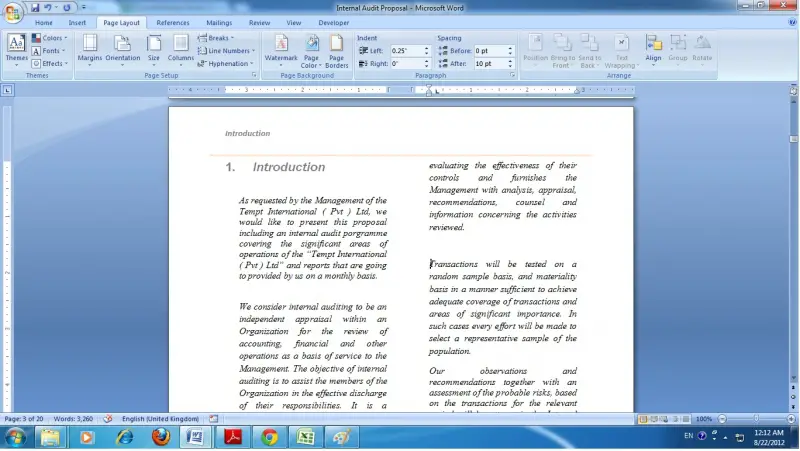 Separate Columns In Word
https://www.techyv.com/sites/default/filesx/users/Images/Paragraph-has-been-divided-into-two-columns.jpeg
Method 1 Make two columns by inserting a table Step 1 Open a new document Open a new Word document Click on the Insert tab on the top menu bar to change the ribbon Step 2 Insert a table In the Tables section click on the Table icon to open the Insert Table dialog Hover the mouse cursor over the second square in the
Pre-crafted templates provide a time-saving service for developing a varied range of files and files. These pre-designed formats and designs can be utilized for different personal and expert projects, consisting of resumes, invites, leaflets, newsletters, reports, presentations, and more, simplifying the material creation process.
Separate Columns In Word
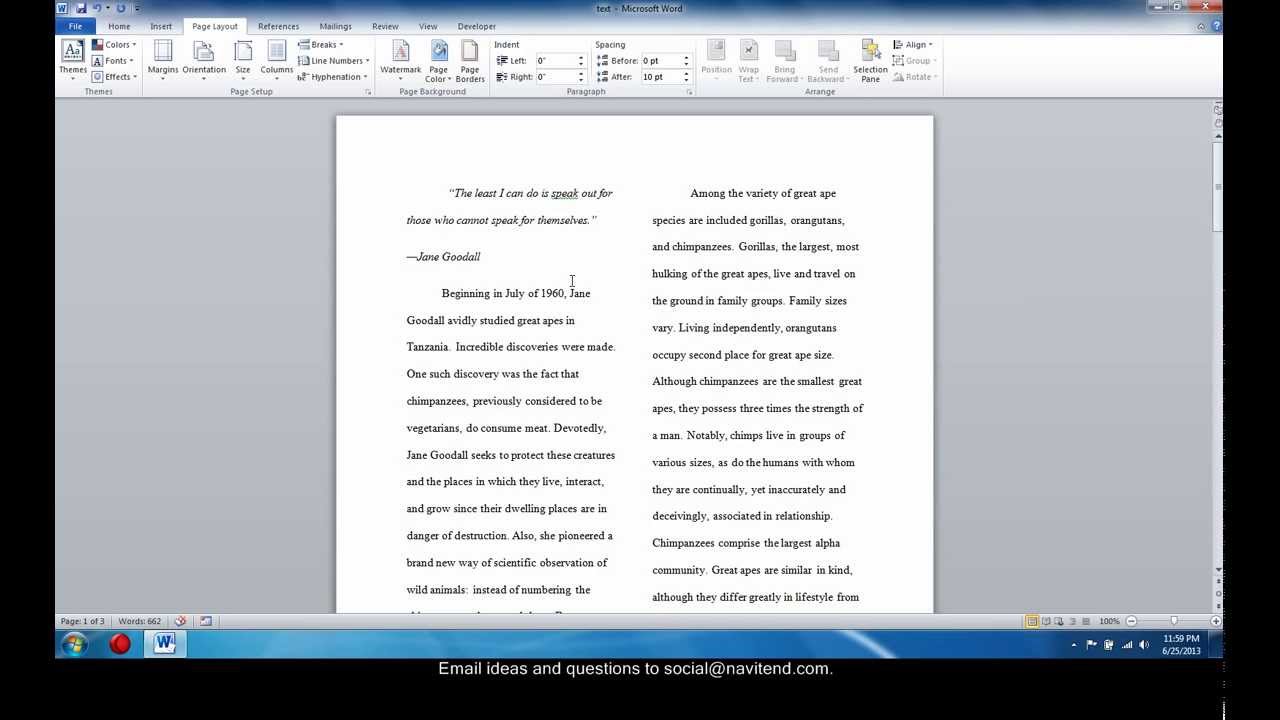
Use Multiple Columns In Word YouTube

3 Effective Ways To Create Two Separate Columns In Your Word Document
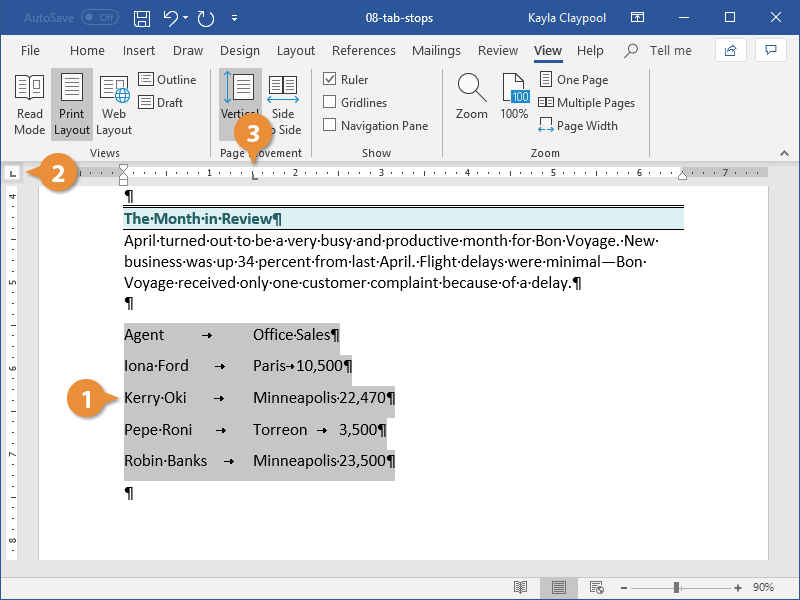
Abuse Cover Fore Type How To Set Ruler In Word Expedition Holiday Go
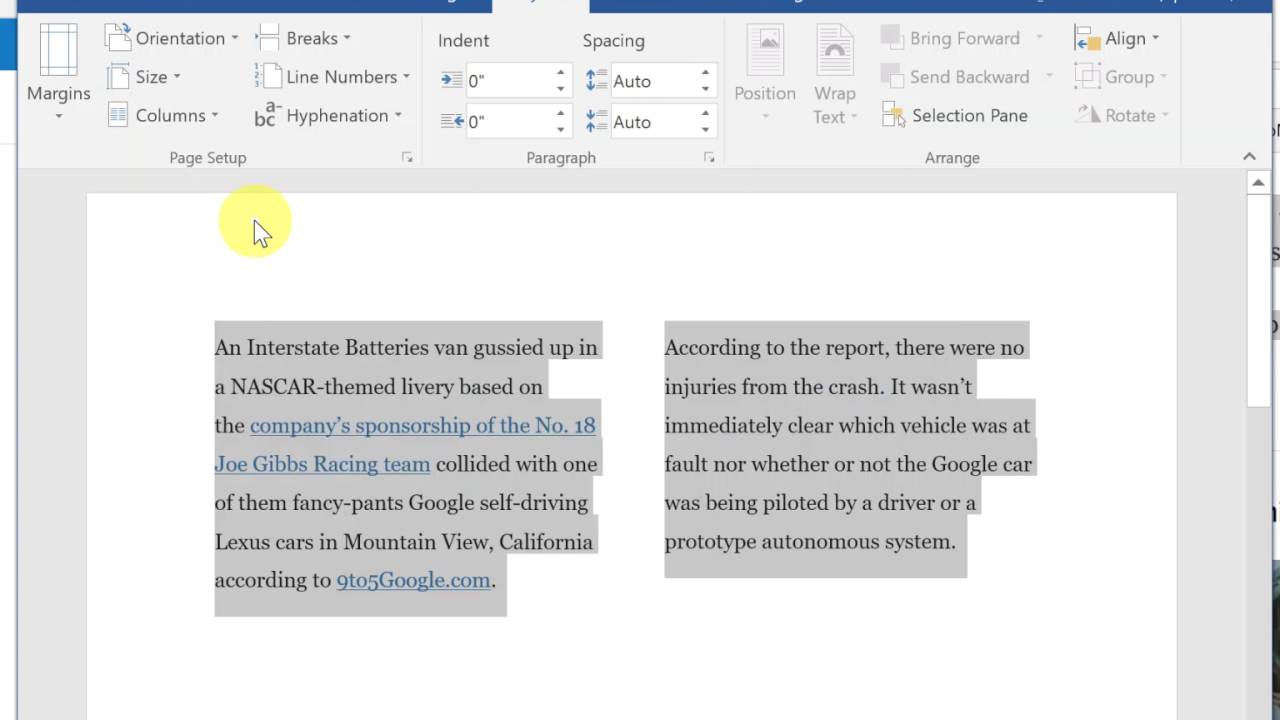
How To Split Text Into 2 Columns In Word YouTube
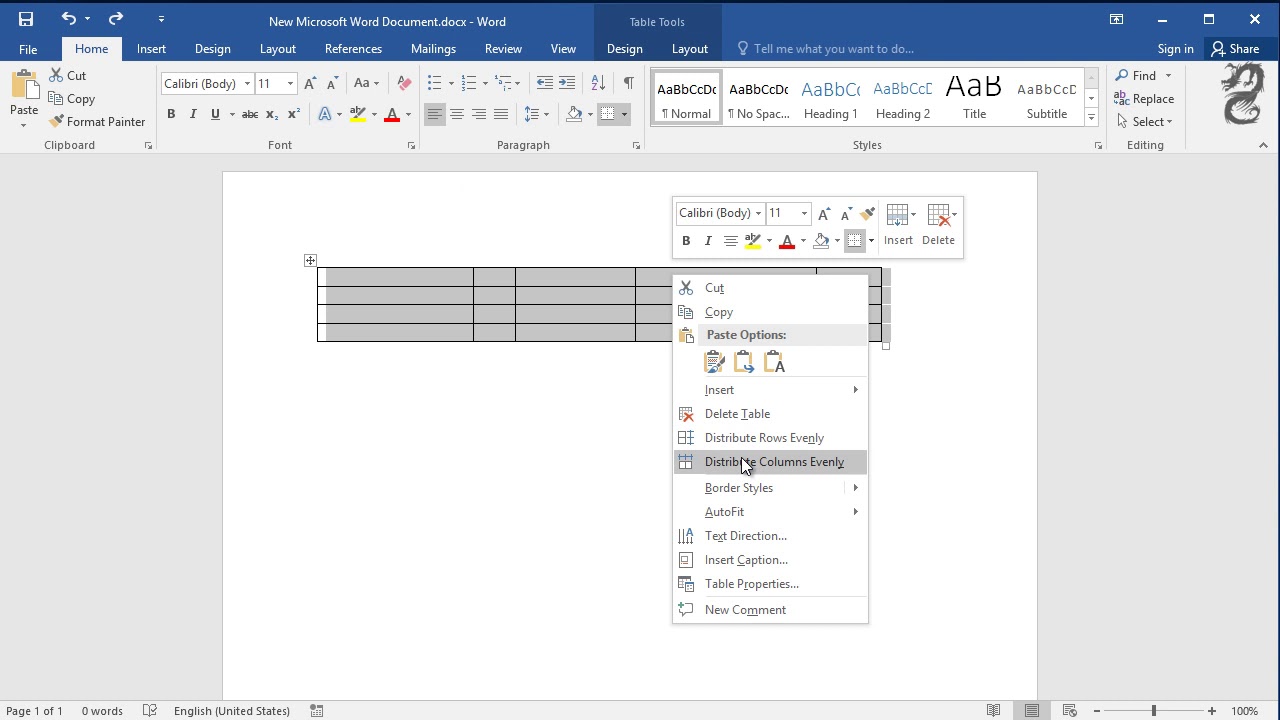
How To Adjust Table Row Height In Word 2010 Roadgarry
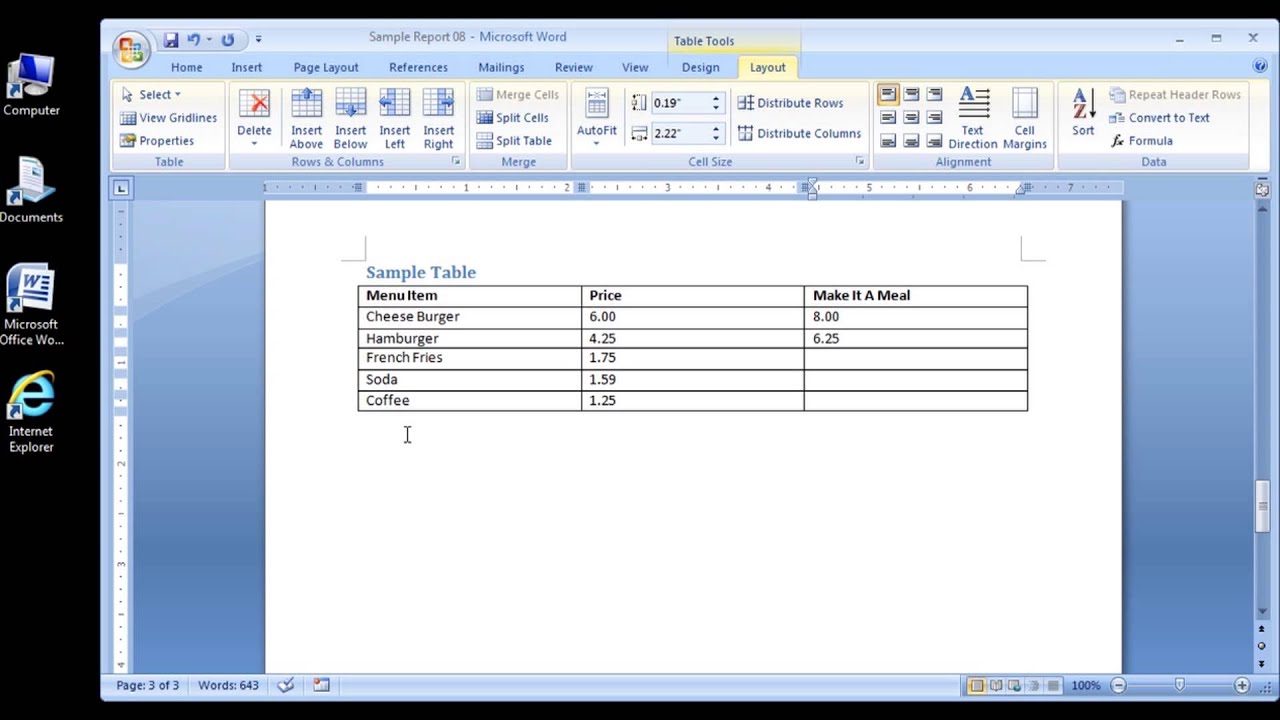
Microsoft Word 2007 Inserting Rows And Columns In A Table YouTube
Add Columns With Existing Text in a Word Document Insert Column Breaks in a Word Document Microsoft Word allows you to add one two or three columns to your documents It offers various types of columns as well as custom column breaks you can make We ll show you how to do that

On desktop highlight the text you want to split Click Layout Columns Two On mobile tap Home Layout Columns Two You can only split selected text on desktop Creating columns on

By default it s set up to split the selected cell s into two columns which is exactly what we want You can just go ahead and click the OK button to make the split Input the number of rows and columns you would like to split your cell into And that cell we selected is now two cells
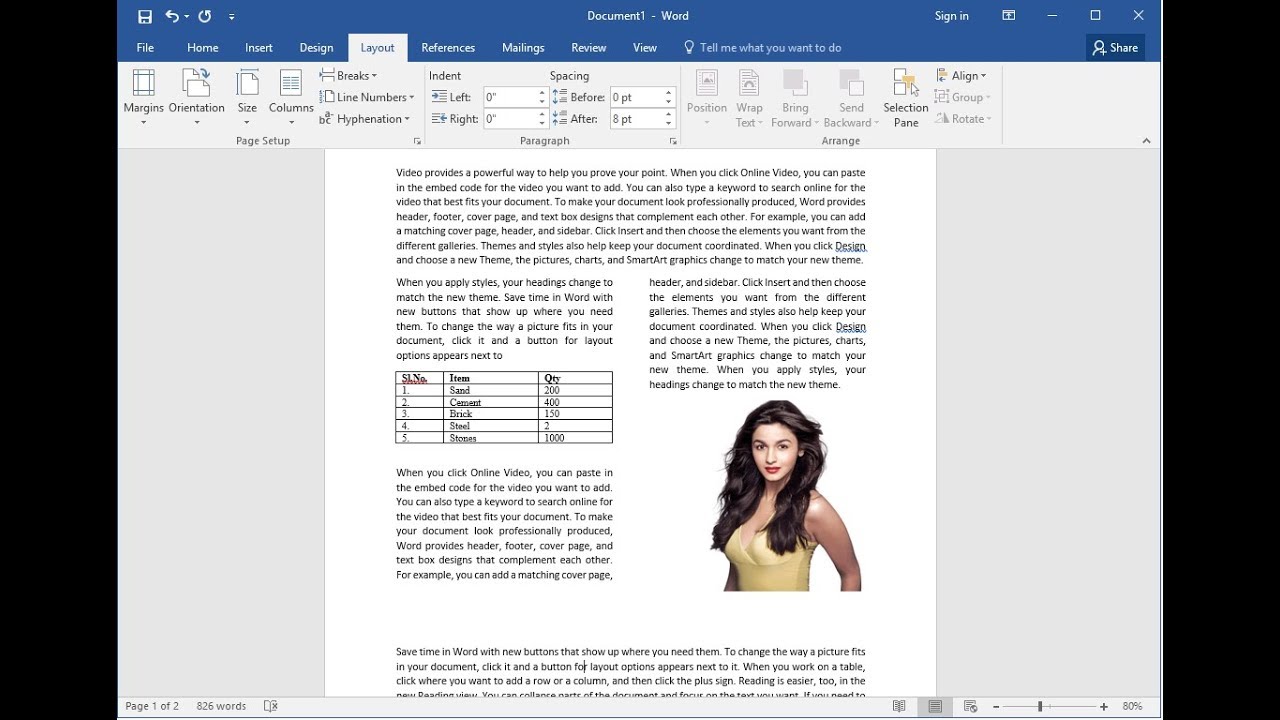
Place your cursor where you want the column to break Click Layout Breaks In Word 2013 click Page Layout Breaks A menu with options will appear Click Column A column break is inserted Click Home Show Hide to see it
Table of Contents show Step by Step Tutorial on How to Make Two Columns in Word Before we begin it s important to note that splitting your text into columns can help you utilize the space of your document more efficiently and make it easier to read
Modify the column width and separation You can do this by clicking the up or down arrow to the right of Width and the Spacing values respectively You can also uncheck the box next to Equal column width in order to Go to the Layout tab and open the Columns drop down menu in the Page Setup section of the ribbon Choose whether you want two or three columns One column is the default Alternatively choose left or right
Type first then format Repeat Steps 2 through 5 for each line in the list After the list is finished use the ruler to visually set the tab stops Select all lines of text that you want to organize in a two column tabbed list Choose a