Send Location Pin Messenger The Messenger Yannick Haenel Sklep Muzeum ydowskie Galicja Messenger YouTube Messenger Share Location Vastxp Messenger SCRNSHTS A New Way To Send A Location In Messenger Meta Open your email Write and format email Mark email that you send as important Forward or attach email messages to other messages Choose delivery options Undo send Note The instructions
Official Gmail Help Center where you can find tips and tutorials on using Gmail and other answers to frequently asked questions To find your username follow these steps You need to know A phone number or the recovery email address for the account The full name on your account Follow the instructions to
A New Way To Send A Location In Messenger Meta Messenger header 2x Infobip Instant Messenger Concept Creative Daddy Telegram Messenger Online Osebeam My Messenger Facebook Messenger Is Losing A Useful Messaging Feature Soon TechRadar Messenger Kids Gorillalader PlugTalk Messenger APK Android TI Messenger TIM Magazin
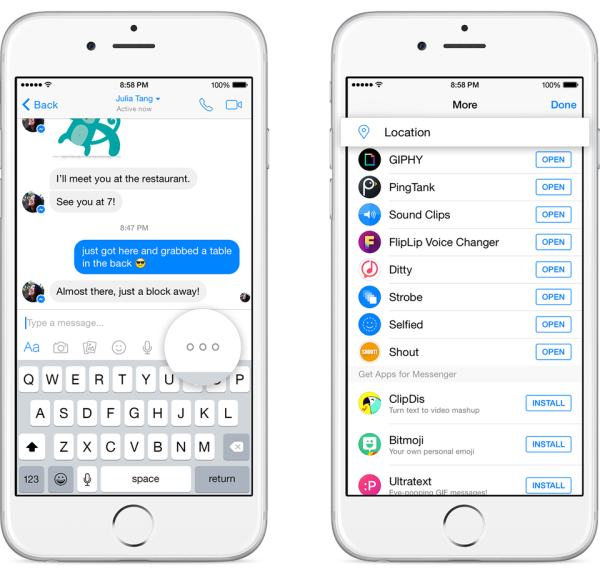
Send Location Pin Messenger
 Send Location Pin Messenger
https://book-shop.galiciajewishmuseum.org/wp-content/uploads/2021/07/Messenger.jpg
Share send or print directions from Google Maps The directions you find through Google Maps can be shared with other devices you have with other people or printed
Pre-crafted templates provide a time-saving service for developing a varied series of files and files. These pre-designed formats and designs can be made use of for numerous personal and expert tasks, consisting of resumes, invitations, flyers, newsletters, reports, discussions, and more, simplifying the material creation process.
Send Location Pin Messenger

Messenger Share Location Livingtide

Messenger header 2x Infobip

Instant Messenger Concept Creative Daddy

Telegram Messenger Online Osebeam
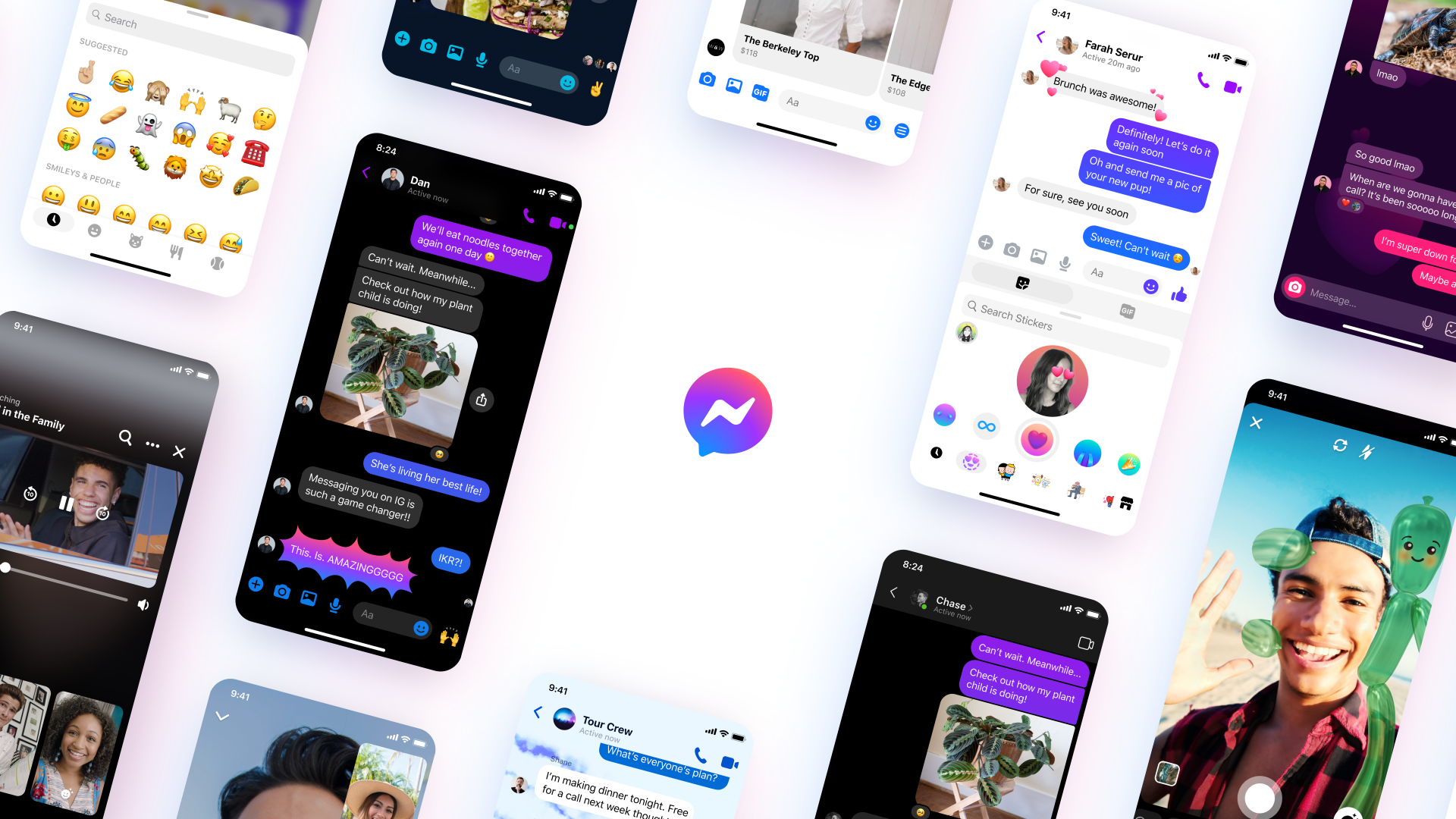
Facebook Messenger Is Losing A Useful Messaging Feature Soon TechRadar

Messenger Kids Gorillalader

Send a message On your computer go to Gmail In the top left click Compose In the To field add recipients You can also add recipients In the Cc and Bcc fields When you compose a

Open your email Write amp format email Mark email you send as important Forward or attach email messages to other messages Choose delivery options Undo send Note The instructions in this
Send a message On your Android phone or tablet open the Gmail app At the bottom right tap Compose In the quot To quot field add recipients You can also add recipients In the quot Cc quot and quot Bcc quot

Send from a work or school group alias If you use Gmail with your work or school account you can send from a group alias To receive the verification email to send from a group alias you
Remove your email account from your phone Restart the device Re add your email account and try sending again 9 Depending on the device you are using to send the email it may be a
[desc-11] [desc-12]
[desc-13]