Selenium Chrome Settings Page Selenium 4 18 1 PythonFix 1 Best Selenium Screenshot Of Element Selenium Alternatives Six Popular Options Sofy How To Click On A Chrome Extension Using Selenium Openr Selenium WebDriver Architecture Selenium Webdriver Appium Complete Tutorial Sep 19 2018 nbsp 0183 32 Note Your default chrome profile would contain a lot of bookmarks extensions theme cookies etc Selenium may fail to load it So as per the best practices create a new
Apr 12 2018 nbsp 0183 32 For any driver that Selenium must use to open the browser chromedriver geckodriver etc you don t have to worry about where it is installed as long as it s set in the Jul 7 2021 nbsp 0183 32 The most efficient solution would be to use Selenium Stealth to initialize the Chrome Browsing Context selenium stealth is a python package to prevent detection This programme
Selenium WebDriver Architecture Selenium Webdriver Appium Complete Tutorial Detecting Selenium Chrome DataDome Google Chrome New Settings Page Lands In Canary GHacks Tech News Selenium WebDriver Tutorial 5 How To Setup Selenium WebDriver In A Guide To Automation Testing Using Selenium ChromeDriver DZone Selenium How To Disable Chrome Notifications Selenium WebDriver Selenium Liv Bio Pharma Locators Selenium PDF X Path Cascading Style Sheets
Selenium Chrome Settings Page
 Selenium Chrome Settings Page
https://pythonfix.com/pkg/s/selenium/selenium-banner.webp
Mar 19 2019 nbsp 0183 32 Learn how to select a drop down menu value using Selenium and Python with this guide
Templates are pre-designed files or files that can be used for various purposes. They can save time and effort by supplying a ready-made format and layout for developing various type of content. Templates can be used for individual or expert tasks, such as resumes, invites, leaflets, newsletters, reports, presentations, and more.
Selenium Chrome Settings Page
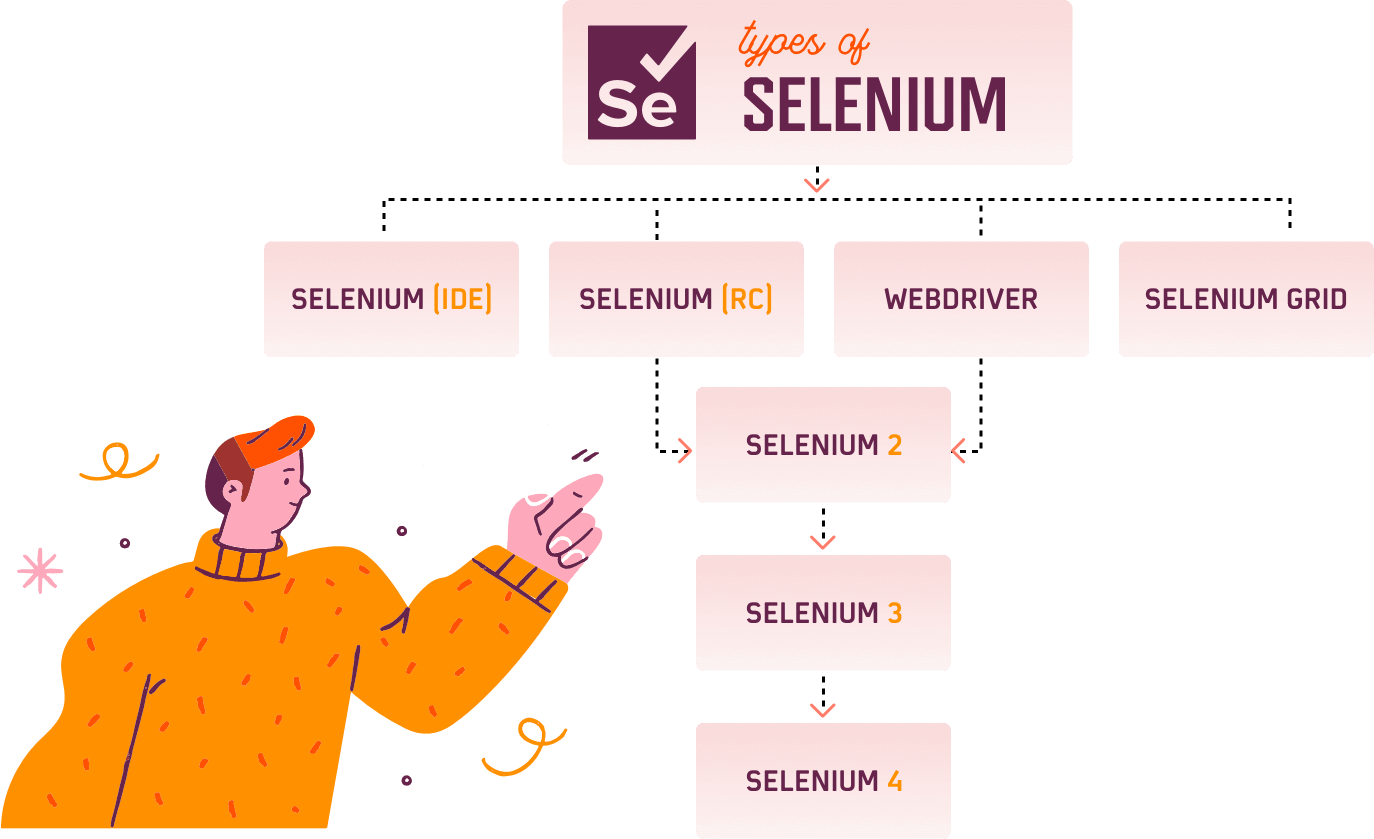
Browser Automation With Selenium And Java
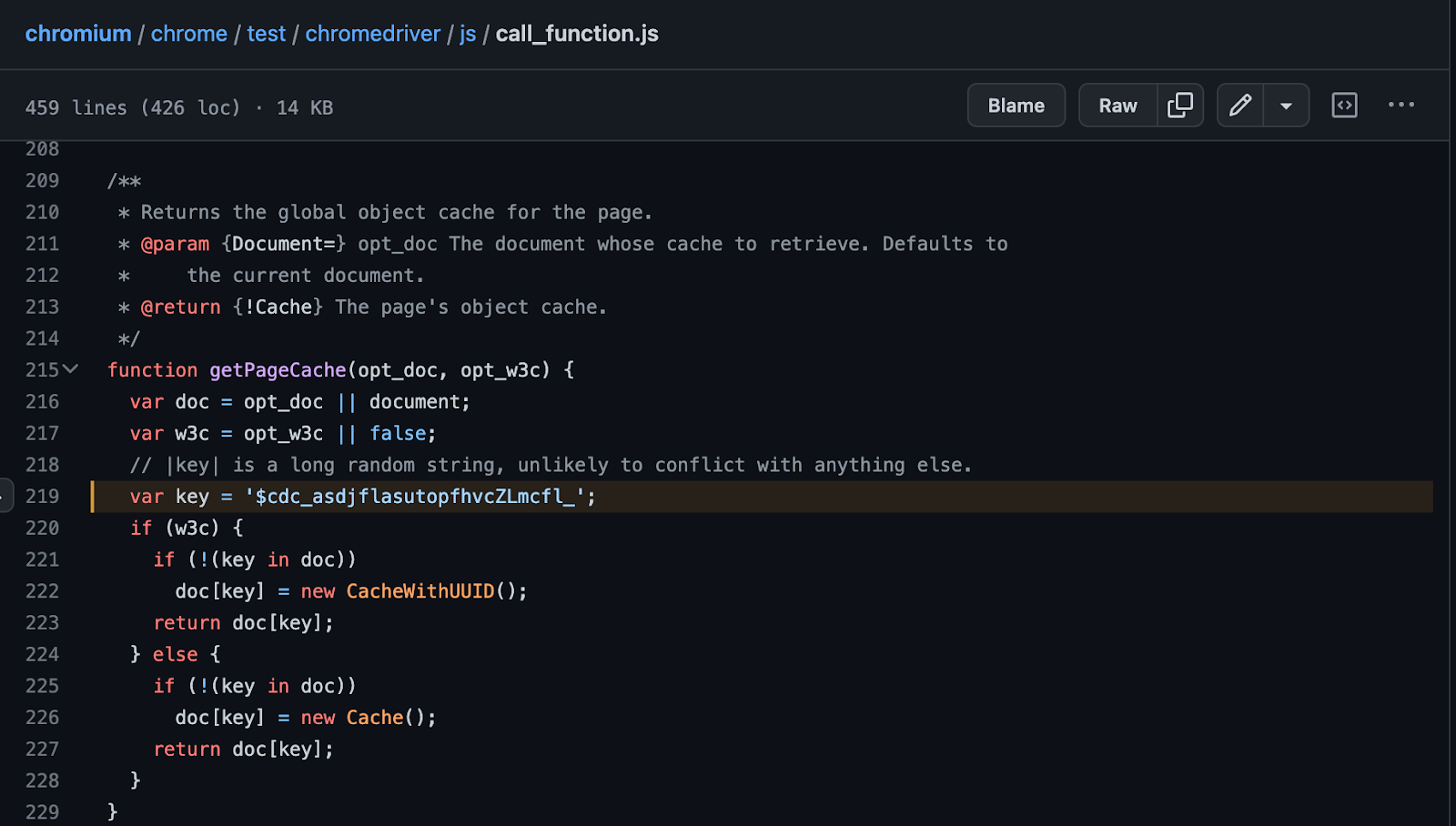
Detecting Selenium Chrome DataDome
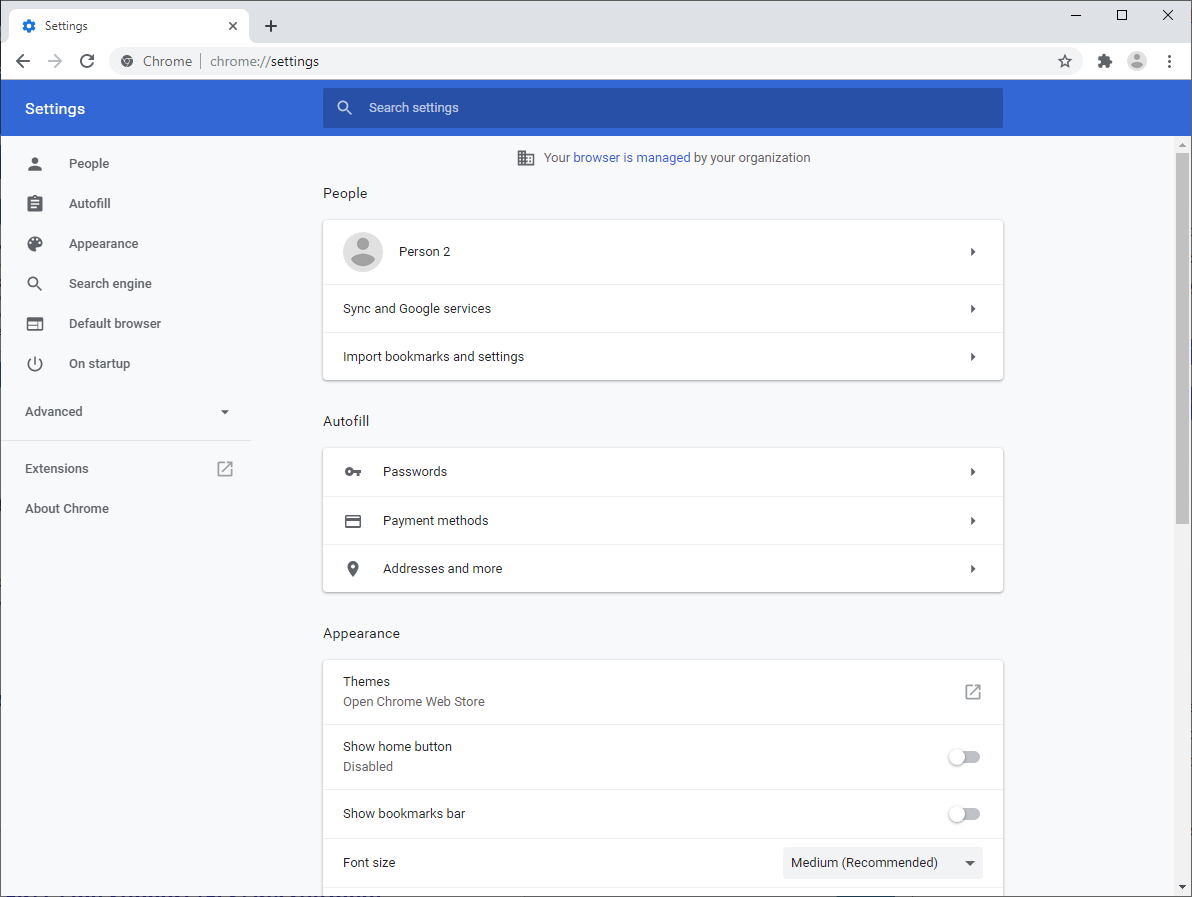
Google Chrome New Settings Page Lands In Canary GHacks Tech News

Selenium WebDriver Tutorial 5 How To Setup Selenium WebDriver In

Selenium How To Disable Chrome Notifications Selenium WebDriver

Jan 31 2019 nbsp 0183 32 What is Selenium Selenium is a framework where scripts are written to run and execute webDriver which in turn controls browser What is WebDriver WebDriver is an API

I m looking for a quick way to type the Enter or Return key in Selenium Unfortunately the form I m trying to test not my own code so I can t modify doesn t have a Submit button When working

Apr 13 2016 nbsp 0183 32 I am trying to automate some test cases using Java and Selenium WebDriver I have the following scenario There is a page named Products When I click on View Details

Oct 2 2012 nbsp 0183 32 The Selenium documentation mentions that the Chrome webdriver can take an instance of ChromeOptions but I can t figure out how to create ChromeOptions I m hoping to

Dec 1 2019 nbsp 0183 32 In Selenium waiting for an element to be present visible and interactable is a common requirement to ensure that your test scripts are robust and reliable You can achieve
[desc-11] [desc-12]
[desc-13]