Select Data Range Excel Jobs And Opportunities At Excel Systems Jobiano How To Select Data For A Chart In Excel 2 Ways ExcelDemy Tutorial On Excel Select Data Swentor Data DQ0 How To Create Impressive Graphs In Excel IONOS WEB Jun 6 2018 nbsp 0183 32 Quick Links Select a Range of Cells By Clicking and Dragging Select a Large Range of Cells With the Shift Key Select or Deselect Independent Cells Outside
WEB Jul 19 2023 nbsp 0183 32 Discover effective techniques and shortcuts for cell selection in Excel Learn to select non adjacent cells visible cells and use VBA to select cells with data WEB Nov 4 2023 nbsp 0183 32 All you need to do is select the range where you have that data use the keyboard shortcut Ctrl C to copy it and then go to the destination cell or the range and
How To Create Impressive Graphs In Excel IONOS Creating Gantt Charts In Excel Monday Blog Dataset Finch Studio How To Calculate The Range In Excel Excel Recommend PivotTables Improved Experience Chris Menard Training Basic Excel For Efficient Data Manipulation Whizinsights Excel Lookup Closest Value In Range BEST GAMES WALKTHROUGH 12 Excel Alternatives Easy To Use Tools To Replace Excel How To Select A Range In Excel Excel Tips And Tricks YouTube
Select Data Range Excel
 Select Data Range Excel
https://www.jobiano.com/uploads/jobs/53823/image/project-coordinator-for-excel-systems-635d2a09b15b8.png
WEB May 20 2023 nbsp 0183 32 To select a range of cells click and hold your mouse on one cell and drag it over the adjacent cells you want to select You ll see the range of selected cells
Pre-crafted templates offer a time-saving solution for developing a varied range of files and files. These pre-designed formats and layouts can be utilized for different personal and expert jobs, including resumes, invites, leaflets, newsletters, reports, discussions, and more, simplifying the content production procedure.
Select Data Range Excel

Microsoft Excel Learning Microsoft Microsoft Office Excel Hacks

Creating Gantt Charts In Excel Monday Blog
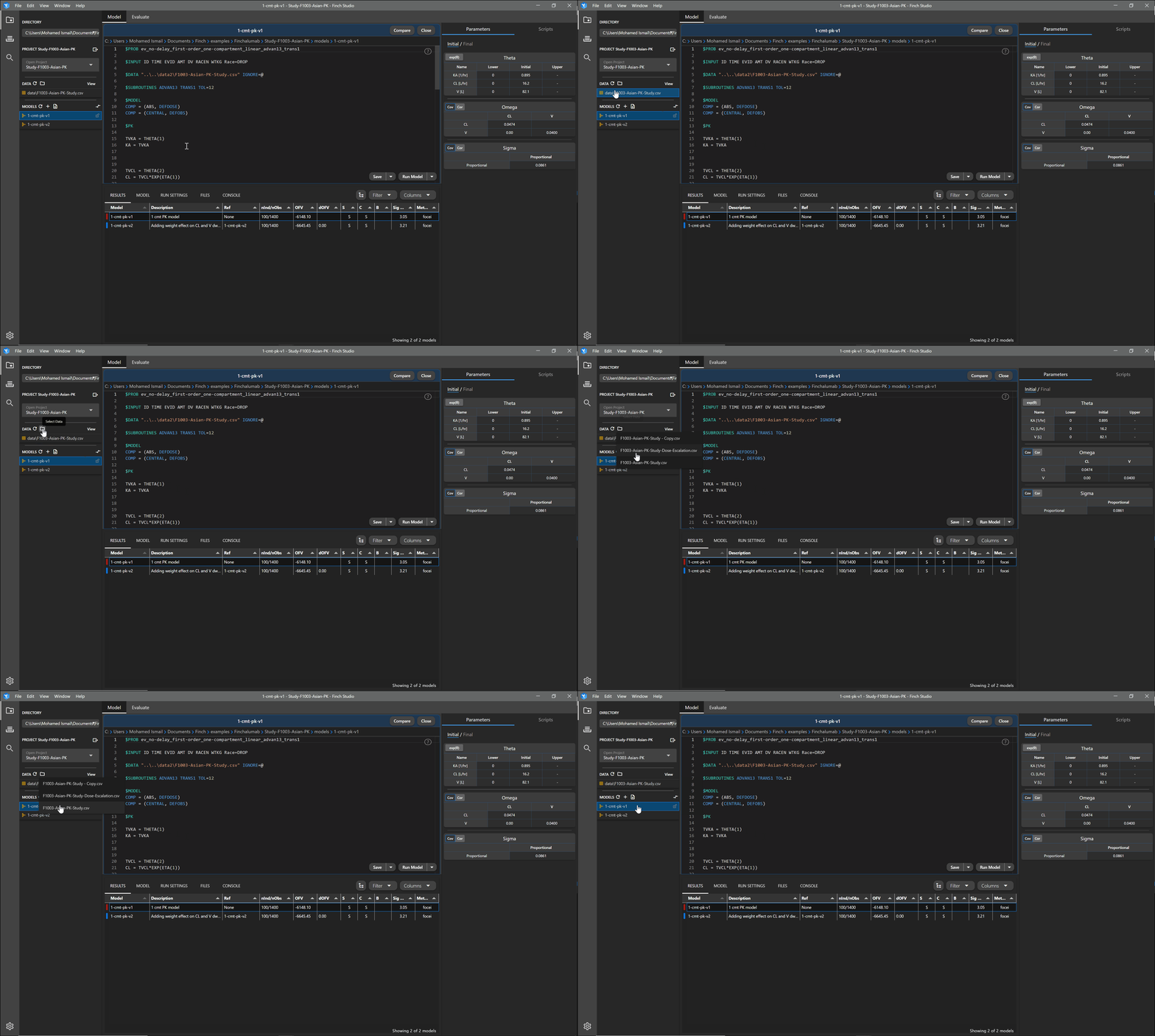
Dataset Finch Studio
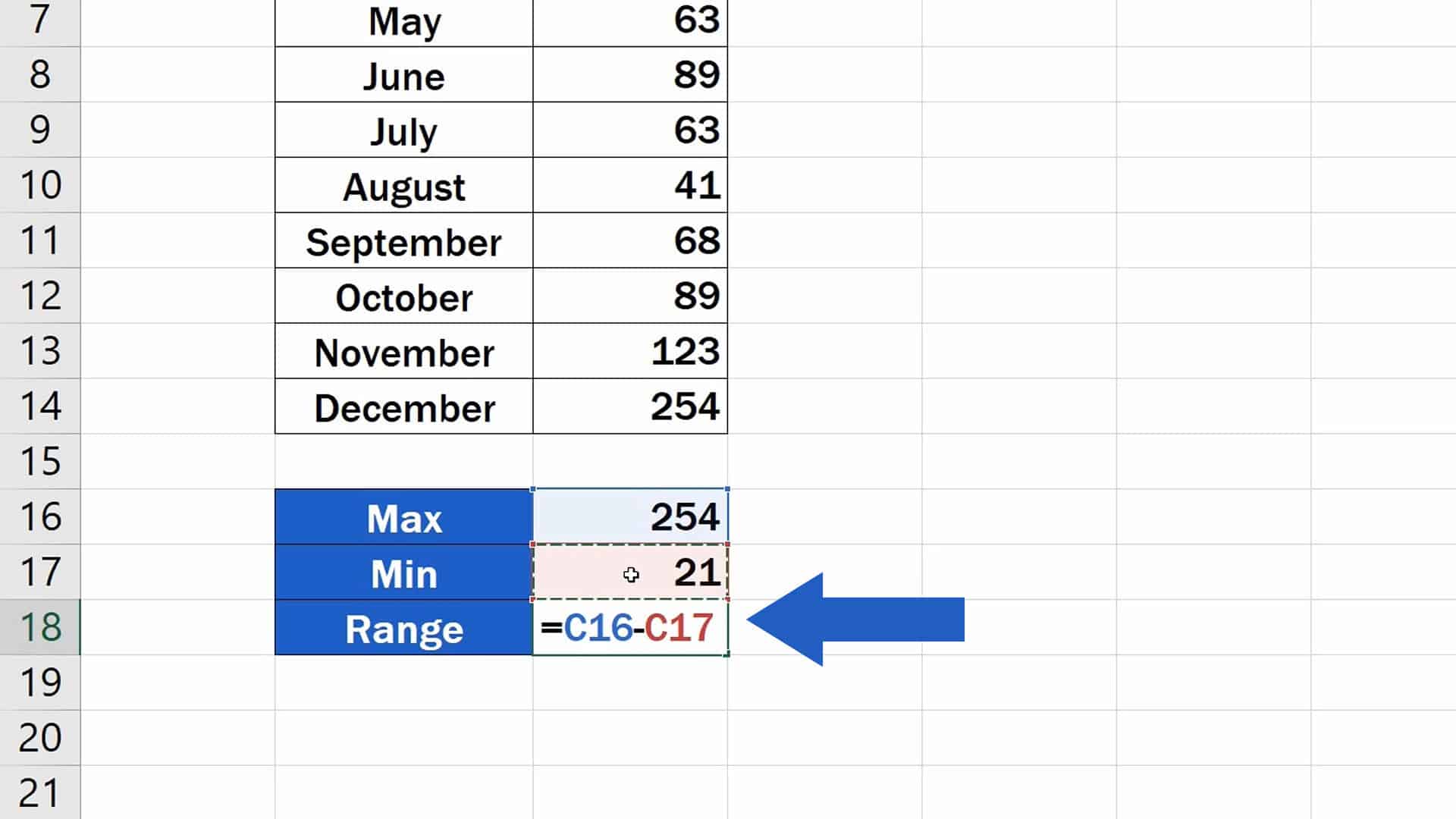
How To Calculate The Range In Excel

Basic Excel For Efficient Data Manipulation Whizinsights
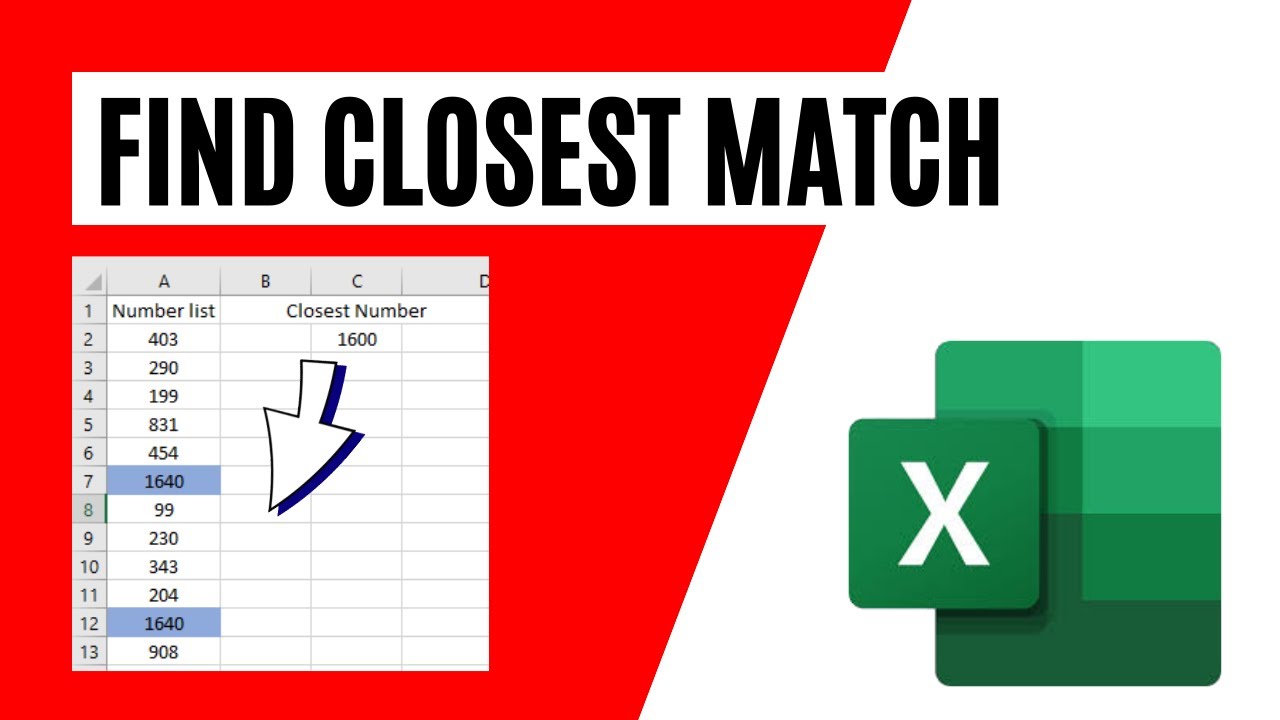
Excel Lookup Closest Value In Range BEST GAMES WALKTHROUGH

WEB Jun 12 2024 nbsp 0183 32 Select Specific Data in Excel is done by using six different methods including the LOOKUP functions and the INDEX and MATCH functions

WEB Aug 20 2018 nbsp 0183 32 Select All Cells The keyboard shortcut to all cells in the current used range is Ctrl A Press Ctrl A a second time to select all cells on the sheet If your

WEB You can quickly locate and select specific cells or ranges by entering their names or cell references in the Name box which is located to the left of the formula bar You can also
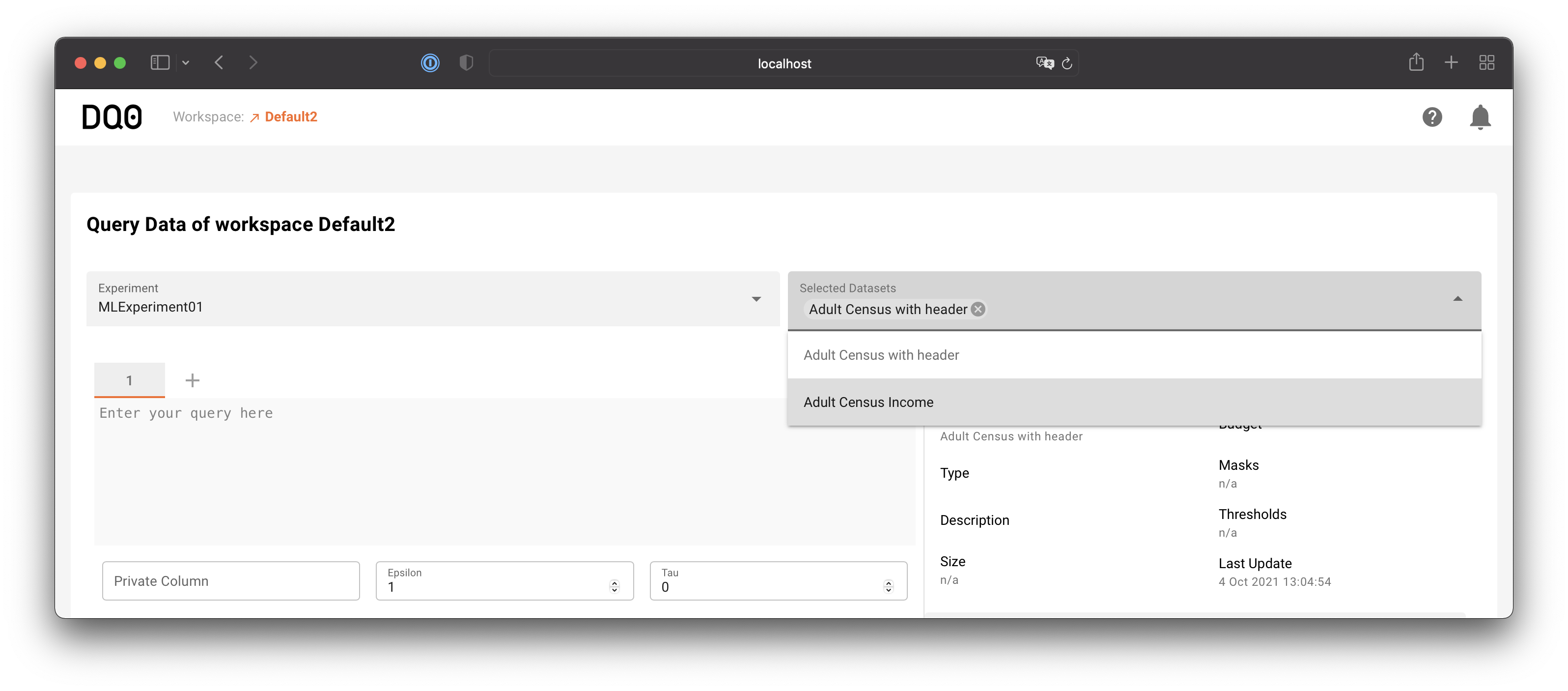
WEB Learn how to select cells ranges entire columns or rows or the contents of cells and discover how you can quickly select all data in a worksheet or Excel table
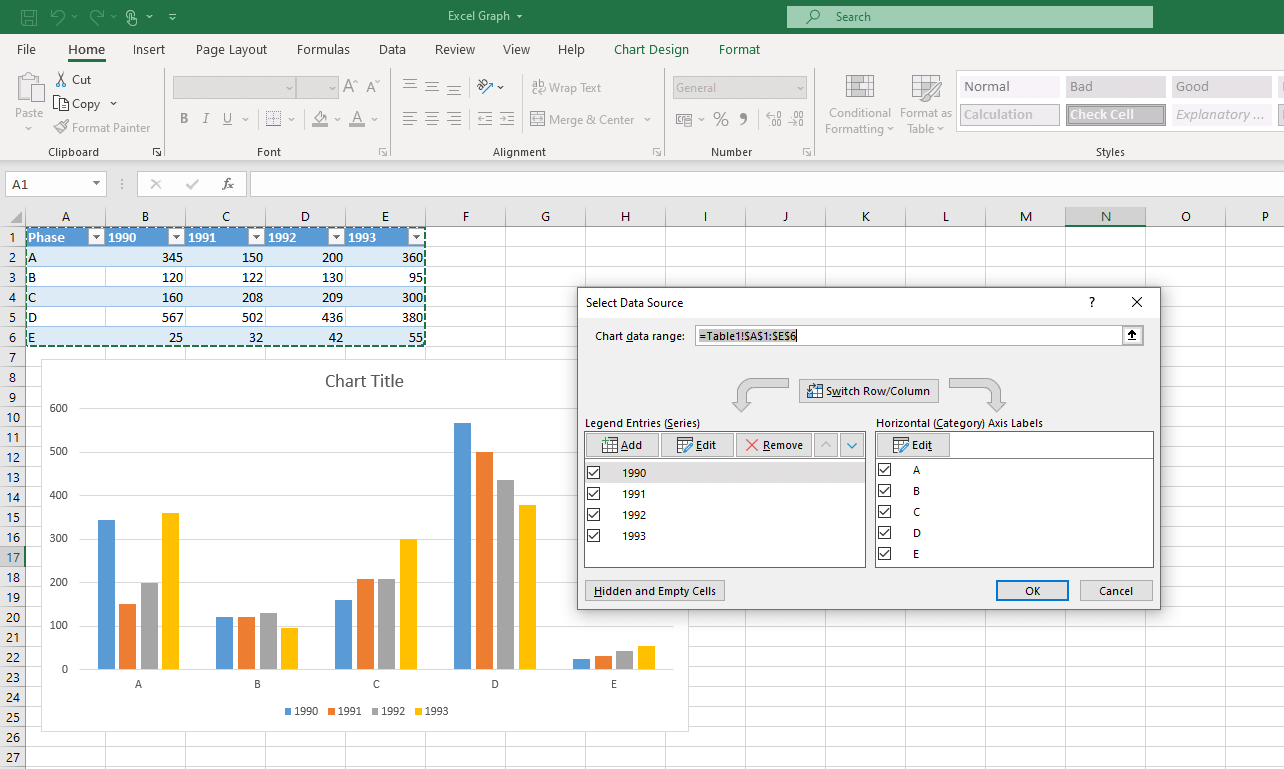
WEB You ll often select a range of cells in a worksheet to do things like copy cut or print data in specific cells In Excel for the web you can select a range in several different ways
WEB Jun 28 2024 nbsp 0183 32 Learn how to select a range of cells in Excel formula in 4 easy and simple ways using Fill Handle SHIFT CTRL keys and INDEX functions WEB Essential shortcuts include selecting a range of cells an entire row or column all cells in a worksheet and non adjacent cells Advanced shortcuts include selecting visible cells
WEB In the 171 Name 187 field which is located to the left of the formula row you need to set the range of cells B3 D12345 or B3 D12345 and press 171 Enter 187 There are 5 and 6