See Local Changes In Intellij Git Gaiera Blog Intellij Git Local Changes LOCAAKJ Investigate Changes In Git Repository PyCharm Documentation Resolve GIT Conflicts In IntelliJ YouTube Using IntelliJ Egeria 2023 In the Local Changes view select the changes that you want to move to another changelist Right click the selection or click on the toolbar and choose Move to Another Changelist Alt Shift 0M In the dialog that opens select an existing changelist or enter the name for a new changelist
Commit changes locally Open the vertical Commit tool window Alt 00 located on the left As your changes are ready to be committed select the corresponding files or an entire changelist If you press Ctrl 0K the entire active changelist will be selected To view the changes you commited as the changed files show in Local Changes window you just need to select the latest commit in Log window then it will list the changed files in right same as what you saw in Local changes window
Using IntelliJ Egeria 2023 IntelliJ IDEA 2018 1 EAP Partial Git Commits And More The IntelliJ Intellij Ultimate Features Create A Java Function In Azure Functions Using IntelliJ Microsoft Learn Apply Changes From One Git Branch To Another PyCharm Documentation Intellij Local History Version Control 2018 07 07 IntelliJ IDEA 2020 1 EAP7 Improvements For Git New Java Inspections IntelliJ IDEA git Creating A New Project In IntelliJ IDEA The IntelliJ IDEA Blog
See Local Changes In Intellij Git
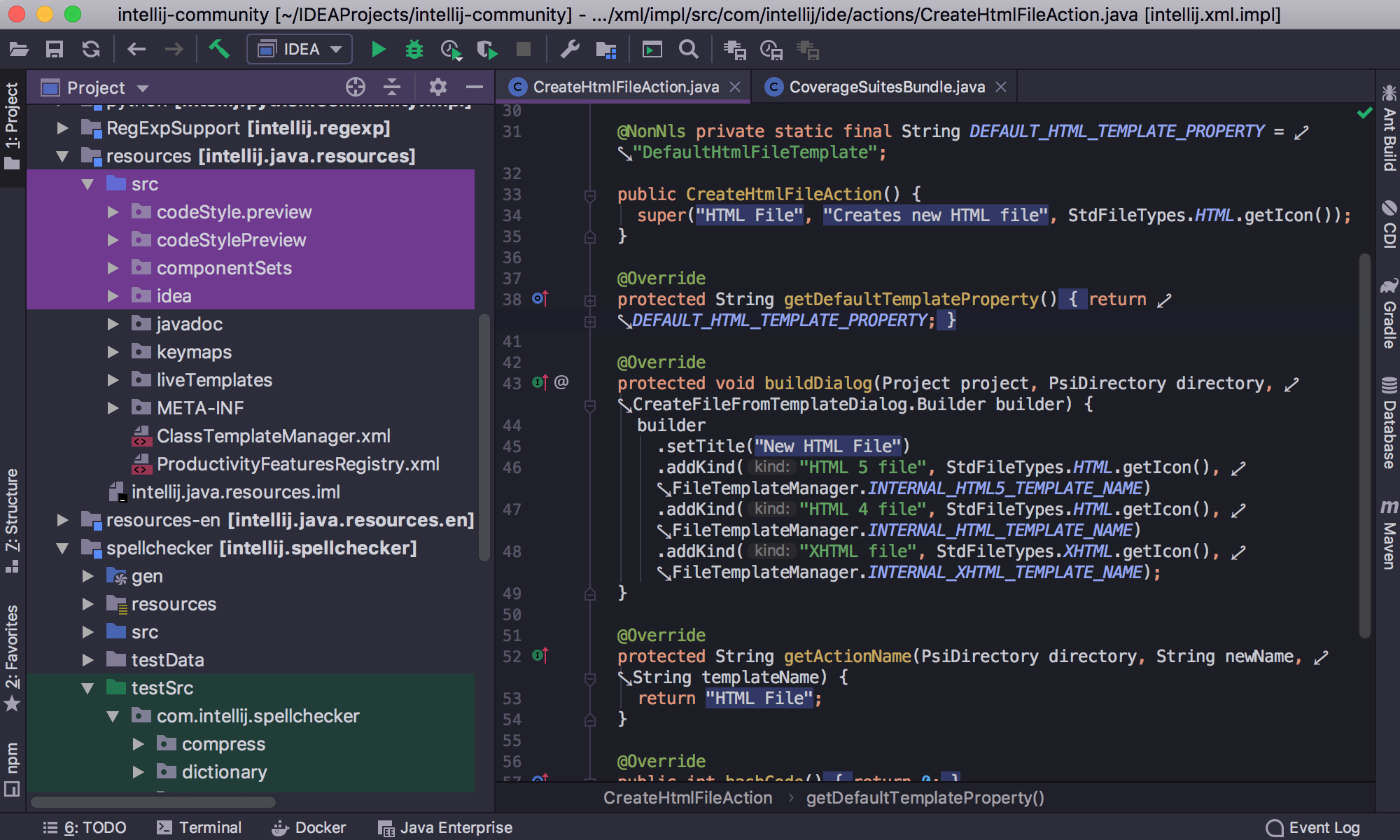 See Local Changes In Intellij Git
https://intellijfree.com/images/uploads/2021-11-16/2-fhgyb.png
Intellij modified vs staged files Local changes view I use the currently latest Intellij version IntelliJ IDEA 2023 2 5 Ultimate Edition I am trying to figure out why I can not see the difference in the Local Changes tab under Git when some files have been modified just changed but not added and have been staged changed and added
Pre-crafted templates offer a time-saving option for developing a diverse range of files and files. These pre-designed formats and layouts can be made use of for numerous personal and professional tasks, consisting of resumes, invitations, leaflets, newsletters, reports, presentations, and more, enhancing the material production process.
See Local Changes In Intellij Git

IntelliJ IDEA 2019 2 EAP5 Commit From Local Changes And More The

IntelliJ IDEA 2018 1 EAP Partial Git Commits And More The IntelliJ
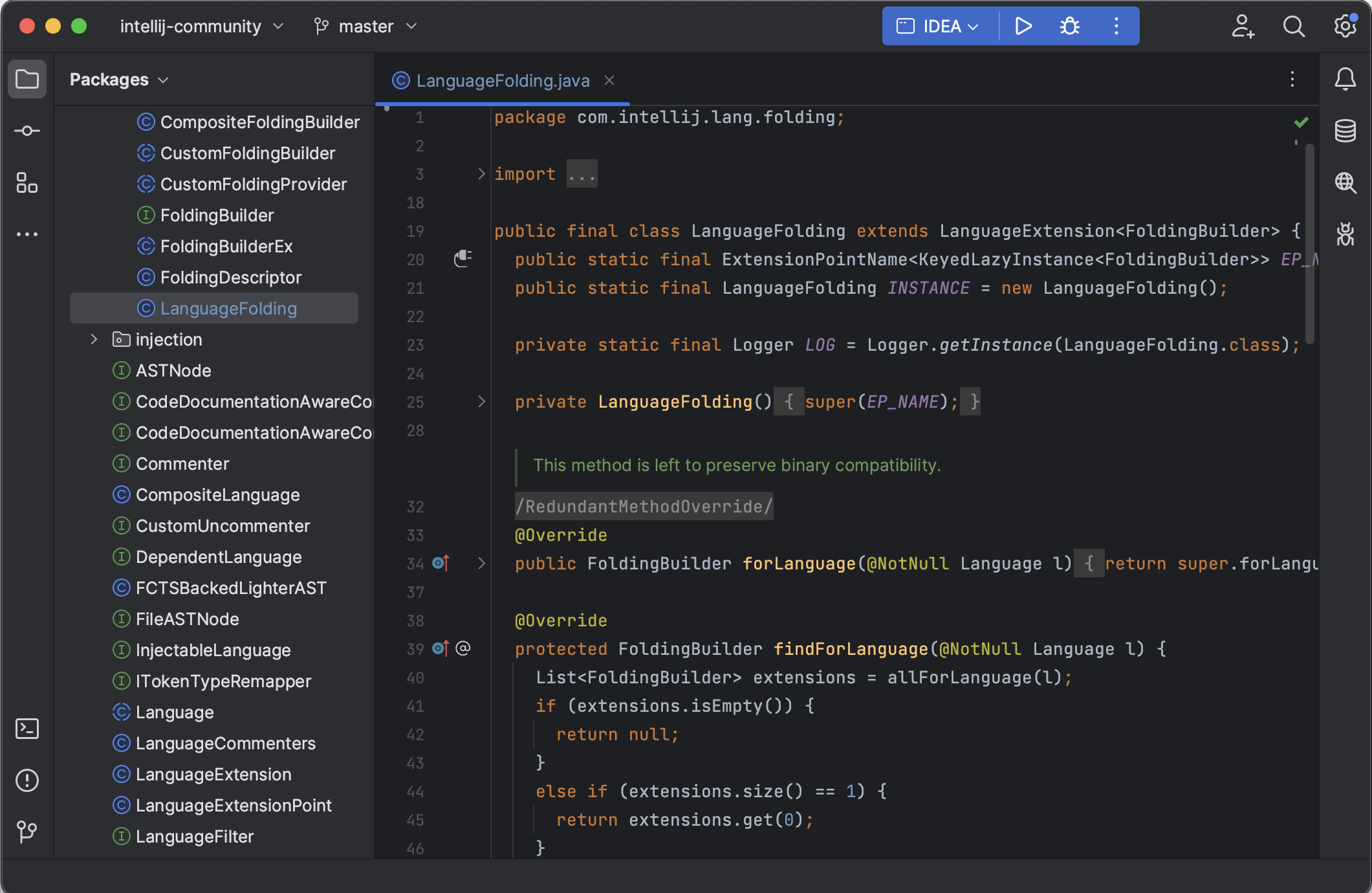
Intellij Ultimate Features
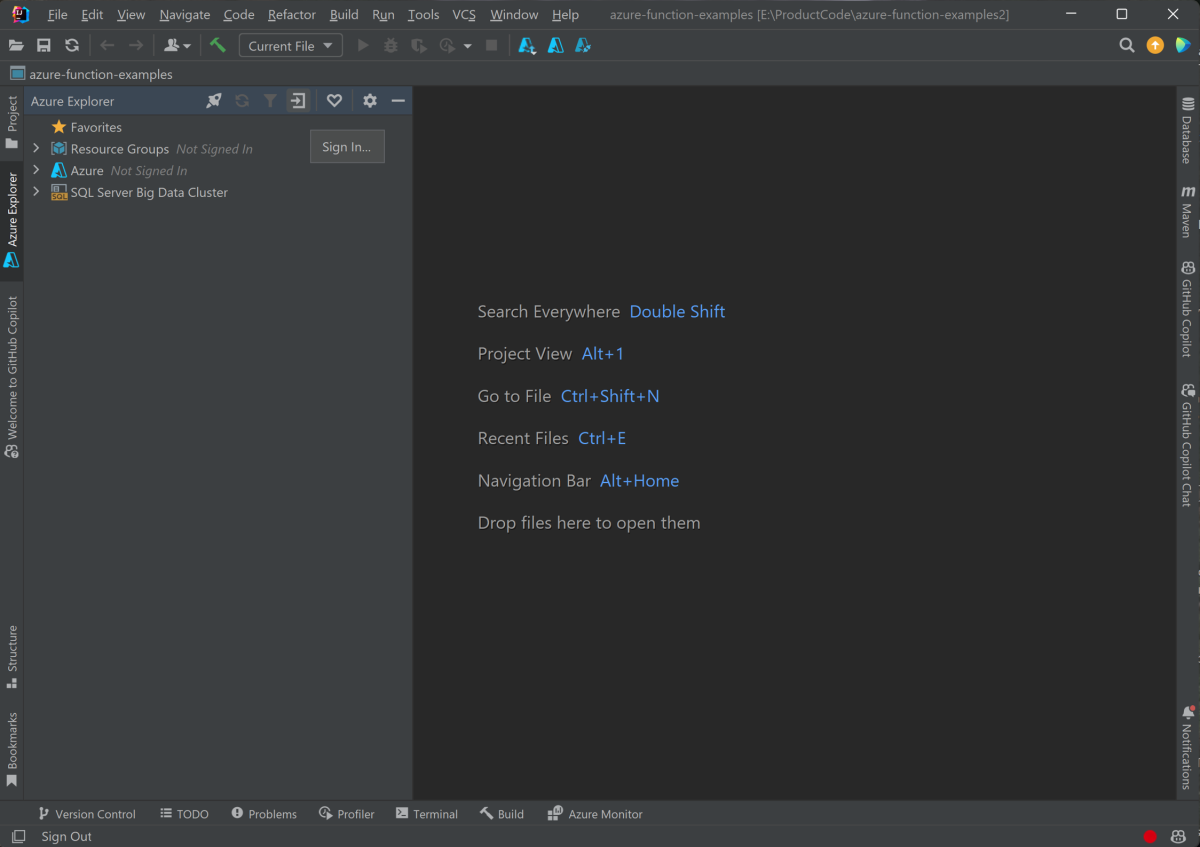
Create A Java Function In Azure Functions Using IntelliJ Microsoft Learn
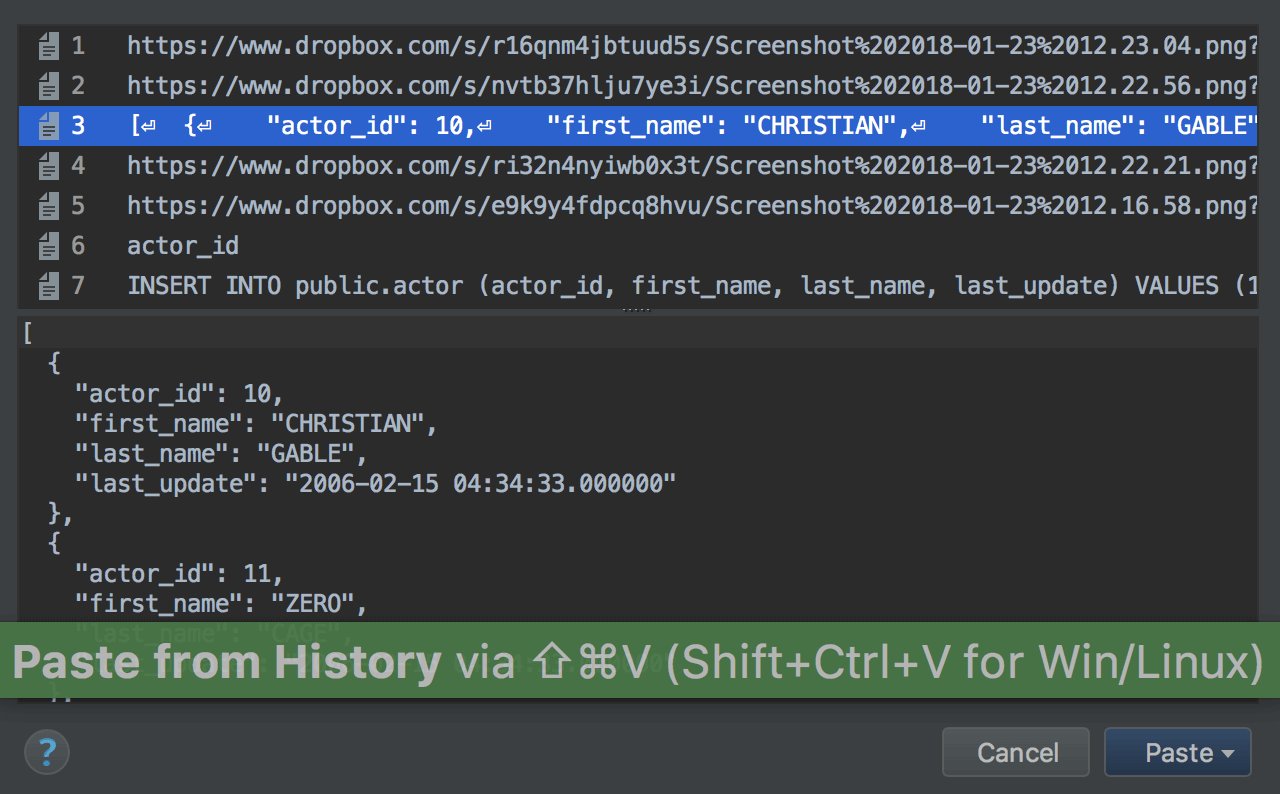
Intellij Local History Version Control 2018 07 07
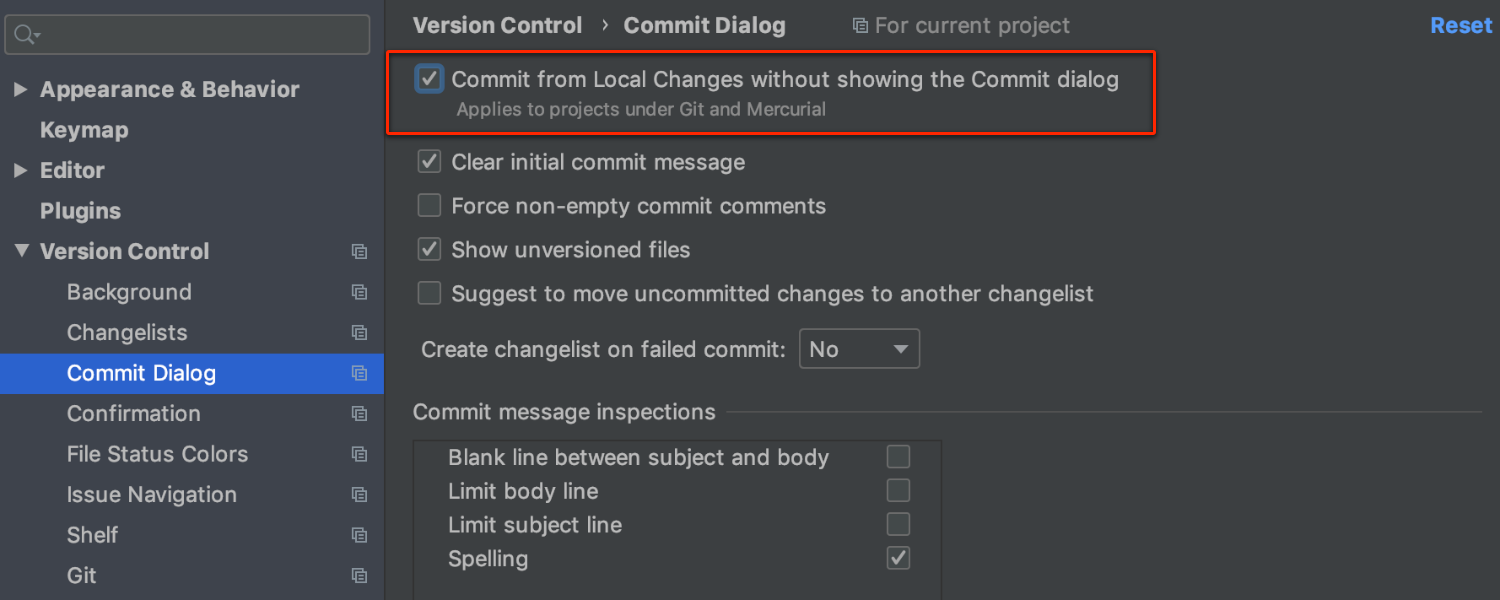
IntelliJ IDEA 2020 1 EAP7 Improvements For Git New Java Inspections
View changes history for a file or selection IntelliJ IDEA allows you to review changes made to files or even fragments of source code The Show History and the Show History for Selection commands are available from the main VCS menu and from the context menu of files

Using IntelliJ s diff viewer is a very nice way to review code because you can make changes in your local version with all the capabilities of the IntelliJ code editor refactoring completion etc
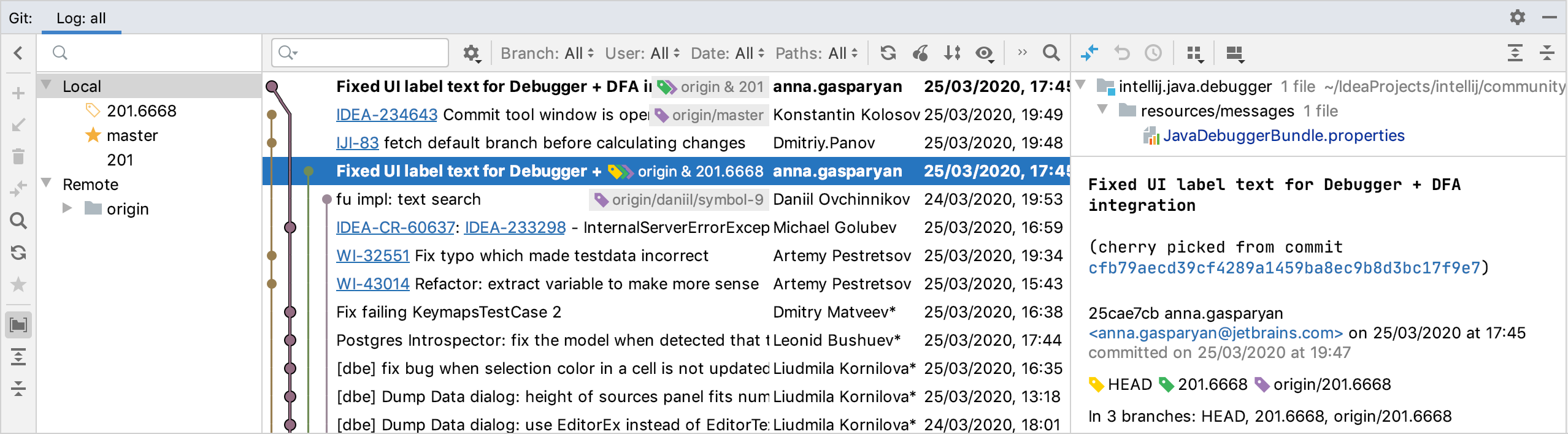
Git Investigate changes in Git repository Last modified 11 December 2023 In IntelliJ IDEA you can trace back all changes in your project This helps you locate the author of any change review the differences between file versions or commits and safely roll back and undo changes if necessary Review project history

In the Project tool window Alt 01 right click the node or select and right click the files for which you want to see the history and select Local History Show History Find the change that you want to revert and click on the toolbar Click on the toolbar to view the changes in the diff viewer
1 Answer Sorted by 6 Version Control window has been redesigned you can find Local Changes under Commit tab on the left side of the window next to the Project tab You can see what s new here https www jetbrains idea whatsnew version control
Explore the git settings available in IntelliJ IDEA Customize the way how version control actions are performed including committing pushing and updating As seen in Local Changes tab all Intellij specific files disappeared and their color in the Project tree view also turned to normal color Git logs To see git logs click on Log tab in Version Control view Toggle Select the Preview Diff that will show the change difference as well
This is very helpful for code review or to quickly browse what happened during a series of commits that a collaborator has added You can also use a series of summarizing options with git log For example if you want to see some abbreviated stats for each commit you can use the stat option git log stat commit