Secure Boot Bios Que Es Desactivar SECURE BOOT Formatear Desactivar UEFI E Instalar WINDOWS How To Enable Secure Boot On MSI Click BIOS 5 How To Turn On Secure How To Fix ASUS Laptop BOOT Menu KEY BIOS Setting Secure BOOT BOOT Security Boot Windows 11 How Enable Secure Boot Windows 11 For a more private and secure browsing experience you can use Chrome s safety features like Safety Check and Safe Browsing Compromised passwords If you notice an unfamiliar activity on your accoun
Securing your YouTube account helps prevent it from being hacked hijacked or compromised We ll walk you through steps you can take to secure your account like adding 2 step verification aka two Make your account more secure At Google we take online security seriously To protect your Google Account we strongly recommend you follow the steps below on a regular basis Important Google
How Enable Secure Boot Windows 11 Notebook Como Habilitar desabilitar O Secure Boot Suporte Oficial How Enable Secure Boot Windows 11 O Que O Secure Boot CORSAIR O Que O Secure Boot CORSAIR Top 3 Ways To Create Windows 11 UEFI Bootable USB BIOS UEFI Qu Es Y Su Relaci n Con La Placa Base Blog PcComponentes Qu Es La Bios Y Para Qu Sirve Ciencia Y Educacin Que Es En Ingles Boo At Sara Long Blog
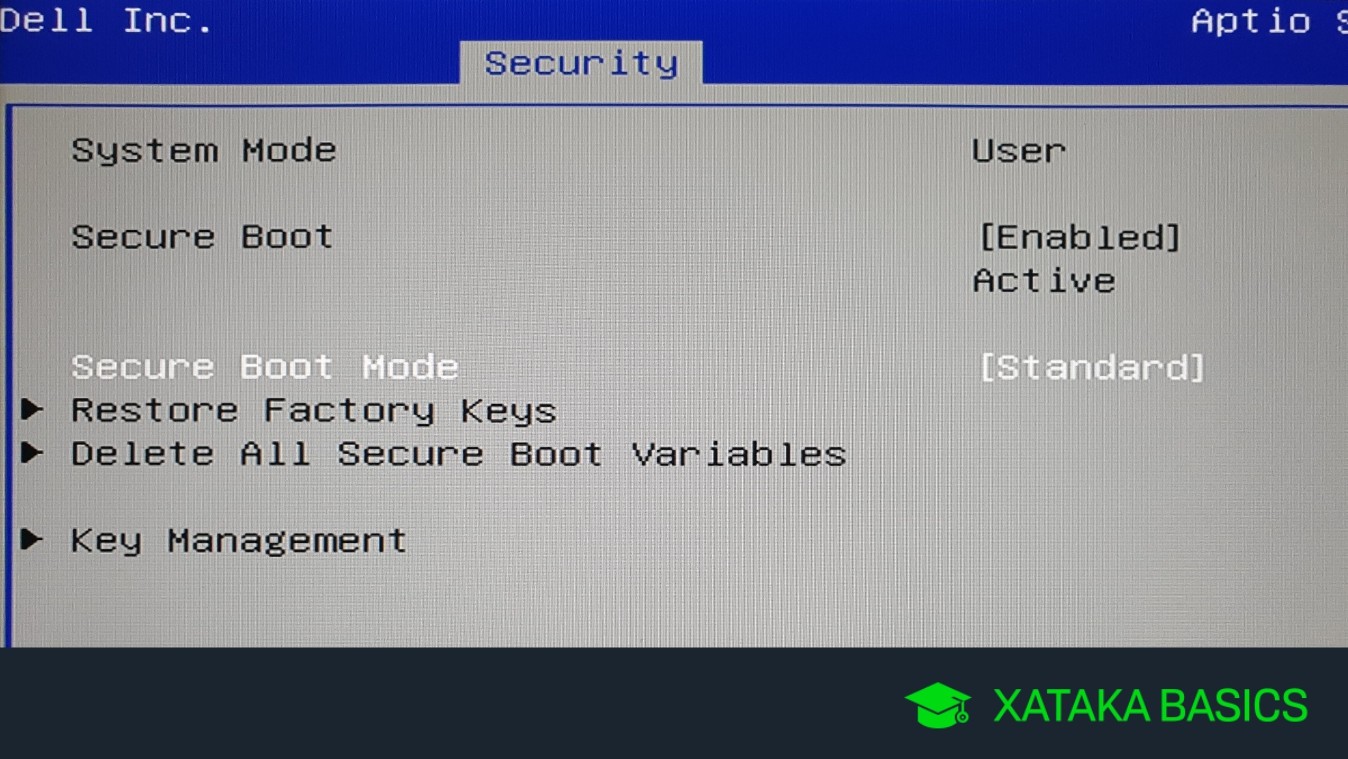
Secure Boot Bios Que Es
 Secure Boot Bios Que Es
https://i.ytimg.com/vi/NF5IipkUpE0/maxresdefault.jpg
Apr 19 2018 nbsp 0183 32 Secure Boot Secure Boot Bios Secure Boot UEFI BIOS Legacy BIOS BOOT
Templates are pre-designed documents or files that can be used for numerous functions. They can save time and effort by supplying a ready-made format and design for creating various kinds of material. Templates can be used for personal or professional tasks, such as resumes, invites, leaflets, newsletters, reports, presentations, and more.
Secure Boot Bios Que Es
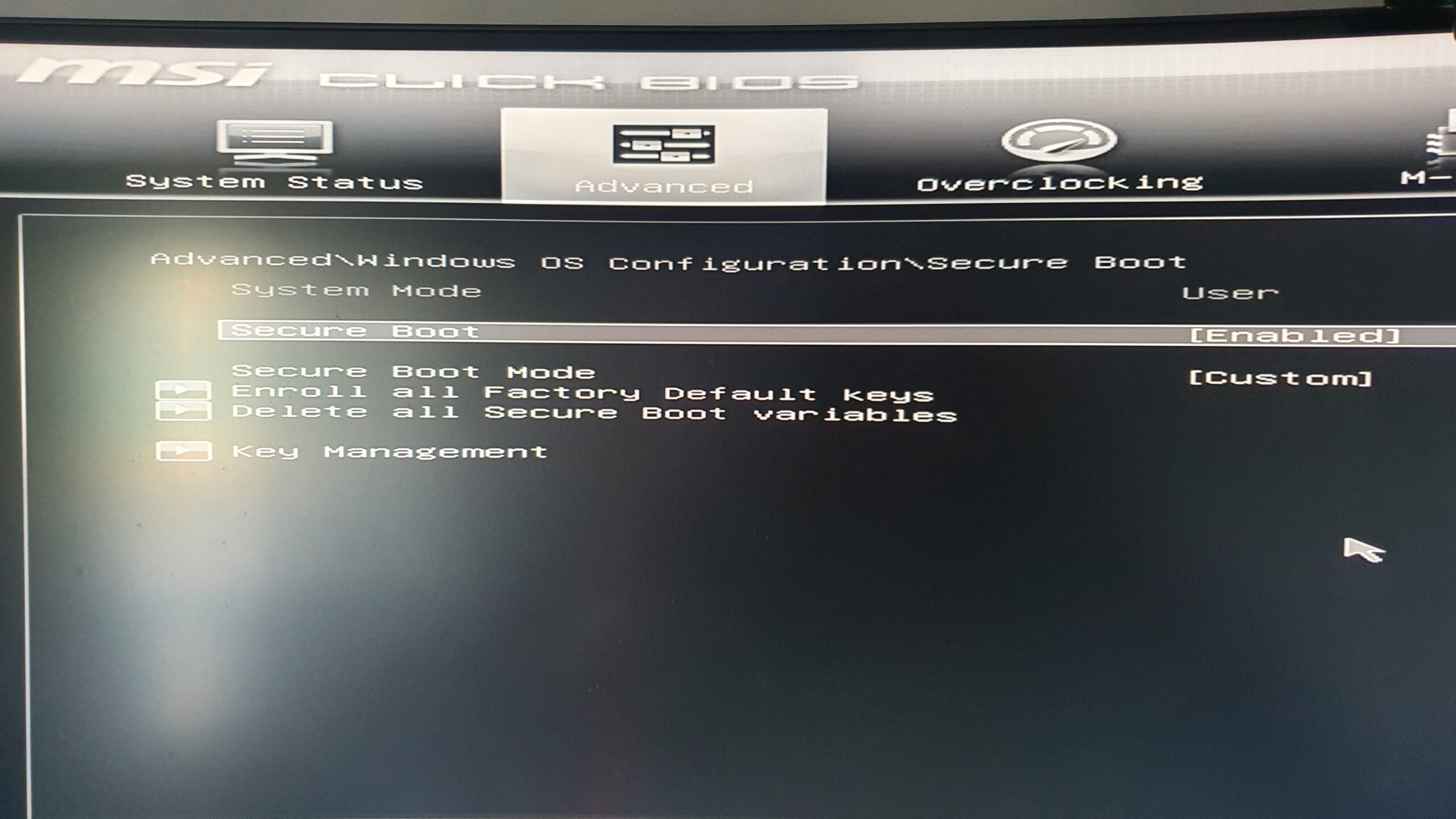
Secure Boot Windows 11 Earthkda
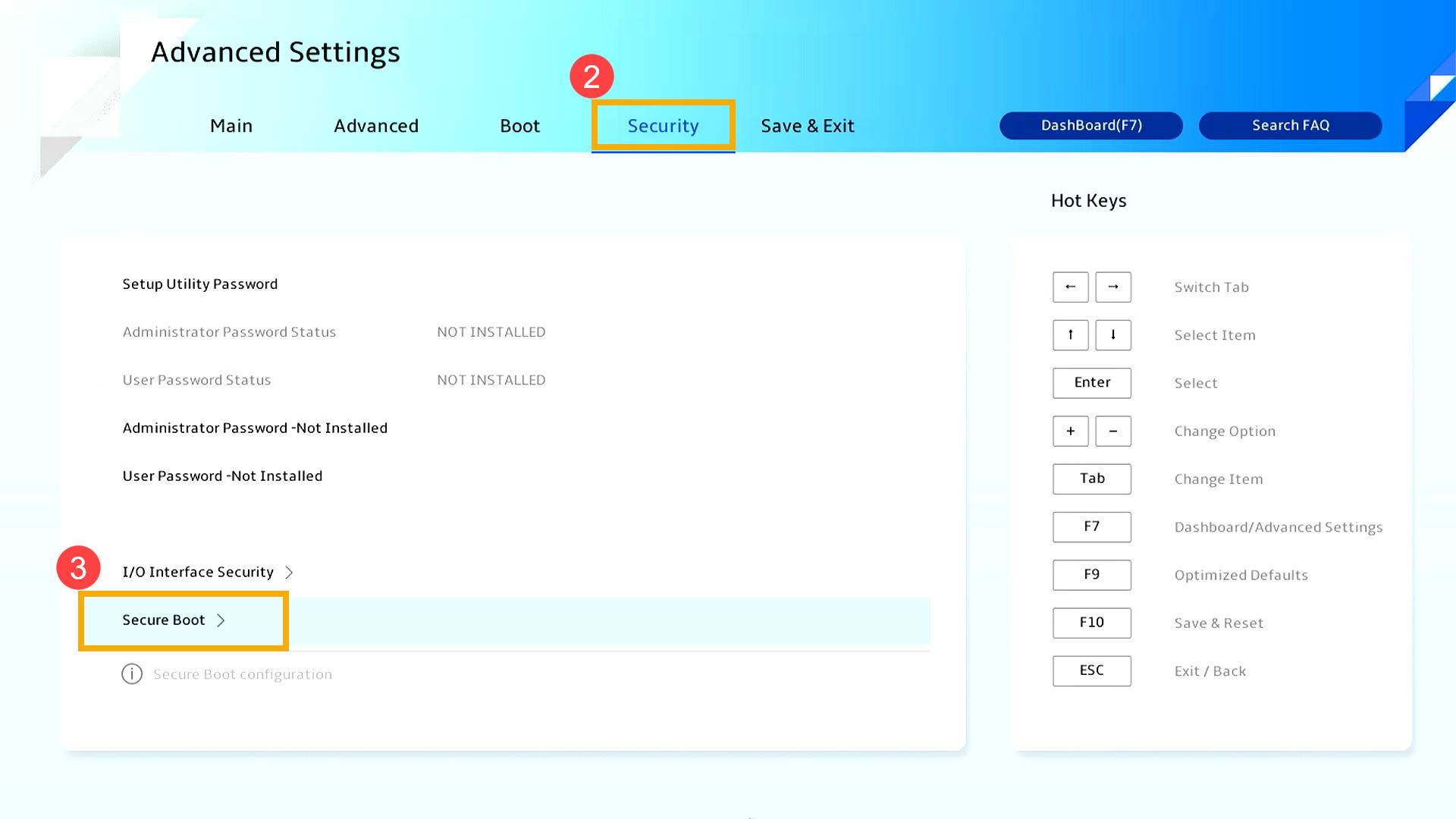
Notebook Como Habilitar desabilitar O Secure Boot Suporte Oficial

How Enable Secure Boot Windows 11
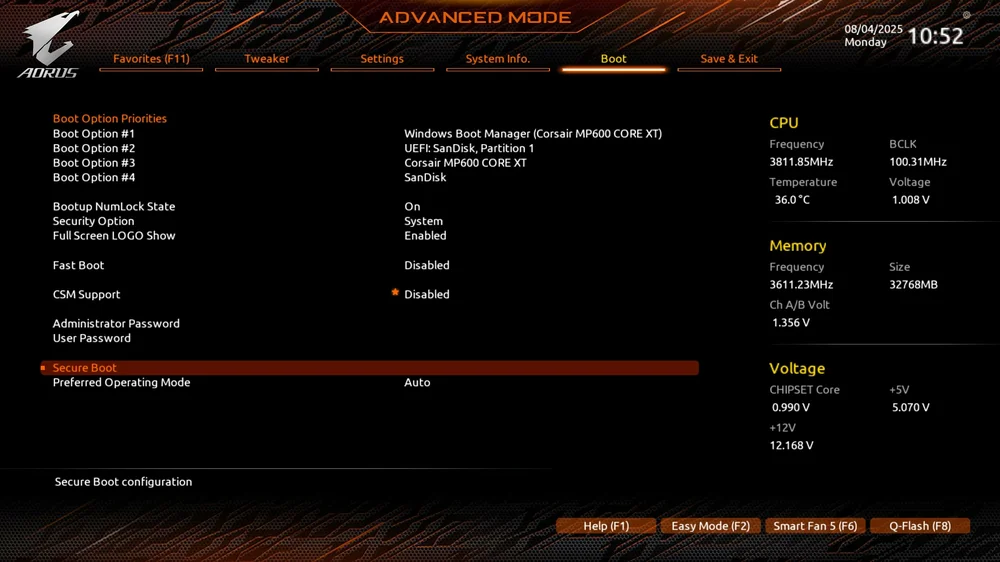
O Que O Secure Boot CORSAIR
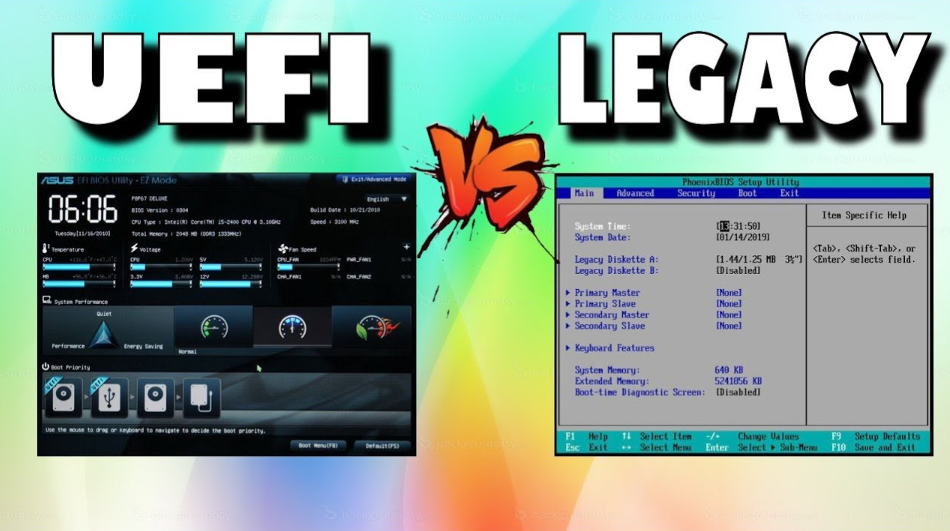
Top 3 Ways To Create Windows 11 UEFI Bootable USB

BIOS UEFI Qu Es Y Su Relaci n Con La Placa Base Blog PcComponentes

Learn more about Always use secure connections When Always use secure connections is on if a site doesn t support HTTPS Chrome displays a Your connection to this site is not secure warning What

Check if a site s connection is secure Chrome helps you browse more securely by alerting you when it detects a site that may be unsafe to visit When a site may be unsafe Chrome changes the icon next

Report an issue or send feedback on Chrome Fix issues with sync in Chrome Tips to complete account recovery steps Secure a hacked or compromised Google Account How to recover your Google
If you think your Google Account or Gmail have been hacked follow the steps below to help spot suspicious activity get back into your account and make it more secure

Find secure or erase a device remotely Important If you find your device after you erase it to use your device again you need your Google Account password
[desc-11] [desc-12]
[desc-13]