Screen Resolution Shortcut Key How To Change Screen Resolution In Windows 7 via Shortcut Or Registry Download Screen Resolution Keyboard Shortcut Vista Free Software Chromebook Quick Tip Resolution Change Shortcut Create Screen Resolution Shortcut On Windows 10 Desktop How To Fix Explorer exe Class Not Registered Error Technipages Apr 13 2011 nbsp 0183 32 When I use the arrow keys in excel it doesn t move cells just scrolls the sheet It s like I have a scroll lock key on my keyboard but I don t How do I turn that off
Jan 2 2025 nbsp 0183 32 Expand the HMI Devices option Right click on HID Compatible Touch Screen and select Enable Device You can also refer to the following related links Can You play Nov 16 2021 nbsp 0183 32 I can t share my screen on teams It used to work before but not anymore how can I fix this problem
How To Fix Explorer exe Class Not Registered Error Technipages How To Create Desktop Shortcuts That Change The Screen Resolution In Screen Resolution Shortcut Create Windows 7 Help Forums Screen Resolution Shortcut Create Tutorials Display Changer 12noon Windows Xp Shortcut To Set Screen Resolution Super User How To Create Desktop Shortcuts That Change The Screen Resolution In How To Make A Screen Saver Shortcut In Windows 10 Desktop Vrogue How To Make A Screen Saver Shortcut In Windows 10 Desktop Vrogue
Screen Resolution Shortcut Key
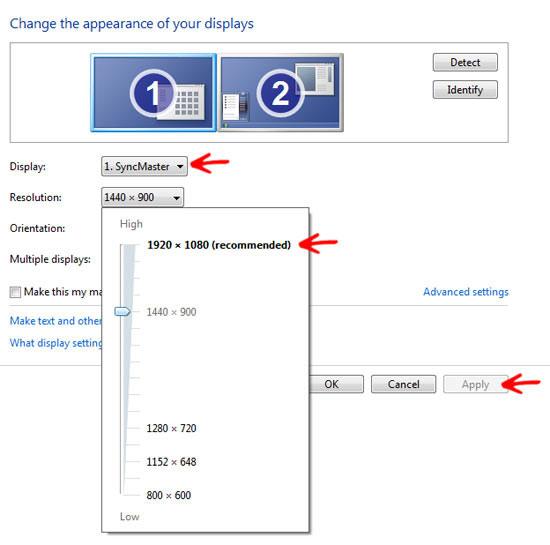 Screen Resolution Shortcut Key
https://www.howtoguides.org/pics/recommended-screen-resolution-win7.jpg
Apr 12 2024 nbsp 0183 32 We have a client s AV system utilizing a cisco codec sx80 for video conferencing The system is dual display Codec video output connectors 1 amp 2 are each connected to one of
Pre-crafted templates offer a time-saving service for developing a diverse series of documents and files. These pre-designed formats and layouts can be used for numerous personal and expert tasks, including resumes, invites, leaflets, newsletters, reports, discussions, and more, improving the content production process.
Screen Resolution Shortcut Key
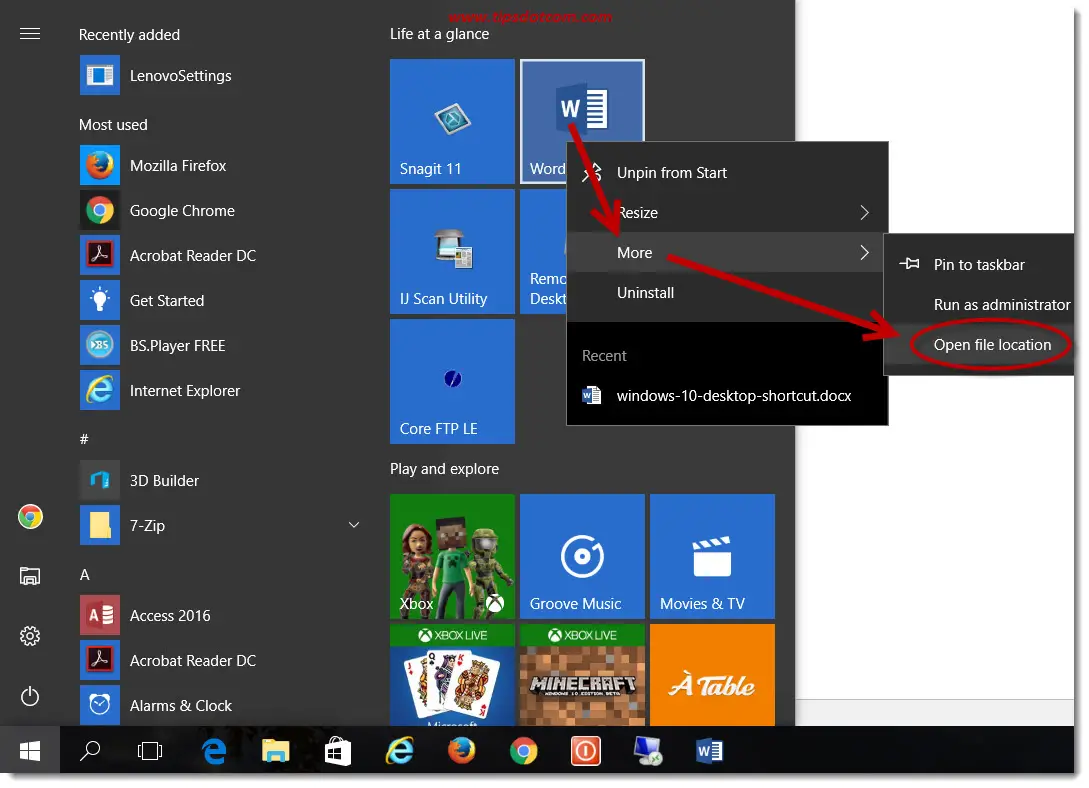
How To Make A Screen Saver Shortcut In Windows 10 Desktop Vrogue
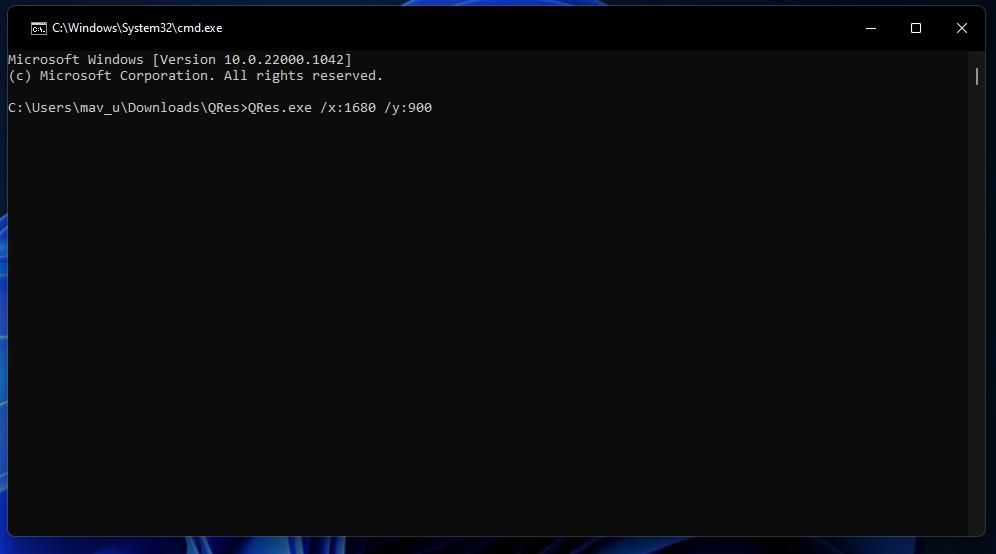
How To Create Desktop Shortcuts That Change The Screen Resolution In

Screen Resolution Shortcut Create Windows 7 Help Forums
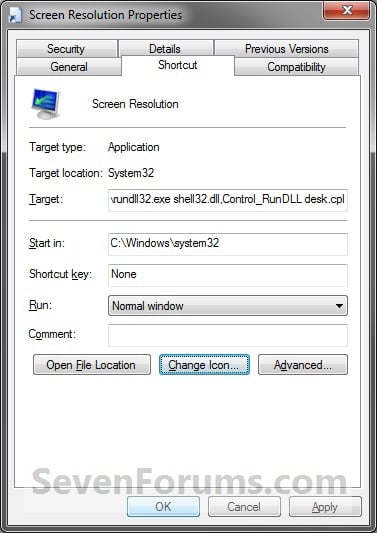
Screen Resolution Shortcut Create Tutorials

Windows Xp Shortcut To Set Screen Resolution Super User
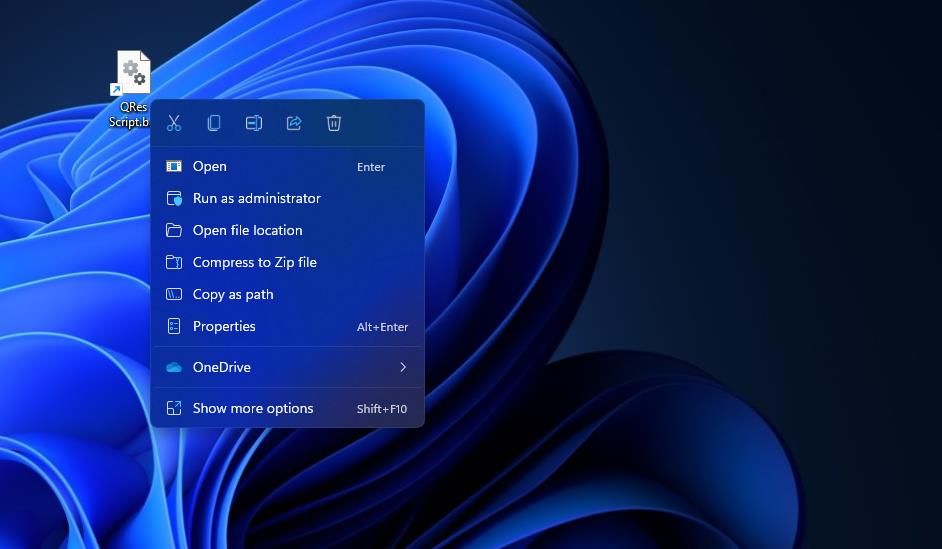
How To Create Desktop Shortcuts That Change The Screen Resolution In

Jan 31 2025 nbsp 0183 32 I am unable to do a screen share with the teams app on my new 2024 M4 mac book proI have the latest macOs 15 3 and the latest teams download as of 1 31 25reproduction
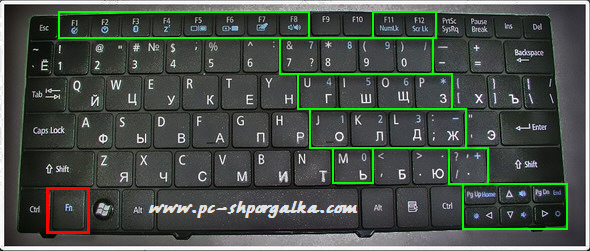
Nov 28 2024 nbsp 0183 32 A very high resolution on a small screen can make items appear smaller 5 Fullscreen Mode To maximize Outlook click the full screen icon at the top right corner or

Jul 29 2024 nbsp 0183 32 Hello While sharing laptop screen I usually like to share the window tab rather than sharing full screen Suppose I want to explain an excel file in a Teams meeting then I ll

Feb 17 2024 nbsp 0183 32 I am trying to have the Steam program open on my main display as well In the target field of the properties window I have quot C Program Files x86 Steam Steam exe quot

Is it possible to use Microsoft Teams to remotely access and control another person s computer with their permission of course similar to the remote access capability that software such as
[desc-11] [desc-12]
[desc-13]