Samsung S22 Network Reset How To Reset Network Preferences In SAMSUNG Galaxy S22 YouTube How To Network Unlock A Samsung Galaxy S22 Ultra YouTube Galaxy S22 Reset Network Settings Technipages Galaxy S22 S22 Ultra How To Reset Network Settings YouTube How To Network Unlock The Samsung Galaxy S22 Series Phone YouTube Web INSTRUCTIONS amp INFO There are multiple ways to reset your device if you are experiencing issues Power cycling your device is the first step In this tutorial you will learn how to Power cycle your device Restart your device Reset network settings Perform a factory data reset Perform an alternate master reset
Web In this video we will show you how to reset the network settings of your Samsung Galaxy S22 to address any network or connection problem you might have with Web network reset samsunggalaxys22ultra In this video we show you how to reset network settings on your Samsung Galaxy S22 S22 S22 Ultra GET Discounted
How To Network Unlock The Samsung Galaxy S22 Series Phone YouTube Samsung Galaxy S22 Ultra 128GB Unlock Any Network In Camden Town How To Factory Reset Galaxy S22 S22 S22 Ultra Settings Recovery Samsung S22 Fold 3 4 Live Demo Unit Network Unlock And How To Check How To Fix Slow Internet On Galaxy S22 Series Galaxy S22 User Guide How To Set Up Mobile Hotspot On Galaxy S22 Solved S22 Ultra Network Issues Samsung Community 2208815 Samsung Galaxy S22 How To Solve Bluetooth Problems Samsung S22 Ultra Network Lock SM S908U Unlock Network YouTube
Samsung S22 Network Reset
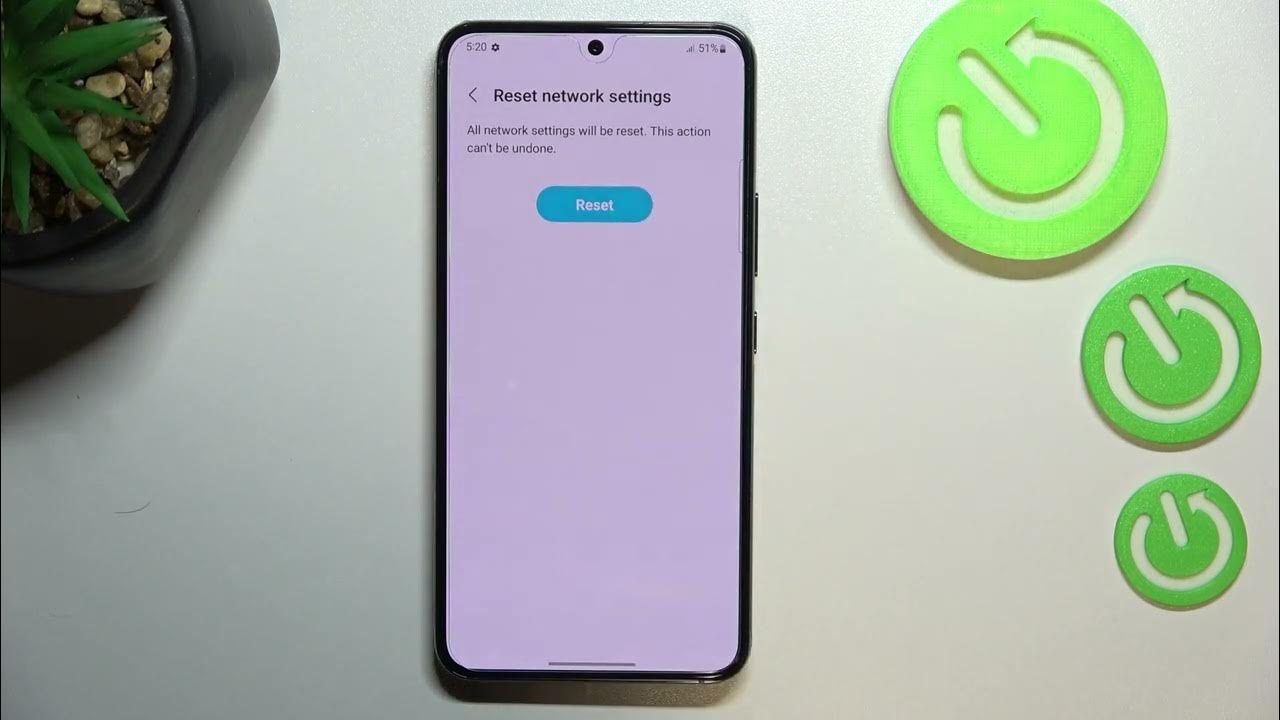 Samsung S22 Network Reset
https://i.ytimg.com/vi/zp8c4MvehX8/maxresdefault.jpg?sqp=-oaymwEmCIAKENAF8quKqQMa8AEB-AH-CYAC0AWKAgwIABABGFsgVChlMA8=&rs=AOn4CLBTXNoq05dmYSQEi02RSZvCh7MWIQ
Web Tap Reset and then choose Reset Network Settings Go with Reset Settings At this stage you will have to unlock the phone if you set a screen lock up Go with Reset Settings for the confirmation You should now see a notification Network Settings Have Been Reset
Pre-crafted templates offer a time-saving option for developing a varied variety of files and files. These pre-designed formats and designs can be utilized for numerous individual and professional tasks, including resumes, invites, leaflets, newsletters, reports, discussions, and more, enhancing the material development procedure.
Samsung S22 Network Reset
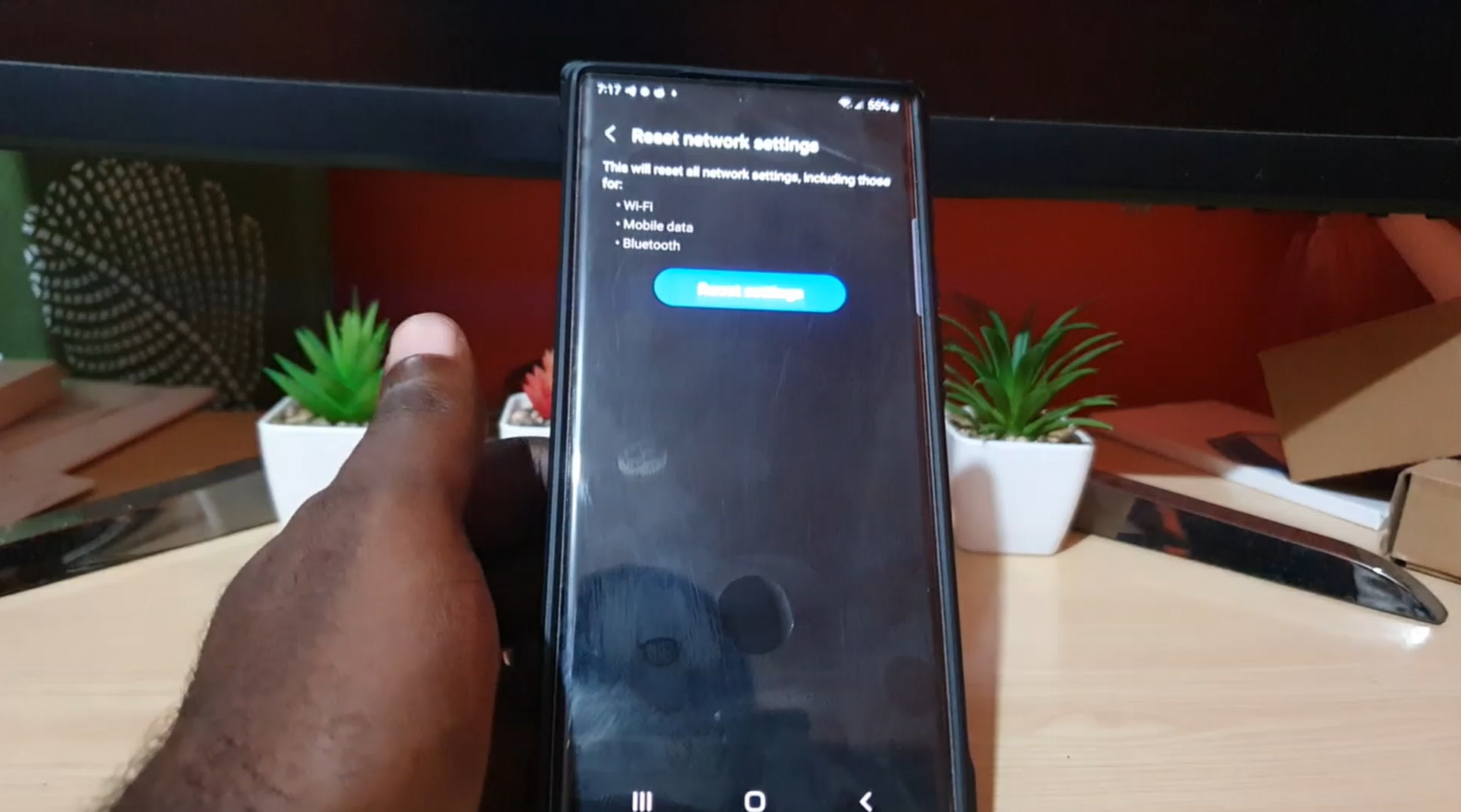
Reset Network Settings S22 BlogTechTips
Samsung Galaxy S22 Ultra 128GB Unlock Any Network In Camden Town

How To Factory Reset Galaxy S22 S22 S22 Ultra Settings Recovery

Samsung S22 Fold 3 4 Live Demo Unit Network Unlock And How To Check

How To Set Up Mobile Hotspot On Galaxy S22

Solved S22 Ultra Network Issues Samsung Community 2208815

Web Samsung Galaxy S22 Galaxy S22 Ultra Reset Network Settings If you can t connect to the internet send or receive email and or messages text picture or video resetting the network settings may help By performing the steps below the following are cleared or restored to default values

Web Here are how to reset network settings on Galaxy S22 Head to your device s settings menu and scroll down to the General management option From there select Reset and then choose Reset network settings You ll be prompted to enter your device s PIN or password After that your device will restart

Web Mar 3 2022 nbsp 0183 32 Open the Settings app Scroll down to and select General Management Scroll down and tap Reset Tap Reset network settings If prompted enter your PIN or passcode Tap Reset again to confirm For good measure we recommend restarting your Galaxy S22 after you reset the Network Settings

Web Mar 31 2022 nbsp 0183 32 Galaxy S22 S22 Ultra How to Reset Network Settings ITJungles 432K subscribers Subscribe 49 18K views 1 year ago Commissions Learn how you can reset the network settings on the

Web Nov 26 2022 nbsp 0183 32 You can quickly reset your Samsung phone s network settings by opening the Settings app and then tapping General Management gt Reset gt Reset Network Settings gt Reset Settings gt Reset If you re experiencing issues with your Wi Fi Bluetooth or network on your Samsung phone it s worth resetting your network settings to resolve
Web The steps to reset the network settings on your Samsung Galaxy S22 5G are listed below Tap the Apps icon on the Home screen Launch the Settings app Then select General Management Press Reset Select Reset network settings To confirm tap Reset settings We hope the article will help you Editor s choice Web In the presented instructions we show you how to smoothly reset network settings on SAMSUNG Galaxy S22 Ultra 5G If you would like to restore network configuration stay with us and learn how to get access to the network settings to reset Wi Fi Bluetooth and also mobile data
Web Feb 17 2023 nbsp 0183 32 If you are new to the Samsung Galaxy phones here s how to reset network settings on samsung S20 S21 S22 S23 Go to the Home Page and swipe up to access the apps Open your Settings app and navigate to General Management gt Reset From the Reset page select quot Reset network settings quot Check the information and click the