Running Python Code In Raspberry Pi Raspberry Pi Launches Online Code Editor To Help Kids How To Check Python Version On Raspberry Pi Linux Tutorials Learn Hello Raspberry Pi Raspberry Pi 2 MFRC522 python Dump RFID Tag Python Tools For Raspberry Pi Unleash The Power Of Python Vrogue Download Python PyGame And Raspberry Pi Game Development Pdf 1 Before we install Python we should ensure that both our package list and existing packages are up to date You can update both of these by running the following two commands on your device sudo apt update sudo apt upgrade Copy 2 Our next step is to install the Python package to our Raspberry Pi
First click the Raspbian logo and then navigate to Programming Thonny Python IDE In the IDE click File Open and then navigate to your Python program With the program loaded click Run Run current script Conclusion Step 1 Get Everything Prepared In this short tutorial we are going to get started with the assumption that you have already set up your Raspberry Pi installed Raspbian and have a basic python program ready to go So if you haven t done any of that stuff go ahead and get that sorted and we will continue on from there 16 6 Step 2 The Method
Download Python PyGame And Raspberry Pi Game Development Pdf How To Run And Schedule Python Scripts On Raspberry Pi Codementor Raspberry Pi Archives HendGrow Python On Raspberry Pi Part 7 LinuxAndUbuntu How To Fix Broken Packages On Raspberry Pi OS Itsubuntu Using The Raspberry Pi GPIO With Python MaxEmbedded Running Python Code Give NameError Name ABCMeta Is Not Defined Every Raspberry Pi MQTT Setup Step by Step Guide With Python Raspberry Pi Launch Programming Environment Python Code In The Pi Code
Running Python Code In Raspberry Pi
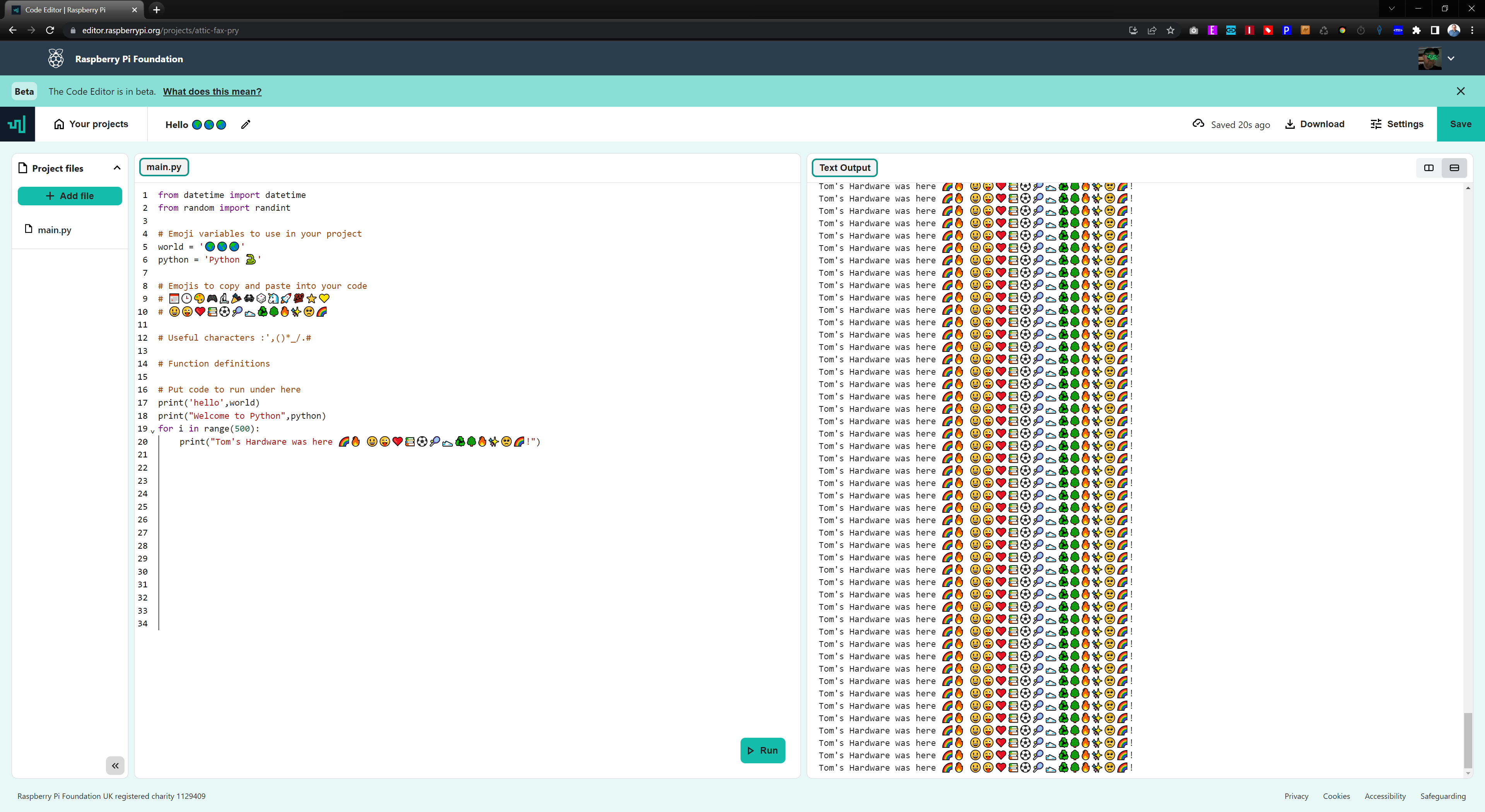 Running Python Code In Raspberry Pi
https://cdn.mos.cms.futurecdn.net/SF7DdJ9yi52ZLX38THUC7m.png
The first and probably the most important reason is security A device running Raspberry Pi OS contains millions of lines of code that you rely on 4096 Oct 3 14 34 drwxr xr x 5 pi pi 4096 Oct 3 14 34 env rw r r 1 pi pi 0 Oct 3 14 45 my code py env python my code py Hello World env
Templates are pre-designed files or files that can be utilized for numerous purposes. They can save time and effort by supplying a ready-made format and design for creating various type of content. Templates can be used for personal or expert jobs, such as resumes, invitations, leaflets, newsletters, reports, presentations, and more.
Running Python Code In Raspberry Pi
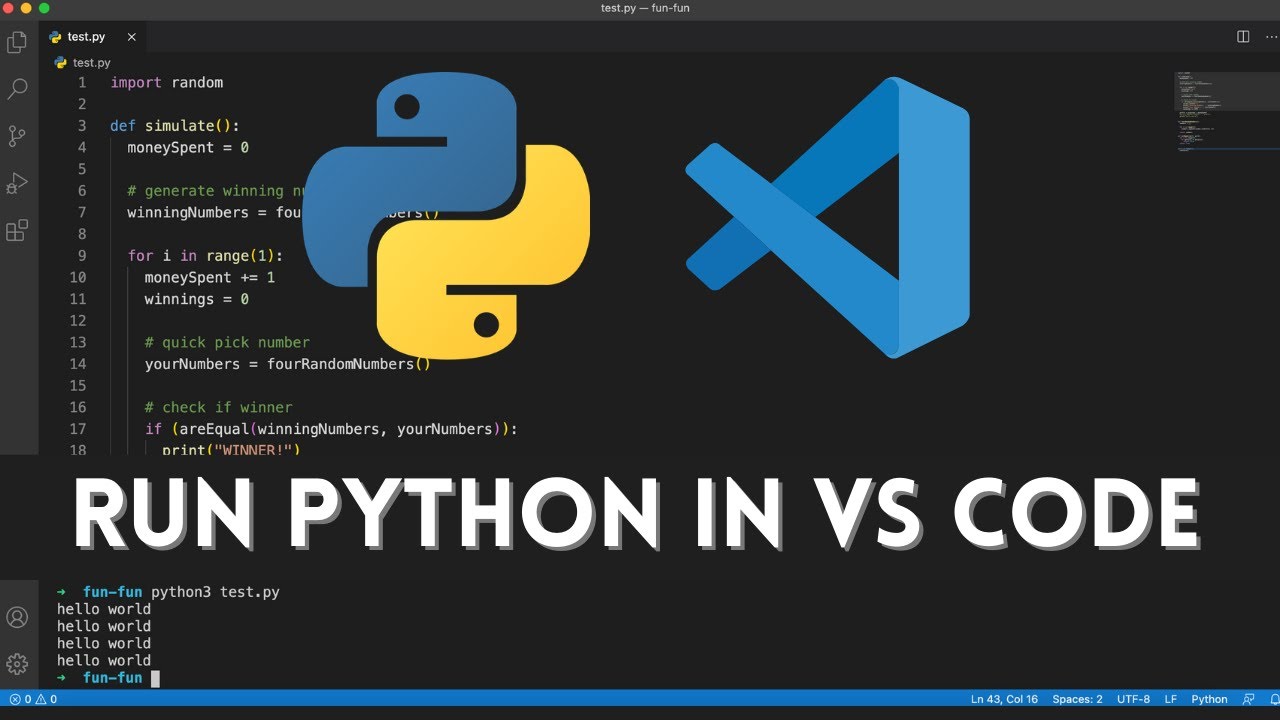
Vs Code Tips Running Python Code With The Jupyter Interactive Mobile
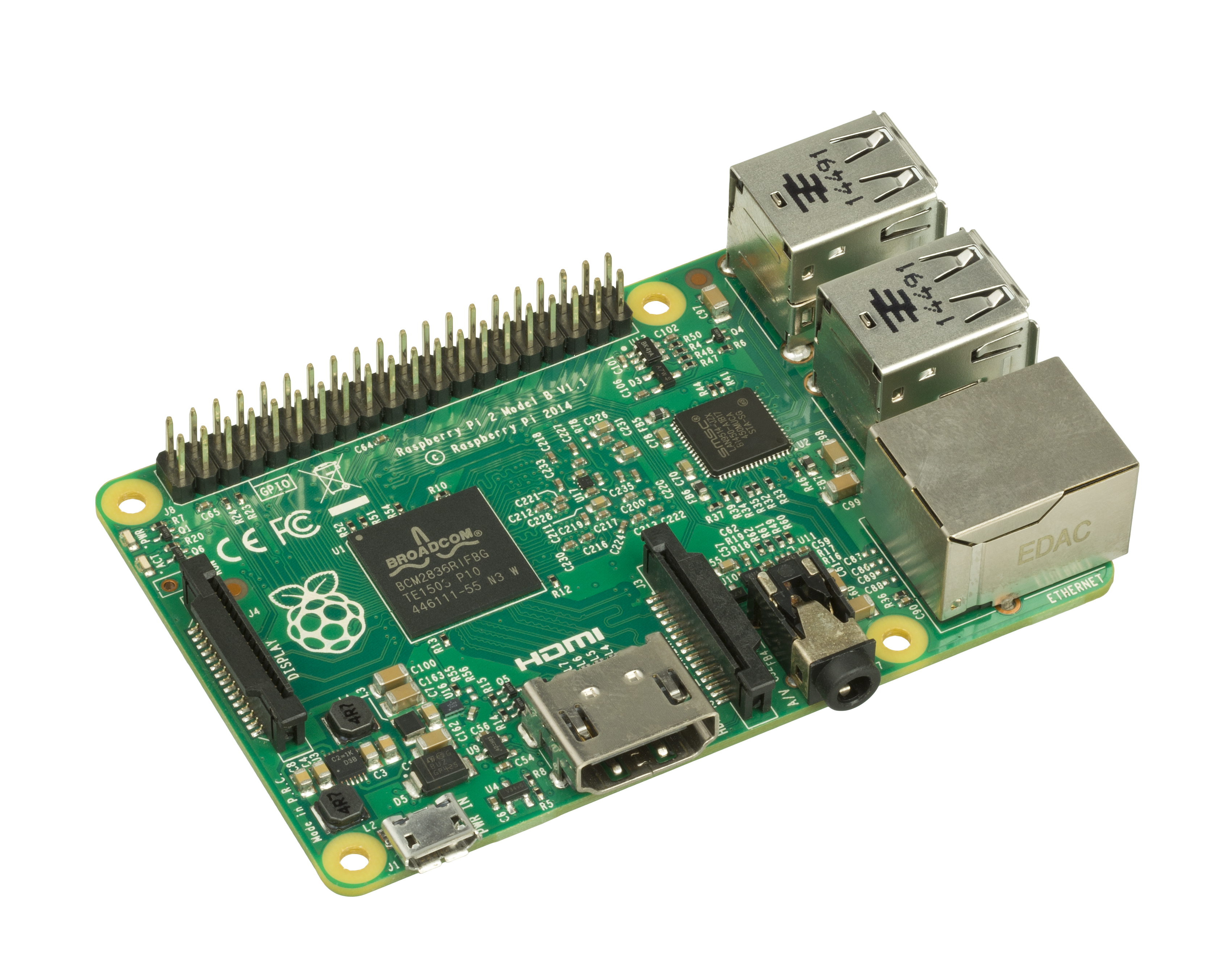
How To Run And Schedule Python Scripts On Raspberry Pi Codementor

Raspberry Pi Archives HendGrow

Python On Raspberry Pi Part 7 LinuxAndUbuntu

Using The Raspberry Pi GPIO With Python MaxEmbedded

Running Python Code Give NameError Name ABCMeta Is Not Defined Every
To do that simply run this command echo alias python python3 bashrc Note for the following of this tutorial I ll still use the python3 command If you already have Python 3 by default you can choose to use python instead

Setting Up the Raspberry Pi Required Hardware Optional Hardware Software Final Setup Running Python on the Raspberry Pi Using the Mu Editor Editing Remotely Over SSH Creating a python projects Directory Interacting With Physical Components Electronic Components GPIO Pins Tactile Button LED Buzzer Motion Sensor

How to run Python Programs on Raspberry Pi Beginner Tutorial By Shawn 4 years ago Own a Raspberry Pi and need a simple tutorial on how you can start create and run your own programs on Python You re in the right place today

The Raspberry Pi system includes an IDE to code in Python the basic libraries are pre installed and the GPIO pins are perfect to experiment There a few steps to follow to understand the Python code but it s not so complicated
You have several options when it comes to working with the Raspberry Pi Most commonly the Pi is used as a standalone computer which requires a monitor keyboard and mouse listed below To save on costs the Pi can also be used as a headless computer without a monitor keyboard and mouse
To execute the program simply select the Run option from the menu and then Run Module Your results of your program will then be shown in the IDLE window Another way to execute your code once it has been saved is directly from the Command Line Interface CLI or terminal screen Running Python on the Raspberry Pi To run and test Python scripts on the Raspberry Pi open up a terminal window either on the Pi locally or through SSH Explore the catalog containing your code records Then simply run your Python program file using python filename py This will execute the code and you should see the script perform the
This is done simply by connecting the micro USB cable and connecting it to power The display should now light up and a few lines of code should appear on a black background Shortly after the startup process is complete and we see the desktop We now open the Python console in which we can immediately enter program code