Run Windows Service In Command Line How To Delete Windows Service In Command Line Or Registry In Windows Can I Redirect Stdout To A named Pipe In Command Line 3 How To Delete Windows Service In Command Line Or Registry How To Create User In Command Line Interface YouTube How To Run Windows Update From Command Line YouTube Web Sep 12 2022 nbsp 0183 32 Use the following commands to start or stop a Windows service Start Service sc start ServiceName Stop Service sc stop ServiceName You can also change the Windows service startup type using the sc command The following examples will help you to change service startup to manual or disable it Set start type to manual sc
Web Jul 7 2023 nbsp 0183 32 Right click on your Start button to open the WinX Menu Select Run This opens the Run box Now type services msc in it and hit Enter to open the Services Manager Here under the Name Web Feb 5 2021 nbsp 0183 32 09 28 2023 by Maclain Wiltzer In this article I ll show how to install and configure a Windows Service query its status and properties and then how to uninstall it I ll be using the command line utilities installutil exe and sc exe to install and configure the service Table of Contents
How To Run Windows Update From Command Line YouTube Command Line Power User Product Information Latest Updates And Search Forward In Command Line History 2 Solutions YouTube Fix Scroll Bar In Command Line Issue 12 GoogleCloudPlatform How To Run Windows Command Prompt As Administrator YouTube Windows Command Line Cheat Sheet Cheat Sheet Www vrogue co Top 50 Windows Command Prompt Commands List A Complete Of Voice In 10 Windows Command Line Cheat Sheet MySQL Command Line Client Getting Started Tutorial
Run Windows Service In Command Line
 Run Windows Service In Command Line
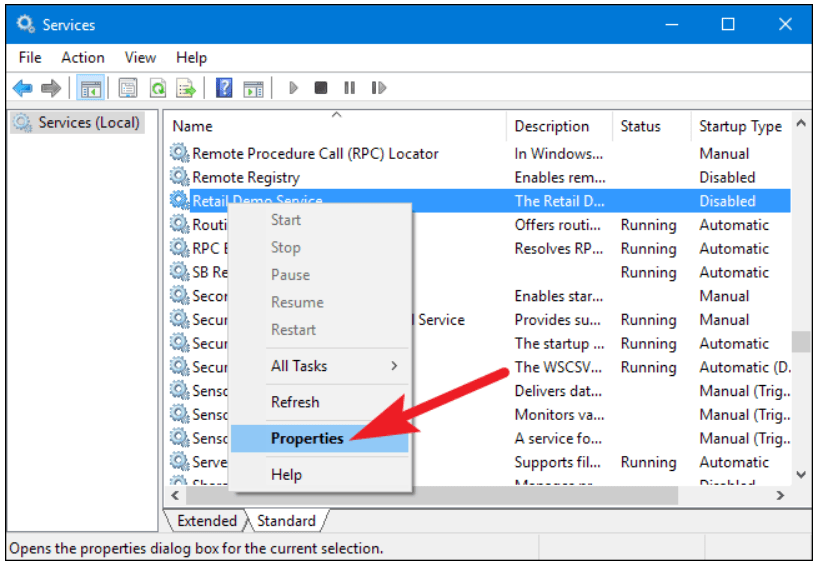
https://www.action1.com/wp-content/uploads/2021/05/choose-the-Properties-command.png
Web Oct 17 2019 nbsp 0183 32 Use the following commands to start stop or check the status of a service in Windows on the command line prompt CMD Start a service C gt net start serviceName Get a service status C gt sc query serviceName Stop a service C gt net stop serviceName
Pre-crafted templates provide a time-saving option for creating a varied series of documents and files. These pre-designed formats and designs can be utilized for various personal and expert tasks, including resumes, invites, leaflets, newsletters, reports, presentations, and more, simplifying the content creation process.
Run Windows Service In Command Line
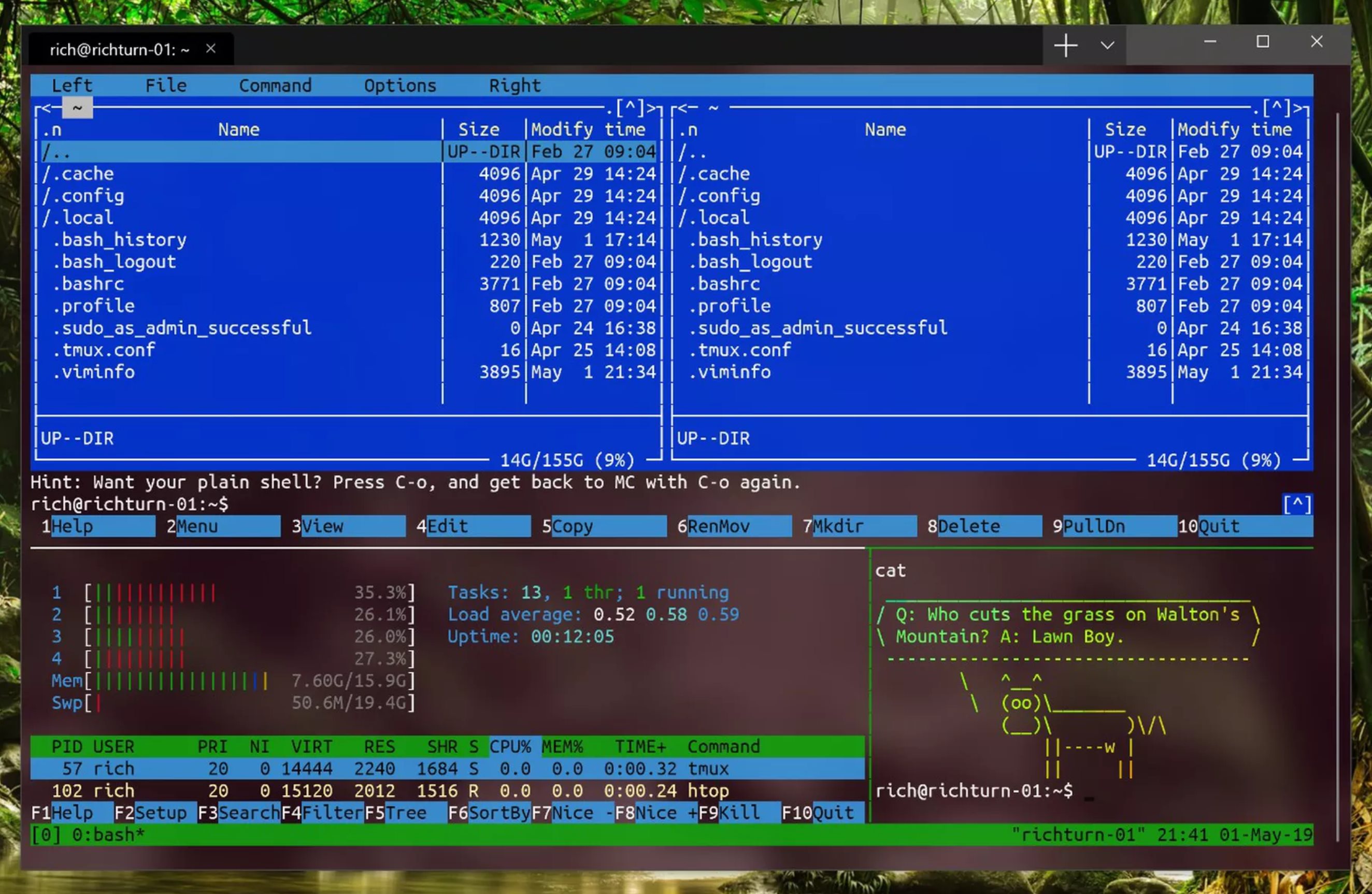
Download Windows Terminal The New Command Prompt For Windows 10 Www

Command Line Power User Product Information Latest Updates And

Search Forward In Command Line History 2 Solutions YouTube

Fix Scroll Bar In Command Line Issue 12 GoogleCloudPlatform

Windows Command Line Cheat Sheet Cheat Sheet Www vrogue co

Top 50 Windows Command Prompt Commands List A Complete Of Voice In 10
Web Jun 16 2017 nbsp 0183 32 6 Answers Sorted by 46 Before a Windows Service can run it has to be quot installed quot first using installutil EG C installutil i c path to project debug service exe Then you can open up the list of Services to start it EG Right click My Computer Click on Manage Open up Services and Applications Click on Services

Web Aug 15 2010 nbsp 0183 32 We normally use Services msc to start or stop or disable or enable any service We can do the same from windows command line also using net and sc utilities Below are commands for controlling the operation of a service Command to stop a service net stop servicename To start a service net start servicename
Web Sep 25 2008 nbsp 0183 32 18 Answers Sorted by 359 Use the SC service control command it gives you a lot more options than just start amp stop DESCRIPTION SC is a command line program used for communicating with the NT Service Controller and services USAGE sc lt server gt command service name The option lt server gt has the form quot ServerName quot

Web Jan 16 2020 nbsp 0183 32 When working on a Windows Service project you may want to run it as a Console App so you can see what s going on If you try to run the service in Visual Studio you ll get an error that says Cannot start service from the command line or a debugger A Windows Service must first be installed You really only have two options

Web May 4 2016 nbsp 0183 32 Open Command Prompt by right clicking the Start menu or pressing Windows X choosing quot Command Prompt Admin quot and then clicking Yes to allow it to run with administrative privileges At the Command Prompt use the following syntax to create the new service
Web Dec 26 2016 nbsp 0183 32 First we need to locate the InstallUtil exe which is used to Install the Windows Service using Windows system via command prompt It comes with Windows internally in the folder given below C Windows Microsoft NET Framework v4 0 30319 InstallUtil exe Web Jan 4 2023 nbsp 0183 32 1 How to open Services using Search 2 How to open Services from the Run window 3 How to open Services from CMD PowerShell or Windows Terminal 4 How to start Services from File Explorer the location of services msc 5 How to create a shortcut to Services in Windows 6 How to open Services from the Start Menu 7
Web 6 Answers Sorted by 140 You can use net stop service name to stop it and net start service name to start it up again basically restarting the service To combine them just do this net stop service name amp amp net start service name There is also a command built specifically for messing with services sc DESCRIPTION