Run Text File In Terminal Linux How To Create A Python File In The Linux Terminal Systran Box How To Open And Run Python Files In The Terminal LearnPython Cuota Distraer Soberano Crear Archivo En Linux Fuente Cuota De Admisi n How To Open A C File In Linux Terminal Systran Box How To Edit Files In Linux Using A Shell Script Systran Box The link works too but when clicking it there s a pop up window that asks if i want to see the contents or run the file I want it to run automatically without choosing Run option from the pop up window I tried chmod 755 Netbeans on the link file but it didn t do anything i checked and it already is an executable file but i don t want
To open an existing file or to create a new file type nano followed by the file name nano filename This opens a new editor window and you can start editing the file At the bottom of the window there is a list of the most basic command shortcuts to use with the nano editor All commands are prefixed with either or M characters Open the Nano editor with the following command nano You ll notice a new interface in your terminal that reads like GNU nano and displays New Buffer New Buffer means Nano is working on a new file This is equivalent to opening a new unsaved file in a text editor like Gedit or Notepad Nano editor interface
How To Edit Files In Linux Using A Shell Script Systran Box How To Create And Edit Text File In Linux By Using Terminal Wiki Edit Python On Linux Server Mineolpor How To Create And Edit Text File In Linux By Using Terminal Wiki Adagol V zlat F lk r How To Compile And Run Python Program In Ubuntu Terminal Text Editor Lesstews How To Create Compile Run A C Program In Linux Terminal Shout Ubuntu Open And Edit Text File In Terminal Linux Iopnote How To Edit Text File In Terminal Windows Extremebap
Run Text File In Terminal Linux
 Run Text File In Terminal Linux
https://syscdn.systranbox.com/1661373596530.png
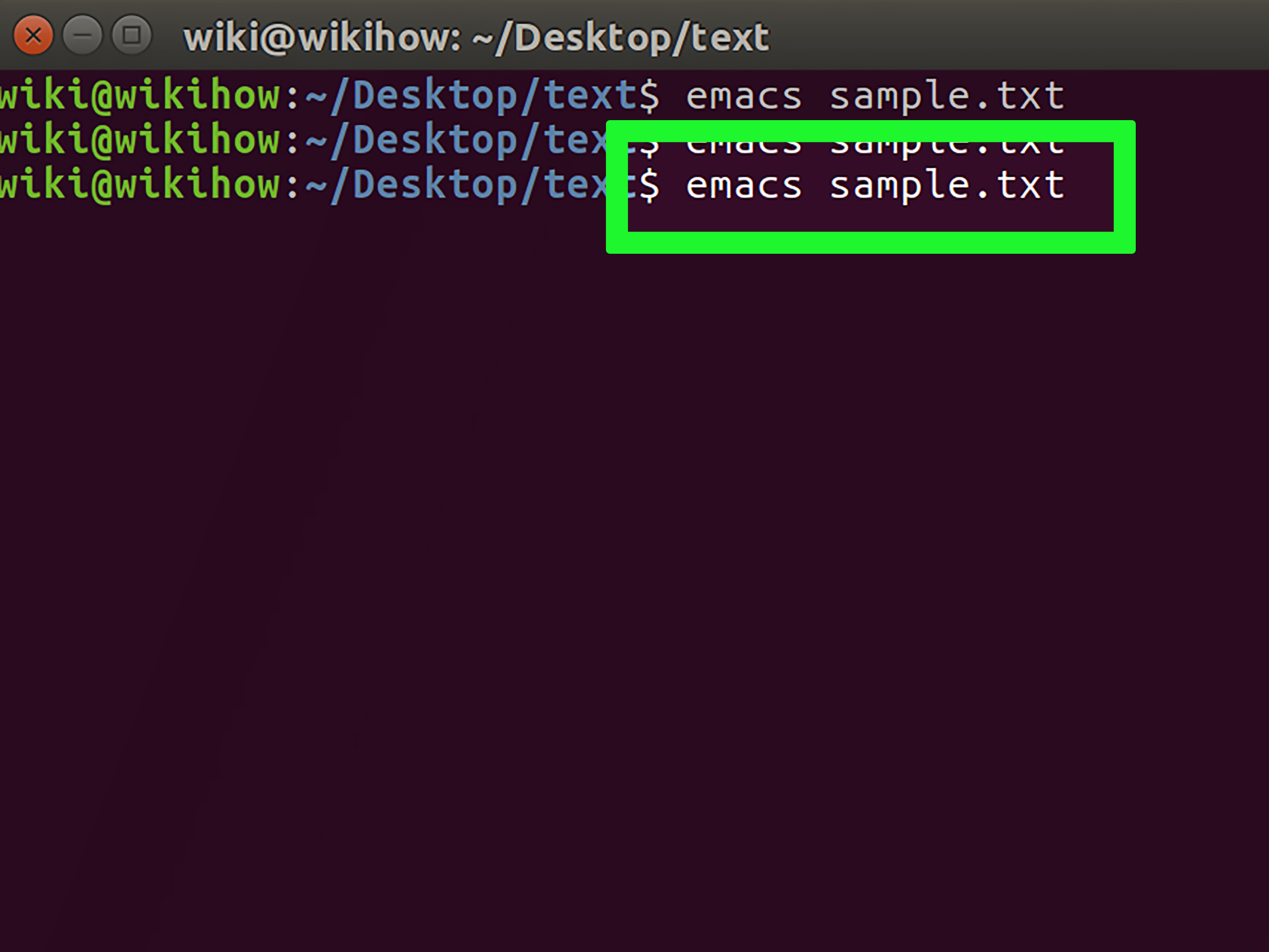
To create a new file type the following command at the terminal prompt replacing sample txt with whatever file name you want to use and then press Enter sample txt You are given no indication that the file was created but you can use the ls command to verify the existence of your new file ls l sample txt
Pre-crafted templates use a time-saving solution for creating a diverse series of files and files. These pre-designed formats and layouts can be utilized for numerous personal and professional jobs, including resumes, invitations, leaflets, newsletters, reports, presentations, and more, improving the material production process.
Run Text File In Terminal Linux
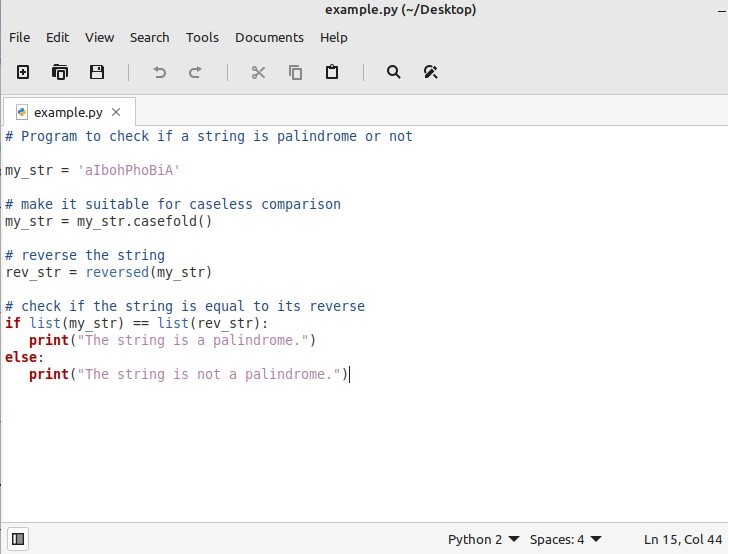
Linux Edit Text File In Terminal Vsegroovy

How To Create And Edit Text File In Linux By Using Terminal Wiki

Edit Python On Linux Server Mineolpor

How To Create And Edit Text File In Linux By Using Terminal Wiki
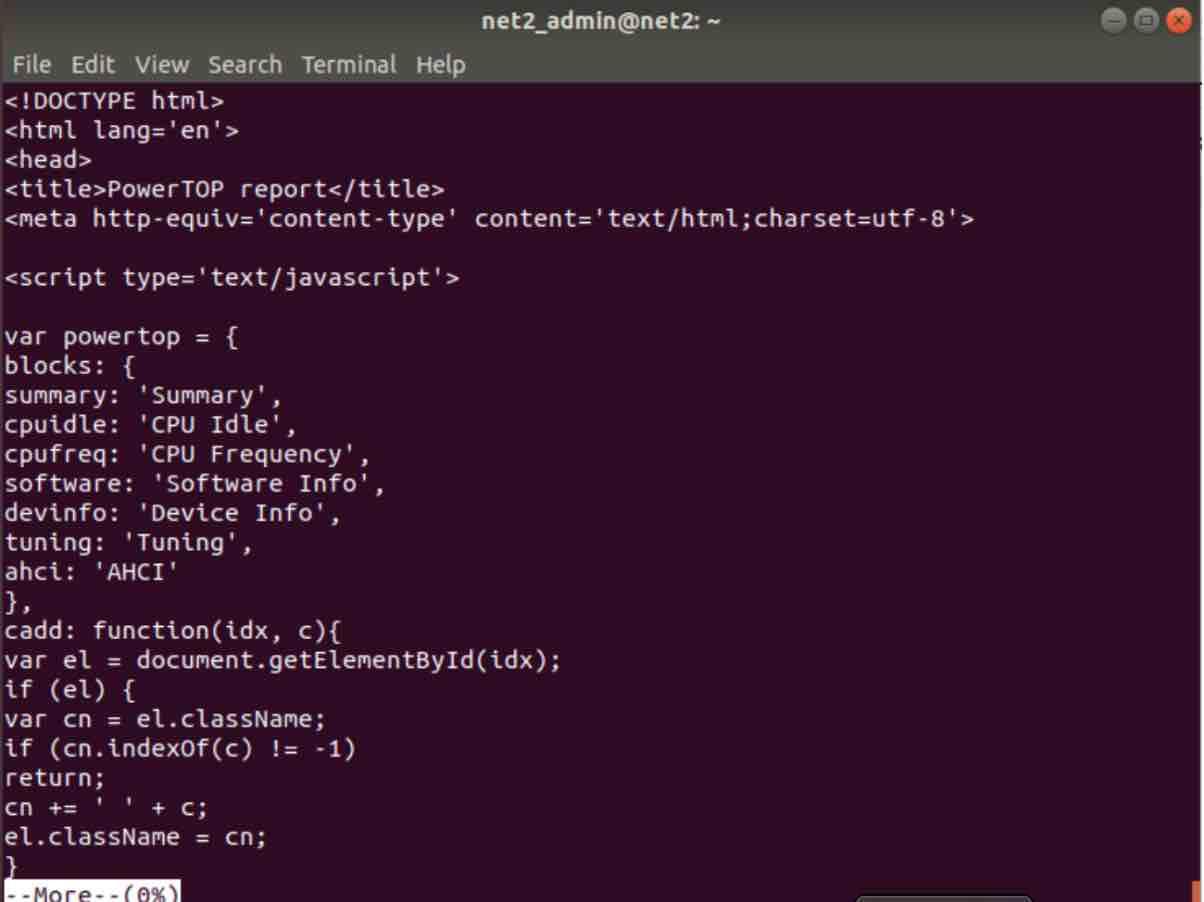
Terminal Text Editor Lesstews

How To Create Compile Run A C Program In Linux Terminal Shout Ubuntu

245 For short files cat path your file directly shows a text file in the terminal For longer files less path your file lets you scroll and search text to search Enter in the file press q to exit e g
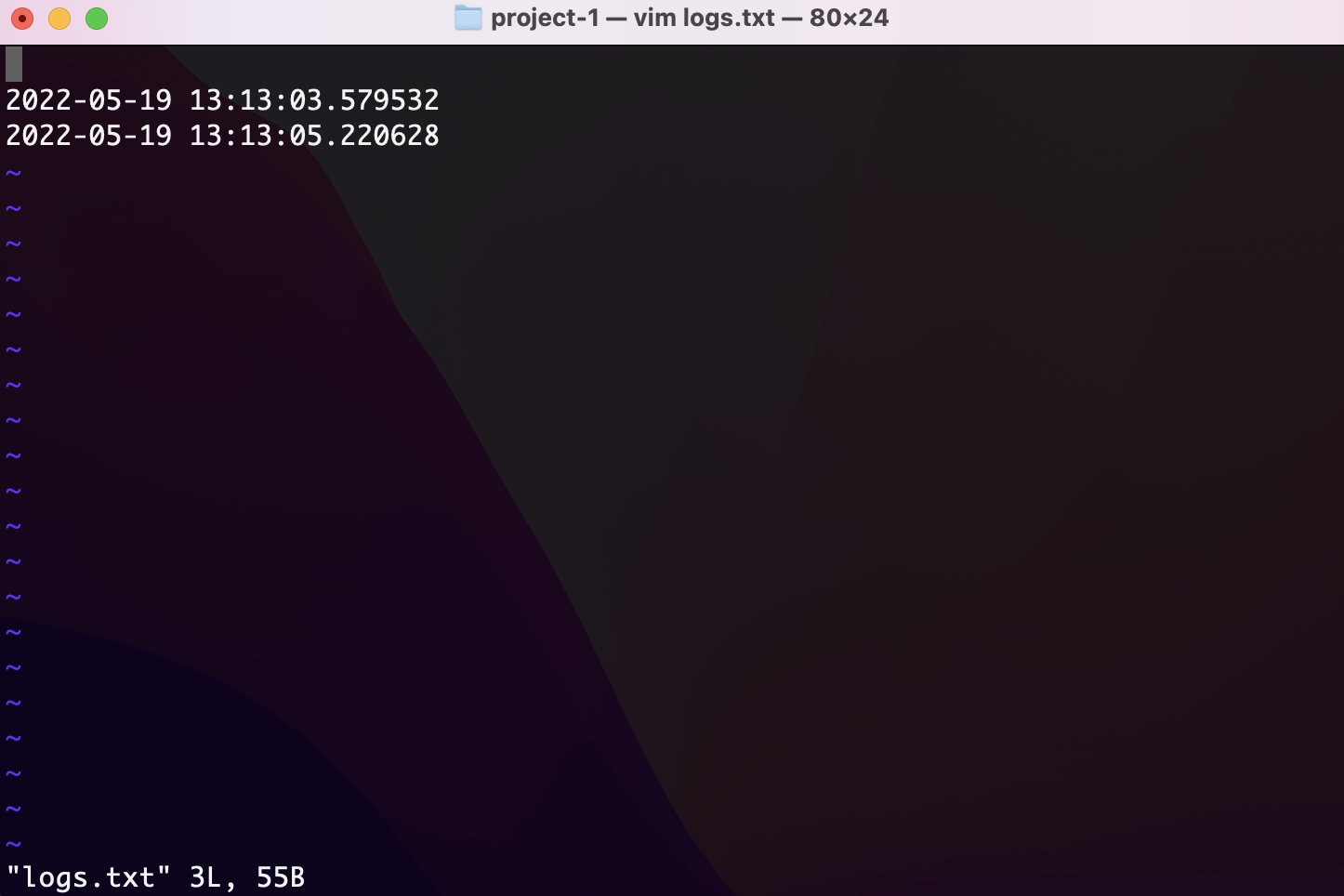
We can also combine the awk text processing tool and the Exec Desktop entry file command field for advanced execution of code according to the specified pattern in the text data To elaborate we employ awk to scan for the Exec command within a desktop file and run that from the command line Now let s look at an example awk F Exec print 2 exit gnome system monitor desktop
2 Using bash Let s consider we have a file called sample txt which includes one echo command and a variable set cat sample txt echo Hello World var variable is set We can run our file by using the bash command bash sample txt Hello World bash reads the file content and executes it in the current shell

Text Files txt Audio Files mp3 Video Files mp4 Images jpg jpeg Running a Text File To run a text file in Ubuntu use the nano command along with the file name In the following example we are executing the nano command to run the abc txt file

1 If the goal is to read a text file from the command prompt and be able to scroll the text then most NIX systems have the utilities less or more that can be used robert pip2 tmp less exampleText txt If you just want to spew the text to the command line then try cat robert pip2 tmp cat exampleText txt
2 Assuming you are using a unix bash command line What you are looking for is a bash sh script I would copy and rename your file txt file to file sh You will probably need to make it executable chmod u x file sh You will also want to add bin bash to the top of your script You may need to adjust some syntax but that should be enough Head test txt Output this is the beginning of my test file tail works the same but it will show you the end of the file tail test txt Output this is the end of my test file The help flag can be used on most commands and it will return info on how to use that given command
Exec executes launches the GNOME terminal using the gnome terminal command runs the bash command to execute the test sh script and leaves a new Bash session open after its completion After adding the code we press CTRL O and Return to save the test desktop file and CTRL X to exit the nano editor