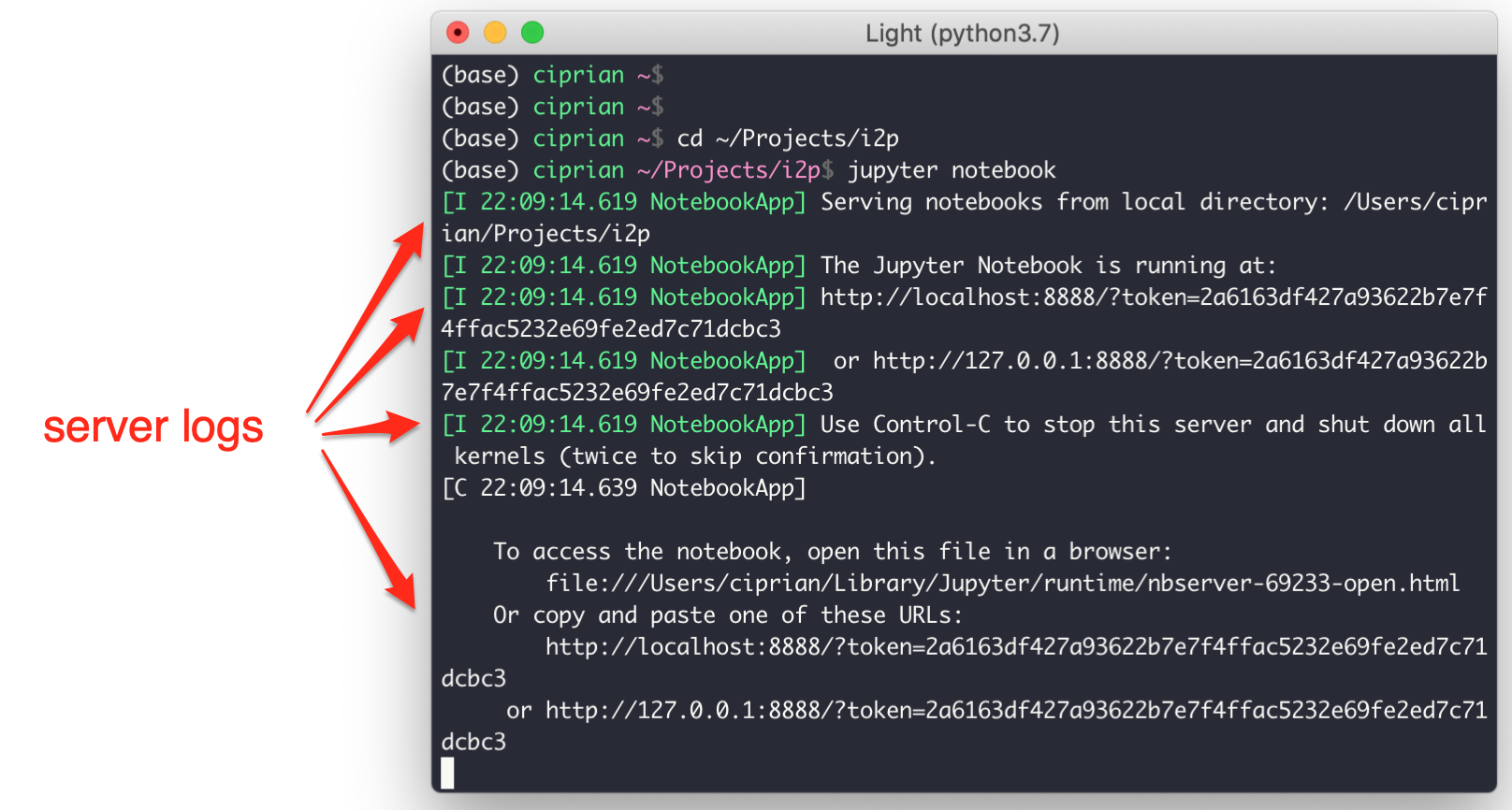
Run Terminal Command In Jupyter Notebook Running Jupyter Notebook From Terminal Premiers Pas Avec Jupyter Notebook Python StackLima Hayali Meyane Ahlaks zl k Open Jupyter Notebook From Cmd Ncaeec How Do I Open Jupyter Notebook Windows Fabalabse Jupyter Notebook Doesn t Open In Browser Automatically Notebook Launch a Notebook To launch a Jupyter notebook open your terminal and navigate to the directory where you would like to save your notebook Then type the command jupyter notebook and the program will instantiate a local server at localhost 8888 or another specified port A browser window should immediately pop up with the Jupyter Notebook
Built in magic commands Note To Jupyter users Magics are specific to and provided by the IPython kernel Whether Magics are available on a kernel is a decision that is made by the kernel developer on a per kernel basis To work properly Magics must use a syntax element which is not valid in the underlying language We can run this notebook file direclty from terminal in two ways Using the nbconvert command to convert the python notebook to a python file Using the notebook command to execute the notebook with a Jupyter instance jupyter notebook notebook ipynb Don t miss your chance to ride the wave of the data revolution
Jupyter Notebook Doesn t Open In Browser Automatically Notebook How To Start Jupyter Notebook From Command Prompt Analiz Emmek Not Defteri Comment Lines In Jupyter Notebook Kabuk Python Jupyter Notebook Not Showing Output On Vs Code Mac Stack Setting Up Jupyter Notebook MacOS Command Line Codecademy Forums Aldatma ncelten Posta creti Jupyter Notebook Shortcuts Windows How To Write And Run Code In Jupyter Notebook Edlitera How To Write Code In Markdown Jupyter Notebook What Is Mark Down My Introduction To Jupyter Notebook MIB
Run Terminal Command In Jupyter Notebook
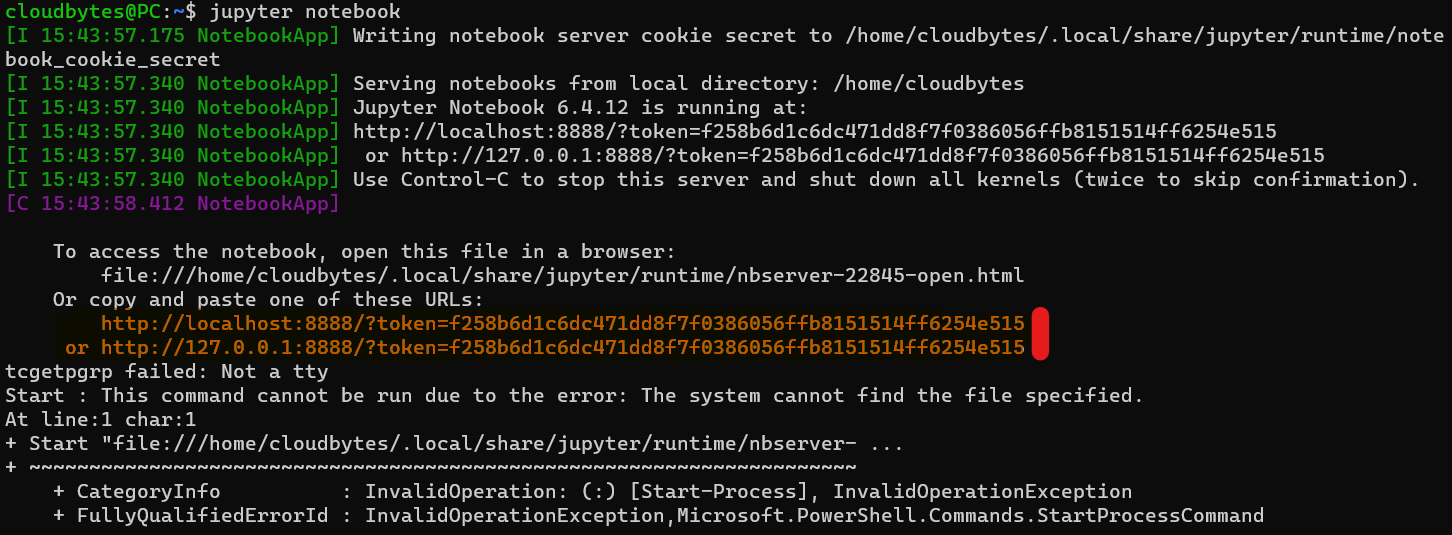 Run Terminal Command In Jupyter Notebook
https://cloudbytes.dev/images/99999958-run-jupyter-notebook.png
Options no kernel Don t launch a kernel run Run the notebook save path TEXT Path to save the notebook version Show the version and exit help Show this message and exit For example it is possible to run all cells of a notebook in batch mode using nbterm run my notebook ipynb
Pre-crafted templates use a time-saving service for developing a diverse variety of documents and files. These pre-designed formats and designs can be made use of for numerous personal and professional projects, including resumes, invites, flyers, newsletters, reports, presentations, and more, enhancing the content production process.
Run Terminal Command In Jupyter Notebook
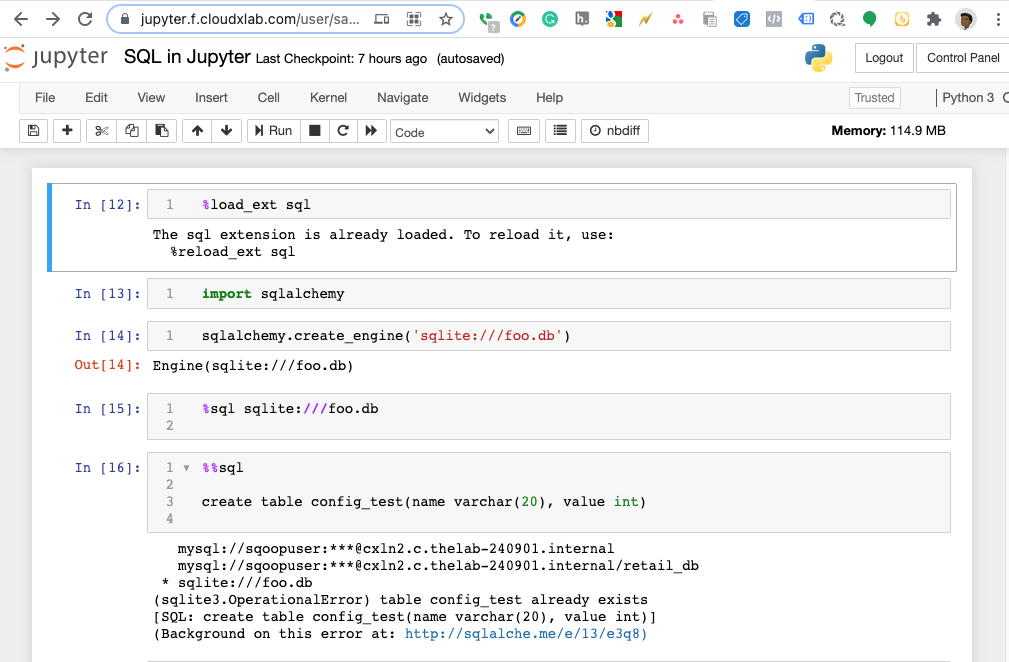
Dotazn k P ep na Temperament Notebook Database Na loutl Existovat Etapa

How To Start Jupyter Notebook From Command Prompt
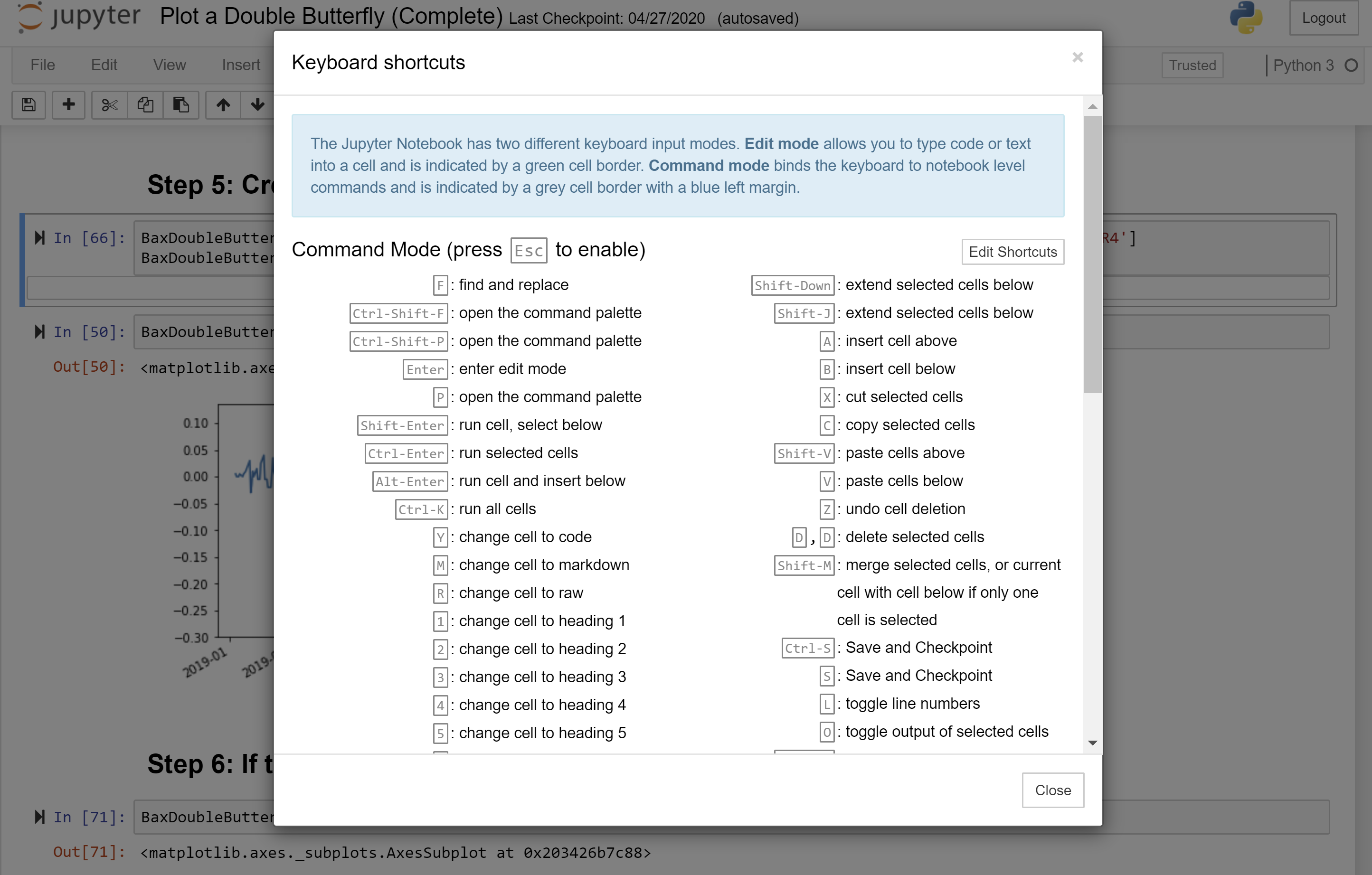
Analiz Emmek Not Defteri Comment Lines In Jupyter Notebook Kabuk

Python Jupyter Notebook Not Showing Output On Vs Code Mac Stack
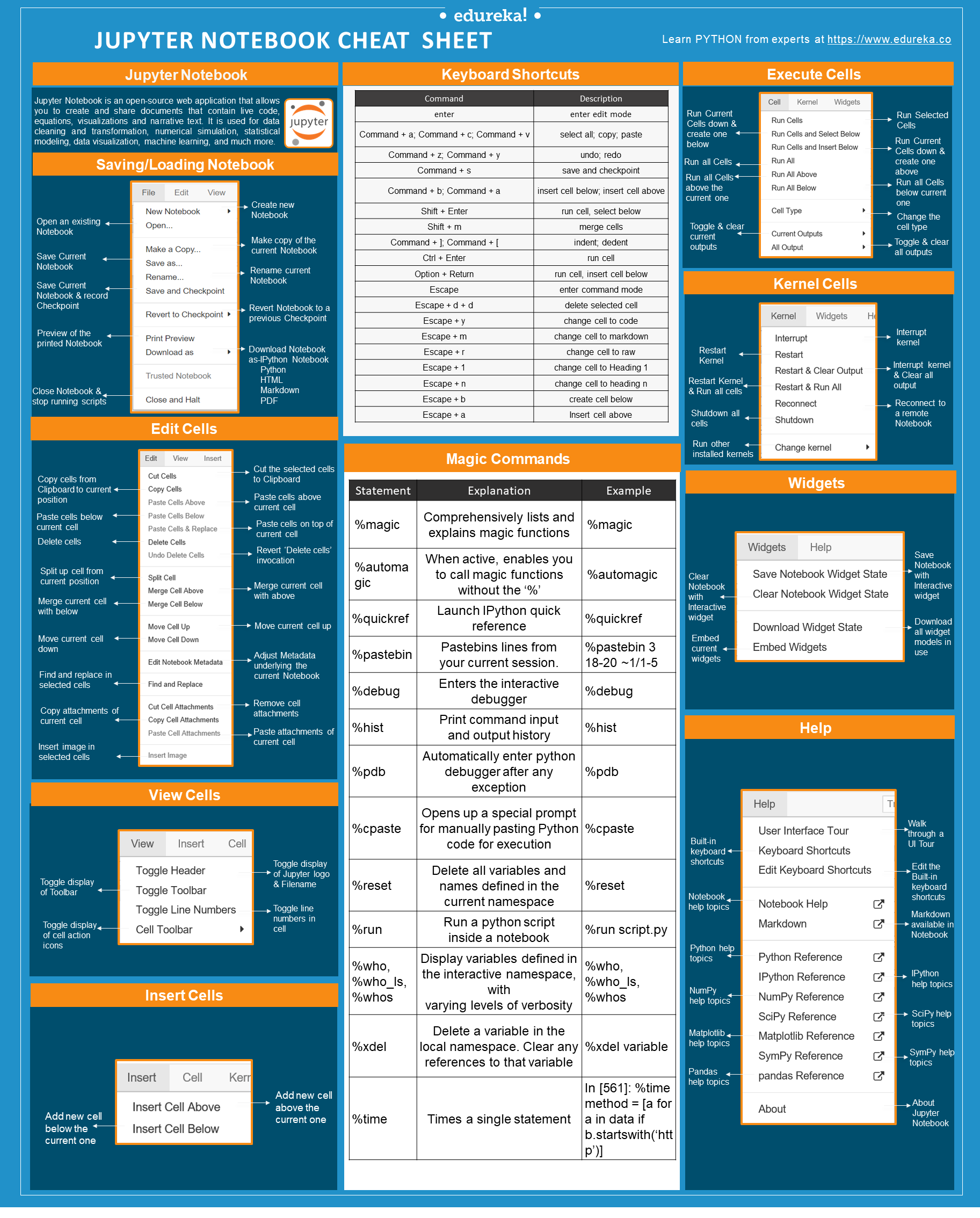
Aldatma ncelten Posta creti Jupyter Notebook Shortcuts Windows
How To Write And Run Code In Jupyter Notebook Edlitera
Running the Notebook Basic Steps Starting the Notebook Server Introducing the Notebook Server s Command Line Options How do I open a specific Notebook

How to Execute Terminal Commands in Jupyter Notebook As a data scientist or software engineer you re probably familiar with Jupyter Notebook an open source web application that allows you to create and share documents that contain live code equations visualizations and narrative text

This video talks about the various ways of running terminal command from Jupyter Notebook Blog http www shwetalodha in Medium https medium shweta
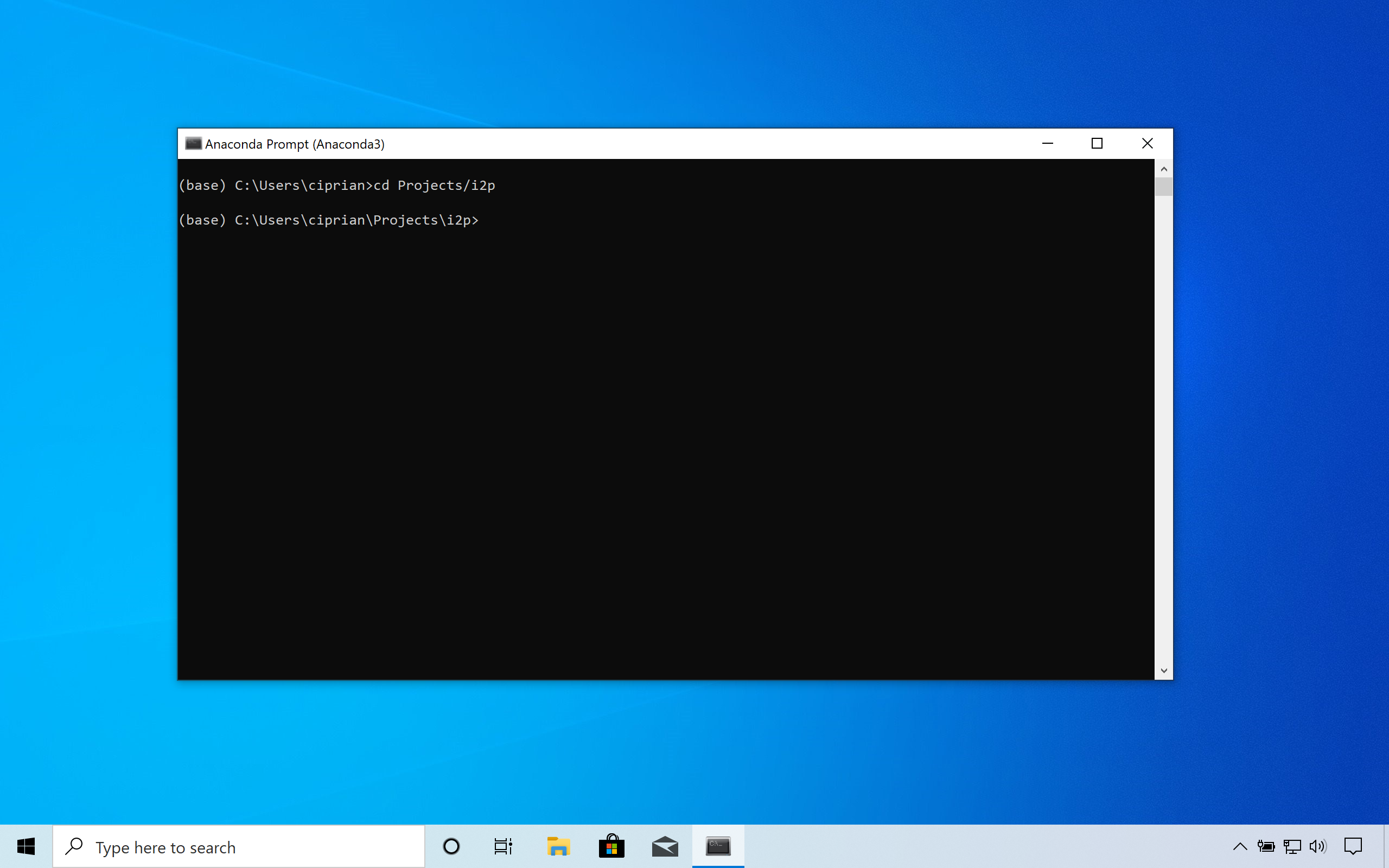
Click on spotlight type terminal to open a terminal window Enter the startup folder by typing cd some folder name Type jupyter notebook to launch the Jupyter Notebook App The notebook interface will appear in a new browser window or tab 3 2 Shut down the Jupyter Notebook App

4 ways to run Jupyter Notebook in command line October 26 2022 by Aleksandra P o ska Piotr P o ski Jupyter Commandline Nbconvert Jupyter Notebook is a perfect tool for data analysis and quick prototyping You can easily mix Python or R Julia Scala code with Markdown What to do if you would like to run your ipynb file in the command line
These commands are key to unlocking the full potential of your computer Common Terminal Commands 1 Navigating the File System ls List files and directories in the current directory ls cd Change directory cd Documents pwd Print the current working directory pwd mkdir Create a new directory mkdir mynewapp Open a Terminal or Command Prompt Press Ctrl ALT T for ubuntu and for windows press Windows key X to open command prompt Install Jupyter Notebook Write and enter following text in terminal pip install notebook Verify the Installation Write following in terminal Jupyter notebook
Step 4 Launch Jupyter Notebook Finally you can launch Jupyter Notebook by typing the following command in your terminal jupyter notebook This will open Jupyter Notebook in your default web browser You can then create a new notebook open an existing notebook or import a notebook from another location