Run Shell Script Using Command Prompt How to Create & Run Shell Scripts on Windows [Step-By-Step] Bash Scripting: Read input from command line - Linux Tutorials - Learn Linux Configuration How to run Linux Commands on Windows 10? - GeeksforGeeks How to Run a PowerShell Script From the Command Line and More - YouTube How To Execute a Command with a Shell Script in Linux | DigitalOcean 16 Answers 16 Right click on your sh file and select Properties enter image description here In the Permissions tab check Allow executing file as program
Run Shell script on Windows 10 with WSL Open Control Panel Go to Programs Click Turn Windows features on or off In the window that opens Shell Scripts or SH files are like batch files of Windows which can be executed in Linux or
How To Execute a Command with a Shell Script in Linux | DigitalOcean A Beginner's Guide to the Command Line | Twilio How to Run Files in Linux: 9 Steps (with Pictures) - wikiHow 4 Ways to Run a Program from the Command Line on Linux - wikiHow Shell Script Wrapper Examples: Enhance the Ping and Host Commands - nixCraft How to Run .sh or Shell Script File in Windows 11/10 How to run .sh or Shell Script file in Windows 11/10 How To Run a Bash Script – devconnected 10 Ways to Open the Command Prompt in Windows 10
Run Shell Script Using Command Prompt
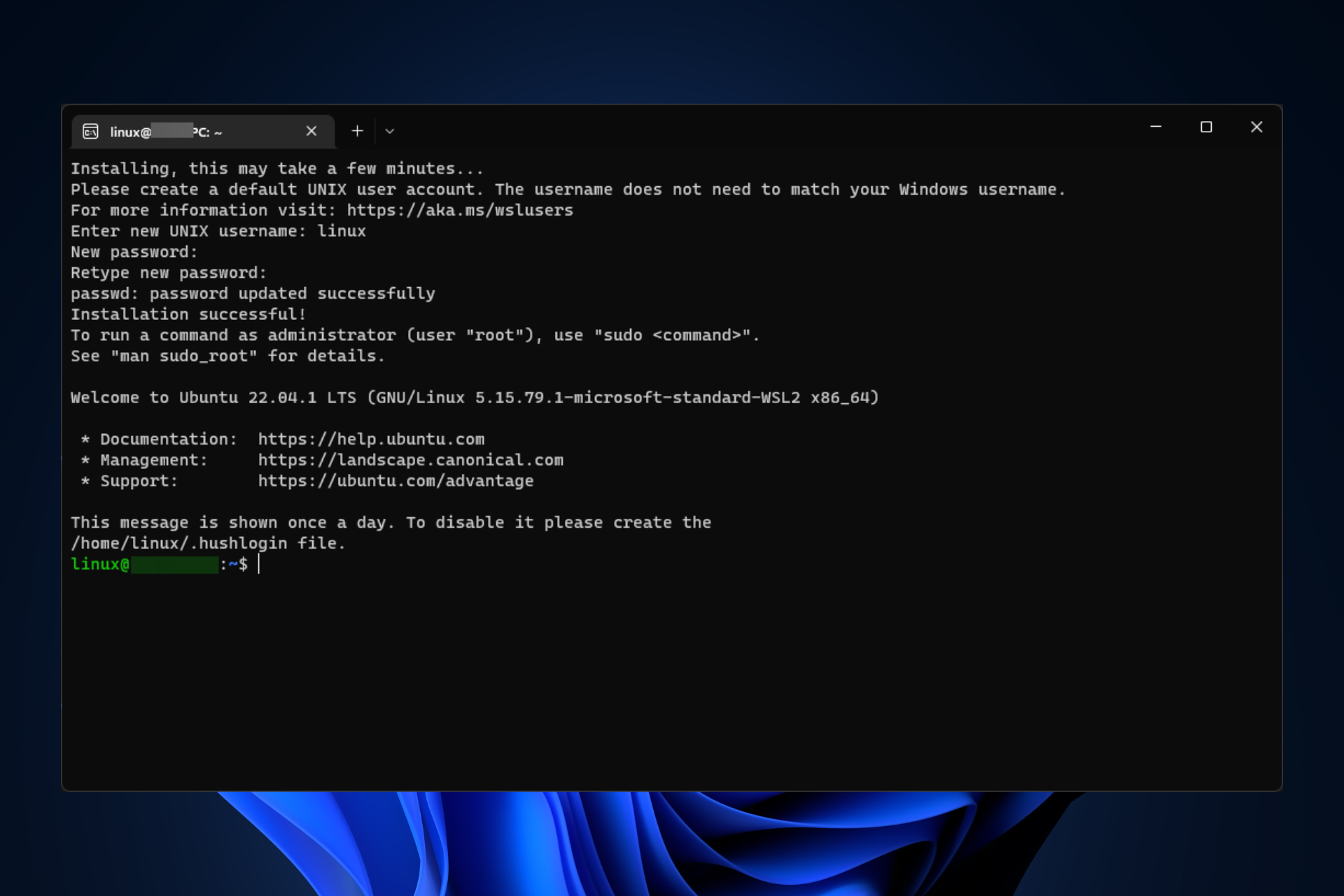 Run Shell Script Using Command Prompt
https://cdn.windowsreport.com/wp-content/uploads/2023/01/shell-script-for-windows.png
How to run SH file Open the Linux terminal and go to the directory where the SH file is located By Using chmod command set execute permission on your
Pre-crafted templates use a time-saving solution for developing a diverse series of documents and files. These pre-designed formats and designs can be made use of for numerous personal and expert jobs, consisting of resumes, invites, leaflets, newsletters, reports, presentations, and more, simplifying the content creation procedure.
Run Shell Script Using Command Prompt
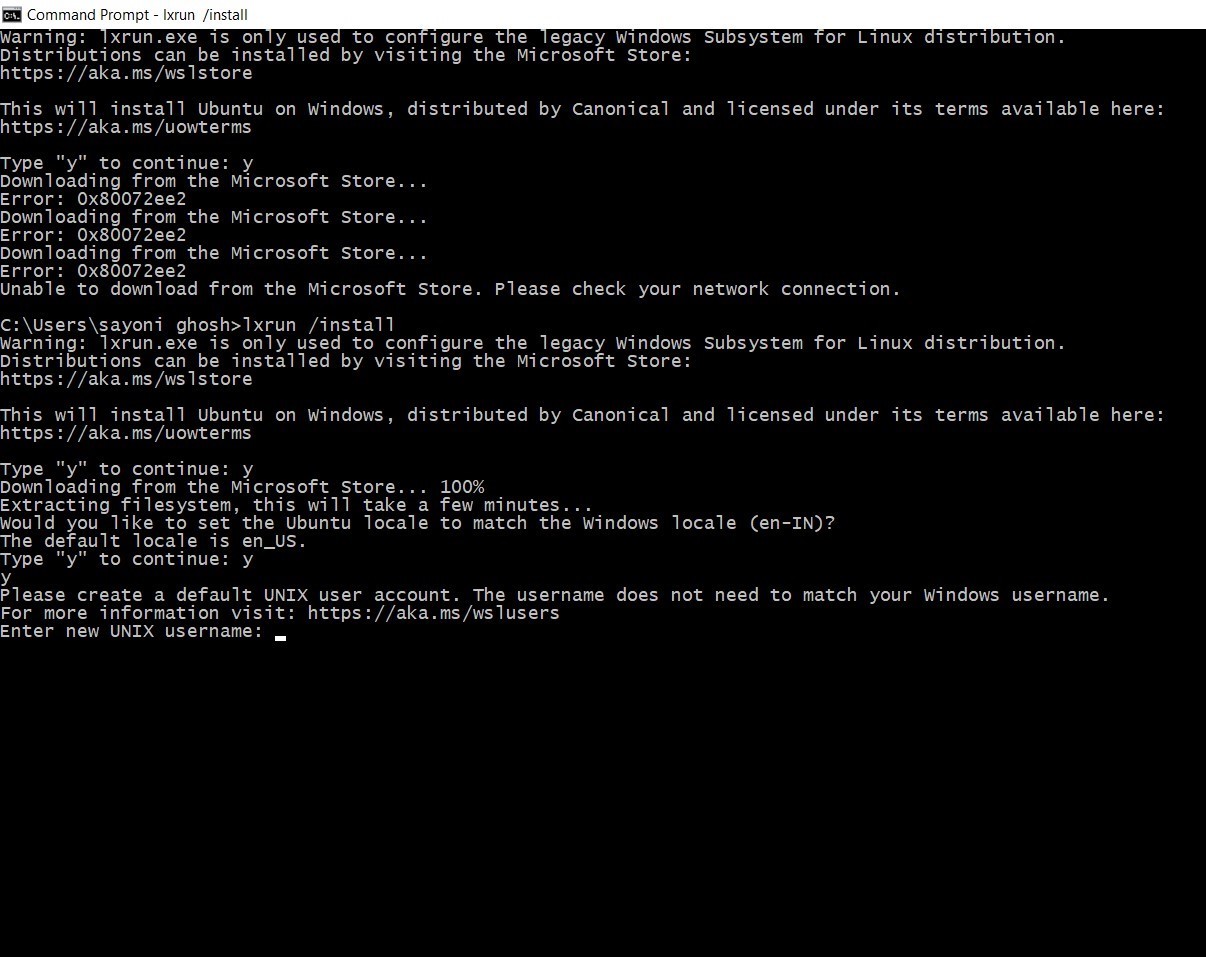
How to run Linux Commands on Windows 10? - GeeksforGeeks
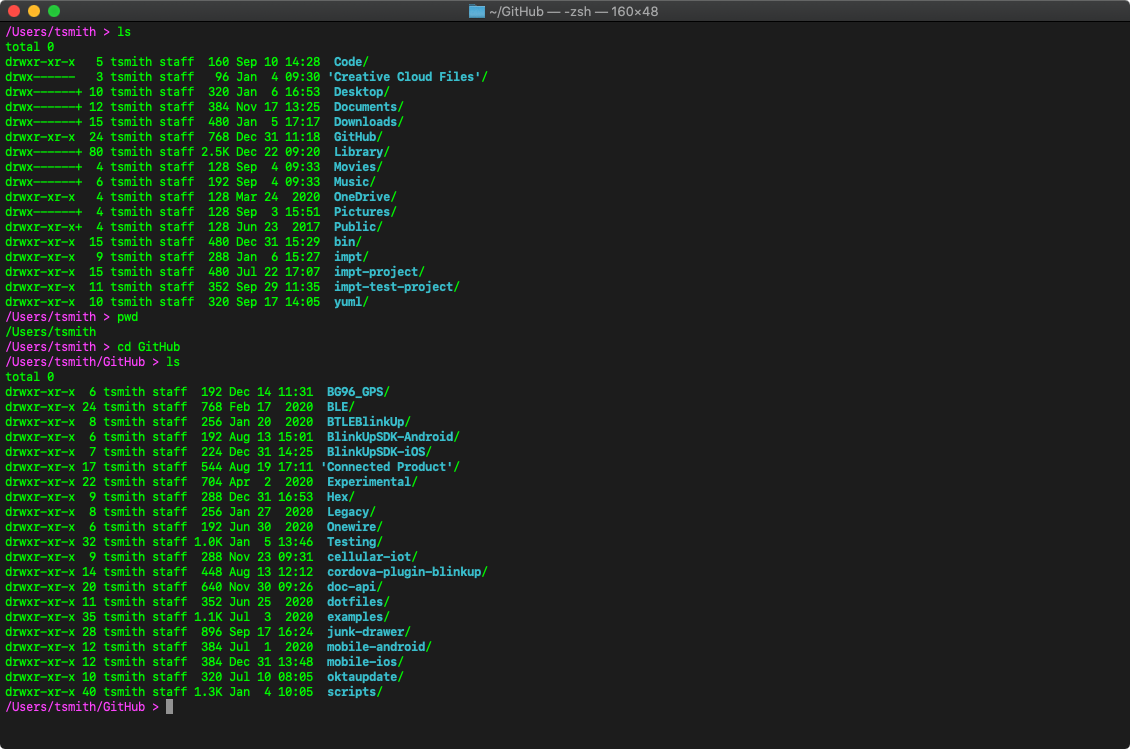
A Beginner's Guide to the Command Line | Twilio

How to Run Files in Linux: 9 Steps (with Pictures) - wikiHow

4 Ways to Run a Program from the Command Line on Linux - wikiHow
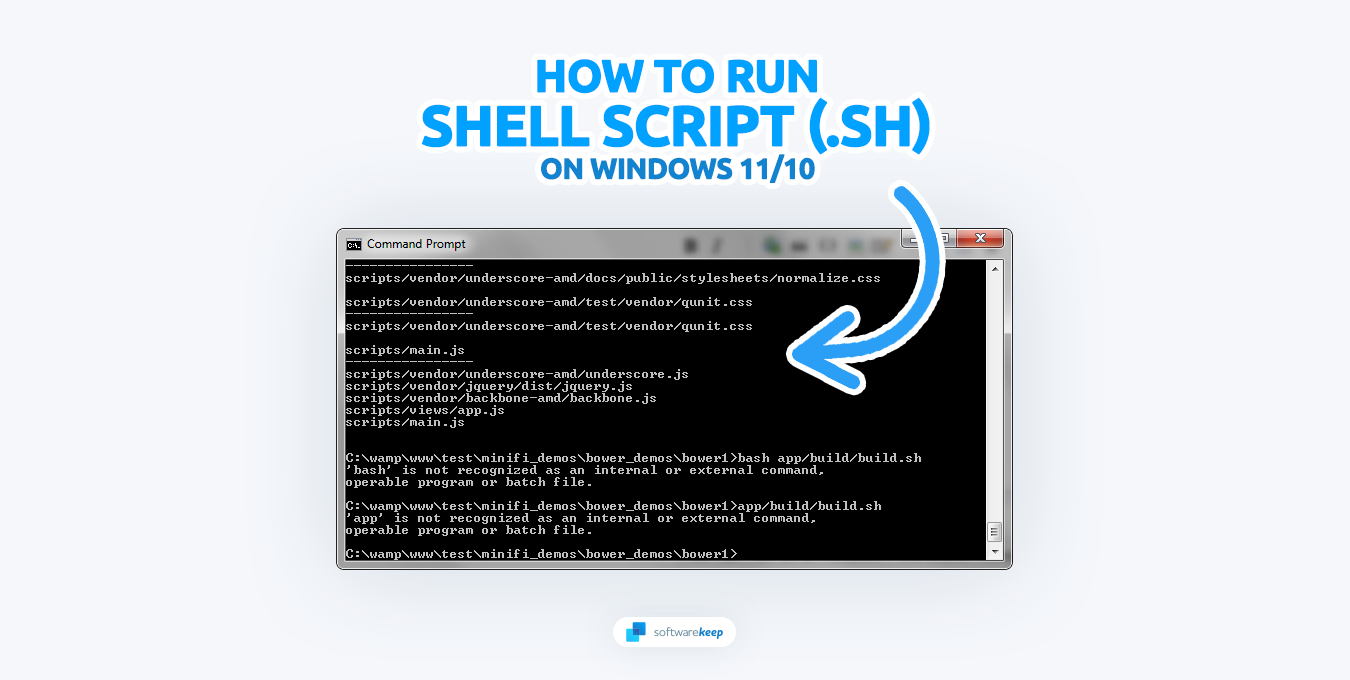
How to Run .sh or Shell Script File in Windows 11/10
How to run .sh or Shell Script file in Windows 11/10
Type sh in cmd window to redirect into Bourne shell and run your commands in terminal Share

Once everything is settled you can try to run shell scripts in Windows Command Prompt Locate the script files stored as text files in your
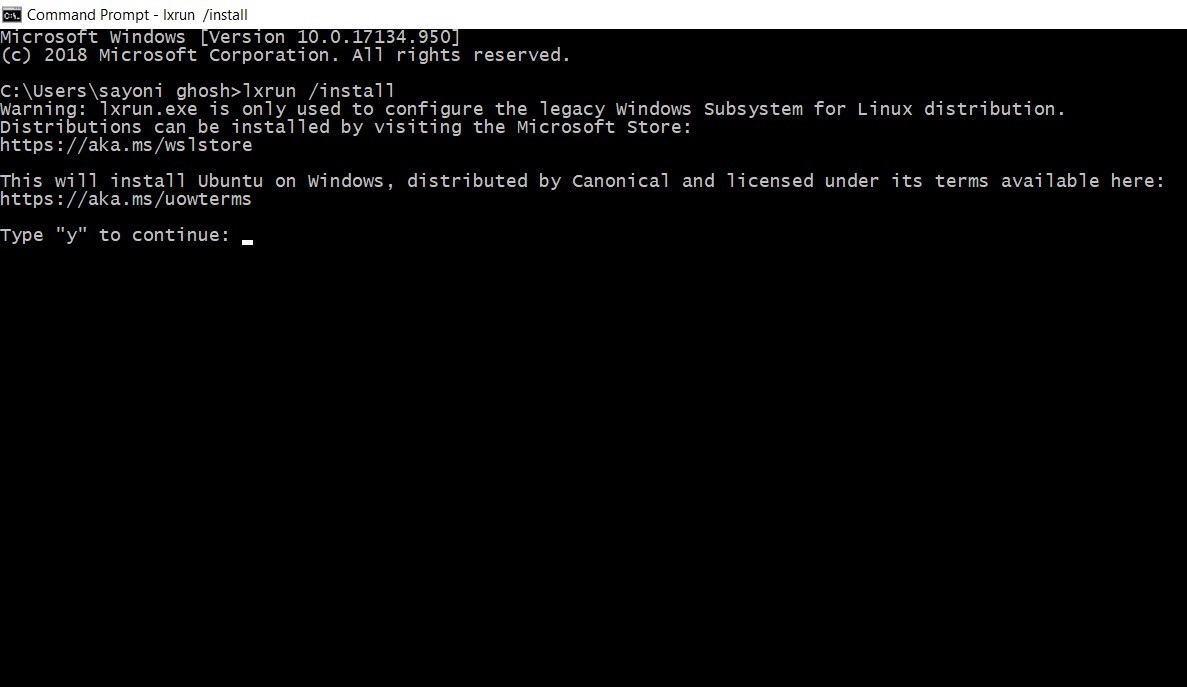
To run the sh file first enable WSL on Windows and install and enable the Linux terminal Then execute the sh file using the bash filename sh command
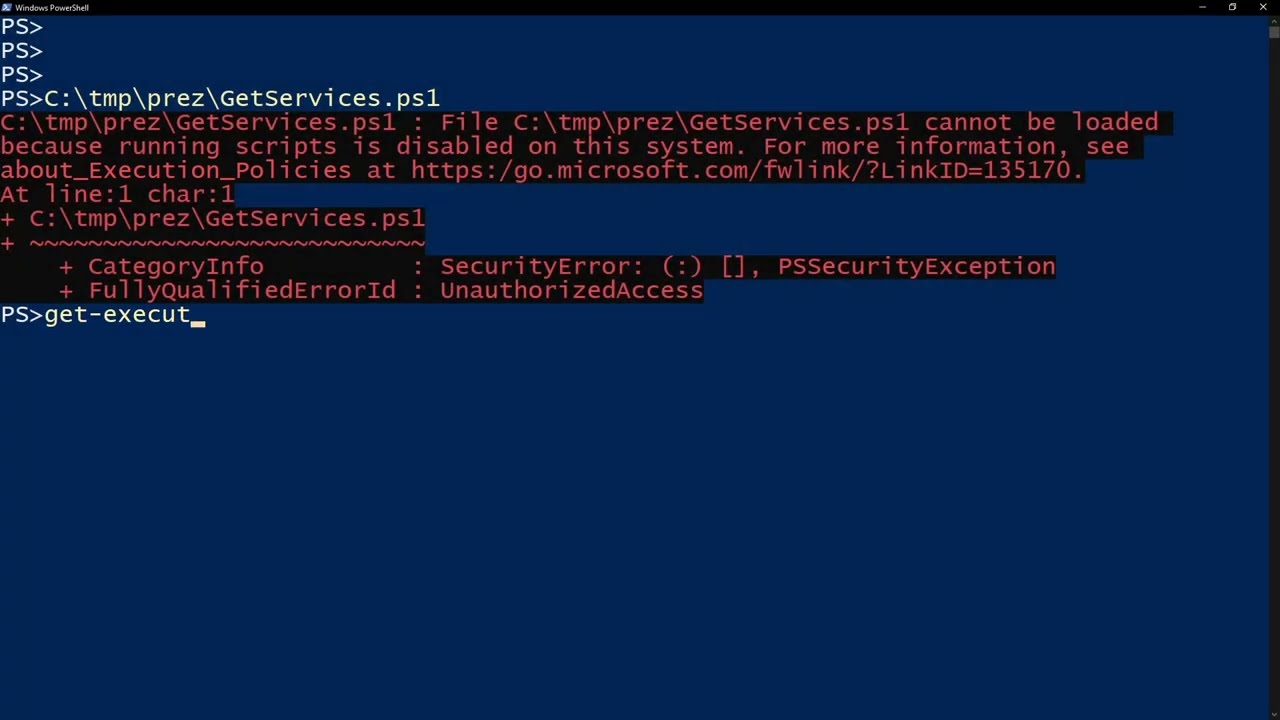
Open the terminal Go to the directory where you want to create your script Create a file with sh extension Write the script in the file using an editor

Shell is a command line interpreter that allows the user to interact with the system It is responsible for taking inputs from the user and
Right click on the folder name and select GIT Bash Here The GIT command terminal known as the git bash appears and the working location is To clarify Windows does not have a built in utility to support sh files To run such you ll need to install a third party tool such as Cygwin
A bash script is a file containing a sequence of commands that are executed by the bash program line by line It allows you to perform a series