Revert Changes From Branch REVERT BACK FROM NEW OUTLOOK TO OLD CLASSIC VIEW YouTube How To Revert A Git Commit The Git Revert Command YouTube How To UNDO REVERT A PUSHED COMMIT In GIT 2 Ways Which One Suits How To Revert Changes Of Particular Commit From Remote Branch In Git CHORE Revert Remove Tutorial Project Folder From Main Branch 45 WEB DESCRIPTION Given one or more existing commits revert the changes that the related patches introduce and record some new commits that record them This requires your working tree to be clean no modifications from the HEAD commit
WEB A revert operation will take the specified commit inverse the changes from that commit and create a new quot revert commit quot The ref pointers are then updated to point at the new revert commit making it the tip of the branch To demonstrate let s create an example repo using the command line examples below mkdir git revert test WEB git revert Definition An undo command though not a traditional undo operation Instead of removing the commit it figures out how to invert the changes in the commit then appends a new commit with the inverse content
CHORE Revert Remove Tutorial Project Folder From Main Branch 45 Will The Palisades Nuclear Plant Reopen Nuclear Regulatory Commission RISING RADIO IS LIVE RISING RADIO IS LIVE By Phoenix Rising GitHub Desktop Simple Collaboration From Your Desktop GitHub Learn These 13 Git Commands Because You ll Be Using Them 99 Of The Revert SVN SVN Mastering Git Snapshot A Quick Guide To Version Control
Revert Changes From Branch
 Revert Changes From Branch
https://i.ytimg.com/vi/dytPO2YJY_4/maxresdefault.jpg
WEB To do this On the left sidebar select Search or go to and find your project Select Code gt Merge requests and identify your merge request Scroll to the merge request reports area and find the report showing when the merge request was merged Select Revert In Revert in branch select the branch to revert your changes into Optional
Pre-crafted templates use a time-saving solution for creating a varied range of files and files. These pre-designed formats and designs can be made use of for numerous personal and professional jobs, consisting of resumes, invitations, flyers, newsletters, reports, presentations, and more, enhancing the material creation process.
Revert Changes From Branch

Python Learn Python Programming Language From Beginner To Advance

Will The Palisades Nuclear Plant Reopen Nuclear Regulatory Commission

RISING RADIO IS LIVE RISING RADIO IS LIVE By Phoenix Rising
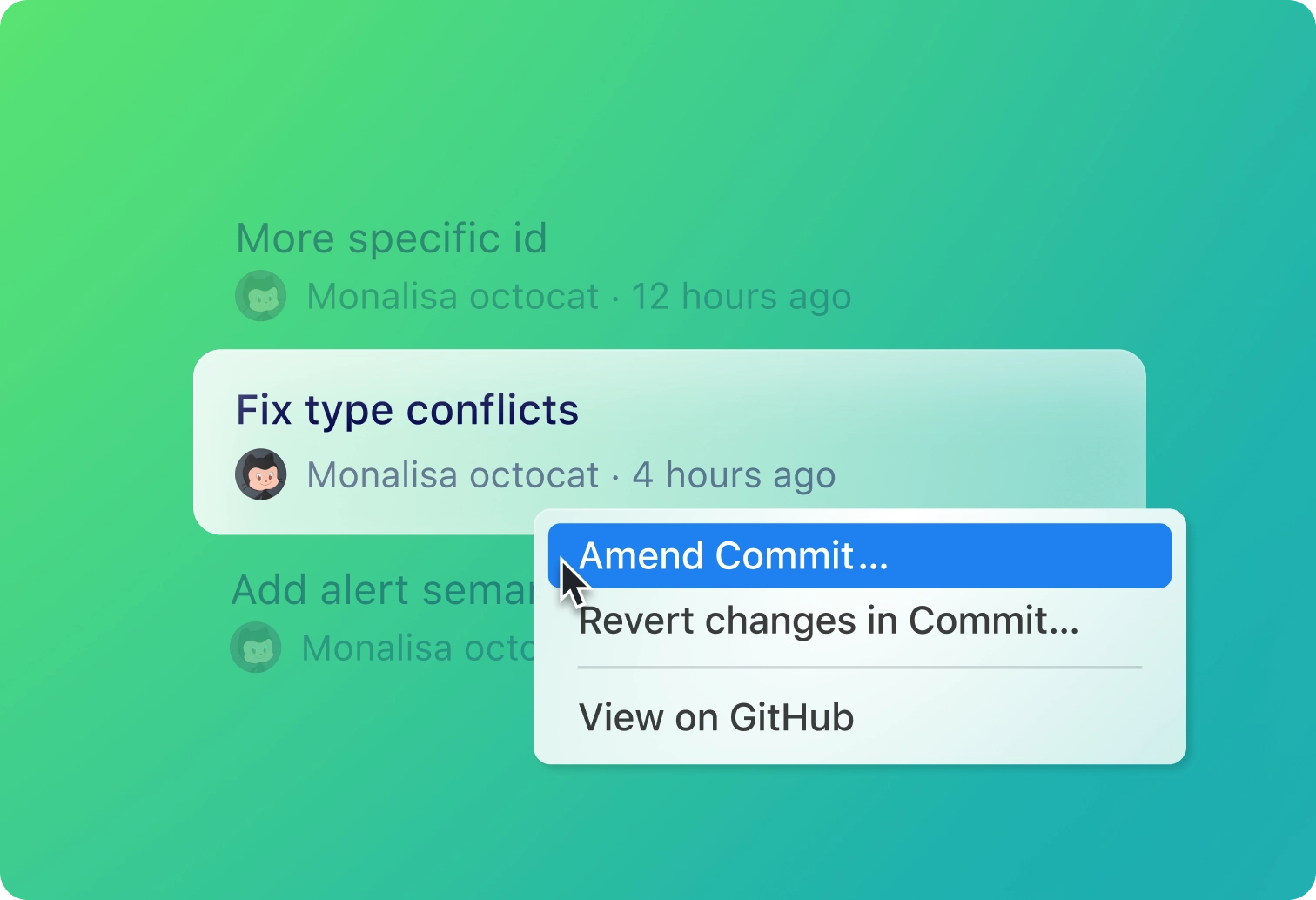
GitHub Desktop Simple Collaboration From Your Desktop GitHub
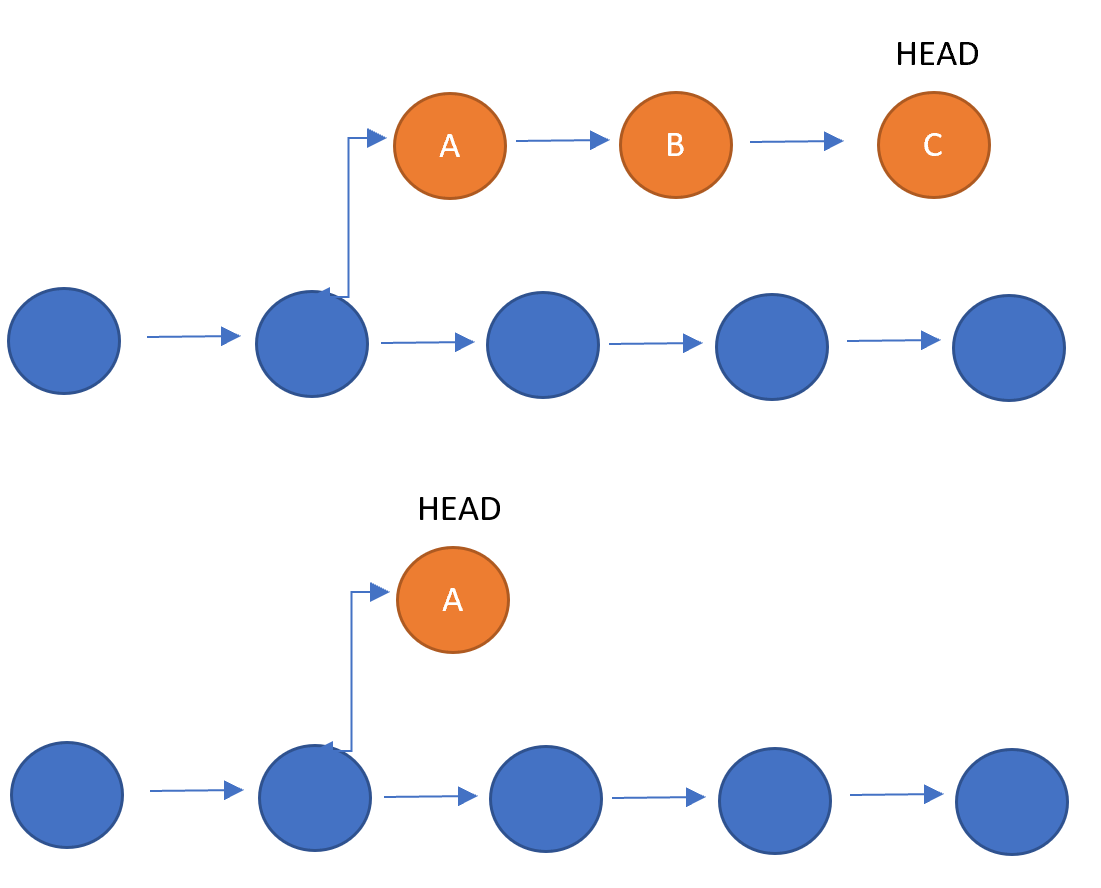
Revert

SVN

WEB If you want to redo re do all the changes on your branch git pull origin master rebase or denote the latest quot base quot or quot master quot commit on your branch git push git reset soft origin lt current branch name gt re evaluate all your changes tweaking them at will git reset soft origin master commit your tweaks push

WEB Jun 19 2018 nbsp 0183 32 How to revert a Git commit The net effect of the git revert command is similar to reset but its approach is different Where the reset command moves the branch pointer back in the chain typically to quot undo quot changes the revert command adds a new commit at the end of the chain to quot cancel quot changes
WEB First you need to do a git log to find out which commit ID you want to revert For example it is commit abc123 If you know that it s the last one you can use a special identifier quot HEAD quot Then you first revert it locally in your local quot staging quot branch git checkout staging git

WEB The most commonly used undo tools are git checkout git revert and git reset Some key points to remember are Once changes have been committed they are generally permanent Use git checkout to move around and review the commit history git revert is the best tool for undoing shared public changes git reset is best used for undoing local

WEB You can use GitHub Desktop to revert a specific commit to remove its changes from your branch When you revert to a previous commit the revert is also a commit The original commit also remains in the repository s history Tip When you revert multiple commits it s best to revert in order from newest to oldest
WEB Dec 7 2018 nbsp 0183 32 Reverting means undoing the changes by creating a new commit If you added a line this revert commit will remove the line If you removed a line this revert commit will add the line back To revert you can Go to the Git history Right click on the commit you want to revert Select revert commit Make sure commit the changes is WEB Aug 31 2021 nbsp 0183 32 The revert command will create a commit that reverts the changes of the commit being targeted You can use it to revert the last commit like this git revert lt commit to revert gt You can find the name of the commit you want to revert using git log The first commit that s described there is the last commit created
WEB Oct 24 2022 nbsp 0183 32 Revert a branch to a prior state by resetting it to a previous commit Undo the changes made by a shared commit by creating a new commit that reverses the changes Because this approach won t rewrite existing commit history it s suitable for reversing changes made by commits that were pushed and are in use by others