Restore Windows Power Options Restore Free Of Charge Creative Commons Typewriter Image SOLVED Missing Processor Power Management Settings Option In Advanced How To Create Shortcut To System Settings In Windows 10 Power Options Restore Free Of Charge Creative Commons Post It Note Image How To Use System Restore Windows 11 10 8 7 Vista XP 2022 Dec 5 2023 nbsp 0183 32 Each restore point contains the necessary information needed to restore the system to the chosen state Restore points are automatically generated when you install a new app
May 26 2020 nbsp 0183 32 How to Restore Previous Versions of Files Folders and Drives in Windows 10 If you can t find a file on your computer or you accidently modified or deleted a file you can try to Apr 14 2022 nbsp 0183 32 How to Restore Windows Photo Viewer in Windows 10 Usually you could use Windows Photo Viewer to view your image files in a variety of ways You can also print order
How To Use System Restore Windows 11 10 8 7 Vista XP 2022 How to enable system restore in windows 10 to protect agains bad How Do I Undo Or Restore The Repairs Carried Out By System Utilities Suite How To Remove Power Options From Windows 10 Lock Screen And Start Menu How To Optimize Windows 10 Power Settings For Higher Performance Backup Restore Windows Restoration Backup Supportive By Yan Alonzo November 18 2022 No Comments Restoring The Published Version In The Editor Readymag Help How To Update Windows 10 Using Windows PowerShell Reviews App
Restore Windows Power Options
 Restore Windows Power Options
https://www.thebluediamondgallery.com/typewriter/images/restore.jpg
Aug 1 2022 nbsp 0183 32 This tutorial provides you with registry downloads to completely restore any of the default services and their settings in Windows 10 You must be signed in as an administrator to
Pre-crafted templates provide a time-saving solution for producing a diverse range of documents and files. These pre-designed formats and layouts can be used for different personal and expert projects, including resumes, invites, flyers, newsletters, reports, discussions, and more, streamlining the content creation procedure.
Restore Windows Power Options
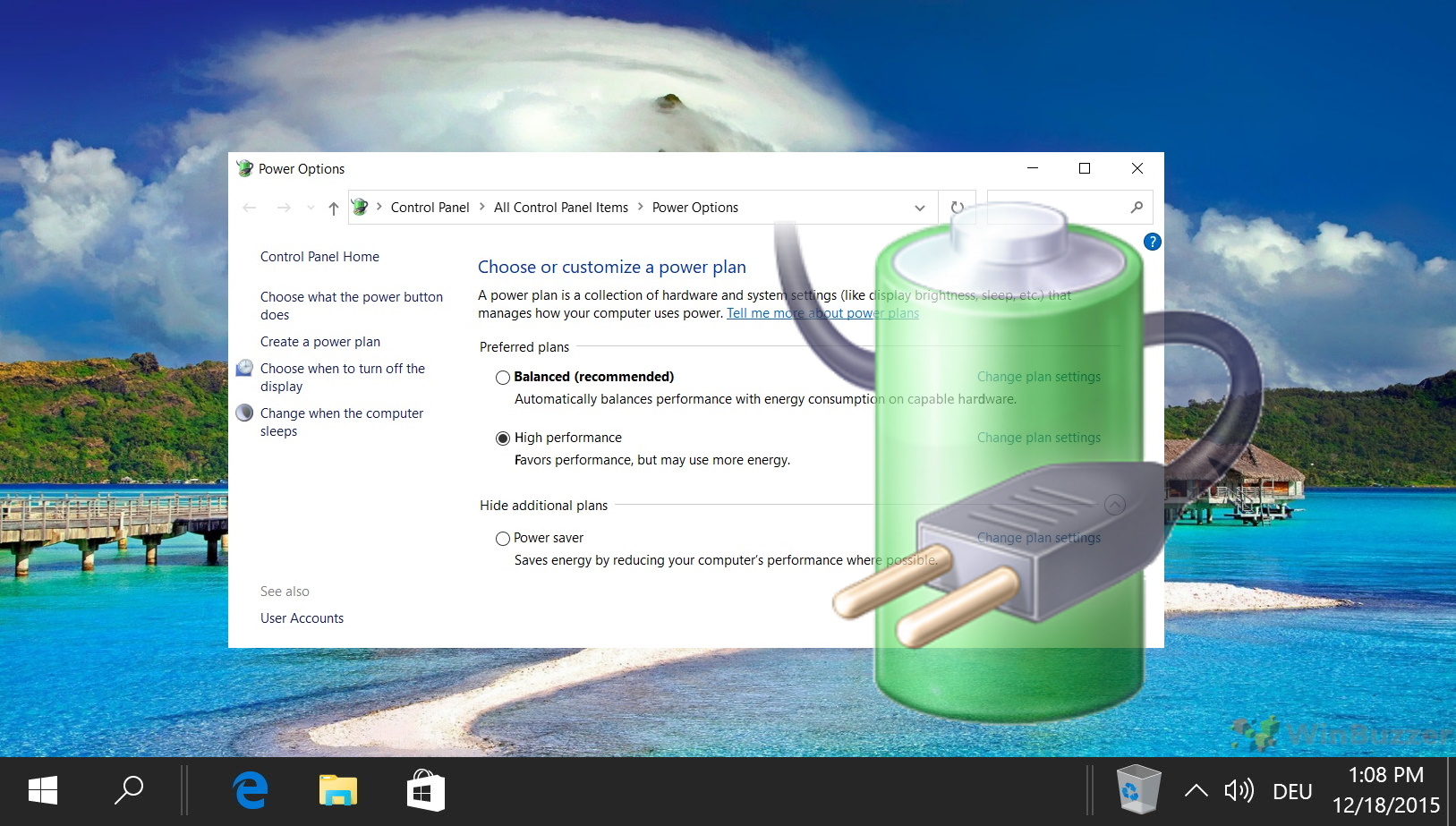
Windows 10 Power Plans Missing Or Changed Here s How To Restore Or

How to enable system restore in windows 10 to protect agains bad
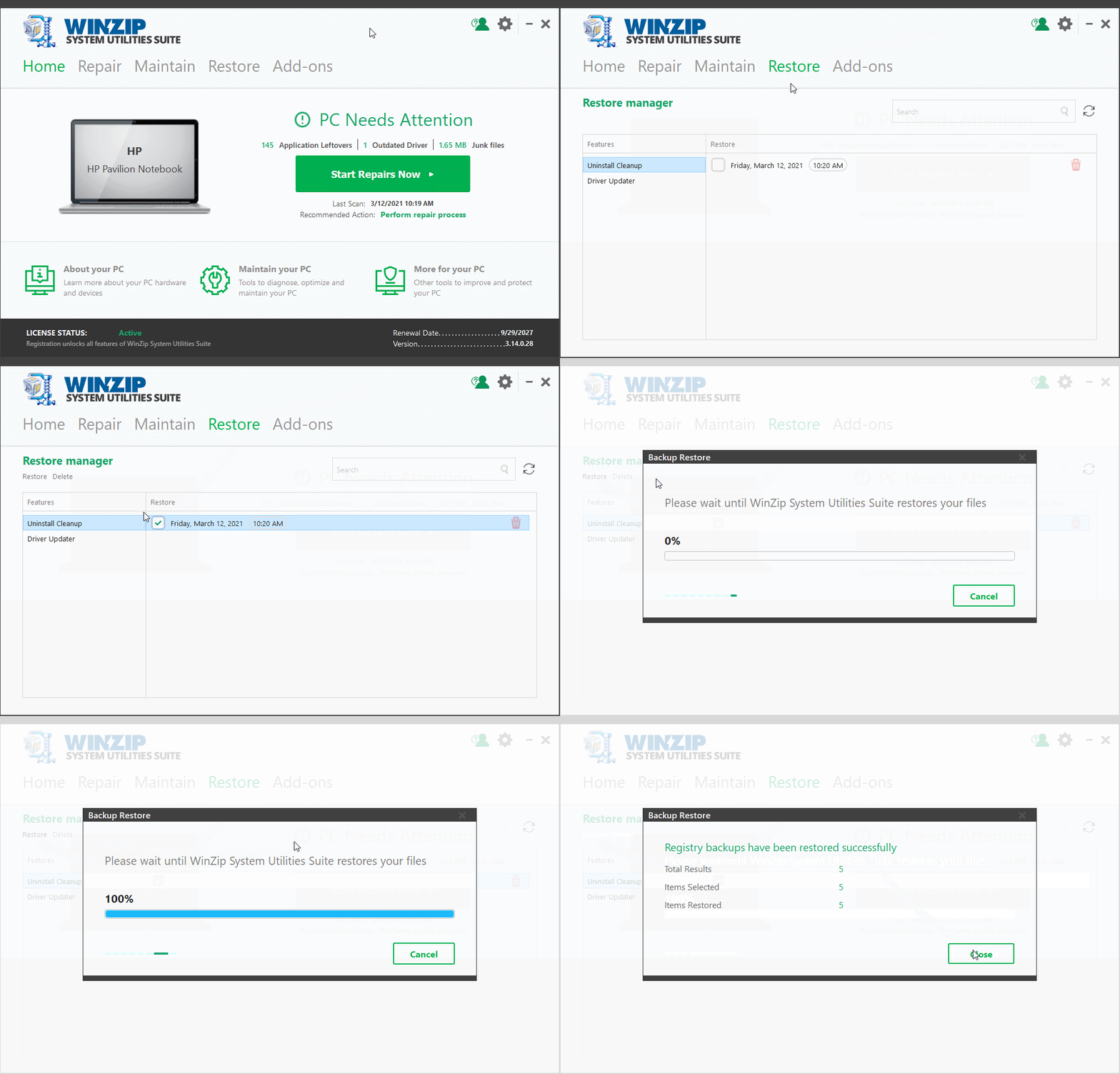
How Do I Undo Or Restore The Repairs Carried Out By System Utilities Suite
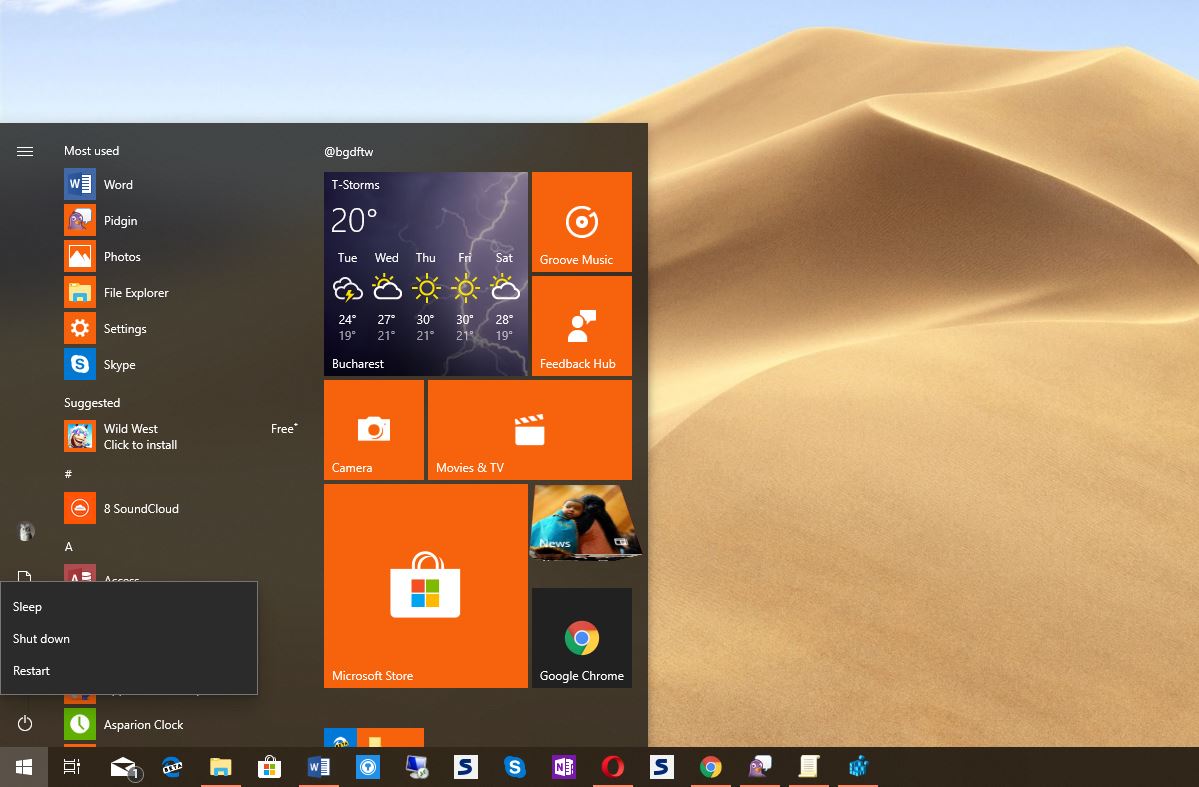
How To Remove Power Options From Windows 10 Lock Screen And Start Menu

Backup Restore Windows Restoration Backup Supportive

By Yan Alonzo November 18 2022 No Comments

Dec 27 2021 nbsp 0183 32 How to Create a System Restore Point in Windows 10 System protection if turned on is a feature that allows you to perform a system restore that takes your PC back to an

Nov 23 2022 nbsp 0183 32 Restore or Restore Down will resize a maximized window back to the size it was before maximized This tutorial will show you different ways to maximize and restore an open

Nov 14 2020 nbsp 0183 32 167 incorrect uninstall 167 accidental removal or replacement of Windows registry It was decided to Restore the system to a known good point in time in this case 2 days

Jul 7 2020 nbsp 0183 32 u cent 7 u

Dec 6 2023 nbsp 0183 32 The PC if fully updated Every time Edge launches I get the quot Restore Pages Edge Closed Unexpectedly quot dialog box Also most of the time Edge will open to a window about 1 2
[desc-11] [desc-12]
[desc-13]