Restore Windows 10 From Bootable Usb How To Create A Windows 10 Bootable USB Pendrive Drive Genuine Version Create Bootable USB Drives From Windows With Rufus Version 3 0 Iso To Usb Bootable Mac Download Free Badyellow Directory For Usb Bootable Windows 10 Loversjawer Create Bootable USB Without Any Software Or CMD YouTube 1 How to boot from a USB drive using Windows 10 s Settings without BIOS or UEFI Start by plugging in the bootable USB flash drive to a USB port on your computer Then open the Settings app and head to Update Security Select Recovery on the left and then scroll on the right side of the window until you find the Advanced startup section
Select Create The recovery image and necessary recovery tools will be copied to your USB flash drive which will take a while depending on your PC and the size of the recovery image When the process is done do one of the following If you want to keep the recovery partition on your PC select Finish To go directly to one of the versions select one of these links Windows 7 Windows 8 1 Windows 10 Then select Download now Windows 11 Then select Download now Important Back up your files before you install or reinstall Windows on your PC Learn how To create the installation media here s what you ll need
Create Bootable USB Without Any Software Or CMD YouTube How To Create Bootable USB In Windows 10 2024 How To Install Windows 10 From Bootable USB Flash Drive HOBI IT YouTube How To Make A Bootable USB Drive Of Windows 10 In Easiest Way Hindi How To Create A Bootable USB To Install Windows 10 Using The Command Windows 11 Bootable Usb How To Install Windows 10 From Bootable USB 2024 How To Install Windows 10 From Bootable USB Drive YouTube Bootable Usb Maker Windows 10 Daxmemory
Restore Windows 10 From Bootable Usb
 Restore Windows 10 From Bootable Usb
https://i.ytimg.com/vi/iXFVCqck1xM/maxresdefault.jpg
Select Create installation media USB flash drive DVD or ISO file for another PC and then select Next Choose a language edition and architecture 64 bit or 32 bit and then select Next Select USB flash drive and then select Next Follow the steps to create installation media and then select Finish
Pre-crafted templates offer a time-saving solution for producing a varied variety of documents and files. These pre-designed formats and designs can be utilized for various personal and professional tasks, consisting of resumes, invites, leaflets, newsletters, reports, presentations, and more, enhancing the content development process.
Restore Windows 10 From Bootable Usb

How To Create A Bootable Pendrive Of Windows 10 Youtube Vrogue
How To Create Bootable USB In Windows 10 2024

How To Install Windows 10 From Bootable USB Flash Drive HOBI IT YouTube

How To Make A Bootable USB Drive Of Windows 10 In Easiest Way Hindi
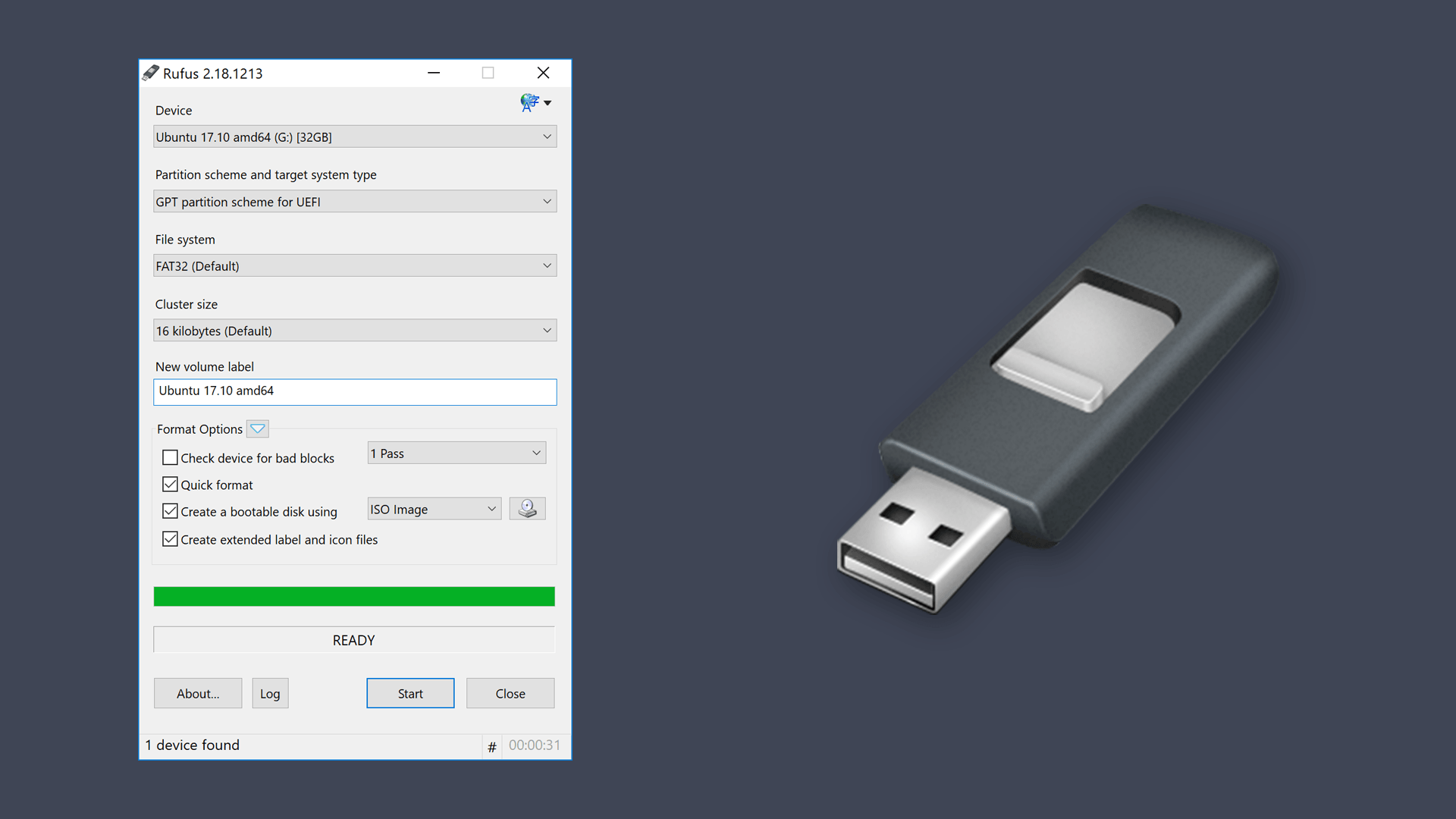
Windows 11 Bootable Usb
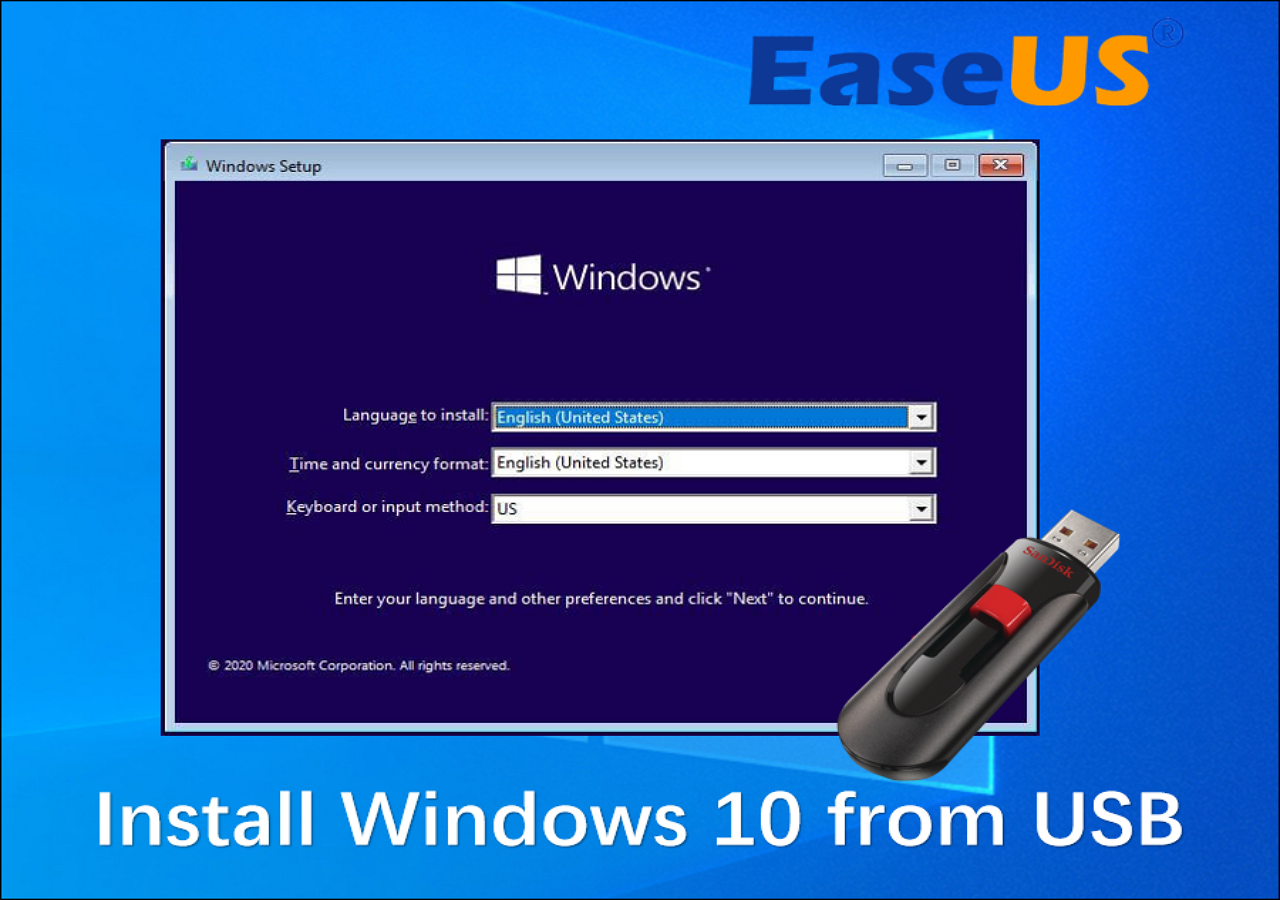
How To Install Windows 10 From Bootable USB 2024

Select Create Many files need to be copied to the recovery drive so this might take a while If you ever need to use the recovery drive to reinstall Windows 11 on your PC see Recovery options in Windows for further instructions It s a good idea to Back up your Windows PC frequently because the recovery drive isn t a system image
Home How To Windows 11 How to Revive Windows With a Recovery Drive A recovery drive stores a copy of your Windows 10 or Windows 11 environment on an external source like a DVD or

With your computer turned off insert the USB recovery drive hold down the Shift key and turn on your PC Keep holding Shift to bring up the Windows Advanced Start Options menu Select Use a Device and choose the USB drive If you don t have a USB recovery drive use Reset This PC to install a fresh copy of Windows

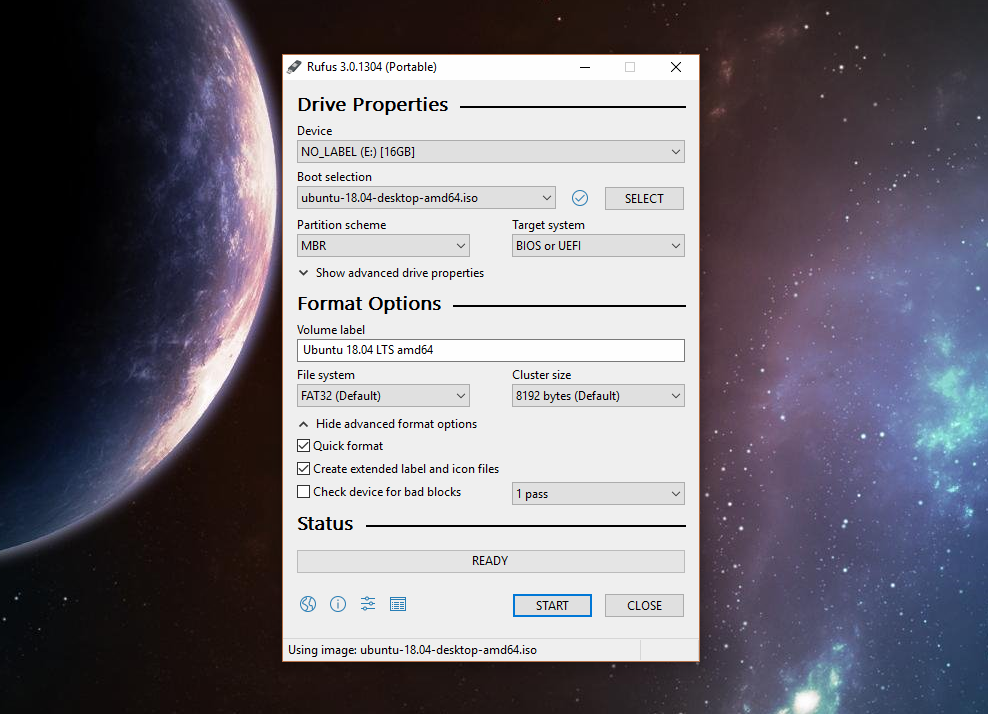
1 Insert a blank USB Flash drive into your PC It needs to be at least 8GB If it s not blank note that it will be overwritten 2 Navigate to Microsoft s Download Windows 10 page 3 Click

Data erasure On removes files and cleans the drive If you re planning to donate recycle or sell your PC use this option This might take an hour or two but it makes it harder for other people to recover files you ve removed Data erasure Off just removes files It takes less time but is less secure
Download Windows 10 If your PC does not automatically boot to the USB or DVD media you might have to open a boot menu or change the boot order in your PC s BIOS or UEFI settings To open a boot menu or change the boot order you ll typically need to press a key such as F2 F12 Delete or Esc immediately after you turn on your PC 1 Download Windows ISO While not compulsory make sure to download the same Windows ISO version as installed on your computer The Advanced troubleshooter is not dependent on the Windows
Any files on the USB drive will be erased during the setup process Make sure that there are no important files on the USB drive Next head over to the official Download Windows 10 page on the Microsoft website In the Create Windows 10 Installation Media section click the blue Download Tool Now button