Restart Ubuntu From Command Line How To Restart Or Reboot Ubuntu Linux From The Command Line Terminal Restart Ubuntu Via Command Line LinuxTect How To Shutdown Ubuntu From Terminal Linux Shutdown Command Example How To Start A Service During A Server Restart On Linux Systran Box How To Update Ubuntu Using Command Line Gui Www vrogue co Web Sep 7 2023 nbsp 0183 32 poweroff Looking through the man pages for these commands can be confusing Depending on which command line options you choose all of these commands can perform shutdowns reboots and system halts In fact the man pages for reboot halt and poweroff contain exactly the same information What s Behind This
Web Jan 19 2023 nbsp 0183 32 Restart or Reboot Ubuntu via the command line To restart Ubuntu 22 04 or Ubuntu 20 04 from the command line you can use one of the three methods described below The reboot command To reboot your Ubuntu with the reboot command you need to follow the steps below First you need to start the terminal in Ubuntu To do this Web Nov 14 2020 nbsp 0183 32 To reboot your Linux system simply type reboot or systemctl reboot sudo systemctl reboot The system will be restarted immediately When the reboot is initiated all logged in users and processes are notified that the system is going down and no further logins are allowed
How To Update Ubuntu Using Command Line Gui Www vrogue co Simple Ubuntu Command How To Restart Services On Ubuntu Command Line VITUX Ubuntu Commands How To Shutdown Ubuntu From Command line YouTube How To Check Version On Ubuntu Shipcode How To Restart Linux Ubuntu Server With Command Line SkillSugar How To Restart Network On Ubuntu 22 04 VITUX Ubuntu Command Line Script Disk Operations User Linux Advance
Restart Ubuntu From Command Line
 Restart Ubuntu From Command Line
https://i.ytimg.com/vi/pQSGGHv4ZZc/maxresdefault.jpg
Web Dec 30 2013 nbsp 0183 32 Try using the following command to safely reboot sudo reboot If instead you want to shut down the server safely use this command sudo shutdown h now
Templates are pre-designed documents or files that can be utilized for different functions. They can save effort and time by offering a ready-made format and design for developing various kinds of content. Templates can be utilized for individual or professional projects, such as resumes, invites, leaflets, newsletters, reports, presentations, and more.
Restart Ubuntu From Command Line

How To Uninstall Software In Ubuntu Command Line
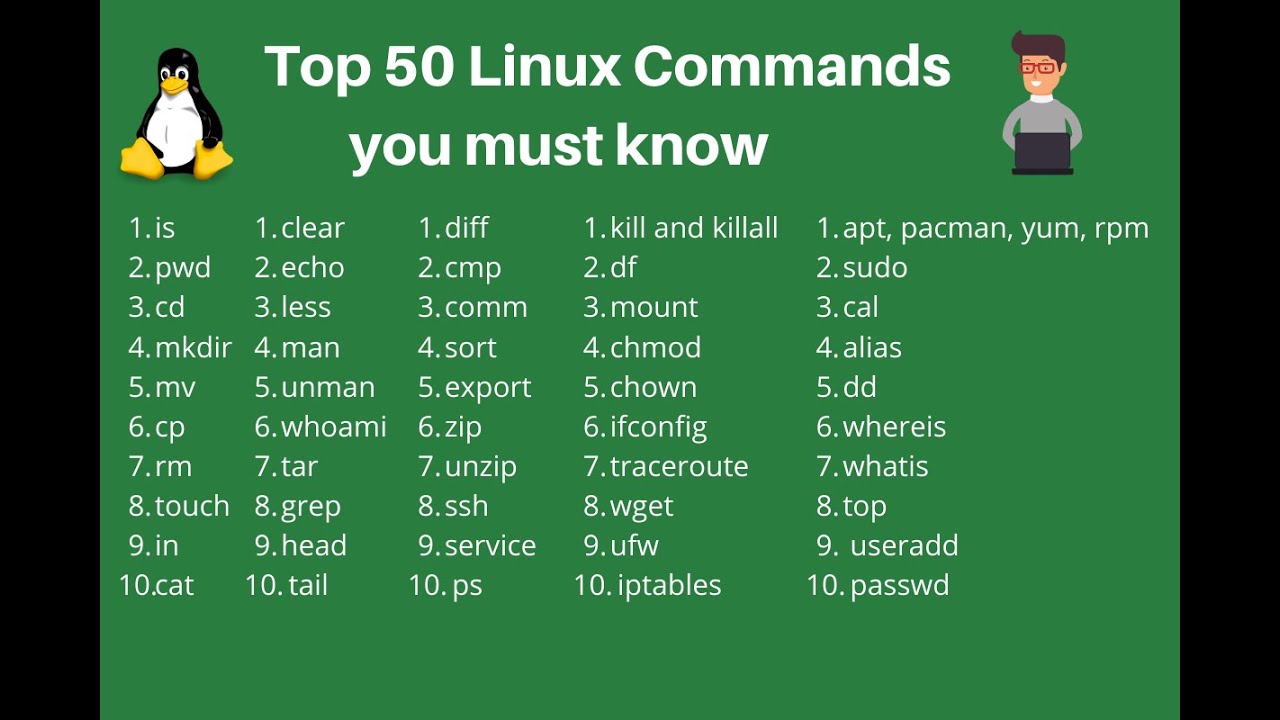
Simple Ubuntu Command

How To Restart Services On Ubuntu Command Line VITUX
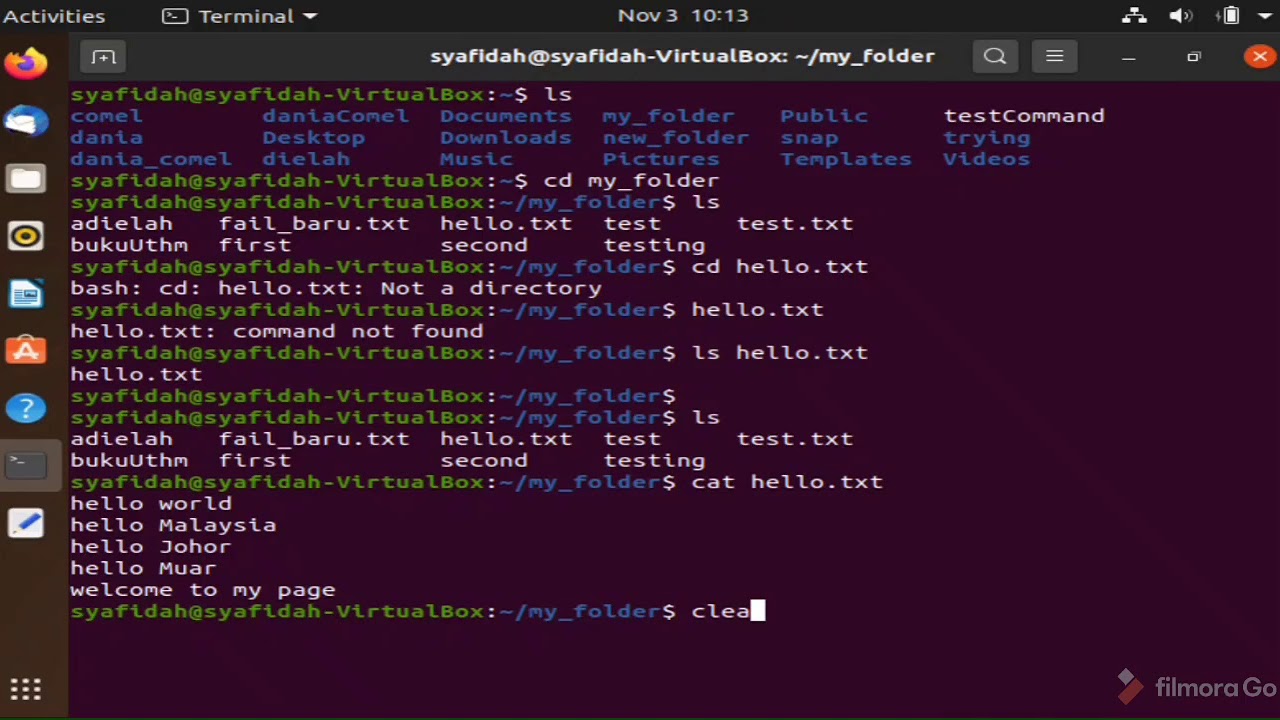
Ubuntu Commands
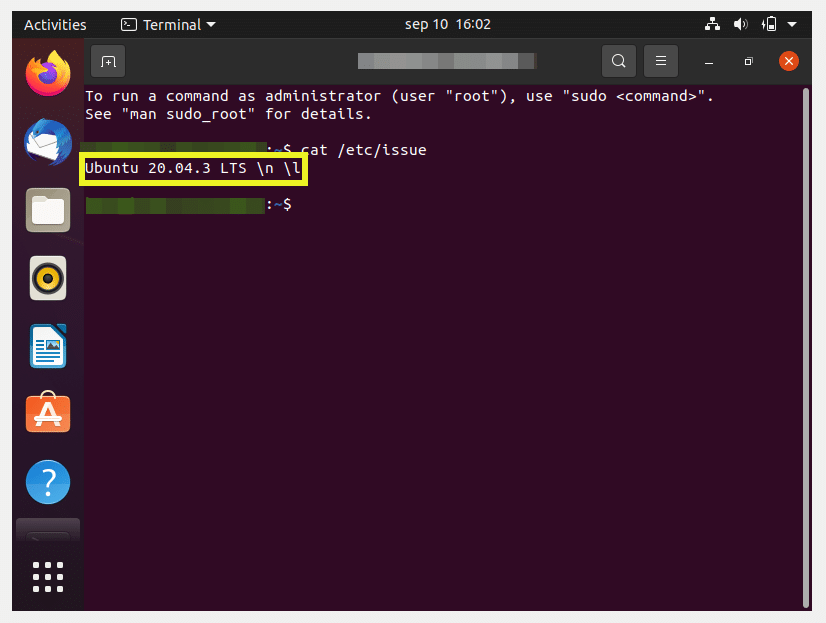
How To Check Version On Ubuntu Shipcode
How To Restart Linux Ubuntu Server With Command Line SkillSugar

Web Jul 25 2022 nbsp 0183 32 Schedule a reboot with shutdown command in Ubuntu You can also use the shutdown command with option r to restart the system sudo shutdown r This will schedule a shutdown in one minute root learnubuntu shutdown r Reboot scheduled for Mon 2022 07 25 15 13 31 UTC use shutdown c to cancel
Web Apr 5 2022 nbsp 0183 32 In this article we will describe three ways for you to reboot your Ubuntu system through the command line the reboot command shutdown command the init command

Web Jun 16 2022 nbsp 0183 32 Here s how you d use the command in this situation sudo shutdown r Additionally the following command can be used to schedule a system reboot sudo shutdown r timeInMinutes The following command for example will restart your machine after 20 minutes sudo shutdown r 20

Web Aug 15 2014 nbsp 0183 32 Shutdown or Restart Ubuntu Using Linux Command Line This quick tutorial teaches you how to shut down Ubuntu or any other distributions from the Linux command line or GUI Abhishek Prakash 12 Jul 2023 4 min read There are two ways to shutdown Ubuntu Linux Go to the upper right corner and click the dropdown menu You ll see the

Web If you ve got freedesktop compliant session manager you can use DBus to invoke restart from inside the X session The command goes dbus send system dest org freedesktop Hal type method call print reply org freedesktop Hal devices computer
[desc-11] [desc-12]
[desc-13]