Restart Postgresql In Centos 7 Most Popular PostgreSQL GUIs In 2022 The almost Scientific List How To Restart PostgreSQL Linux Windows Mac DatabaseFAQs How To Install MySQL On CentOS 7 Install PostgreSQL 14 13 12 On Rocky Linux 8 5 YouTube Postgresql Goldpoxxy Aug 7 2022 nbsp 0183 32 How to Schedule a Restart Time for Windows Update in Windows 10 Windows Update keeps Windows 10 updated by downloading and installing the latest updates drivers
Apr 11 2024 nbsp 0183 32 How to Read Shutdown and Restart Event Logs in Windows You can use Event Viewer to view the date time and user details of all shutdown events caused by a shut down Jun 7 2021 nbsp 0183 32 This new Restart apps setting has been separated from the old Use my sign in info to automatically finish setting up my device and reopen my apps after an update or restart setting
Postgresql Goldpoxxy PostgreSQL Screenshots BytesIn How To Start Stop And Restart PostgreSQL In Linux CentOS 7 PostgreSQL 9 5 Installation From PostgreSQL Yum Repository What Are The Steps To Restart The PostgreSQL Server On CentOS 7 Integrating Redis PostgreSQL And Neo4j In CentOS 7 Tutorial Install Postgresql Pada Centos 7 Linux Indonesia How To Install PostgreSQL CentOS 7 Basic Setup How To Install MySQL On A CentOS 7 Server
Restart Postgresql In Centos 7
 Restart Postgresql In Centos 7
https://s3-eu-west-1.amazonaws.com/blog.forestadmin.com/2022/05/image-3.png
Nov 28 2021 nbsp 0183 32 How to Start Stop Restart Enable and Disable Services in Windows 10 Published by Shawn Brink Category Performance amp Maintenance 28 Nov 2021 How to Start
Pre-crafted templates provide a time-saving service for producing a diverse range of files and files. These pre-designed formats and layouts can be used for various individual and professional jobs, consisting of resumes, invites, flyers, newsletters, reports, presentations, and more, streamlining the material production procedure.
Restart Postgresql In Centos 7

H ng D n C i t PostgreSQL Tr n CentOS 7 H ng D n TENTEN
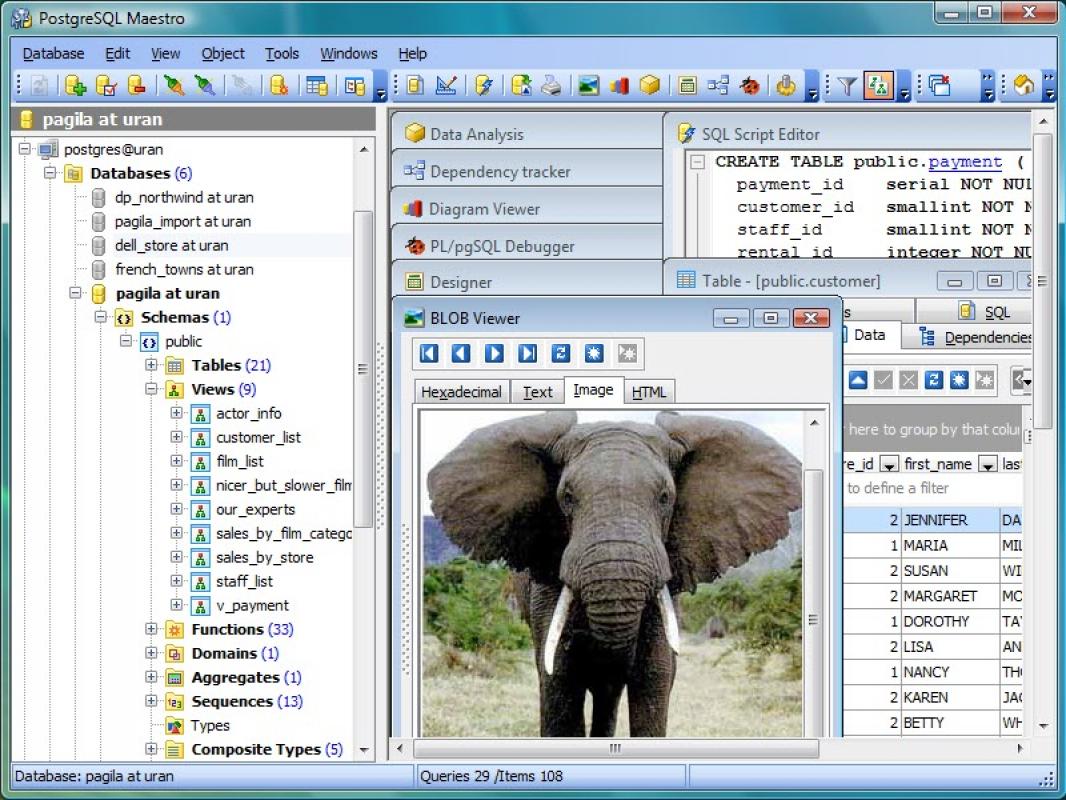
PostgreSQL Screenshots BytesIn
How To Start Stop And Restart PostgreSQL In Linux
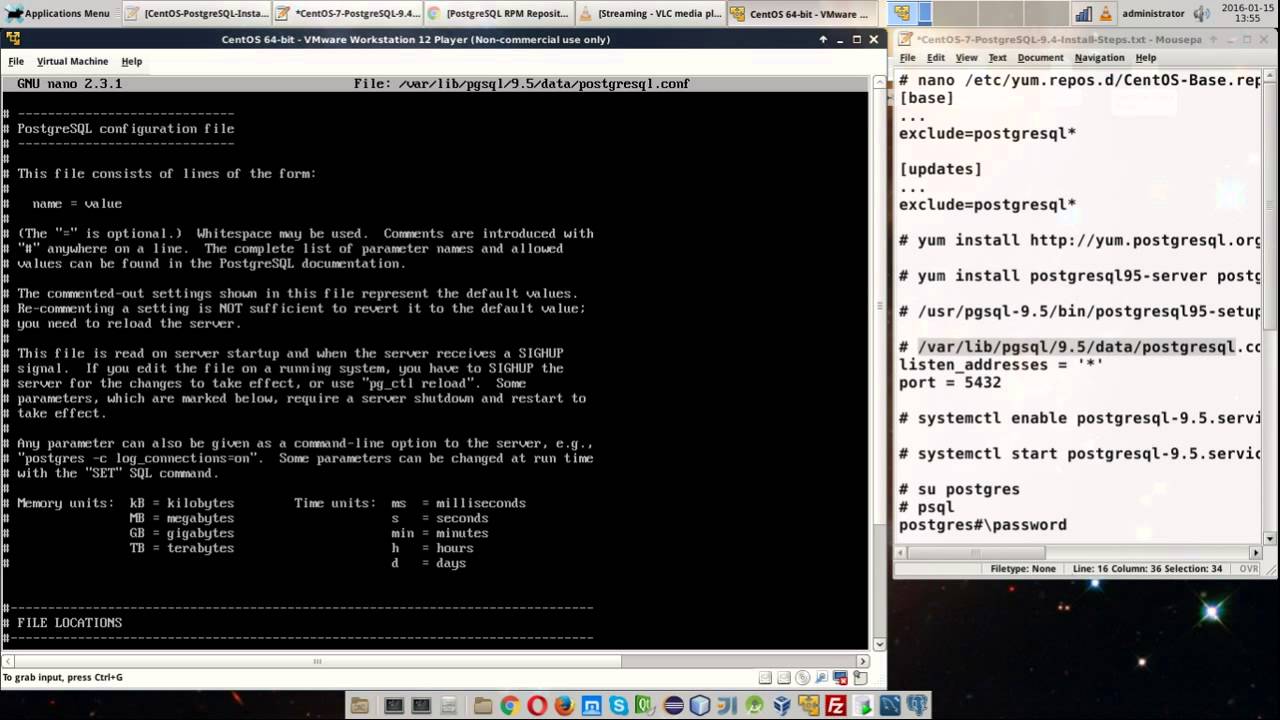
CentOS 7 PostgreSQL 9 5 Installation From PostgreSQL Yum Repository

Integrating Redis PostgreSQL And Neo4j In CentOS 7

Tutorial Install Postgresql Pada Centos 7 Linux Indonesia

Sep 19 2020 nbsp 0183 32 Enable or Disable Shut Down Restart Sleep and Hibernate in Power Menu for All Users in Local Group Policy Editor The Local Group Policy Editor is only available in the

Feb 10 2024 nbsp 0183 32 How to Boot to Advanced Startup Options in Windows 10 Advanced startup enables you to perform these actions Start recovery aka Windows RE or WinRE
Mar 21 2019 nbsp 0183 32 This will help make sure users see the notification to restart and save their work first This tutorial will show you how to require user action to dismiss the auto restart required

Aug 1 2022 nbsp 0183 32 How to Do a System Restore of Windows 10 System protection if turned on is a feature that allows you to perform a system restore that takes your PC back to an earlier point

May 31 2017 nbsp 0183 32 Yes shutdown and restart was automatic with the BIOS update EDIT to be sure I loaded optimized BIOS settings through the BIOS and turned off my PC after saving changes
[desc-11] [desc-12]
[desc-13]