Reset Wsl To Default How To Reset Ubuntu Linux Password On WSL In 3 Easy Steps How To Install The Windows Subsystem For Linux 2 On Microsoft Windows 10 DevsDay ru Command Line How To Get To The Windows Desktop In WSL Ask Ubuntu Docker In WSL Troubleshooting Windows Subsystem For Linux Microsoft Learn Initialization erases all network settings on the printer making printing scanning or faxing operation from a computer over a network impossible To use the printer over a network again
How to Restore the Printer s Network Settings to Factory Default Important Note that initialization erases all network settings on the printer and printing operation from a computer over network Reset setting Select this menu from Device settings in Setup menu Returns all settings you made to the printer back to the default However some data may not be changed depending on the
Troubleshooting Windows Subsystem For Linux Microsoft Learn How To Copy Files From WSL To Windows Quora How To Move The WSL Linux Subsystem To Another Disk Or Partition How To Reset Linux Password On WSL Update From WSL To WSL 2 In Windows 10 Reset wsl 4 Blog Do VG How To Reset A WSL User Password Make Tech Easier How Can I Reset reinstall Wsl R WindowsHelp How To Unregister And Reset Windows Subsystem For Linux WSL Distros On Windows 10
Reset Wsl To Default
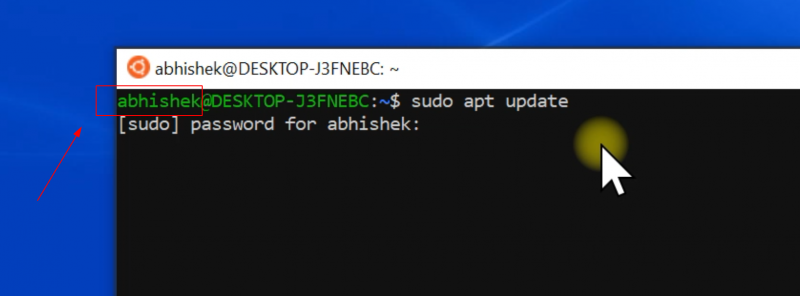 Reset Wsl To Default
https://itsfoss.com/content/images/wordpress/2021/06/username-wsl-800x296.png
For macOS Initialization erases all network settings on the printer making printing or scanning operation from a computer over a network impossible To use the printer over a network again
Pre-crafted templates use a time-saving service for producing a varied series of documents and files. These pre-designed formats and designs can be utilized for various individual and professional jobs, consisting of resumes, invites, leaflets, newsletters, reports, presentations, and more, enhancing the content development procedure.
Reset Wsl To Default

Reset WSL User Password
How To Copy Files From WSL To Windows Quora
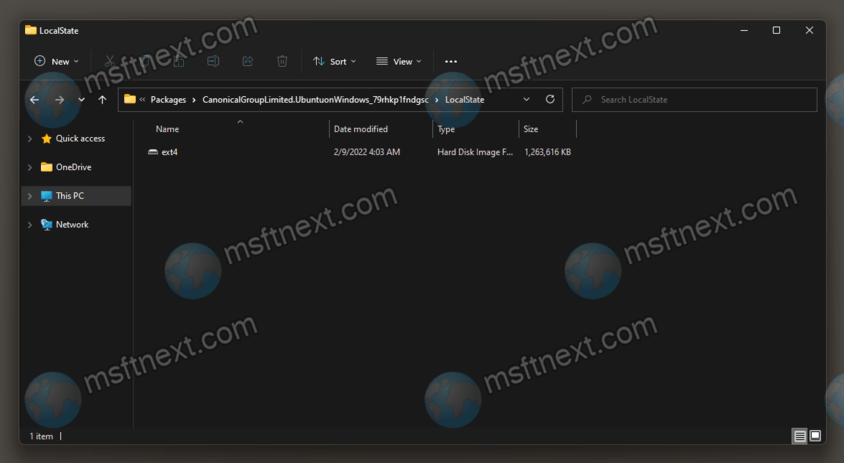
How To Move The WSL Linux Subsystem To Another Disk Or Partition

How To Reset Linux Password On WSL
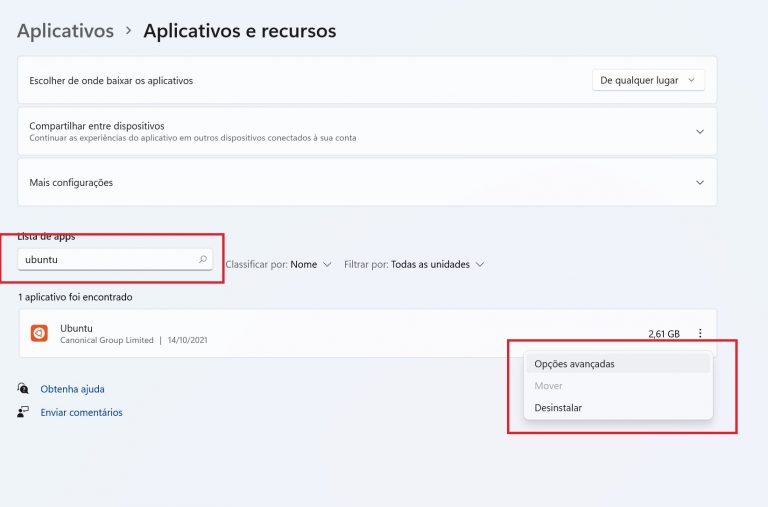
Reset wsl 4 Blog Do VG

How To Reset A WSL User Password Make Tech Easier
Important Initialization erases all network settings on the printer making printing operation from a computer over a network impossible To use the printer over a network again after restoring it

Reset setting Select this menu from Device settings in Setup menu You can set the settings back to the default Web service setup Returns the Web service settings back to the default LAN

Important Initialization erases all network settings on the printer making printing scanning operation from a computer over a network impossible To use the printer over a network again

Important For Windows Initialization erases all network settings on the printer making printing operation from a computer over a network impossible To use the printer over a network again

Sets only the device information sending settings back to the default Reset all Sets all settings you made to the printer back to the default The administrator password is restored to the
[desc-11] [desc-12]
[desc-13]