Reset Windows Time Command Factory Reset Any Windows 10 Computer Using Command Prompt MiniTool Command Prompt Tips And Tricks Windows 10 Command Line Tricks TechRadar How To Troubleshoot Time Server Synchronization Problems CallTower Gathering Logs And Sending An Email When You Need To Reset Windows Command By Ahmed Mounir On Dribbble If the above steps will not work please try the next method Method 2 Resync Time in PowerShell In Powershell a command below will set the time settings to default and help you update windows time again 1 Search PowerShell in the search box and right click to select Run as Administrator 2
Summary Use Windows PowerShell to force a time resynchronization How can I use Windows PowerShell to force a time resynchronization Use the W32tm resync force command Note This command requires elevated rights Doctor Scripto Scripter PowerShell vbScript BAT CMD Follow Posted in Scripting Tagged PowerTip Scripting Guy Windows PowerShell Time t To change the current system time to 5 30 PM type either of the following time 17 30 00 time 5 30 pm To display the current system time followed by a prompt to enter a new time type The current time is 17 33 31 35 Enter the new time To keep the current time and return to the command prompt press ENTER
Command By Ahmed Mounir On Dribbble Friday Fun PowerShell Commands By Noun Strategy Gaming In 2020 The Good The Bad And The Remakes PCGamesN Command Button Free Stock Photo Second In Command 2006 HD Command YouTube Factory Reset Any Windows 10 Computer Using Command Prompt MiniTool Minecraft Commands How Do I Affect A Player That Is 20 Blocks Away Minecraft Commands Is It Possible To Disable The Block Placed
Reset Windows Time Command
 Reset Windows Time Command
https://www.minitool.com/images/uploads/articles/2019/08/factory-reset-command-prompt/factory-reset-command-prompt-4.png
Click on Date and Time Click on the Internet Time tab Click the Change settings button Check that the Synchronize with an internet time server option is selected Use the drop down menu to
Templates are pre-designed documents or files that can be used for numerous functions. They can conserve time and effort by supplying a ready-made format and layout for developing various type of content. Templates can be used for personal or professional tasks, such as resumes, invites, flyers, newsletters, reports, discussions, and more.
Reset Windows Time Command
WindowsUpdateMissileAlert Frankenstein Computers Networking

Friday Fun PowerShell Commands By Noun

Strategy Gaming In 2020 The Good The Bad And The Remakes PCGamesN

Command Button Free Stock Photo

Command YouTube
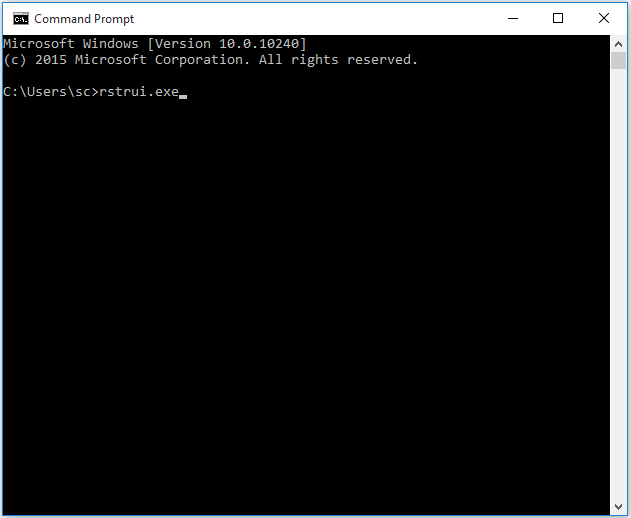
Factory Reset Any Windows 10 Computer Using Command Prompt MiniTool

Click Start type cmd right click Command Prompt select Run as administrator At the command prompt enter w32tm followed by the applicable parameters Set the client to use two time servers To set a client computer to point to two different time servers one named ntpserver contoso and another named clock adatum run the following
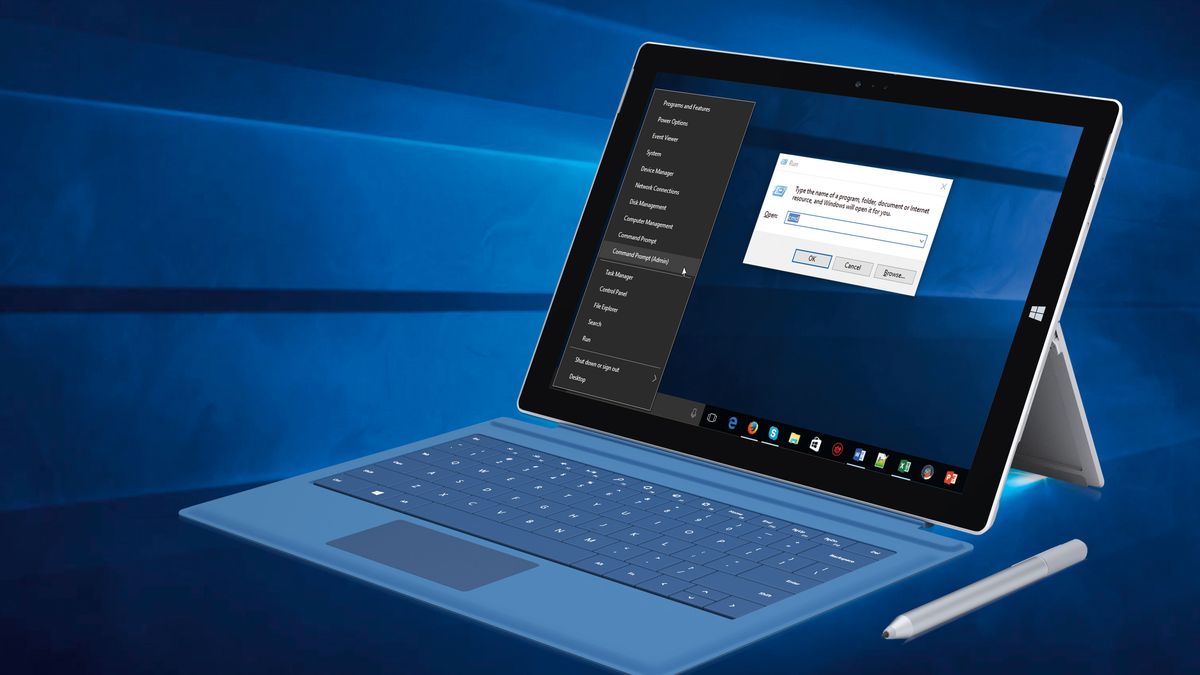
Search for Command Prompt Right click on the result and select Run as administrator Type w32tm resync and press Enter As soon as you press the Enter button Windows will execute the time sync command This will force Windows to show the correct time Detailed Step by Step Guide

1 Understand why this is necessary While you can change your computer s time and date with Command Prompt while your computer s automatic time and date is active your computer will eventually reset its time and date to match the current one In some cases your computer will reset the time and date as soon as you close Command Prompt 2
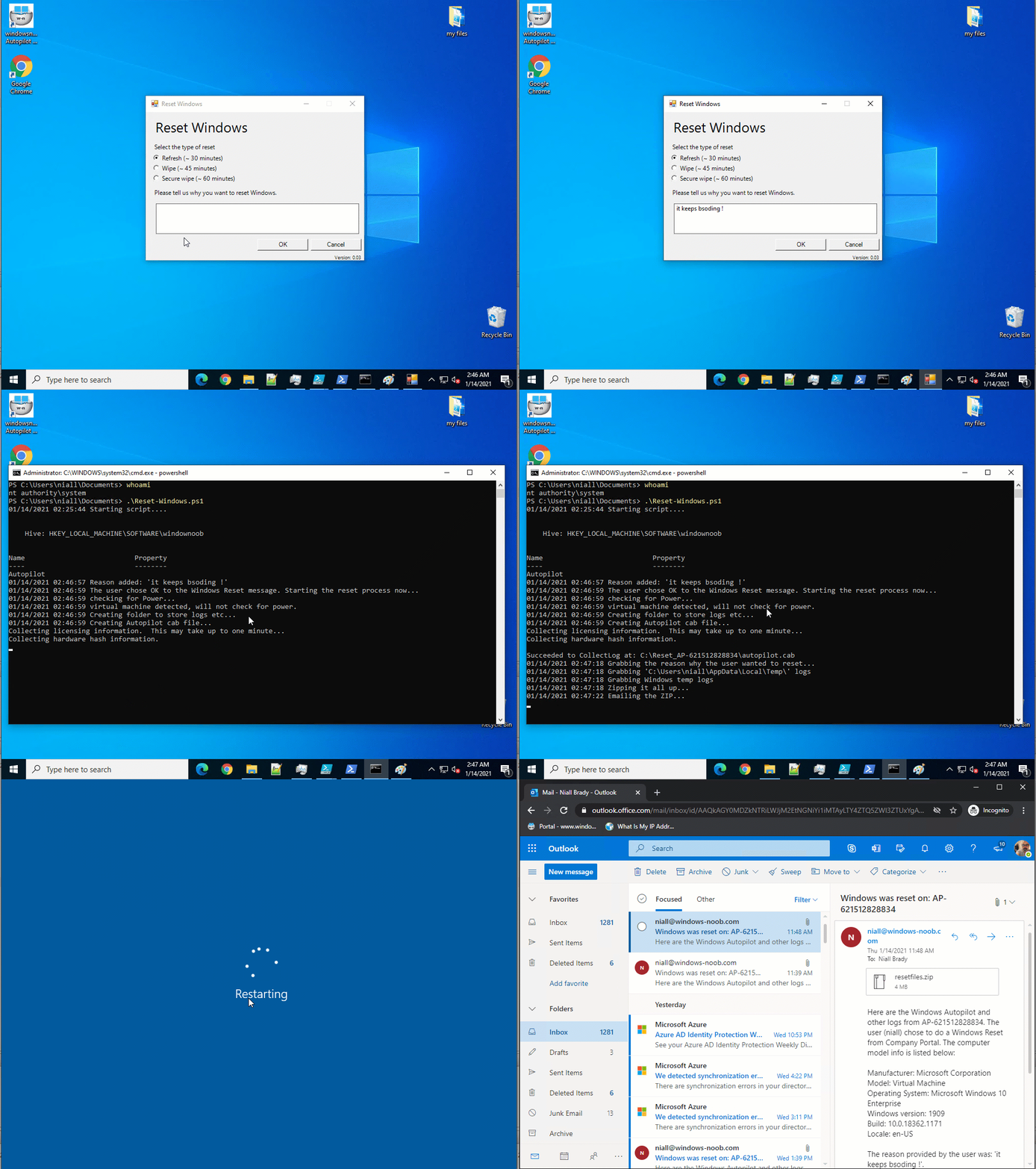
Adding the rediscover switch to this command causes the machine to first attempt to discover network time sources then attempt a resync To change the machine s time source you can use one of two commands w32tm config syncfromflags DOMHIER update configures the machine to use the domain hierarchy AD as its time source

Revisit the Internet Time settings repeat the steps from the section above and switch to the new time server Sync Time Through the Command Prompt Next unregister and re register the Windows Time service then sync the time via the Command Prompt console To do that Type cmd into the Windows Search box and select Run as administrator
2 Answers Sorted by 11 Open a command prompt window I don t think it requires administrative privileges but if it says Access Denied after you attempt to change the date time close the window and reopen with administrative privileges With the command prompt open type date and press enter It asks you to enter a new date Search for Settings in the start menu and open the Settings app You can also click on the All Settings button available in the notification center 2 In the Settings app go to Time Language Region Find the Additional date time regional settings link on the right panel and click on it 3
You can use the W32tm exe tool to configure Windows Time service W32time settings You can also use W32tm exe to diagnose problems with the time service W32tm exe is the preferred command line tool for configuring monitoring or troubleshooting the Windows Time service