Reset Windows Security Guide How To Reset Windows Security Apps In Windows 11 Riset How To Enable Reset Local Account Password On Windows 10 April 2018 Reset Windows Security Settings To Default Values In Windows 10 Youtube Win11 How To Reset Windows Security In Windows 11 1 Open Windows Terminal and select Windows PowerShell 2 Copy and paste the command below into PowerShell and press Enter see screenshot below Get AppxPackage Microsoft SecHealthUI Reset AppxPackage 3 You can now close Windows Terminal if you like Option Three Reset Windows Security app for All Users in PowerShell
Windows 7 Windows 8 1 Windows 10 Follow these steps to automatically diagnose and repair Windows security problems by turning on UAC DEP protection Windows Firewall and other Windows security options and features Select the Download button on this page Method 1 Reset the Windows Security App Through The Taskbar Method 2 Restore All Settings Within The Windows Defender Firewall Using Control Panel Method 3 Reset The Windows Security Using Windows PowerShell Method 4 Reset The Windows Defender Firewall Using Command Prompt Method 1 Reset the Windows Security App Through The Taskbar
How To Reset Windows Security In Windows 11 How To Reset Windows Security App In Windows 11 Vrogue Cara Reset Windows Security Di Windows 10 11 Mastertipsorialindo How To Reset Windows Security App In Windows 10 Tutorials How To Reset Windows Security App In Windows 10 Tutorials Guide How To Reset Windows Security Apps In Windows 11 MiniTool Reset Windows Security App In Windows 10 Reset Windows Security App In Windows 10 There Is An I In Security Partnet
Reset Windows Security
 Reset Windows Security
https://i.ytimg.com/vi/FzF4MmcXmRg/maxresdefault.jpg
Select Start Settings Accounts Sign in options Under Password select Change and follow the directions Reset your Windows 11 local account password If you ve forgotten or lost your Windows 11 password for a local account and need to sign back into your device the below options might help you get up and running
Templates are pre-designed files or files that can be used for numerous purposes. They can save effort and time by offering a ready-made format and layout for creating various type of material. Templates can be utilized for personal or professional jobs, such as resumes, invitations, flyers, newsletters, reports, presentations, and more.
Reset Windows Security

How To Repair Or Reset The Windows Security App
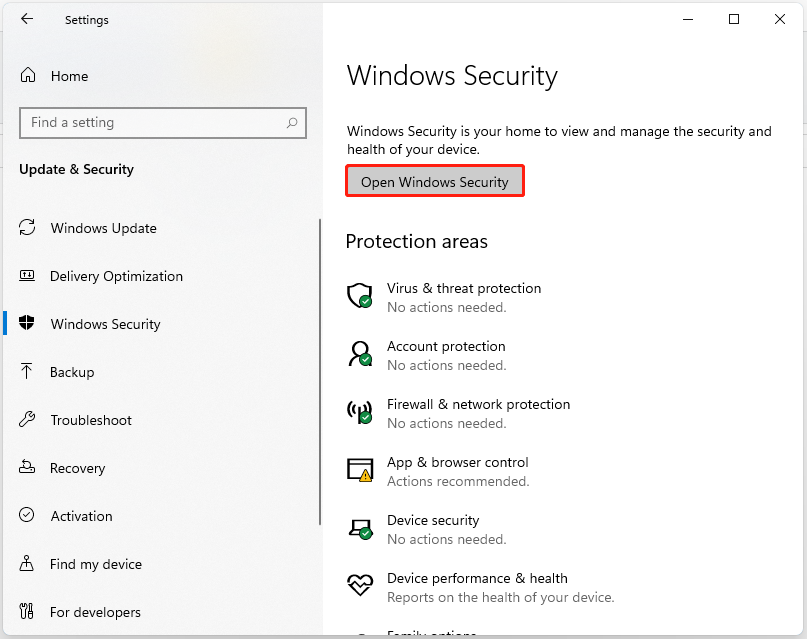
How To Reset Windows Security App In Windows 11 Vrogue

Cara Reset Windows Security Di Windows 10 11 Mastertipsorialindo

How To Reset Windows Security App In Windows 10 Tutorials

Guide How To Reset Windows Security Apps In Windows 11 MiniTool
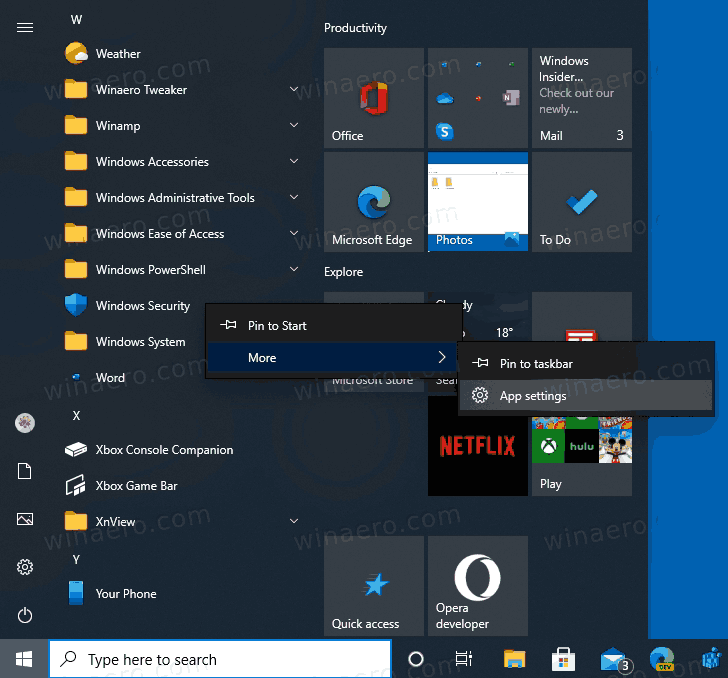
Reset Windows Security App In Windows 10

1 Open Windows PowerShell 2 Copy and paste the command below into PowerShell and press Enter see screenshot below Get AppxPackage Microsoft Windows SecHealthUI Reset AppxPackage 3 When finished you can close PowerShell if you like OPTION THREE Reinstall and re register Windows Security App in Command Prompt 1 Open a command prompt

The easiest and most popular way to reset the Windows Security app is through the settings menu Here are the steps you need to follow Open the Settings menu and click the Apps option in the left panel of the screen Choose Installed apps In the Installed apps window locate and click on the three dots next to Windows Security

Reset Windows Security settings to default values in Windows 10 Share Watch on If for some reason you d like to reset all your Windows 11 10 security settings to their default values you can
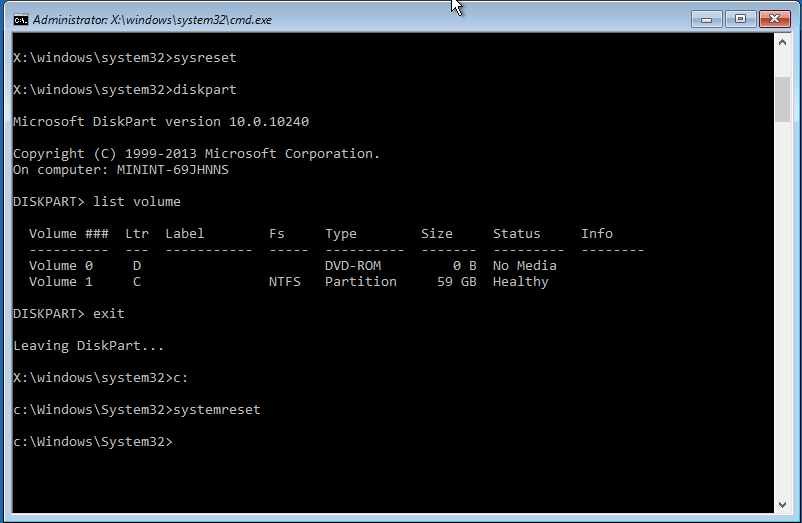
How to Reset Windows Security or Windows Defender 4 Proven Ways By Bhishu Acharya December 20 2022 Windows Security is an in built antivirus program that prevents your PC from any security threat With this feature turned on you do not necessarily require other third party software

How can I reset Windows Security Hello I d like to reset Windows Security since I get the following warning every time I scan my computer I have tried resetting the app via Apps Installed Apps to no avail The virus in question targets PowerShell exe
How To Reset Windows Security App In Windows 10 and 11 Subscribe for New Videos Every Week https bit ly 3lrTseqDiscuss on the forum https www windowswe To Reset the Windows Security app in Windows 10 Open the Start menu Locate the Windows Security shortcut and right click on it Select More App Settings from the context menu The Advanced options page for the Windows Security app will open There go to the Reset section There click on the Reset button and confirm the operation You can
22 723 views 92 John Hammond If Windows Security is crashing or not opening you can reset and re register the Windows Security app and get the issue fixed In this tutorial we will