Reset Password Windows 7 Via Command Prompt Cmd Reset PASSWORD Windows 11 Via Command Prompt CMD Tutorial YouTube Reset Pc From Command Prompt Windows 10 Racksubtitle Reset Windows 10 Password Via Command Prompt MS DOS And PowerShell How To Reset Forgotten Windows Password With Ultimate My XXX Hot Girl Step by Step Guide To Resetting A Windows 7 Password Web To navigate there press F8 Step 2 When Advanced Boot Options display screen appears using arrow keys go to quot Safe Mode with Command Prompt quot and press Enter Now your PC will boot in safe mode with cmd Step 3 You will see the safe mode Administrator account on login screen
Web Feb 10 2023 nbsp 0183 32 Run Repair your computer from the Windows 7 installation disc and run an overwrite command in Command Prompt Remove the disc and restart the computer execute the net user command with a new username and password For a full list of ways to reset or recover a forgotten Windows 7 password see Help I Forgot My Windows 7 Web Apr 26 2023 nbsp 0183 32 You should also change your password every couple of months Luckily it s pretty straightforward and easy to change a Windows password using the Command Prompt CMD as long as you have administrative privileges For Mac computers you can reset the computer s password using the Terminal
Step by Step Guide To Resetting A Windows 7 Password How To Reset Windows 7 Password Using Command Prompt YouTube How To Open The Command Prompt In Windows How Wikipedia How To Reset Windows Password With Or Without Reset Disk Windows 10 8 How To Hack Wifi Password Using Command Prompt Womenfasr 2021 Reset Reset Your Forgotten Password In Windows 10 Ultimate Guide How To Command Prompt Commands For Windows 10 Vastts 22 Best CMD Commands For Windows 2021 GeekDost B Linux The Complete List Of Command Prompt CMD Commands
Reset Password Windows 7 Via Command Prompt Cmd
 Reset Password Windows 7 Via Command Prompt Cmd
https://i.ytimg.com/vi/tQkQa1PE9mk/maxresdefault.jpg
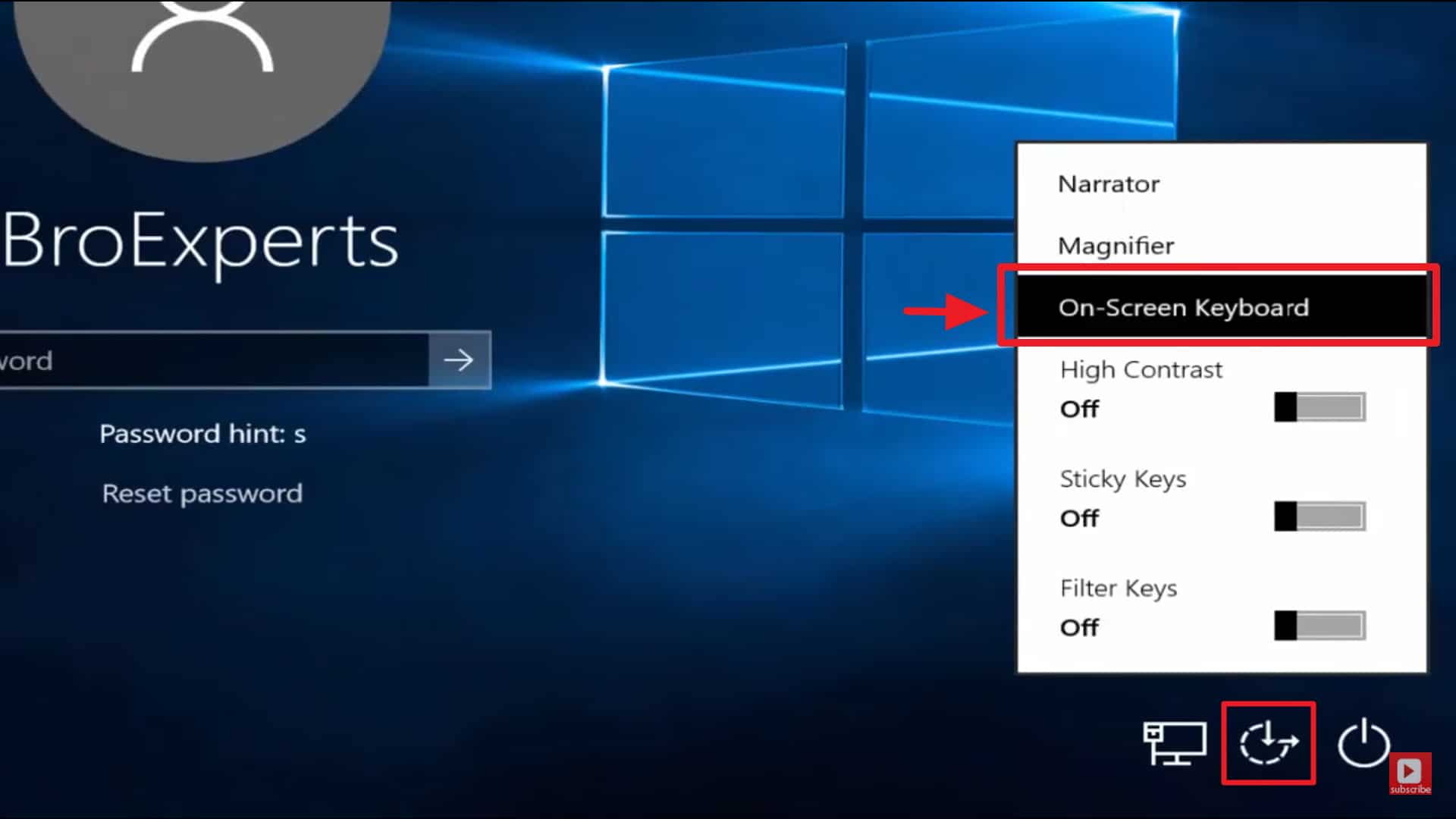
Web Oct 1 2023 nbsp 0183 32 When you see the login screen press the Shift key five times A Command Prompt window will show up and you can create a new password Follow the instructions from step 4 of the Reset your Windows 7 password using Command Prompt section Reset your Windows 7 password without a disk
Pre-crafted templates use a time-saving solution for producing a varied range of documents and files. These pre-designed formats and layouts can be used for numerous individual and professional tasks, consisting of resumes, invites, flyers, newsletters, reports, discussions, and more, streamlining the content creation procedure.
Reset Password Windows 7 Via Command Prompt Cmd

How To Change A Windows User Account Password From Command Prompt
How To Reset Windows 7 Password Using Command Prompt YouTube

How To Open The Command Prompt In Windows How Wikipedia

How To Reset Windows Password With Or Without Reset Disk Windows 10 8
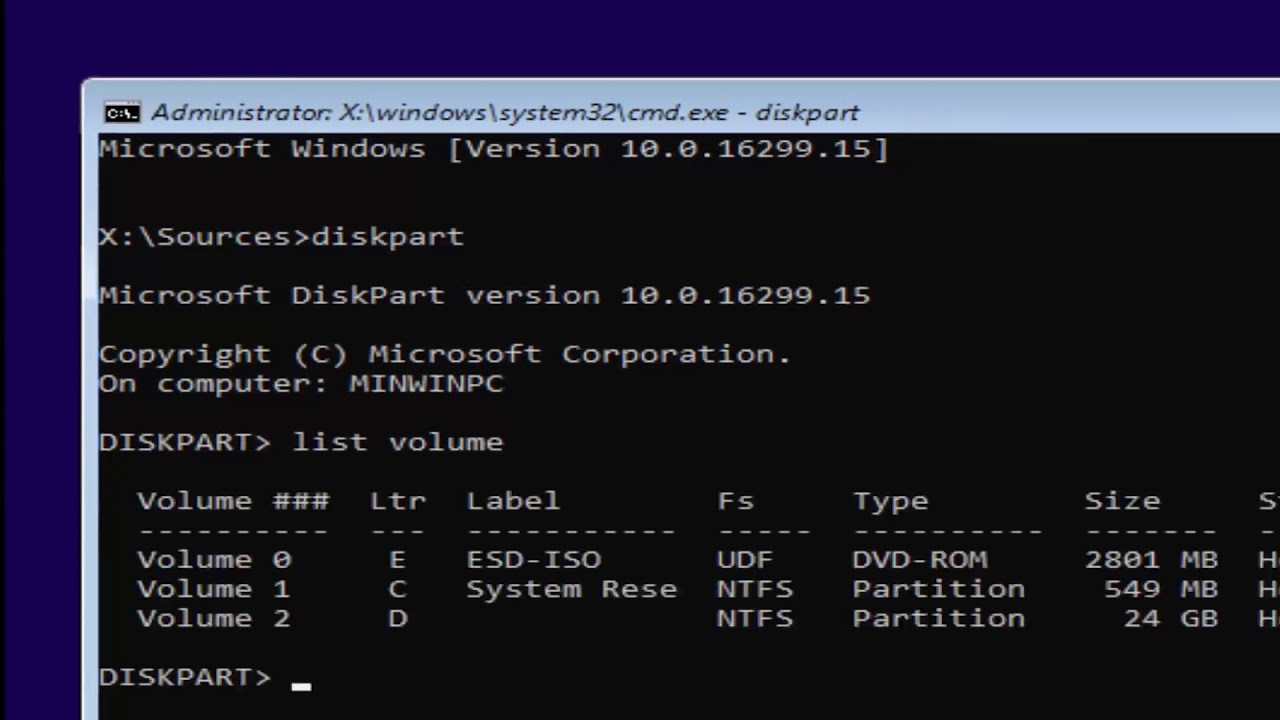
Reset Your Forgotten Password In Windows 10 Ultimate Guide How To
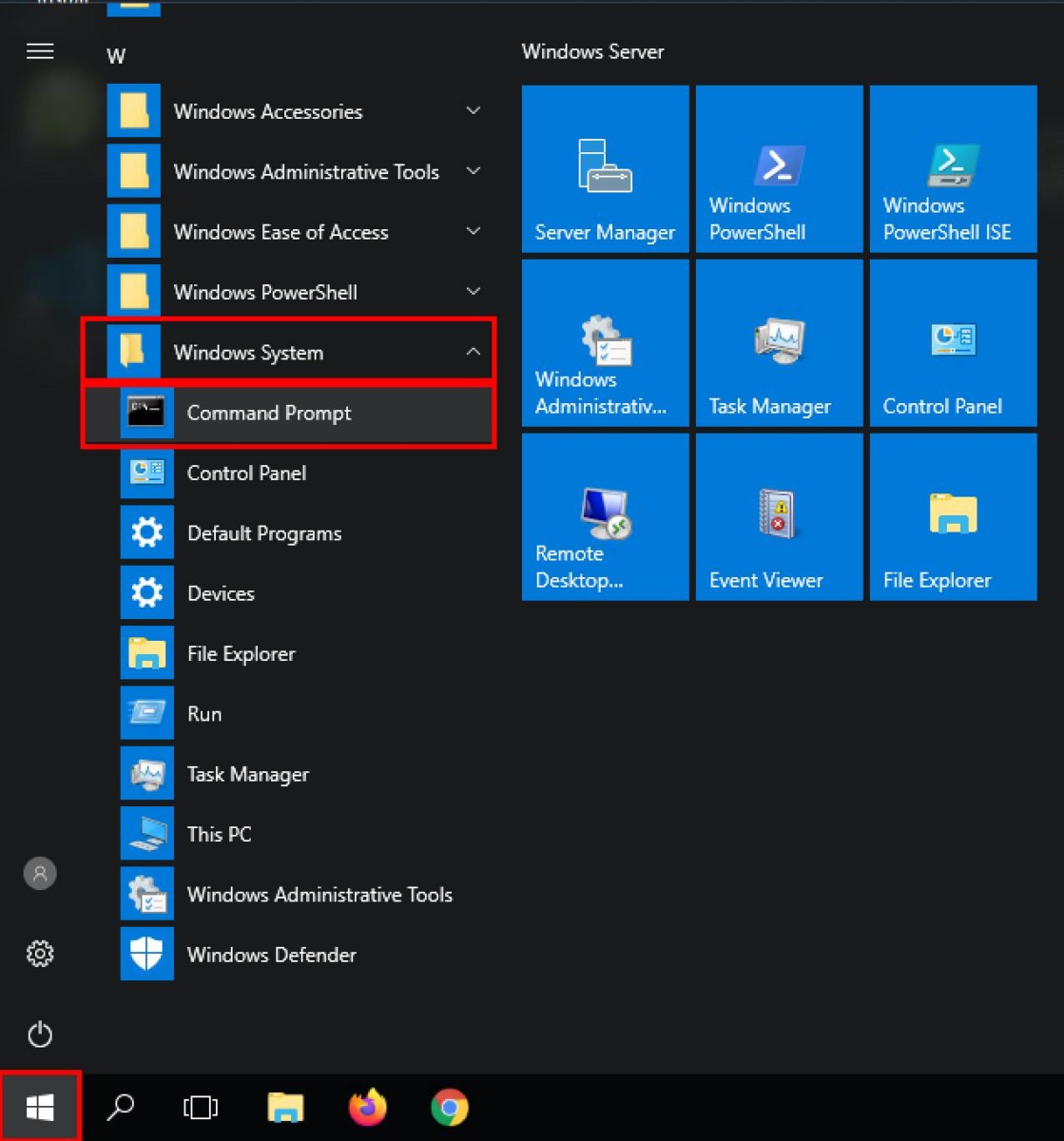
Command Prompt Commands For Windows 10 Vastts

Web 59 1 1 2 2 Obligatory reminder resetting your password as opposed to changing it will render anything encrypted using your Windows credentials unrecoverable This includes things like files encrypted using EFS CBHacking Sep 30 2015 at 4 35 CBHacking Does the net user approach quot reset quot or quot change quot the password
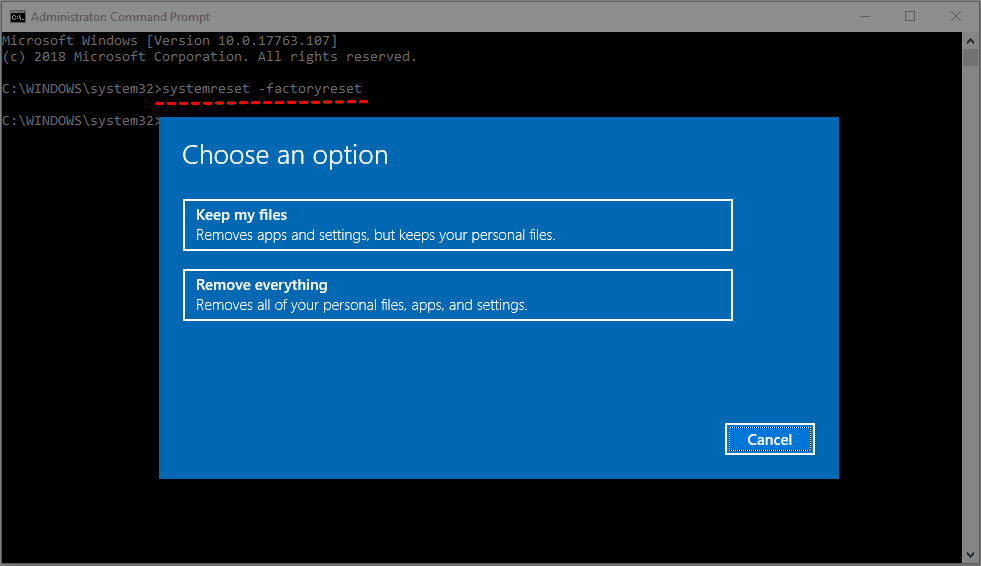
Web When you lost Windows 7 password a quick and secure way to reset the password is using Command Prompt opened with another admin account on your computer If you have another available admin account in your Windows 7 just to follow the simple steps to reset your lost password 1

Web Oct 6 2022 nbsp 0183 32 command you can change your PC s user account passwords right from your Command Prompt window This lets you set a new password for your chosen account without navigating any setting menus We ll show you how Related How to Reset Your Forgotten Password in Windows 10 What to Know When Changing Passwords From
Web Sep 2 2016 nbsp 0183 32 Now to reset the password just type the following command replacing the username and password with the combination you want net user geek MyNewPassword That s all there is to it Now you can login

Web Option 1 Reset Windows 7 Password Using Command Prompt on An Accessible PC If your PC has more than one accounts access the PC with another admin account Now follow these steps to reset password in Windows 7 using cmd Step 1 Open CMD Click on the Start icon and search for cmd
Web Oct 9 2023 nbsp 0183 32 In addition to using the command prompt to reset a Windows 7 password there is another method that you can employ to regain access to your computer This method involves creating a new account by replacing the sethc exe file with the cmd exe file By doing so you can bypass the need for a password and gain entry to your system Web net user username new password Close the Command Prompt and you can use the new password to log in Don t forget to restore the original Utilman exe file back
Web Command Prompt also runs on the login screen For this purpose a utility manager uses as cmd Track the below instructions to reset Windows 7 password with cmd on the login screen Steps of How to unlock Windows 7 password using cmd Step 1 Firstly make a Windows 7 bootable CD DVD or USB