Reset Password On Mac C mo Desbloquear Tu Mac Con La Clave De Recuperaci n Y FileVault Macworld How To Reset Your Mac Password If You Forgot It Without Losing Any Data Macbook Pro OS X Wants Me To Reset My Password Randomly Ask Different How To Reset Administrator Password On Macbook Pro Hhver Arctype Connect Reset Password On Mac [desc-7]
Web Oct 17 2022 nbsp 0183 32 There are several ways to reset your Mac password Some versions of macOS enable you to reset your password using your Apple ID it s the easiest way so worth giving it a try To test the [desc-8]
Arctype Connect Reset Password On Mac Arctype Connect Reset Password On Mac How To Reset Password On Mac MacOS Mojave Catalina 2021 Fixes To The Mac Stuck On Login Screen Problem How To Reset A Lost Admin Password On Mac OS X Fix Word Kan Het Document Niet Openen Gebruiker Heeft Geen Q A How Do You Reset The Password On A Mac Reset Admin Password On Mac Mini M1 MacOS Bigsur WITHOUT DATA LOSS How To Reset Password For Mac And Configure The Mac With New Password
Reset Password On Mac
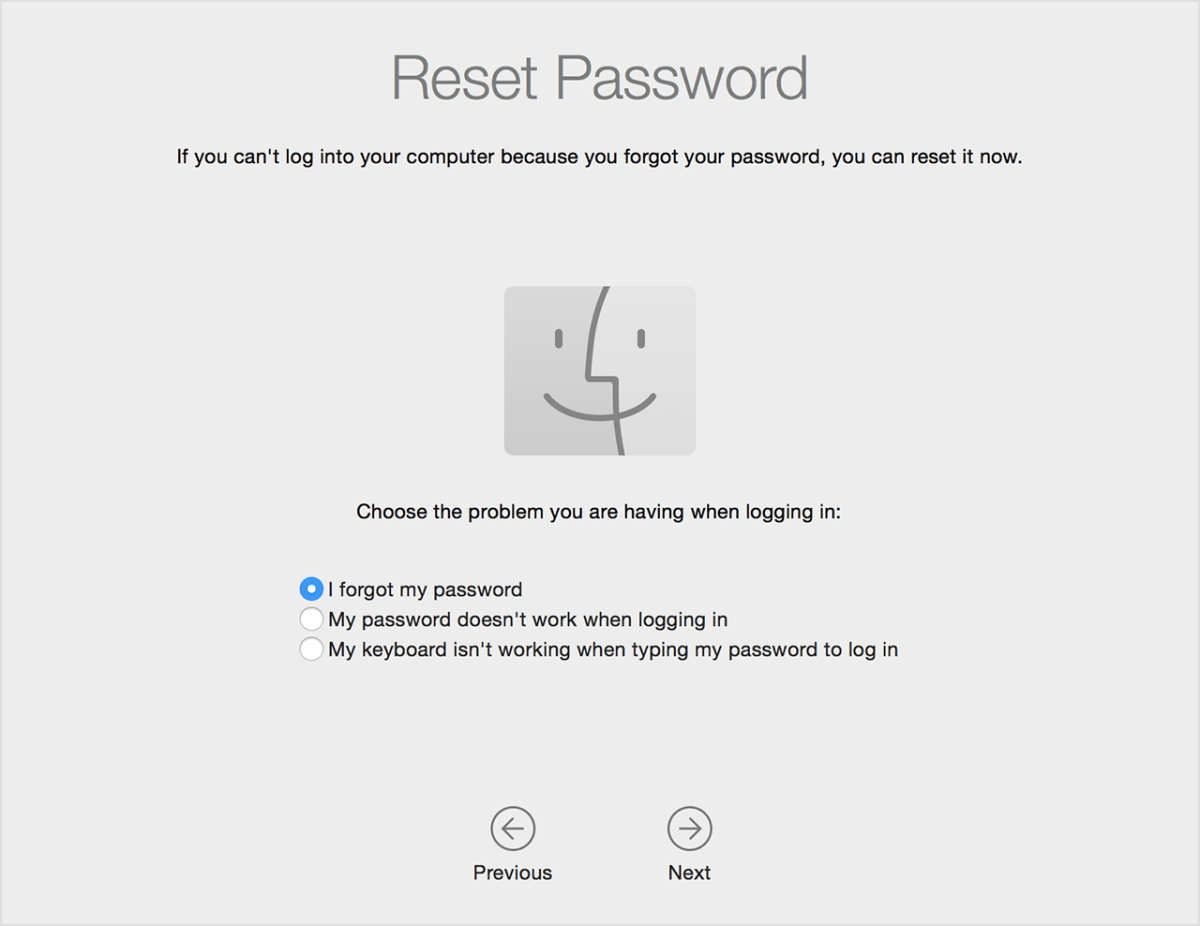 Reset Password On Mac
https://b2c-contenthub.com/wp-content/uploads/2021/07/yosemite-password_reset-choose_problem.png?w=1200
[desc-9]
Pre-crafted templates offer a time-saving service for developing a varied series of files and files. These pre-designed formats and layouts can be made use of for different personal and professional tasks, including resumes, invitations, leaflets, newsletters, reports, discussions, and more, simplifying the material development procedure.
Reset Password On Mac
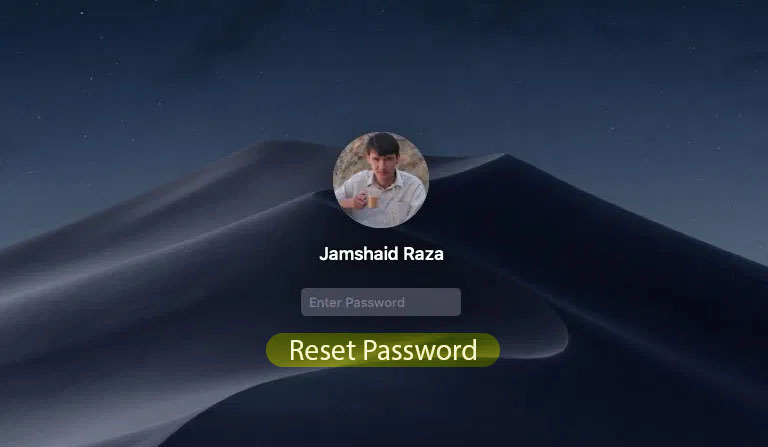
How To Reset Password On Mac MacOS Mojave Catalina 2021

Arctype Connect Reset Password On Mac
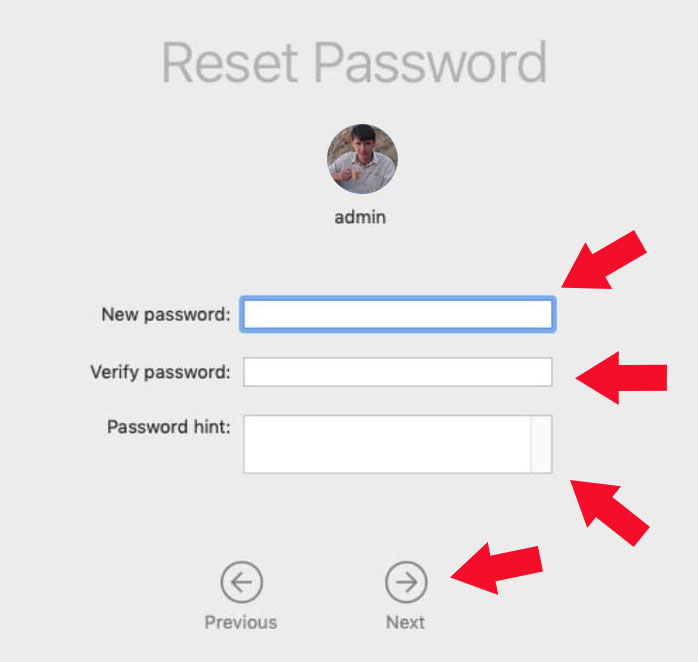
How To Reset Password On Mac MacOS Mojave Catalina 2021
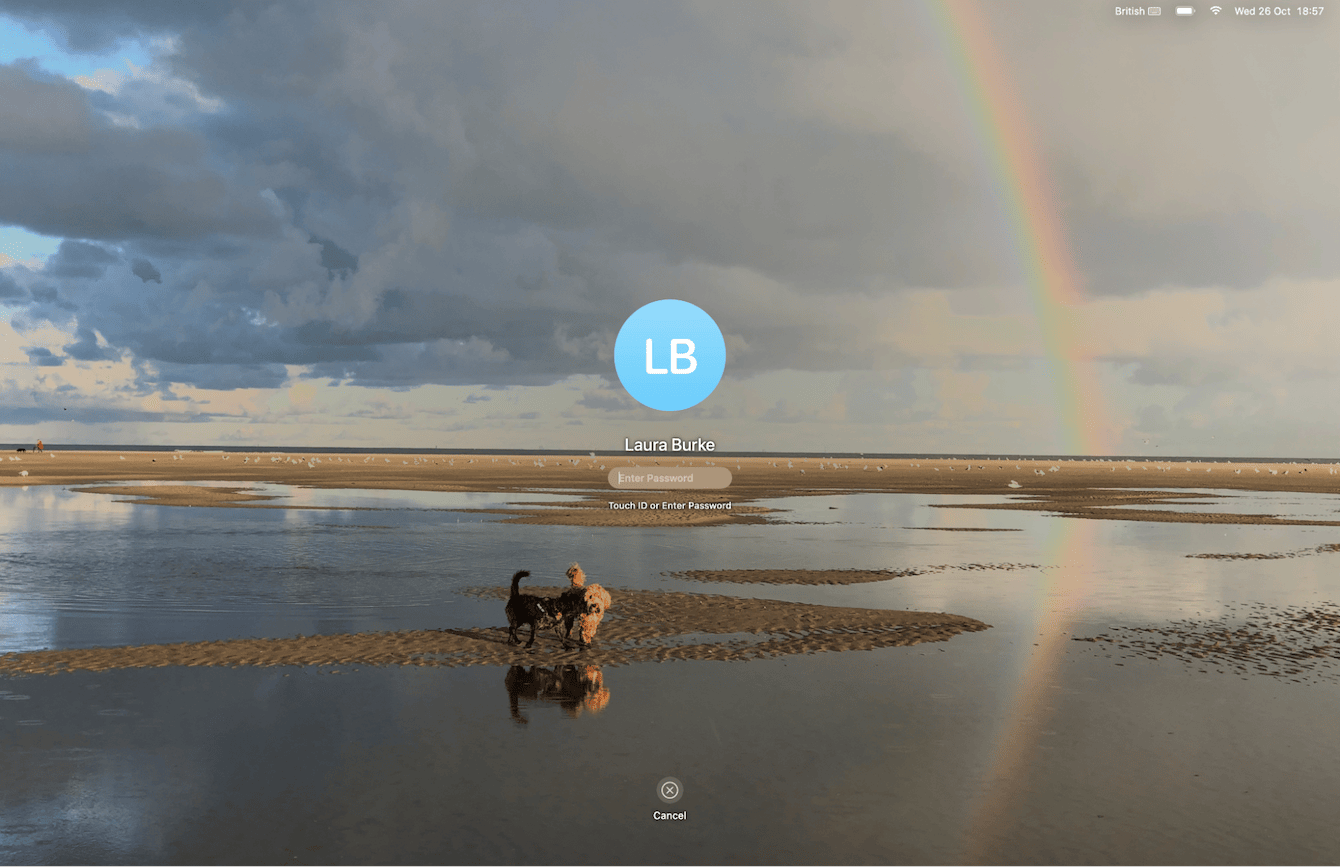
Fixes To The Mac Stuck On Login Screen Problem
Fix Word Kan Het Document Niet Openen Gebruiker Heeft Geen
Q A How Do You Reset The Password On A Mac
Web Reset your login password using your Apple ID Click the question mark next to the password field If you don t see a question mark press and hold the power button Click the arrow next to reset it using your Apple ID If you don t see an arrow see the Apple Support article If you Enter an

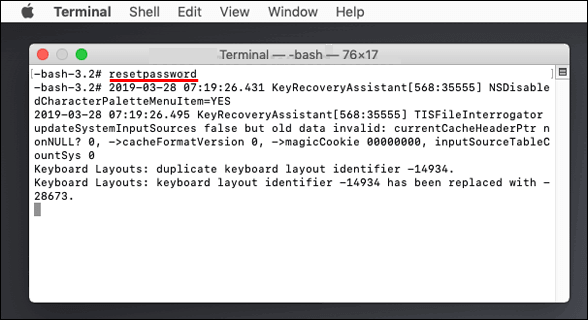
Web Apr 12 2021 nbsp 0183 32 Use the Reset Password assistant From the Utilities menu in the menu bar choose Terminal In the Terminal window type resetpassword then press Return to open the Reset Password assistant If you re asked to select an admin user you know the password for click Forgot all passwords At the

Web May 13 2023 nbsp 0183 32 Here s How You Can Unlock Your Computer Use your Apple ID to reset your Mac s password Ideally you ll have linked your Apple ID to your user account on your Use another admin account to unlock your Mac If you share your Mac with friends or family members and they forgot their Recovery Mode

Web Change the login password on Mac On your Mac choose Apple menu gt System Settings then click Users amp Groups in the sidebar You may need to scroll down Click the Info button next to your user name on the right Click Change Password Enter your current password in the Old Password field Enter

Web Mar 9 2023 nbsp 0183 32 Option 1 Restart and show password options If you see the option to restart and show password reset options click it to restart your Mac Then complete one of these steps Sign in with your Apple ID if asked You may also be asked to enter the verification code sent to your other devices Enter your FileVault recovery key if asked
[desc-11] [desc-12]
[desc-13]