Reset Password Last Set Date Powershell PowerShell List Files Sort By Date ShellGeek Using PowerShell To Manage Password Resets In Windows Domains Retrieve Password Last Set And Expiration Date PowerShell HeelpBook Send E Mail To Office 365 Using Powershell Script Part 1 2 O365info Com How Should You Complete Retrieve Password Last Set And Expiration Date PowerShell HeelpBook References Get ADUser to see password last set and expiry information and more Open Active Directory Module for Windows PowerShell To Run as administrator help Get ADUser Get ADUser Get ADUser identity yaniv properties get aduser filter properties passwordlastset passwordneverexpires ft Name passwordlastset Passwordneverexpires
1 All you need to do to reset the pasword clock is open ADusers and computers find the user users in question you can do a bulk change by highlighting several users On the account tab tick the change at next login and click apply and then untick the same box and apply again that will reset the password last set to the time and date you Type get aduser filter properties passwordlastset passwordneverexpires ft Name passwordlastset Passwordneverexpires So we can now see when a user last changed their password and if it is set to never expire To make things easier to find in a big environment you may want to sort the list by name Type
Retrieve Password Last Set And Expiration Date PowerShell HeelpBook Trabajar Con Fechas En PowerShell Consejos Y Trucos Powershell Get AD Users Password Expiry Date MorganTechSpace PowerShell How To Get File Creation Date ShellGeek How To Change Local Domain Admin Password Using Windows PowerShell Password Recovery Password Change Notification When An AD User Password Is About To Expire Windows OS Hub 2022 How To Find Last Set Password Using PowerShell TechCult PowerShell And AD Show Different User Expiration Date Valuable Tech Notes How To Get System Date In Cl Program Secjuja
Reset Password Last Set Date Powershell
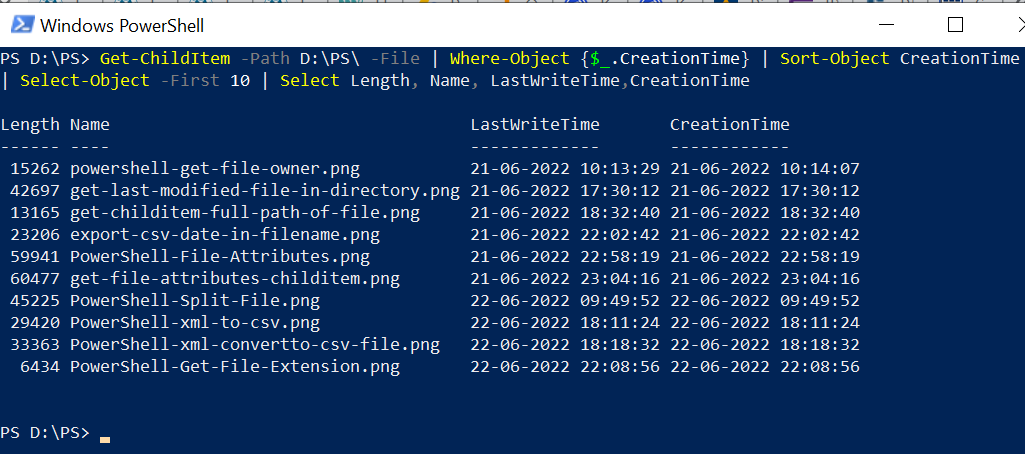 Reset Password Last Set Date Powershell
https://shellgeek.com/wp-content/uploads/2023/01/powershell-ls-sort-by-date.png
Steps Open the PowerShell ISE Run the following script using the identity parameter to specify the user account that you want to know the password last set date for identity properties passwordlastset passwordneverexpires sort name ft Name passwordlastset Passwordneverexpires You can export this data to a csv file by
Templates are pre-designed files or files that can be used for different functions. They can conserve effort and time by supplying a ready-made format and layout for creating various type of material. Templates can be utilized for individual or expert tasks, such as resumes, invitations, leaflets, newsletters, reports, discussions, and more.
Reset Password Last Set Date Powershell
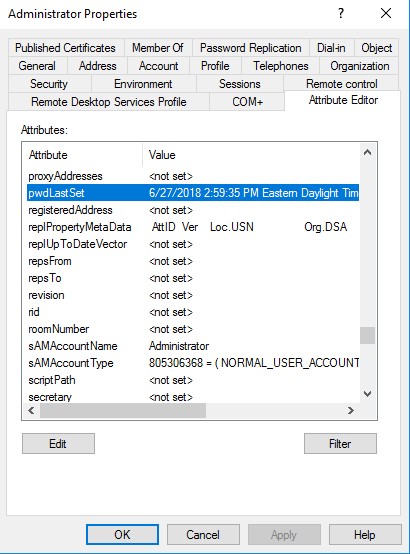
Using PowerShell To Manage Password Resets In Windows Domains

Trabajar Con Fechas En PowerShell Consejos Y Trucos

Powershell Get AD Users Password Expiry Date MorganTechSpace
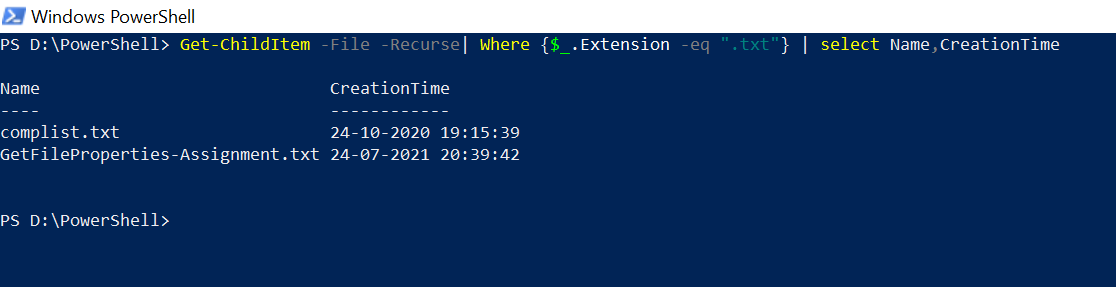
PowerShell How To Get File Creation Date ShellGeek
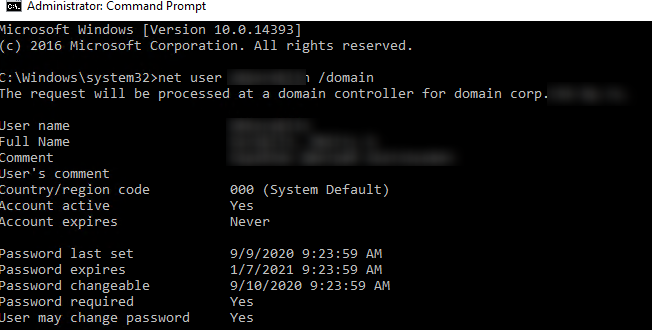
Password Change Notification When An AD User Password Is About To Expire Windows OS Hub 2022

How To Find Last Set Password Using PowerShell TechCult
How to Reset PwdLastSet using PowerShell How to read the PwdLastSet value Read PwdLastSet with Get ADUser Review Accounts where the PwdLastSet is zero User Must Change Password Next Login Get All AD Users with Password Ages Older Than X Number of Days Using msDS UserPasswordExpiryTimeComputed Prerequisites
How to Find Last Password Change Date With PowerShell Open PowerShell ISE Copy and paste the script below Get ADUser filter properties PwdLastSet sort Name ft Name Name PwdLastSet Expression DateTime FromFileTime PwdLastSet Review Results Output will be displayed in the powershell console Export to CSV

To do this based on an OU we ll set targetOU to the distinguishedName of the desired OU targetOU OU Demo OU Users OU Specops DC specopsdemo1 DC com users get aduser searchbase targetOU filter passwordNeverExpires eq false and pwdLastSet gt 0 properties passwordLastSet

Or will it change it to anyone after that date So it will grab all the accounts who s password are set after 10 15 2017 as you have the gt If you want before 10 15 2017 you d want to use lt less than I think it s easiest explained with a timeline If you have lt less than you look for something BEFORE that date

Powershell change AD variable PasswordLastSet Ask Question Asked 7 years 7 months ago Modified 7 years 7 months ago Viewed 7k times 0 Is it possible to edit the PasswordLastSet value via powershell or any method If that is not possible is there anyway i can set so a users password not account expires in X amount of days
This script is very helpful when you decide to set a password policy that user s password will expire in X number of days And present environment all users are set as password never expire To implement this policy you must un check password never expires for all users or just this PowerShell command at once for all users 1 Using CMD Checking the last password change using CMD has to be the easiest method as It offers you the Net user command The commandlet allows you to manage user accounts and groups
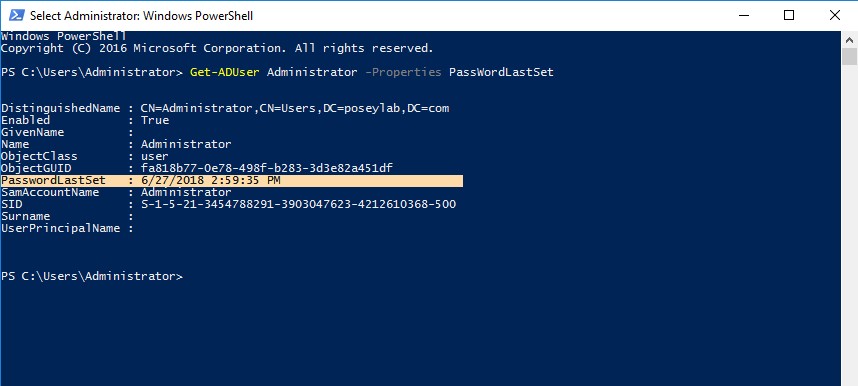
For example this command will cause the last password change date to be displayed for all users Get ADUser Filter Properties PasswordLastSet You can see what this command looks like here