Reset Network Settings Windows 10 Cmd How To Reset Network Settings To Default In Windows 10 What Happens When You Reset Network Settings On Windows 10 How To Reset Network Settings How To Reset Network Settings In Windows 10 YouTube How To Reset Network Settings On Windows 11 Vrogue How to reset network adapter s in Windows 10 and Windows 11 from Settings CMD or PowerShell How to use the netcfg d command
The easiest way to fix it is to reset the TCP IP stack settings back to their defaults Related Internet Connection Not Working 10 Troubleshooting Tips How to Reset TCP IP Resetting the TCP IP stack settings is pretty painless Launch an elevated Command Prompt PowerShell or Windows Terminal January 11 2021 8 07 pm CET 3550 0 Table of Contents How to Reset Your Windows 10 Network via Settings How to Reset Network Settings with the netsh winsock reset command
How To Reset Network Settings On Windows 11 Vrogue How To Completely Reset Network Settings On Windows 10 Www vrogue co How To Reset Network Settings On Windows 11 Mashtips Photos How To Restore Network Adapters Heightcounter5 How To Reset Network Settings On Windows 11 Vrogue How To Reset Network Settings On Windows 11 Vrogue How To Reset Network Settings On An Android Device Lupon gov ph C mo Restablecer La Pila TCP IP De Windows 10 8 1 Y 7 Noticias How To Reset Network Settings In Windows 10
Reset Network Settings Windows 10 Cmd
 Reset Network Settings Windows 10 Cmd
http://htse.kapilarya.com/How-To-Reset-Network-Settings-To-Default-In-Windows-10-1.png
Follow the given steps to reset network settings through Command Prompt 1 Search Command Prompt in Windows search bar Click Run as administrator as shown 2 Execute the below set of commands by typing pressing Enter after each netsh winsock reset netsh int ip reset ipconfig release ipconfig renew ipconfig flushdns 3
Pre-crafted templates provide a time-saving solution for developing a varied range of documents and files. These pre-designed formats and layouts can be made use of for various individual and expert jobs, consisting of resumes, invitations, flyers, newsletters, reports, discussions, and more, enhancing the content development process.
Reset Network Settings Windows 10 Cmd

Top 7 Ways To Fix Chrome Not Opening On Windows 11

How To Completely Reset Network Settings On Windows 10 Www vrogue co
How To Reset Network Settings On Windows 11 Mashtips Photos
How To Restore Network Adapters Heightcounter5

How To Reset Network Settings On Windows 11 Vrogue
How To Reset Network Settings On An Android Device Lupon gov ph

Step 1 There are two ways to open the command line Click on the Start menu type CMD in the search box then right click on it and select Run as administrator Or press WIN R type CMD and press Enter Step 2 Type the following command then validate with the Enter key on your keyboard ipconfig flushdns

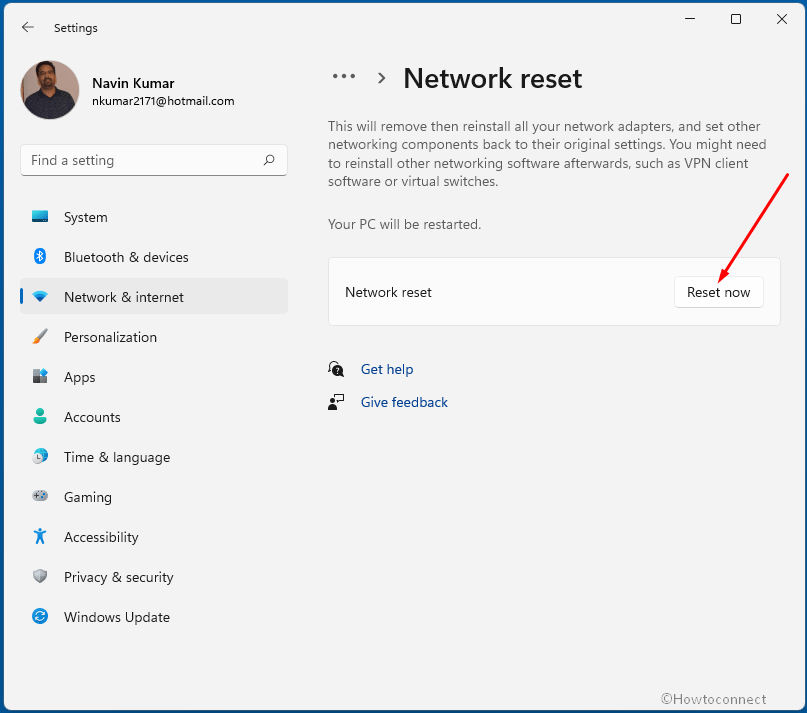
How to Reset Network from Windows Settings In Windows 10 1607 Windows 11 and Windows Server 2019 2022 you can reset network adapters from the Settings panel Go to Settings Network or use a quick access command to open ms settings ms settings network Click Network reset Reset now

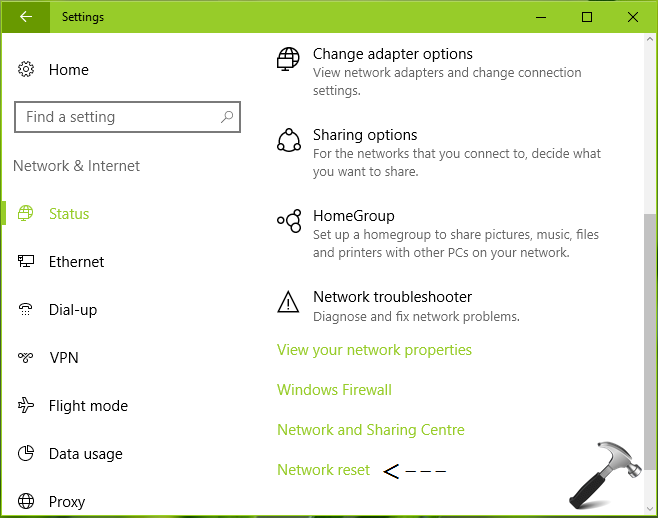
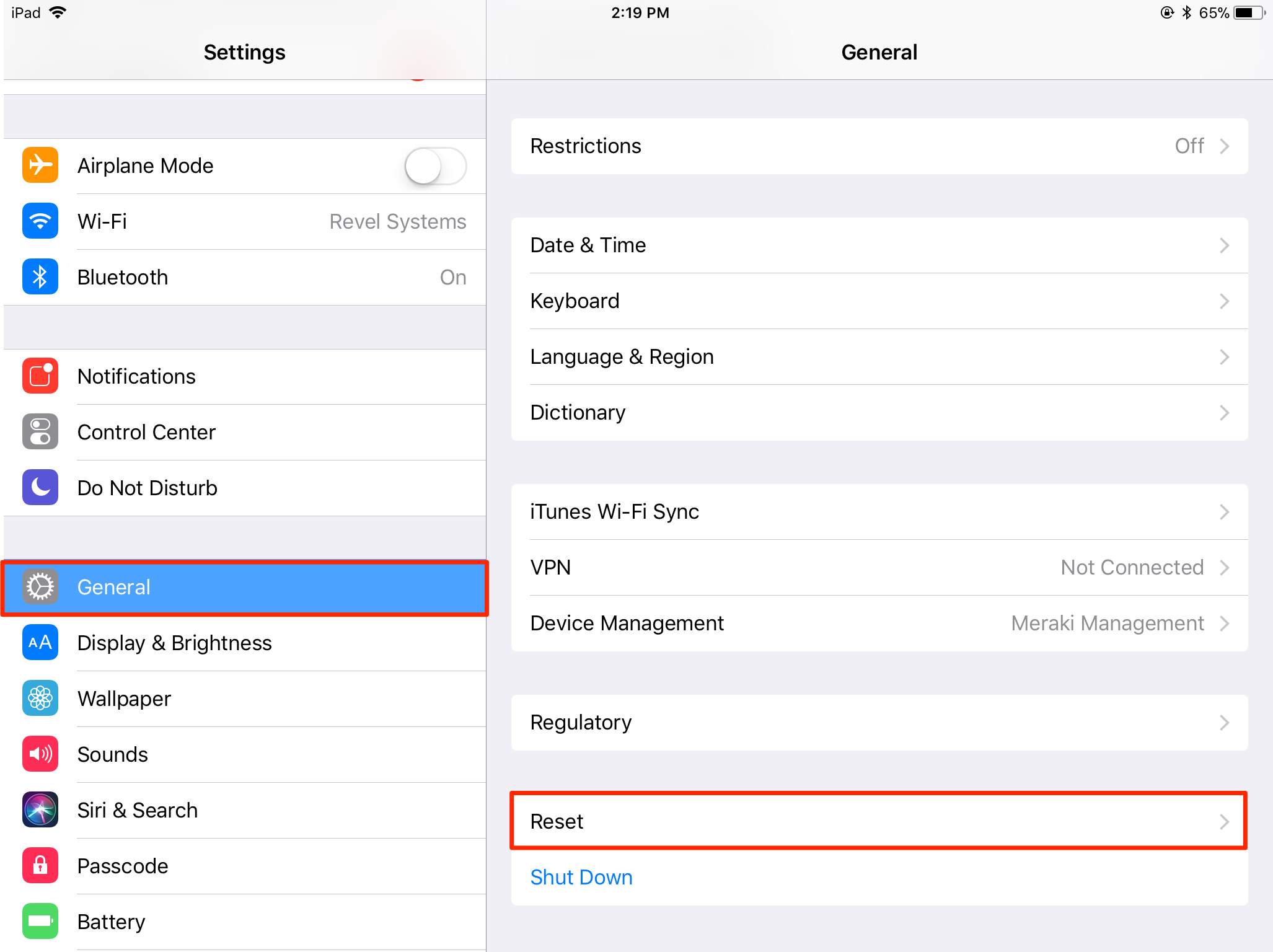
To reset network settings go to Start menu Settings Network and Internet Status Network Reset If you have a VPN or a proxy server it may need to be reconfigured following the reset Resetting network settings removes and reinstalls every network adapter installed on your system

Netsh winsock reset this will reset your PC s Winsock settings used to help apps and other services on a Windows PC communicate on a network netsh int ip reset this will reset your PC s TCP IP stack the

To Cleanup and Reset Network Adapters in Command Prompt 1 Open an elevated command prompt 2 Type the netcfg d command into the elevated command prompt and press Enter see screenshot below If you run the command and receive an error referring to NetSetupDeleteObject run the netcfg d command until it s successful
[desc-11] [desc-12]
[desc-13]