Reset Network Settings Samsung Code How To Reset Network Settings On Samsung Smart TV Galaxy S22 Reset Network Settings Technipages How To Reset Network Settings On Samsung TECH FY How To Reset Network Settings On Samsung TV StreamDiag How To Guide Reset Network Settings On Samsung Galaxy F13 How does Reset Network Settings Work Reset network settings is one of the standard reset available in both iOS and Android devices This reset is usually executed when network
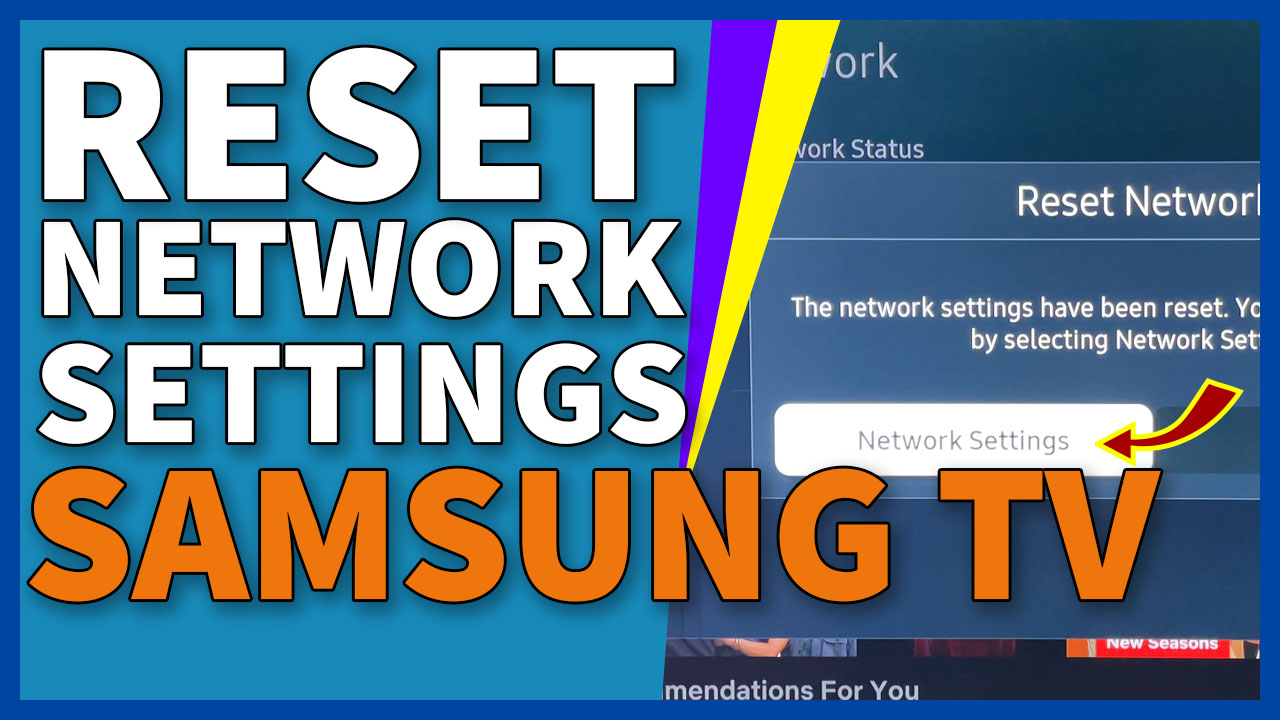
Get support If a Samsung TV or Odyssey Ark gaming screen is having problems with signal network picture or sound the built in self diagnosis tools or a factory reset will probably solve them Want to know How to Reset Network settings on Samsung smartphone This guide will show you how to do on Android 11 One UI 3 0 00 Intro0 05 Tap on Settings0
How To Guide Reset Network Settings On Samsung Galaxy F13 Samsung Network Settings Reset Kaise Kare Reset Network Settings How To Reset Network Settings On Samsung Galaxy A73 5G Duty From After That Samsung Note 3 Reset Network Settings Radium Reset Network Settings SAMSUNG Galaxy A13 5G How To HardReset info Reset Network Settings SAMSUNG Galaxy Tab S4 4G LTE How To HardReset Samsung Galaxy S23 Reset Network Settings Restoring Network Defaults Reset Network Settings SAMSUNG G928A Galaxy S6 Edge AT T How To Samsung Galaxy S7 Edge How To Reset Network Settings Back To Factory
Reset Network Settings Samsung Code
 Reset Network Settings Samsung Code
https://thedroidguy.com/wp-content/uploads/2022/11/reset-network-settings-samsung-smart-tv-12.jpg
Step 1 of 8 Swipe up or down to view the apps Images may not be exactly as shown Step 2 of 8 Touch Settings Images may not be exactly as shown Step 3 of 8 Scroll to and touch General management Images may not be exactly as shown Step 4 of 8 Touch Reset Images may not be exactly as shown Step 5 of 8 Touch Reset network settings
Templates are pre-designed documents or files that can be used for numerous functions. They can save effort and time by providing a ready-made format and design for producing different type of material. Templates can be utilized for personal or expert jobs, such as resumes, invites, flyers, newsletters, reports, discussions, and more.
Reset Network Settings Samsung Code
Duty From After That Samsung Note 3 Reset Network Settings Radium

Samsung Network Settings Reset Kaise Kare Reset Network Settings

How To Reset Network Settings On Samsung Galaxy A73 5G

Duty From After That Samsung Note 3 Reset Network Settings Radium

Reset Network Settings SAMSUNG Galaxy Tab S4 4G LTE How To HardReset

Samsung Galaxy S23 Reset Network Settings Restoring Network Defaults

Using these codes you can enter Samsung engineering mode test the network diagnose the hardware and get key information about your Samsung phone to Galaxy Tab

QUICK ANSWER To reset network settings on a Samsung Galaxy phone or tablet go to Settings General management Reset Reset network settings Reset settings Enter your
Reset Network Settings on Samsung Devices If you re having trouble connecting to a Wi Fi network or Bluetooth device on your Android smartphone or tablet it might be time to reset your network settings Doing so might remove any conflicts To do that you ll need to follow these steps Before we begin a word of warning
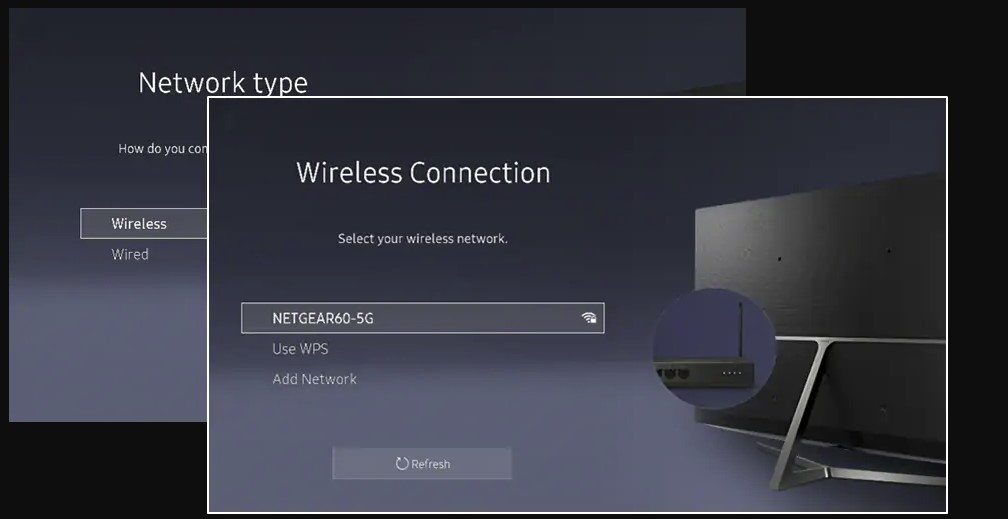
Steps to reset network settings of a Samsung Galaxy Estimate Cost 0 Time Needed 4 minutes Follow the steps below to revert the network settings of any Samsung Galaxy phone or
How to reset network settings on the Galaxy S21 Samsung UK USA English Other Countries or location How to reset network settings on the Galaxy S21 If your Wi Fi is unstable follow the steps in this video to reset your network settings on the Galaxy S21 Transcription How to reset network settings on the Galaxy S21 Related Questions
Improving network performance Over time your device may accumulate temporary network data or cache that can impact network performance A network reset clears these temporary files and data optimizing your device s connectivity and potentially improving network speeds and stability Accessing Settings Open the Settings app on your Samsung device From there scroll down until you find the General Management option Finding the Reset Option Once you re in the General Management menu look for the Reset option Choosing Network Settings Reset After clicking on Reset you will see a
Samsung Galaxy A13 Reset Network Settings By performing the steps below the following are cleared or restored to default values Cellular and Wi Fi network settings including saved networks and passwords Bluetooth From a Home screen swipe up from the center of the display to access the apps screen Navigate