Reset Domain User Password Windows Server 2012 Reset Password Via Set ADAccountPassword Cmdlet In AD RESET DOMAIN USER PASSWORD Windows Server 2022 Menu O PowerShell How To Reset Domain User Password In Windows Server 2012 R2 YouTube How To Reset Windows 10 8 And 7 Password If You Forgot It Ways To Reset Active Directory Password ADSelfService Plus Web Jun 26 2014 nbsp 0183 32 However this guide also works for Windows Server 2012 and Windows Server 2008 R2 With this password reset method you have to boot from a second Windows installation You then have to replace utilman exe the Utility Manager with ease of use functions such as the Narrator and Magnifier on a domain controller with the
Web Apr 11 2017 nbsp 0183 32 Solved Windows Server A new customer called me because they had a user account password expired and couldn t change it This the was the company s president account and oddly enough his password was the only one to expire They have been using this server for over a year Web May 29 2014 nbsp 0183 32 Reset users password in Active Directory by Domain Admin account or other service account In Active Directory you can set and enforce rules where users have to use strong password can t use last 5 passwords
Ways To Reset Active Directory Password ADSelfService Plus Reset Administrator s Password In Windows Server 2012 R2 forgot Windows Server 2012 WDS I Virtualbox Installation Av Windows 8 1 How To Reset Domain Password In Server 2012 YouTube Reset Domain User Password In Windows Server 2012 YouTube Windows Password Reset Professional Untuk Windows Unduh Reset Domain Administrator Password For Windows Server 2008 R2 YouTube Reset Administrator s Password In Windows Server 2016 forgot Password How To Change A User s Password In Windows Server 2012 Snel
Reset Domain User Password Windows Server 2012
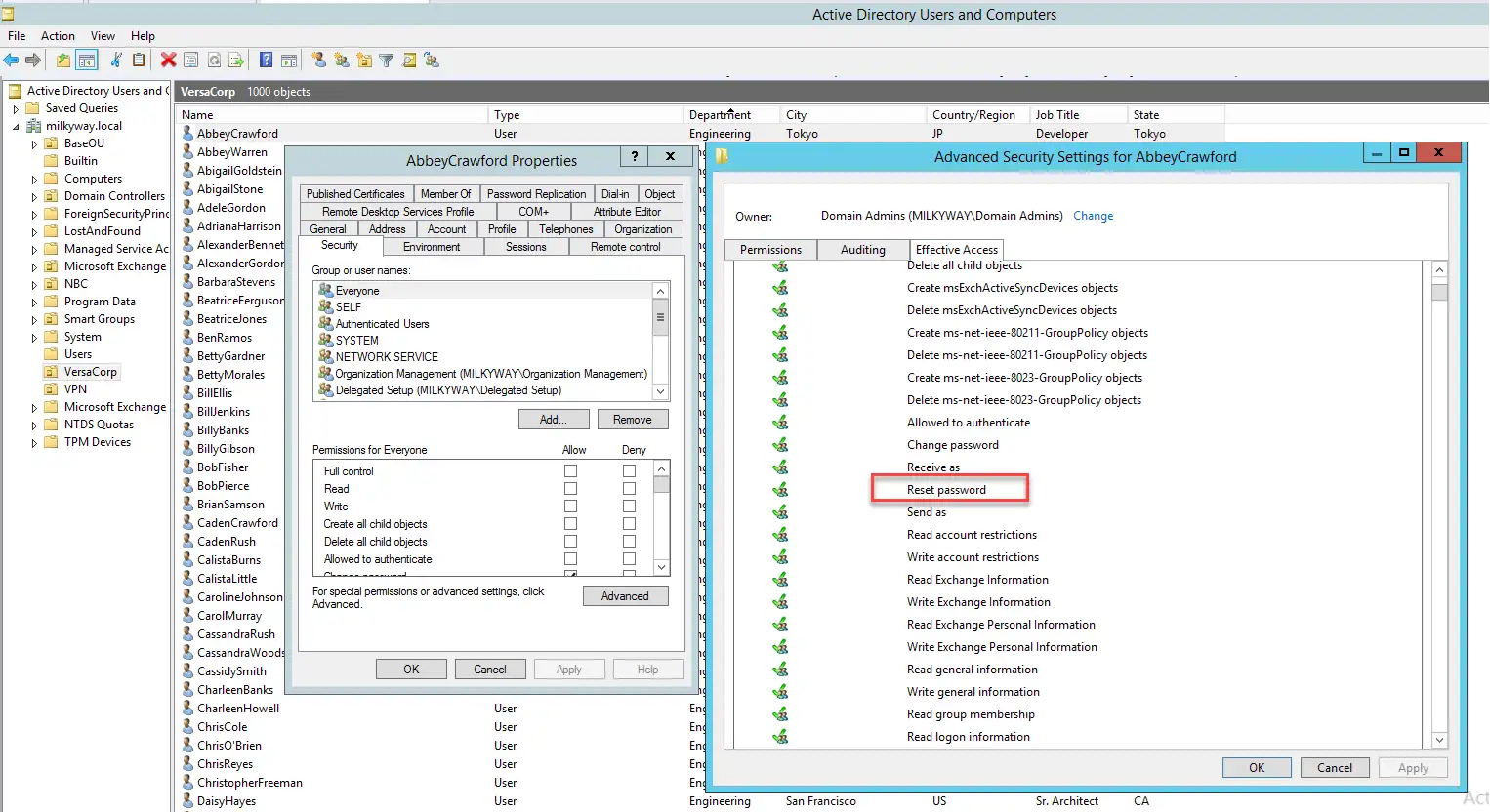 Reset Domain User Password Windows Server 2012
https://cdn-blog.netwrix.com/wp-content/uploads/2023/03/Picture1-3.webp
Web Dec 28 2014 nbsp 0183 32 To reset the Domain Admin password in Windows Server 2012 R2 you do the following Shutdown the domain controller VM most likely Boot on the Windows Server 2012 R2 installation media or any other WinPE boot media Open a command prompt Shift F10 if using the installation media Rename the
Pre-crafted templates use a time-saving option for developing a diverse variety of documents and files. These pre-designed formats and layouts can be used for various personal and expert tasks, including resumes, invitations, leaflets, newsletters, reports, discussions, and more, simplifying the content production process.
Reset Domain User Password Windows Server 2012
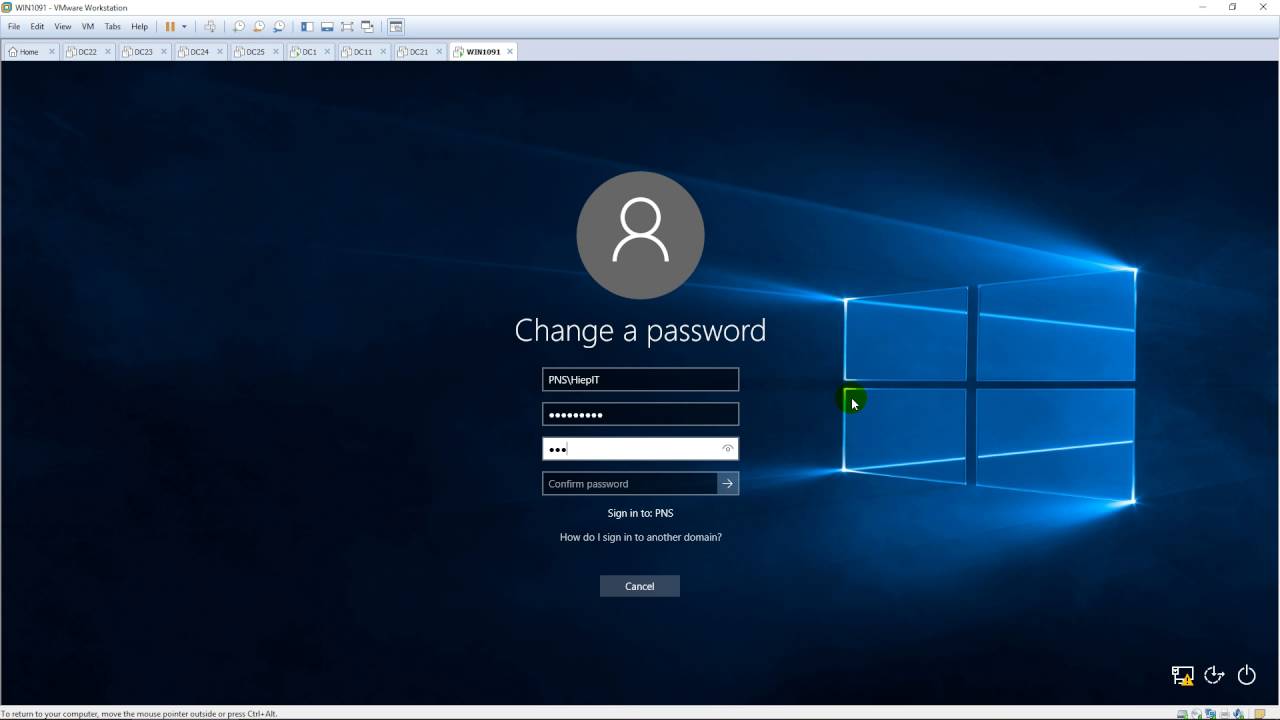
Change Domain User Password From Client Machine Running Windows 10

Reset Administrator s Password In Windows Server 2012 R2 forgot

Windows Server 2012 WDS I Virtualbox Installation Av Windows 8 1
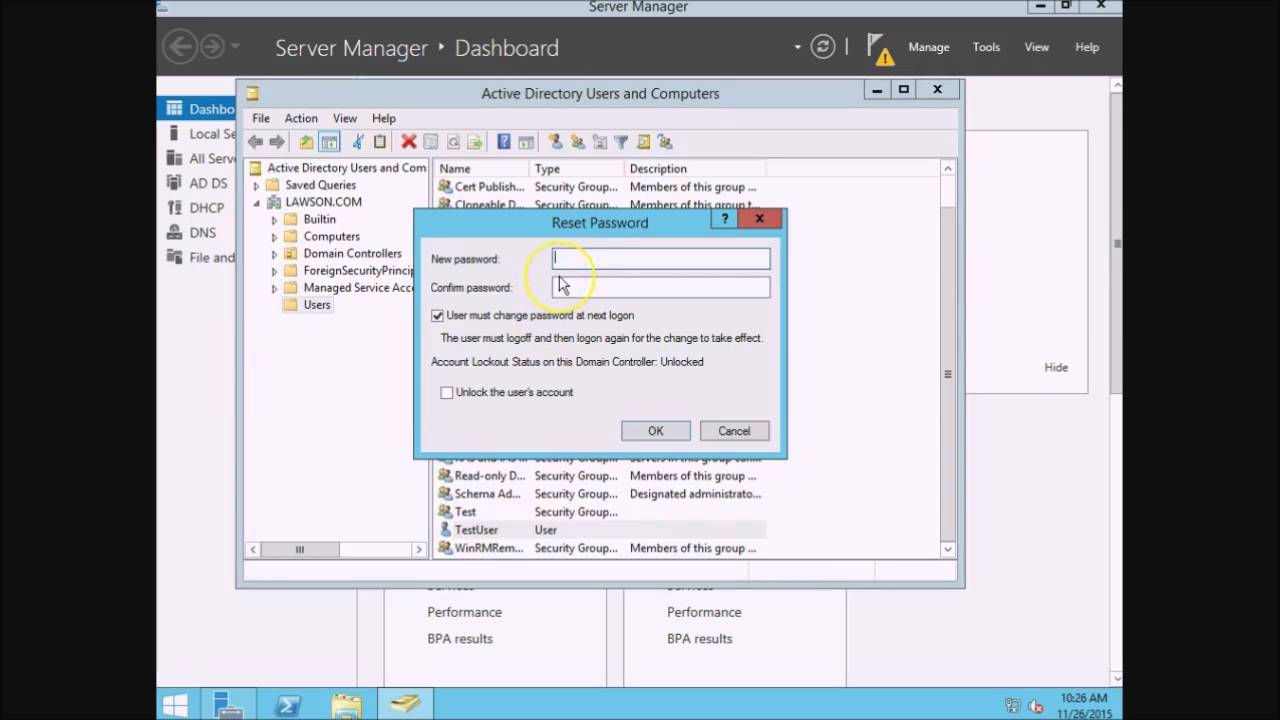
How To Reset Domain Password In Server 2012 YouTube
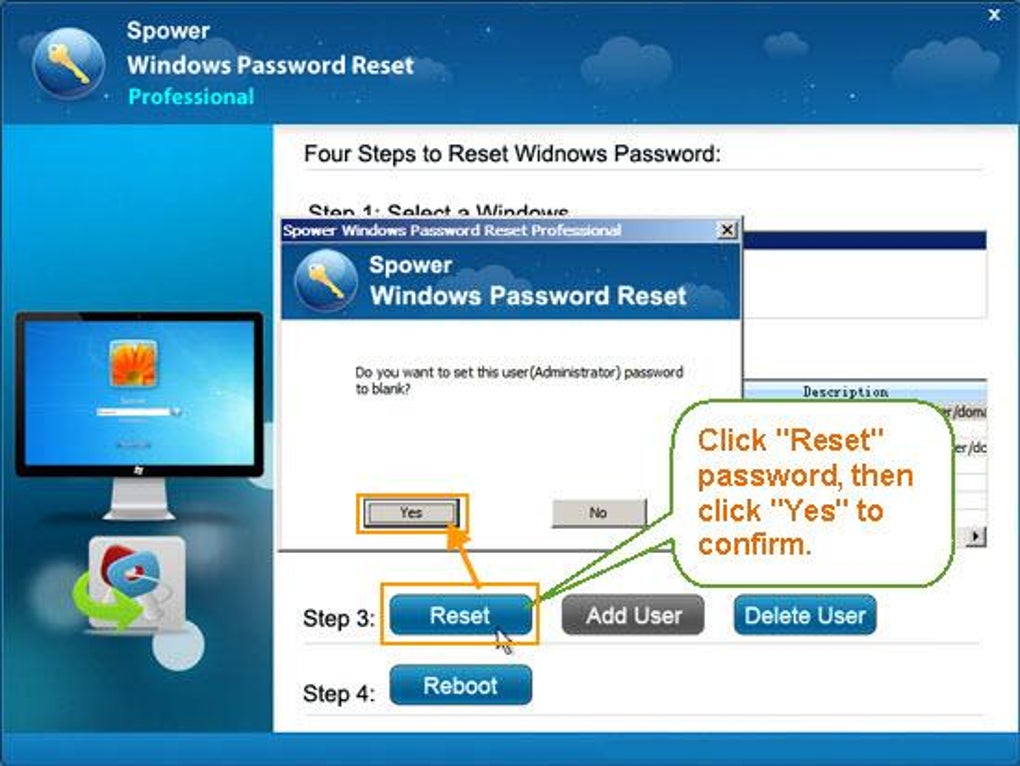
Windows Password Reset Professional Untuk Windows Unduh
Reset Domain Administrator Password For Windows Server 2008 R2 YouTube

Web The list of users will emerge on the left side select one of the users by name and right click on quot Reset Password quot In the change password window 1 Enter a new password password must be at least 8 characters 2 Check the box quot User must change password at the next logon quot if required 3

Web Feb 23 2023 nbsp 0183 32 Use Netdom exe to reset a machine account password This step by step article describes how to use Netdom exe to reset machine account passwords of a domain controller in Windows Server Applies to Windows Server 2019 Windows Server 2016 Windows Server 2012 R2 Original KB number 325850
Web Aug 19 2016 nbsp 0183 32 The server should now boot and present the logon screen Here click Windows Key U At the prompt you can now change the password by typing the following command net user administrator Password123 This will set the password for the Administrator user to be Password123 case sensitive

Web Press the Windows key X to access the Power User menu and then click Command Prompt Admin To reset domain administrator password type the following command and press Enter Replace P ssword123 with your desired password net user Administrator P ssword123 domain

Web Jul 7 2019 nbsp 0183 32 Windows server 2012 Press the Windows key type Administrative Tools and open the app Windows server 2008 R2 Select Configuration Windows server 2012 Navigate to Computer Management Click Local Users and Groups gt Users Find and right click the Administrator user Click Set Password gt Proceed Type in and confirm the new
Web Feb 13 2009 nbsp 0183 32 You can edit the top line to any account to which you have access your accounts in other domains assuming there is access to domain controllers in the other domain or even other accounts Web Apr 7 2020 nbsp 0183 32 This short video will show you how to change a domain user password in Server 2012 R2 but it is also applicable to Windows Server 2016 and 2019 change dom
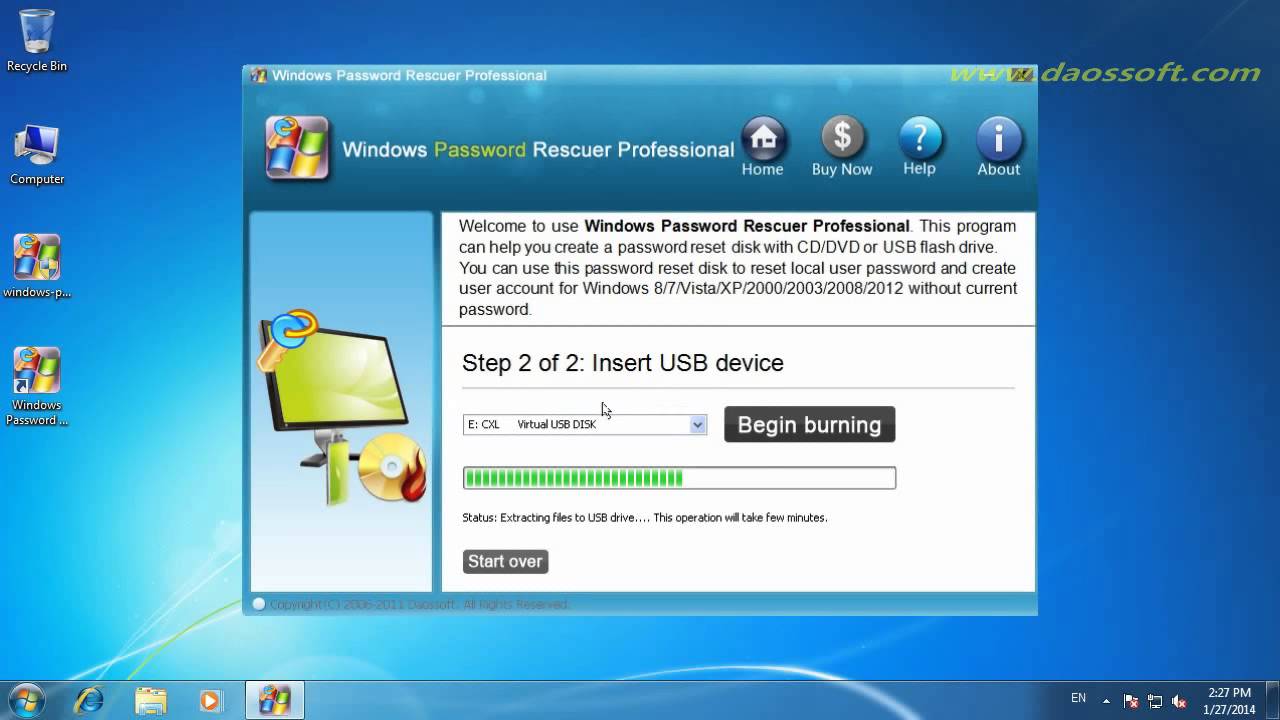
Web Nov 3 2012 nbsp 0183 32 Choose the administrator account from the list then click on Reset Password button the program will replace the forgotten unknown administrator password with the new password Password123 Reject the Live CD and restart the server You can then log in to the domain administrator account with the new password