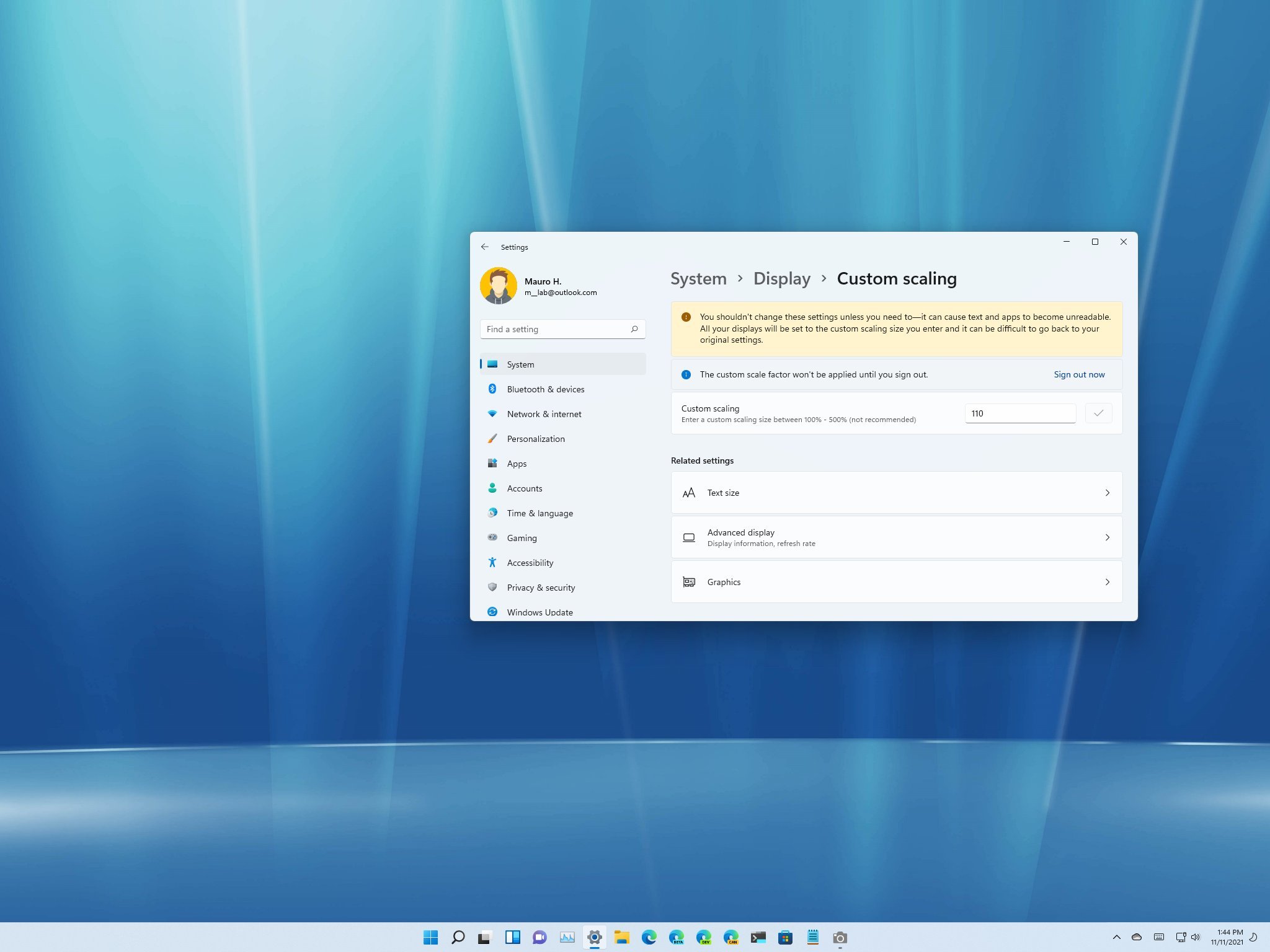
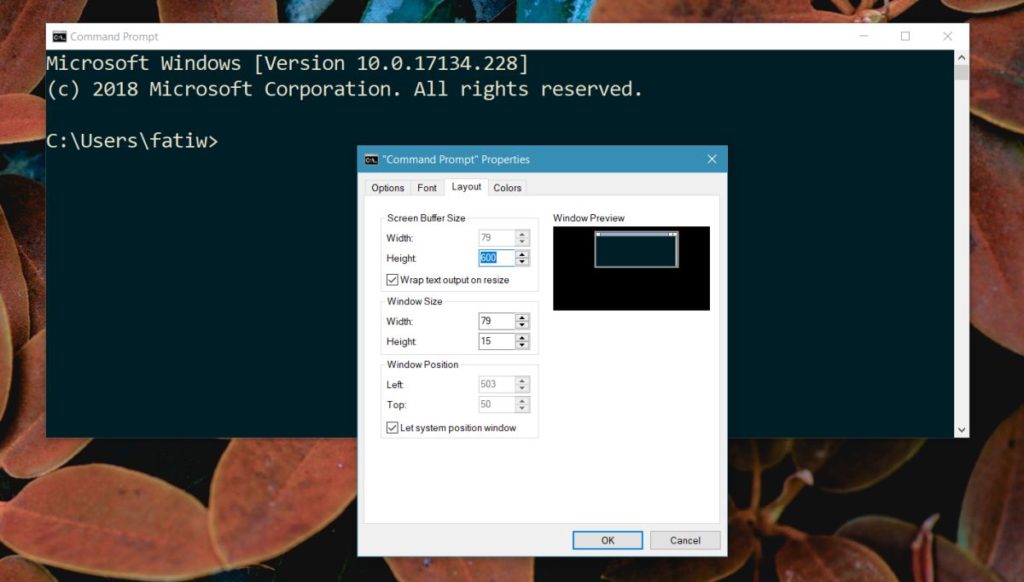
Reset Default Window Size Windows 10 How To Adjust Display Scale Settings In Windows 11 Windows Central CIS 110 Homework 1 The Great Race Windows Live Mail Set Window Size Windows 10 Forums How To Use Snipping Tool In Windows 11 TechWiser How To Set The Default Window Size For Command Prompt On Windows 10 Web Reset window size to default I have been using an AutoTiling program to organize the windows It has put the windows of very strange sizes and I wish I could reset this to default like when you use W10 for the first time
Web Mar 18 2023 nbsp 0183 32 Now open any window like File Explorer of which size and position you want to remember Right click on the Taskbar the bar at the bottom of the screen Choose the Cascade windows option in case of Windows 10 Cascade Windows Option This will resize the window to a pre defined size Web Jan 19 2021 nbsp 0183 32 Wondering how to reset display settings to default on Windows 10 Check out how to revert layout scaling text theme and similar other display settings in Windows 10 Guiding Tech
How To Set The Default Window Size For Command Prompt On Windows 10 Bollinger Financial Time Series Toolbox Font On Win 11 Windows 11 How To Customize Your Windows 11 Taskbar 1st For Credible News Front End Default Window Size Too Small In Version 12 3 in Windows 10 Mathematica Stack How Do I Get My Screen Back To Normal Size On Windows 10 Corsu uganda Structural Analysis Of The Mutant Protein The Predicted Download Scientific Diagram Move Eco Friendly Woods Snipping Tool History Windows 11 Wind Assistant Sadness Windows 10 Low Screen Resolution Fix YouTube
Reset Default Window Size Windows 10
 Reset Default Window Size Windows 10
https://cdn.mos.cms.futurecdn.net/TmQBdptLkRzsNM3n4s5MdQ.jpg
Web Dec 6 2019 nbsp 0183 32 Refer the steps mentioned below Right click on any application shortcut and select Properties Click on Shortcut tab Now use the drop down beside Run and select the size from Normal window Minimized and Maximized Click on OK
Pre-crafted templates use a time-saving service for creating a varied series of documents and files. These pre-designed formats and designs can be used for different personal and professional projects, consisting of resumes, invites, leaflets, newsletters, reports, discussions, and more, improving the content development process.
Reset Default Window Size Windows 10
Solved QUESTION 41 1 POINT Jerod Records The Amount Of Fat Chegg
Bollinger Financial Time Series Toolbox
Font On Win 11 Windows 11

How To Customize Your Windows 11 Taskbar 1st For Credible News

How Do I Get My Screen Back To Normal Size On Windows 10 Corsu uganda

Structural Analysis Of The Mutant Protein The Predicted Download Scientific Diagram
Web Jun 3 2023 nbsp 0183 32 Follow TheWindowsClub Reset window size and position If Windows 11 10 does not remember the window position and size then this post will help you fix the problem

Web Nov 10 2017 nbsp 0183 32 In Windows 10 the option to restore folders to their defaults is actually built into the File Explorer options in the Control Panel interface under the View tab at the top

Web Aug 9 2017 nbsp 0183 32 When I open CMD with Run or Perforce Where I usually use it it is annoyingly small When I run it from the Start Menu it is a normal size Which makes me wonder if these programs use a different shortcut command to open it than Windows does by default I m on Windows 10 Enterprise 64 bit

Web Nov 24 2015 nbsp 0183 32 Open the application you wish to drag and alter the window size you wish to move to any location on the desktop and close it Once again when you open the same application if refines the same even after the restart Note You can t resize a window that s minimized or maximized Hope it helps
Web Jan 13 2022 nbsp 0183 32 Short Command Shift Key X Spare yourself the hassle of resizing the same screen again and again Use the short command by Windows 10 to set a preferred size of the window screens This short command helps in saving time used to perform a list of functions to set up the customized size
[desc-11] [desc-12]
[desc-13]