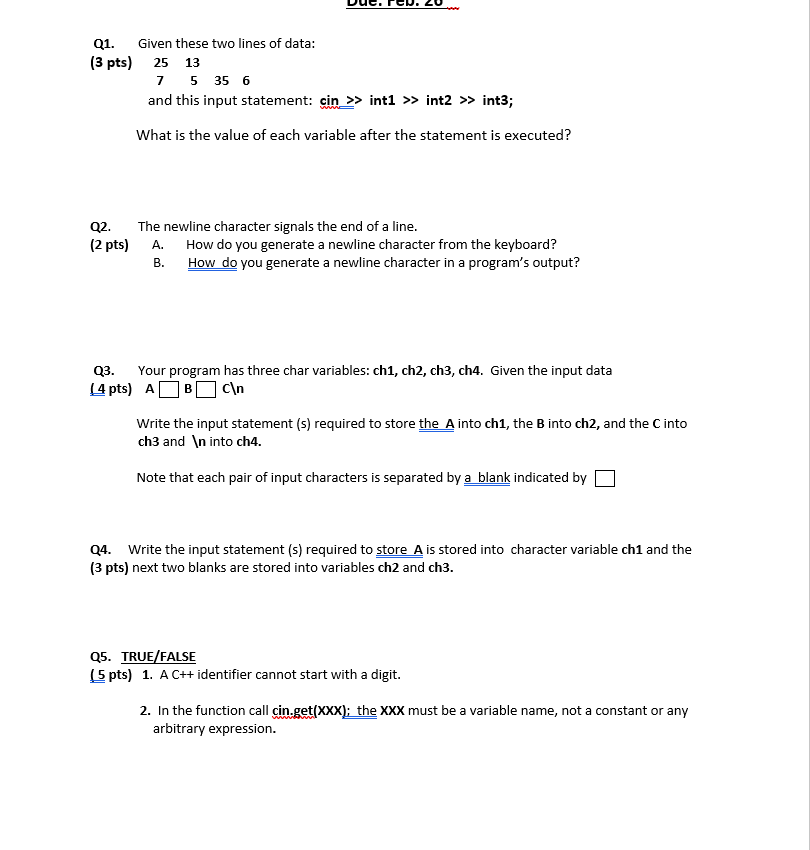
Replace With New Line Character In Notepad How To Remove The Last Character On Every Line In Notepad 3 shorts How To Remove The First Character Of Every Line In Notepad Replace With New Line In Wordpad Printable Templates Free How To Remove New Line In Notepad YouTube Solved Given These Two Lines Of Data Q1 3 Pts 25 13 7 5 Chegg Jul 26 2018 nbsp 0183 32 This article shows you how to easily replace a specific character in your text with a new line using Notepad Learn how to convert any character such as tabs or commas to new lines by following these simple steps
Dec 3 2020 nbsp 0183 32 Insert new line carriage return at a specific character or string To insert a new line carriage return after at a specific character or string e g after a Comma use this search and replace operator Find what Replace with r n Jan 25 2021 nbsp 0183 32 Notepad quot Find and Replace quot capabilities offer powerful ways to search and replace any words or characters with newline characters r n This tutorial will show you how you can find
Solved Given These Two Lines Of Data Q1 3 Pts 25 13 7 5 Chegg How To Add New Line Character In Notepad Like One Would Do In Vim Solved Change Comment Character In Notepad 9to5Answer Gangnoob blogg se Editpad Lite Replace With New Line Registry Remove Characters In Specific Lines In Notepad Stack How To Check For Newline In C New Update How To Replace Character With New Line Using Notepad YouTube Replace With New Line In Wordpad Printable Templates Free Microsoft Roles Out Redesigned Notepad To Windows 11 Insiders
Replace With New Line Character In Notepad
 Replace With New Line Character In Notepad
https://i.ytimg.com/vi/VQTKWZKgPQ4/maxresdefault.jpg
Open Notepad then copy your content Press ctrl h Find what is should be comma or any character that you want to replace Replace with should be n Select Search Mode gt Extended n r t 0 Then Click on Replace All
Templates are pre-designed documents or files that can be used for numerous functions. They can save effort and time by offering a ready-made format and layout for developing various type of content. Templates can be utilized for individual or professional tasks, such as resumes, invitations, leaflets, newsletters, reports, presentations, and more.
Replace With New Line Character In Notepad
Find And Replace In Notepad New Line Printable Templates Free

How To Add New Line Character In Notepad Like One Would Do In Vim

Solved Change Comment Character In Notepad 9to5Answer
Gangnoob blogg se Editpad Lite Replace With New Line
How To Check For Newline In C New Update
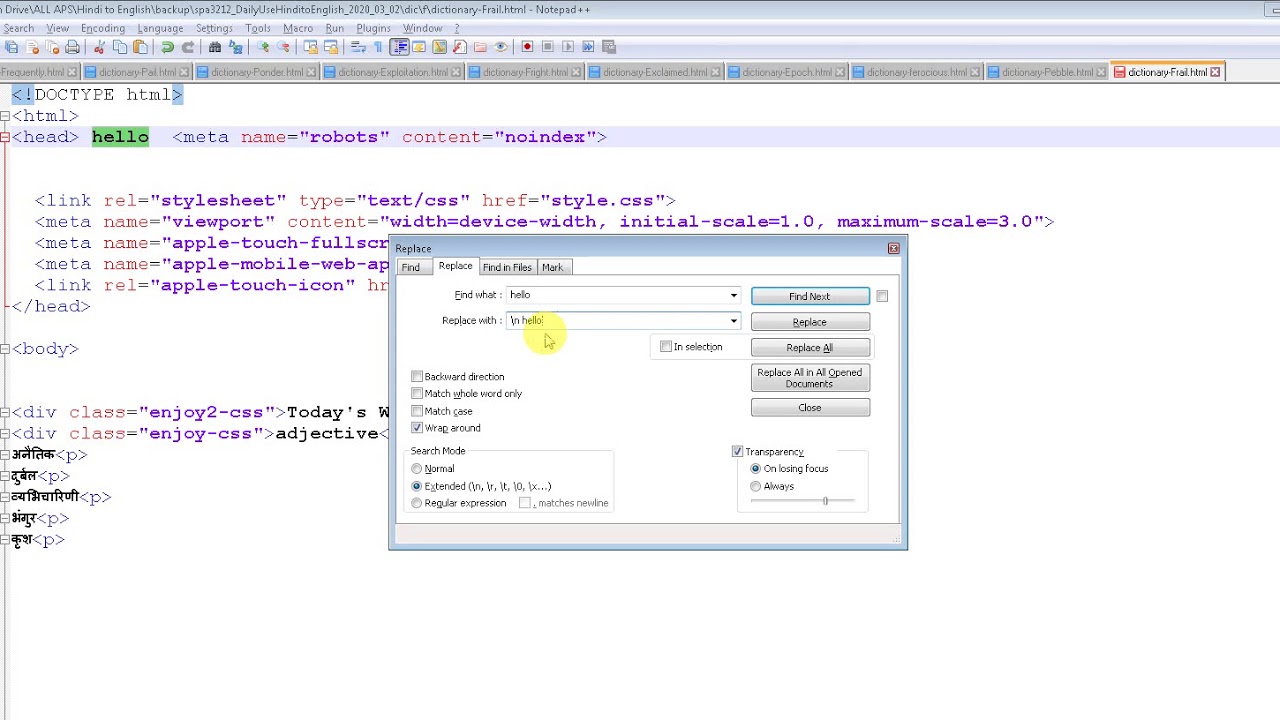
How To Replace Character With New Line Using Notepad YouTube

Consider the scenario where you have a specific string that you want to find and replace You want to replace it with a new string that contains a newline character or character sequence In the scenario above I d like to find quot xyz quot and replace the space with a carriage return newline
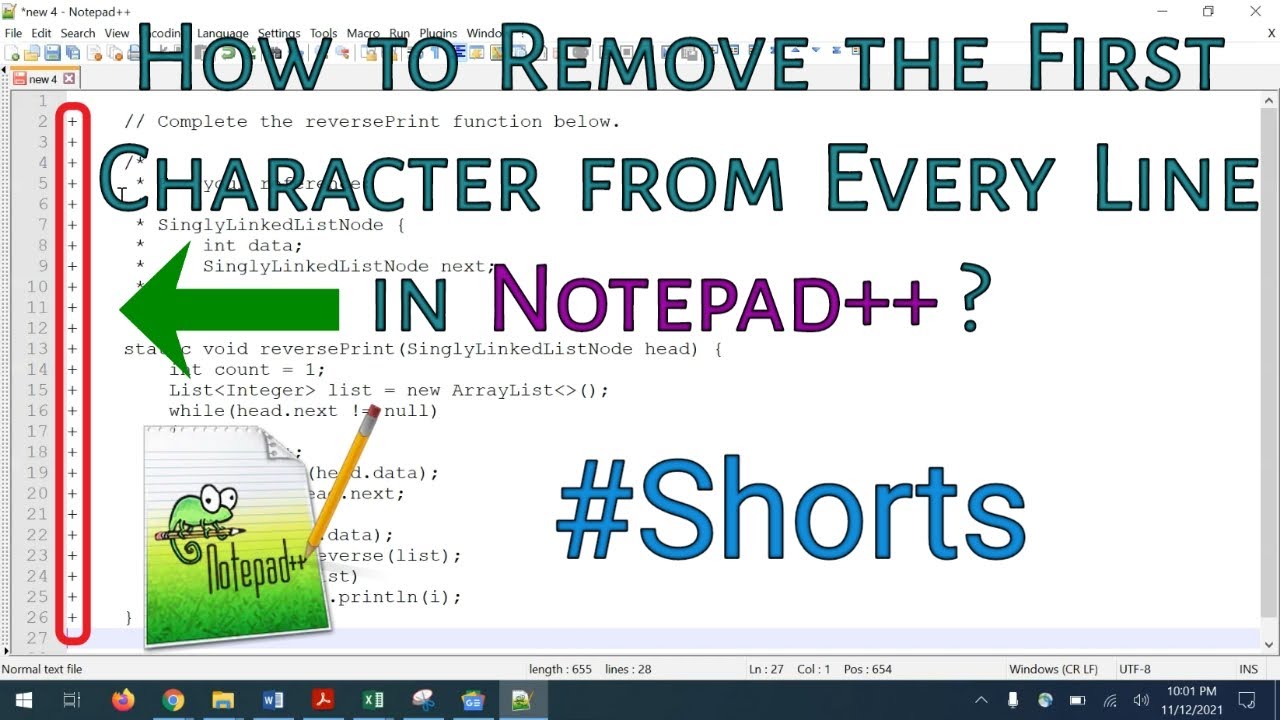
Nov 26 2015 nbsp 0183 32 In Notepad select from the end of a line clicking SHIFT Right arrow key you can t see it but the newline character is now selected Now go to quot Replace quot and replace with nothing The newline characters will all be replaced with nothing
Feb 15 2014 nbsp 0183 32 Press CTRL h and the Replace dialog will open Type r n in quot Find what quot and r n in quot Replace with quot Finally select search mode Extended r n t x 0 and click quot Replace All quot works in Programmer s notepad as well
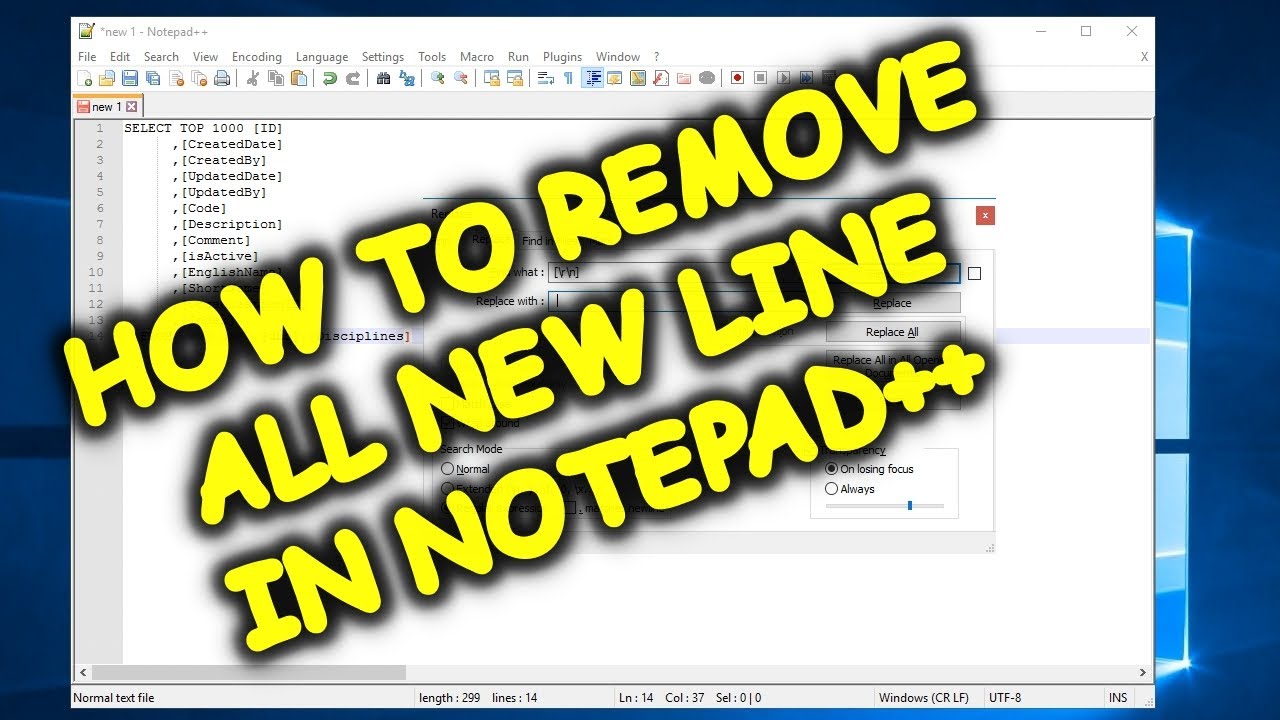
Apr 1 2013 nbsp 0183 32 Open the find and replace dialog press CTRL H Then select Regular expression in the Search Mode section at the bottom In the Find what field enter this r n In the Replace with There is a space after the comma This will also replace lines like Apples
Sep 18 2013 nbsp 0183 32 Using textpad press F8 for find and replace with the quot regular expression quot option checked and simply replacing n with a single space worked for me
How do I change or replace all instances of a character in a text file to a newline line break EOL in Notepad2 or Notepad Jan 4 2017 nbsp 0183 32 How to replace n with new line in notepad Step 1 Load your file in the Notepad or copy paste the content to Notepad new file Step 2 Select the Select gt Replace from the menu or hit Ctrl H to appear the replace dialogue Fill out your values as
Jan 6 2012 nbsp 0183 32 For many years Windows Notepad only supported text documents containing Windows End of Line EOL characters Carriage Return CR amp Line Feed LF This means that Notepad was unable to correctly display the contents of