Rename Macbook Command Line What Is Mac Command For Center Text Lanesos Rename Command Examples Options Switches More Create Empty File At Windows Command Line Rename User Macbook Command Line Arguments Web Easy Another way to create a new file is by making use of the command line or a terminal an old classic way To create a new file or folder with terminal type the following cd Documents mkdir new folder Yes seems a bit geeky and complicated but this is how computers used to be operated when there were no GUIs
Web Jun 8 2020 nbsp 0183 32 Select Sharing in the preferences pane Click on the field Computer Name at the top Highlight the current name with your cursor and enter a new one Press Enter or click anywhere outside of the Web Dec 23 2022 nbsp 0183 32 Right click user to rename Advanced Options Enter the new Account name and Full name Enter the new path in the Home directory field eg Users new shortname Save by pressing OK and reboot system
Command Line Arguments How To Rename The File Using Command Prompt YouTube Comparison Of Review Command Vs TabIt NewTab Startup Buffer Mac Rename Multiple Files App How To Rename Macbook And IPhone Name Displayed In Apple ID Page Command Line Interface Cli Programming Language Concept With Laptop And Easy How To Change The Name Of Your MacBook Www iphonelife How To Automatically Rename Downloaded Files On A Mac TechRadar Windows File Explorer made By Me Moemorphism From Command Line
Rename Macbook Command Line
 Rename Macbook Command Line
https://hips.hearstapps.com/amv-prod-gp.s3.amazonaws.com/gearpatrol/wp-content/uploads/2020/04/FD-Command-Key-Gear-Patrol-Lead-Full.jpg
Web Execute commands in the shell In the Terminal app on your Mac enter the complete pathname of the tool s executable file followed by any needed arguments then press Return If a command is located in one of the shell s known folders you can omit path information when entering the command name The list of known folders is stored in the
Pre-crafted templates provide a time-saving option for creating a varied variety of files and files. These pre-designed formats and layouts can be utilized for numerous individual and expert projects, consisting of resumes, invites, leaflets, newsletters, reports, presentations, and more, streamlining the material production procedure.
Rename Macbook Command Line

MacBook Retina Wikipedia
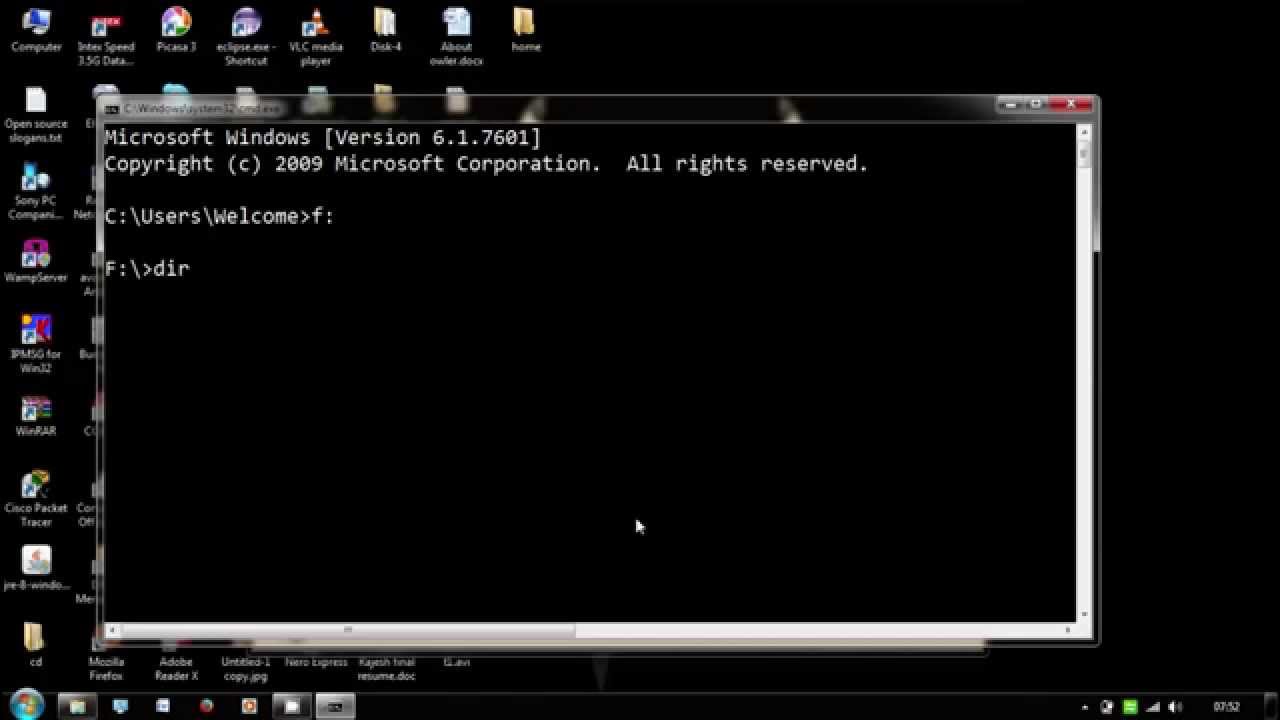
How To Rename The File Using Command Prompt YouTube

Comparison Of Review Command Vs TabIt NewTab Startup Buffer
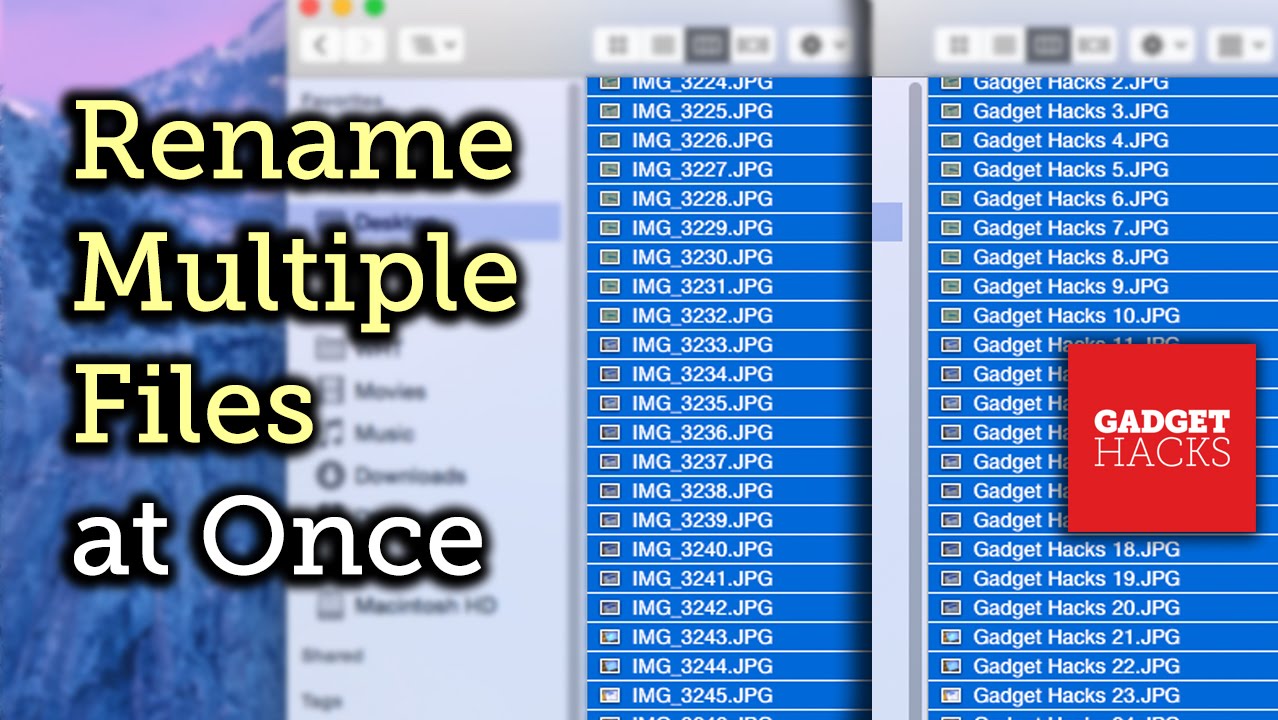
Mac Rename Multiple Files App

Command Line Interface Cli Programming Language Concept With Laptop And
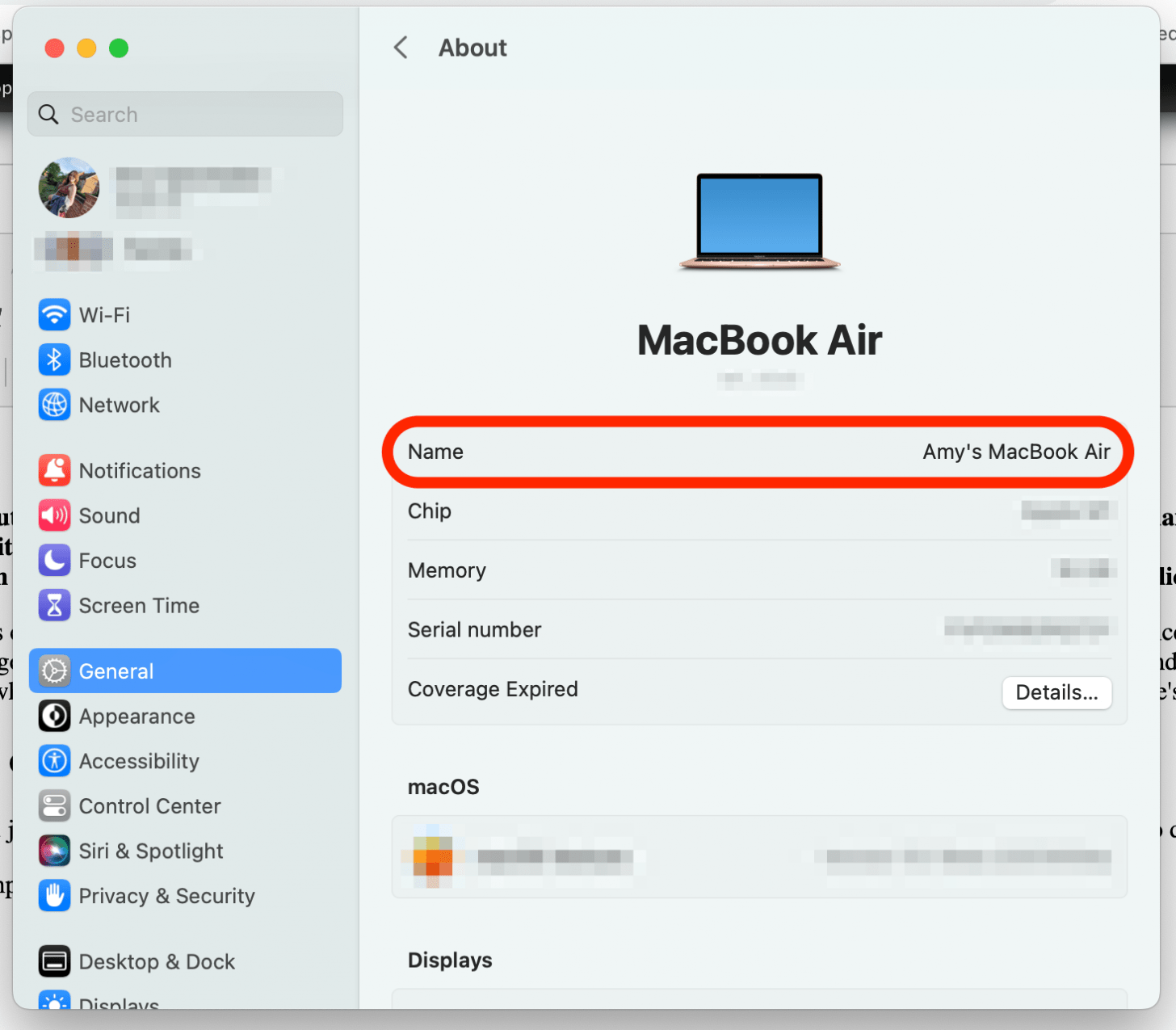
Easy How To Change The Name Of Your MacBook Www iphonelife
Web Feb 25 2022 nbsp 0183 32 You can customize how your MacBook appears with the use of the scutil command via the terminal In this section we will explore how to use the scutil command to change a Mac s computer name hostname and bonjour local host name

Web Jun 24 2017 nbsp 0183 32 Type the following command to change the Bonjour hostname of your Mac This is the name usable on the local network for example myMac local sudo scutil set LocalHostName lt new host name gt If you also want to change the computer name type the following command This is the user friendly computer name you see in Finder for
Web Dec 11 2020 nbsp 0183 32 Here s how to change your Terminal prompt name macOS quickly Open a new Terminal window and type cd to go to your Home directory Type ls la and look for a file called bash profile If it s not there create one with this command touch bash profile Now open your bash profile file with his command open e bash profile

Web 2 Answers Sorted by 6 You can try to install MacPorts and install the renameutils package renameutils 0 10 0 sysutils renameutils is a set of programs designed to make renaming files faster and less cumbersome Share

Web On your Mac choose Apple menu gt System Settings click General in the sidebar then click Sharing on the right You may need to scroll down Open Sharing settings for me Click Edit in the Local hostname section at the bottom of the window then enter a
Web Make Terminal windows stand out with profiles When you re logged in to several servers unique background colors and window titles specified in profiles help you easily spot the right Terminal window Use profiles built into Terminal or create your own custom profiles How to create profiles for Terminal windows Web May 18 2023 nbsp 0183 32 Introduction Apple s macOS is a POSIX compliant UNIX operating system designed to run on Mac computers The system features access to the command line interface through the native Terminal app or third party terminal emulators While many Mac terminal commands are similar to Linux commands macOS also features system
Web If you find yourself batch renaming files frequently consider installing a specialized tool such as the Perl based rename utility On macOS you can install it using popular package manager Homebrew as follows brew install rename Here s the equivalent of the command at the top using rename rename n e s png