Rename File In Shell How To Rename A File In Linux 2 Ultimate Solutions SLECK UNIX Command To Rename A File NixCraft How To Rename Images In Bulk Using Bulk Rename Utility Image How To Rename A File In Linux Gold Pine Nuts In Shell Ubicaciondepersonas cdmx gob mx Create files and folders with PowerShell To create new objects with Windows PowerShell you can use the New Item cmdlet and specify the type of item you want to create such as a directory file or registry key New Item Path fsSharedNewFolder ItemType Directory New Item Path fsSharedNewFoldernewfile txt ItemType File
Not using Get ChildItem to retrieve target files and not using a script block for NewName you can rename a single file or directory like this PS C temp dir file txt creates an empty file called file txt PS C temp dir Rename Item Path file txt NewName NewFileName txt PS C temp dir dir NewFileName txt Name NewFileName txt To get started first launch the PowerShell and then use the copy item command to copy your files around from PowerShell Here s how Head to the Start menu search bar type in powershell and hit Enter Now use the Set Location cmdlet to change the directory of your files For example to head to the Downloads folder on your computer type
Gold Pine Nuts In Shell Ubicaciondepersonas cdmx gob mx Visual Studio Code And Angular How Do I Rename Folders And Component The Siren s Shell A PDF Rename How To Rename File Or Folder In Windows 11 Xpertstec Www vrogue co How To Move And Rename Files In Linux Tom s Hardware How To Rename A Disk On MacOS LaptrinhX News How Do I Rename A File In The Ubuntu Terminal How To Rename Multiple Files On Windows Vovsoft
Rename File In Shell
 Rename File In Shell
https://www.fosslinux.com/wp-content/uploads/2020/01/File-for-rename-article.png
From the File menu point to Open command prompt and then select Open command prompt To rename a single file you can use the following command syntax ren current filename ext new filename ext The quotes are important if your file names contain any spaces If they don t you won t need the quotes
Pre-crafted templates provide a time-saving solution for producing a varied series of files and files. These pre-designed formats and layouts can be made use of for various personal and expert projects, including resumes, invitations, flyers, newsletters, reports, presentations, and more, enhancing the material creation process.
Rename File In Shell

Nanonets Rename PDF Files Based On Content Rename PDF Files
Visual Studio Code And Angular How Do I Rename Folders And Component

The Siren s Shell
A PDF Rename
How To Move And Rename Files In Linux Tom s Hardware
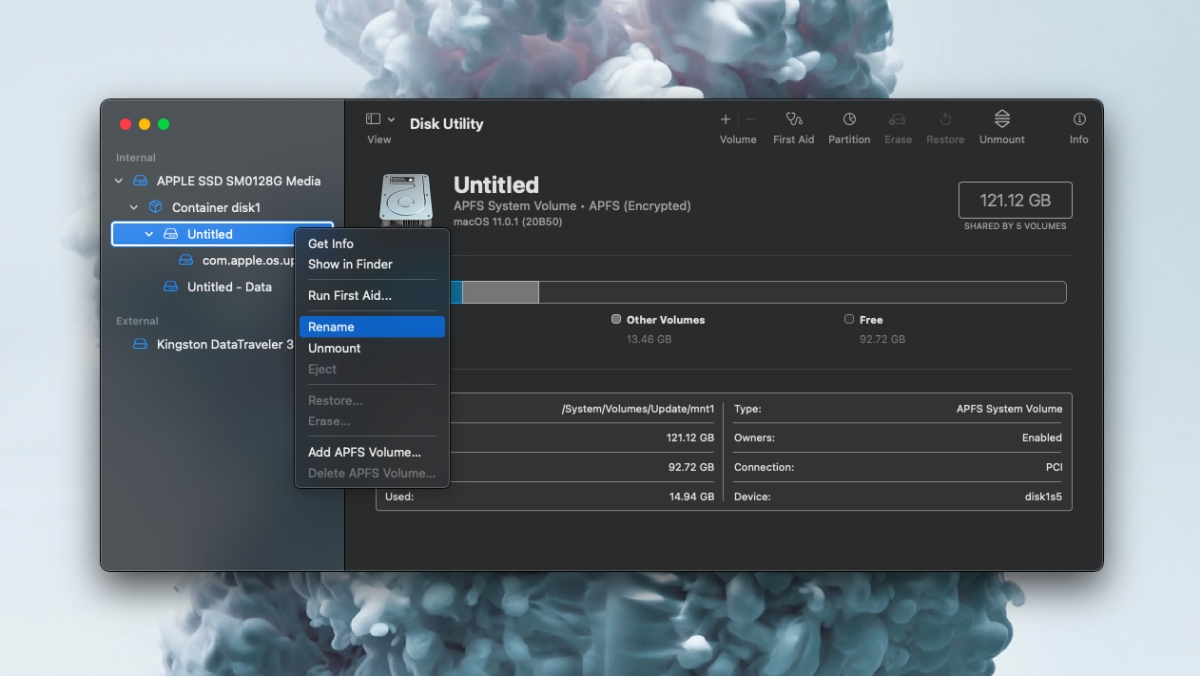
How To Rename A Disk On MacOS LaptrinhX News
Syntax PowerShell Rename Item Path String NewName String Force PassThru Credential PSCredential WhatIf Confirm CommonParameters PowerShell Rename Item LiteralPath String NewName String Force PassThru Credential PSCredential WhatIf Confirm CommonParameters Description

If the names contain no spaces or newlines or other problematic characters and the intermediate directories are always single digits and if you have the list of the files to be renamed in a file file list with one name per line then one of many possible ways to do the renaming is
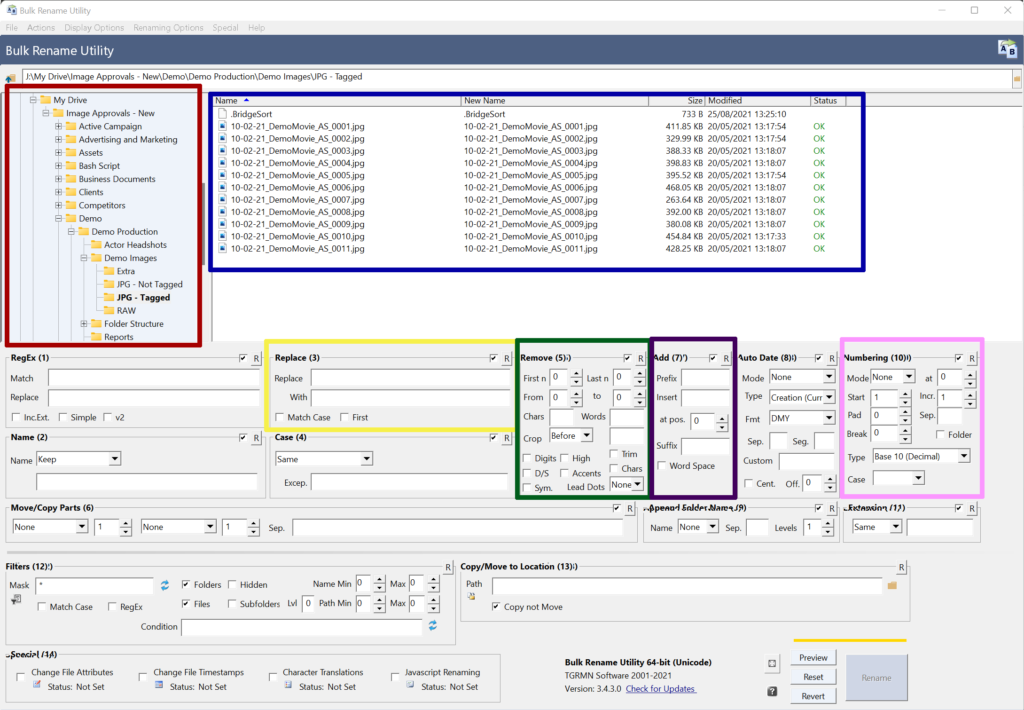
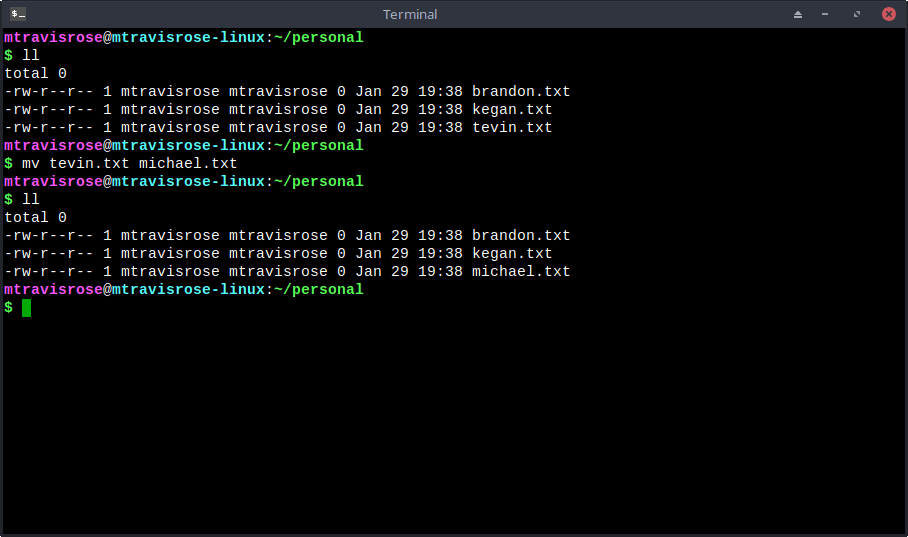
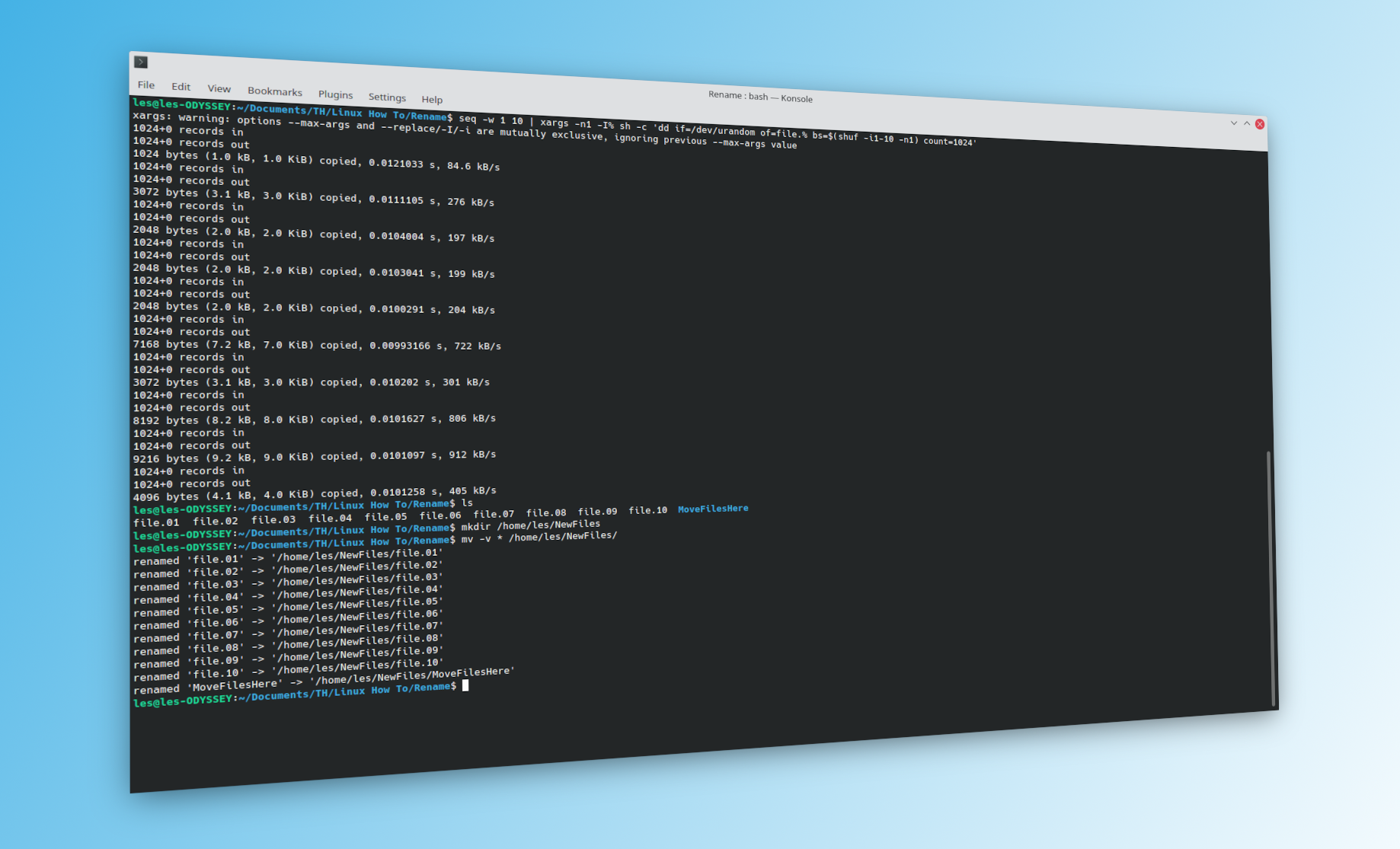
1 Rename a File The mv command with its default syntax allows you to rename a single file For example to rename example1 txt into example2 txt use mv example1 txt example2 pdf The command does not show an output Use v option with the command or the ls command to check the name change before and after executing the mv command ls l

With the Rename Item cmdlet you can change the name of a specified item without changing its contents This can be done with a file directory or registry key Important parameters are path and newname The path parameter specifies the location of the object you are looking to rename Use newname to specify the new name of the object

PowerShell rename is just one of the many cmdlets you can use to manage your files If you re wondering how to use PowerShell to write a file use PowerShell to output to a file or use PowerShell to check if a file exists along with other file examples stay tuned Not a reader Watch this related video tutorial Not seeing the video
How to Rename a File in PowerShell October 23 2023 Salaudeen Rajack Requirement Rename a file using PowerShell PowerShell to Rename a File Dealing with messy disorganized filenames is a common headache for any computer user You download files from the internet with random numbers or duplicate names Example 4 Copy a file to the specified directory and rename the file This example uses the Copy Item cmdlet to copy the Get Widget ps1 script from the Server01 Share directory to the Server12 ScriptArchive directory As part of the copy operation the command changes the item name from Get Widget ps1 to Get Widget ps1 txt so it can be safely attached to email messages
The rename command is used to rename multiple files This command is more advanced than mv as it requires some basic knowledge of regular expressions There are two versions of the rename command with different syntax In this tutorial we will be using the Perl version of the rename command