Removing Systemctl Service Removing Distraction IOSsetups Removing Users Praktek 11 TKJ Koneksi Server Dan Client HackMD Partner CustomerOTP FirewallD Iptables CentOS 7 Stealth Settings WEB Feb 6 2021 nbsp 0183 32 If you re trying to uninstall software then removing the file is the correct approach But remember that systemd will remember the service until told to reload its
WEB Jan 24 2022 nbsp 0183 32 To stop a currently running service you can use the stop command instead sudo systemctl stop application service Copy Restarting and Reloading To restart a WEB May 17 2022 nbsp 0183 32 Learn how to start stop enable disable and mask a system service with the systemctl command Suppose you re making configuration changes to a Linux server Perhaps you just fired up Vim
FirewallD Iptables CentOS 7 Stealth Settings Hair Removing Ubicaciondepersonas cdmx gob mx Concept Of Removing Permissions On A Digital Device systemctl service Debian 11 Bullseye Authorization Required Removing Engine Phone Troubles Stock Illustration Illustration Of Male 26963269 New Windows 11 Problem Holds Your USB Drives Hostage TechRadar Illustration Of Removing Inactive Servers On Craiyon
Removing Systemctl Service
 Removing Systemctl Service
https://preview.redd.it/d5nlxtqiqif61.png?auto=webp&s=8c34f90e8d61d6c121d183263bc7eb3ab1cd5967
WEB Sep 1 2022 nbsp 0183 32 Say I want to completely get rid of a certain systemd service e g NetworkManager sudo systemctl stop NetworkManager sudo dnf remove
Templates are pre-designed files or files that can be utilized for different purposes. They can conserve time and effort by providing a ready-made format and layout for creating different kinds of material. Templates can be utilized for individual or professional jobs, such as resumes, invites, flyers, newsletters, reports, discussions, and more.
Removing Systemctl Service
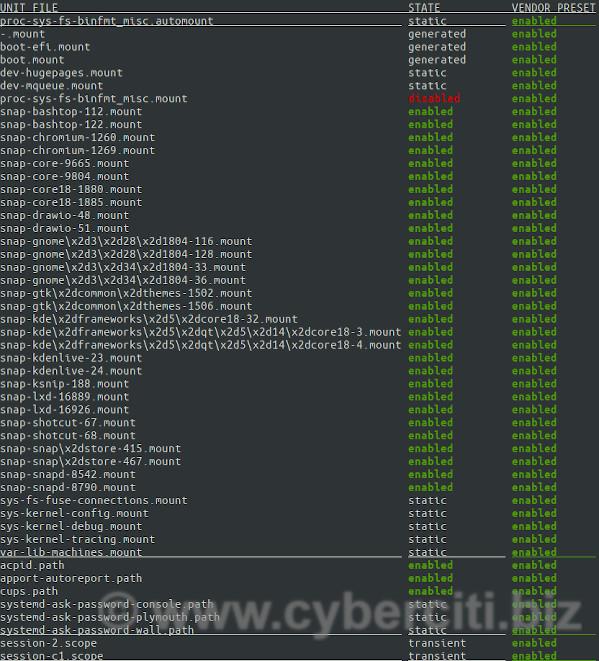
How To View Status Of A Service On Linux Using Systemctl

Hair Removing Ubicaciondepersonas cdmx gob mx

Concept Of Removing Permissions On A Digital Device
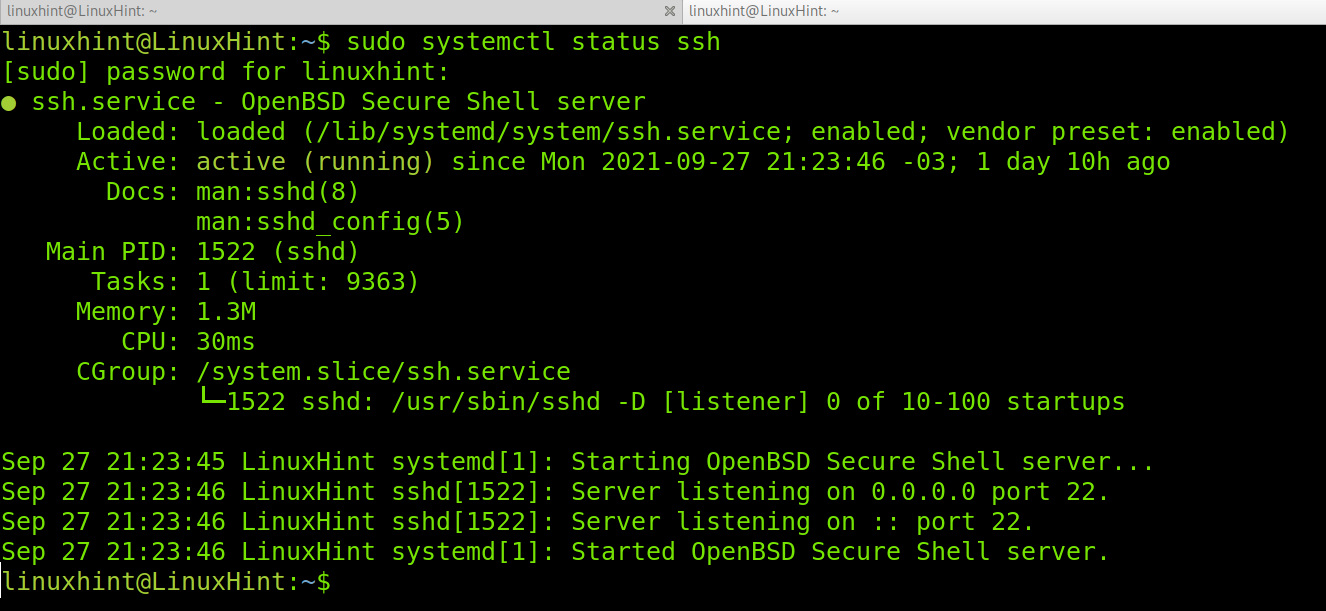
systemctl service Debian 11 Bullseye

Removing Engine

Phone Troubles Stock Illustration Illustration Of Male 26963269

WEB Jul 3 2024 nbsp 0183 32 Stopping and Disabling Systemd Service Before removing a service it s important to stop it if it is currently running by using the following systemctl command
WEB Oct 30 2022 nbsp 0183 32 Check the journal log or journalctl etc to see if it is screaming to help you identify which job systemctl manages which it is screaming about Otherwise repair your

WEB Mar 20 2017 nbsp 0183 32 Firstly to stop disable and remove the service you should use systemctl commands like systemctl stop servicename systemctl disable servicename and

WEB My server shows multiple missing services How can i delete them from Systemd They are not found systemctl a shows multiple not found systemctl reset failed shows still

WEB Aug 31 2018 nbsp 0183 32 To disable the service from starting at boot issue the disable command sudo systemctl disable nginx
WEB Jul 17 2020 nbsp 0183 32 The following steps will help you to remove a systemd service from a Linux system The below steps will remove the entry from system service systemctl stop WEB Aug 3 2022 nbsp 0183 32 If you create a custom preset that tells systemctl to always disable the service it will override the distro s policy etc systemd system preset 00 steve preset
WEB Jan 15 2019 nbsp 0183 32 Here is the procedure I follow when removing a service from a Linux server First I remove the service with systemctl sudo systemctl stop lt service gt sudo