Remove White Space In Excel Chart How To Remove White Space In Excel 6 Easy Ways How To Remove White Space In Excel 6 Easy Ways ExcelDemy 3 Methods To Remove Spaces Between Text In Excel 2023 How To Remove White Space In Excel 6 Easy Ways ExcelDemy Remove White Space In A Justified Paragraph Mac Version Super User Select the data range from A1 F16 Select the 2 D Clustered Column Chart from the Insert Ribbon under the Charts Grou 2 Move the ref column to the 2nd axis Select the chart
Not everyone likes this default appearance but fortunately it is possible to change the size of the gaps between bars and even remove them altogether 1 Open the Format Data Series task pane Right How do I remove white spaces from Excel chart Try right click on the x axis choose format axis and lower the max and raise the min values if the values
Remove White Space In A Justified Paragraph Mac Version Super User How To Remove White Space In Excel 6 Easy Ways ExcelDemy Remove Extra Spaces From A Cell Excel Formula Solved Remove White Space In Json 9to5Answer Remove Space In Excel Leading Trailing Blank Extra Spaces Using White Space In Excel Dashboards Excel TV How To Delete Trailing Spaces In Excel MS Excel Tips YouTube How To Remove Whitespace After Text In Excel How To Add Blank Space Using Excel Formula 6 Methods ExcelDemy
Remove White Space In Excel Chart
 Remove White Space In Excel Chart
https://www.exceldemy.com/wp-content/uploads/2021/11/How-to-remove-white-space-in-excel-7-768x568.png
1 How do I remove the white spaces between the scale on the left and the chart contents between the chart contents and the right edge It drives me
Templates are pre-designed files or files that can be used for numerous purposes. They can conserve time and effort by offering a ready-made format and layout for creating various type of content. Templates can be utilized for personal or professional projects, such as resumes, invitations, flyers, newsletters, reports, presentations, and more.
Remove White Space In Excel Chart

How To Remove White Space In Excel 6 Easy Ways ExcelDemy

How To Remove White Space In Excel 6 Easy Ways ExcelDemy
Remove Extra Spaces From A Cell Excel Formula
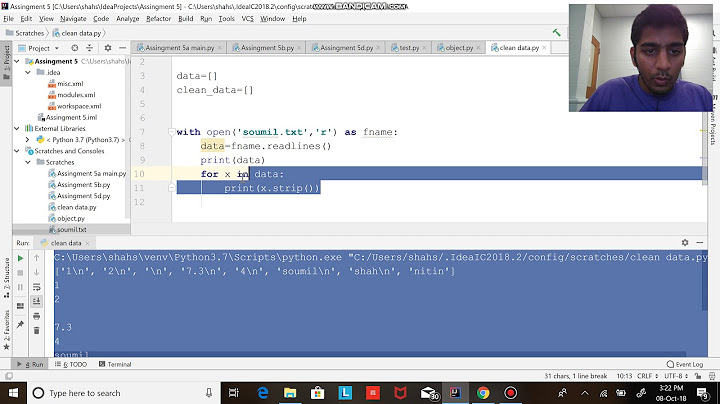
Solved Remove White Space In Json 9to5Answer

Using White Space In Excel Dashboards Excel TV
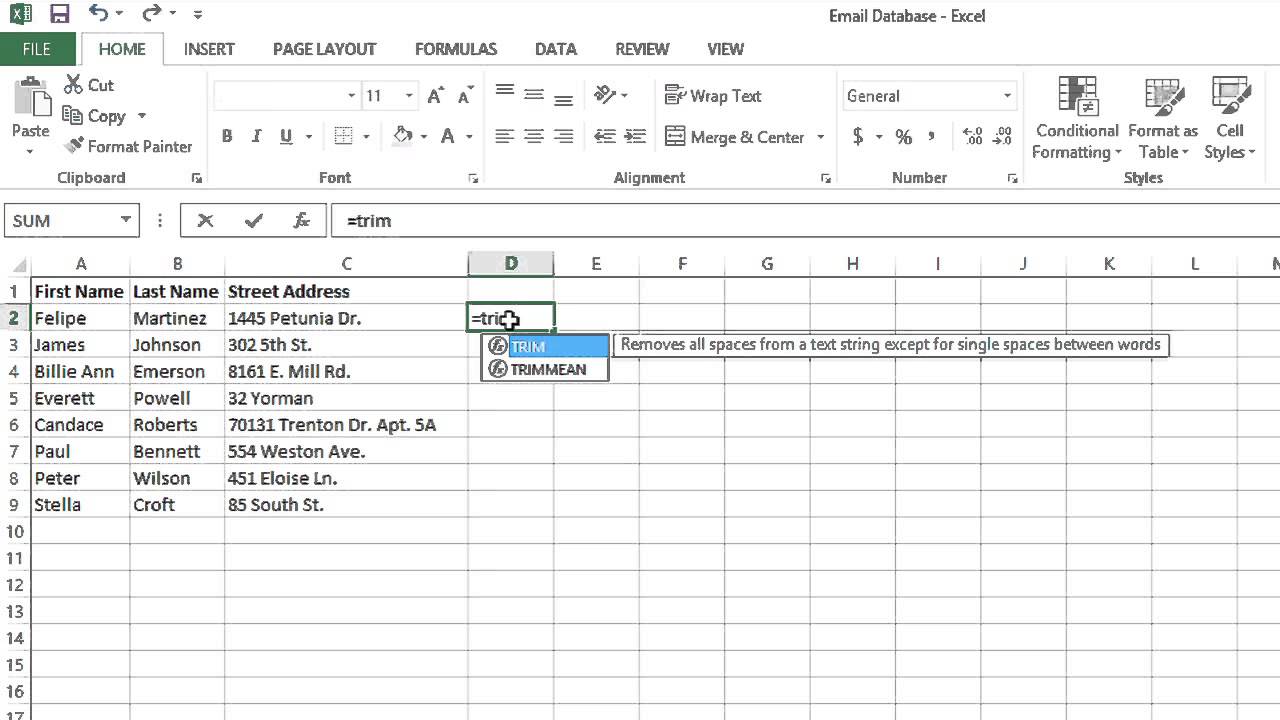
How To Delete Trailing Spaces In Excel MS Excel Tips YouTube

Click on the chart area the part of the chart where the lines are Don t click on the lines or chart grid though You should get a rectangular object with handles at

For the second chart you need to reduce the axis X maximum value since there is no value more than 10 in your chart select the X axis values in the chart on

1 Use of TRIM Function to Remove White Space in Excel In this method we will use the TRIM function to remove white spaces from the names of those employees To do that follow the steps below

To get rid of all whitespaces from your spreadsheet use Excel s Replace feature as follows First open your spreadsheet and select the cells from which you want to remove spaces

For a chart sheet you change the size by changing the page margins in page setup For an embedded chart you select the chart and change the size of the
Select the cells range entire column or row where you want to delete extra spaces Click the Trim Spaces button on the Ablebits Data tab Choose one or several How do I remove white spaces from Excel chart Try right click on the x axis choose format axis and lower the max and raise the min values if the values are
Sometimes you need to remove a chart or graph to unclutter the space of your spreadsheet or make the rest of the information stand out When you delete a chart the