Remove Spotify Linux How To Install Spotify On Linux Fedora Ubuntu Debian OMG Linux How To Install Spotify On Linux Mobile Other Remove Or Manage Your Top Podcast Page 29 The The 5 Best Spotify Alternatives History Computer How To Test Spotify s New Web Player OMG Ubuntu WEB In this 60 second tutorial We are going to install and uninstall Spotify What is spotify Spotify Technology S A is a Luxembourg based holding company who owns Spotify AB a Swedish
WEB Jun 14 2021 nbsp 0183 32 sudo apt get remove spotify client To remove any unnecessary dependencies sudo apt get autoremove Then remove their APT source if you don t want that either but it does not harm except an additional thing to query If there was any configs or local files in HOME you can check there too and manually remove those 5 Reply WEB Disable track notifications After version 0 9 10 track change notifications were enabled by default They can be quite intrusive To disable them launch Spotify with the ui track notifications enabled false option or add config spotify Users spotify login user prefs ui track notifications enabled false
How To Test Spotify s New Web Player OMG Ubuntu Spotify SNAP Ubuntu An Easy Guide On How To Delete Your Spotify Account RouteNote Blog How To Install Spotify In Ubuntu Linux Mint And Other Distros Installer Spotify Sous Linux Mint Elementary OS Le Blog De Cba How To Install Spotify In Linux Spotify Web Player For Linux The Best Spotify Experience On Ubuntu Spotify Redise o De La App Para El Escritorio Linux Linux OS Spotify Sposta I Suoi Dati Sui Server Di Google Wired
Remove Spotify Linux
 Remove Spotify Linux
https://149677182.v2.pressablecdn.com/wp-content/uploads/2023/04/install-spotify.jpg
WEB Here you can find different ways of installing Spotify for Linux Spotify for Linux is a labor of love from our engineers that wanted to listen to Spotify on their Linux development machines They work on it in their spare time and it is currently not a platform that we actively support
Pre-crafted templates provide a time-saving option for creating a diverse range of files and files. These pre-designed formats and layouts can be used for different individual and expert jobs, consisting of resumes, invites, leaflets, newsletters, reports, discussions, and more, streamlining the material development process.
Remove Spotify Linux

How To Minimize Spotify To The System Tray In Linux Make Tech Easier

Spotify SNAP Ubuntu
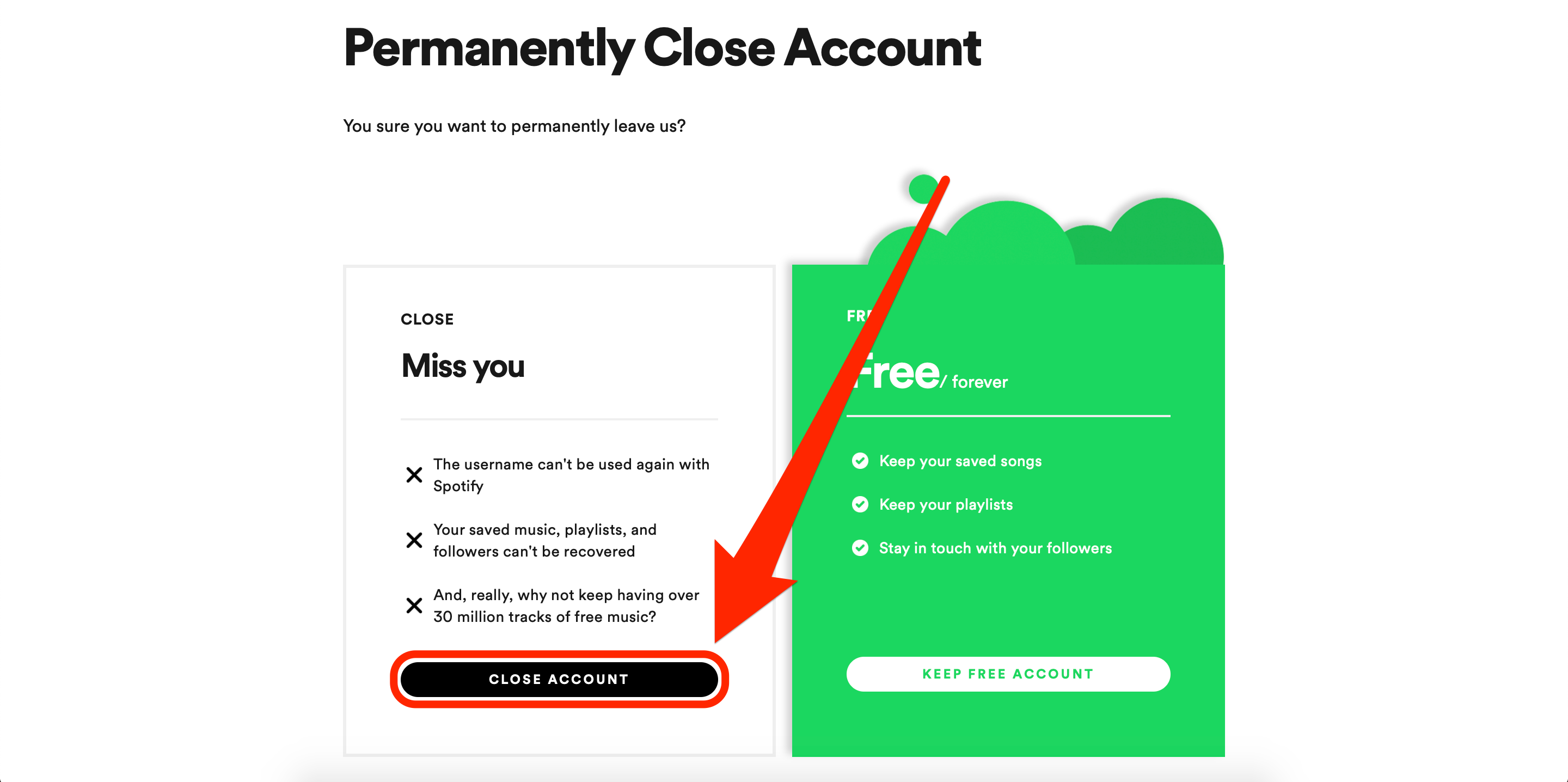
An Easy Guide On How To Delete Your Spotify Account RouteNote Blog
How To Install Spotify In Ubuntu Linux Mint And Other Distros
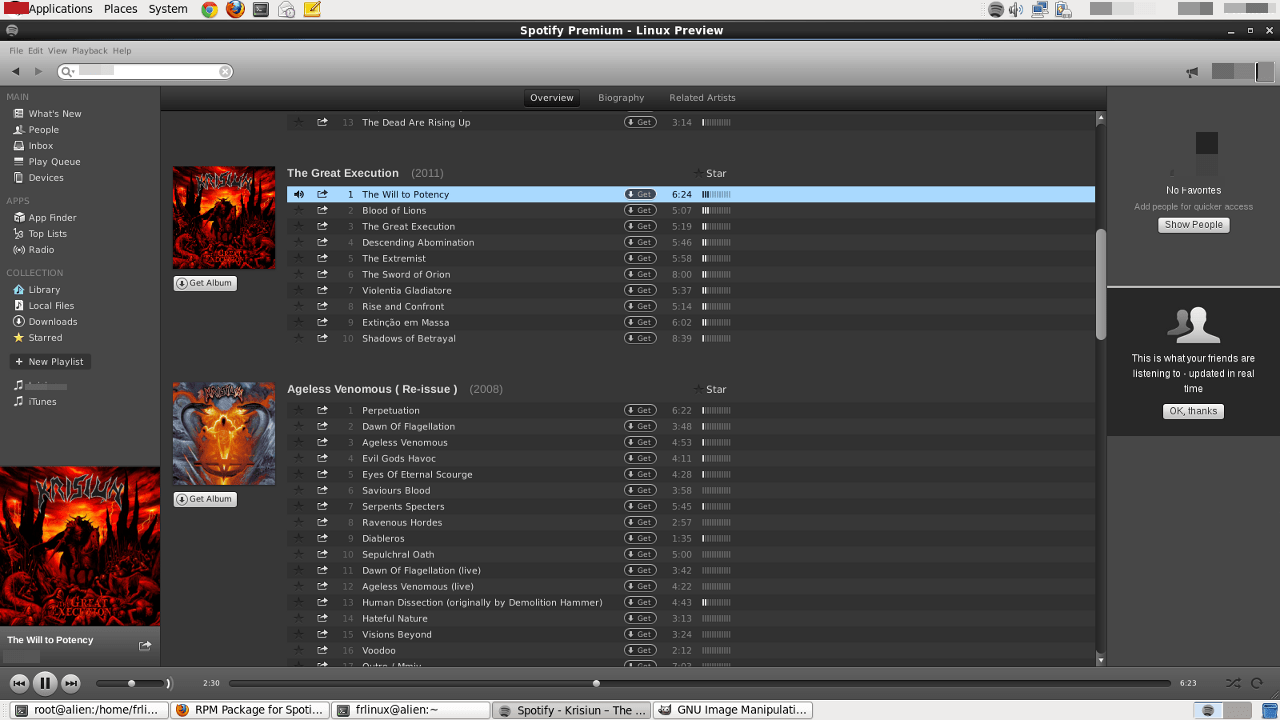
How To Install Spotify In Linux

Spotify Web Player For Linux The Best Spotify Experience On Ubuntu

WEB Mar 29 2016 nbsp 0183 32 rm R config spotify in Terminal Or you check the hidden files option in your Filemanager and navigate to the config folder in your home Directory and delete the spotify folder

WEB Nov 9 2022 nbsp 0183 32 How to Uninstall Spotify Similar to installing the application you can also uninstall Spotify on your Linux computer through the GUI and terminal The subsequent sub sections illustrate how to uninstall the application via the Linux GUI as

WEB Jan 26 2017 nbsp 0183 32 After uninstalling Spotify using Synaptic run the following commands in terminal sudo rm rf opt spotify usr share applications spotify desktop This command removes the icon of the uninstalled application

WEB Jun 17 2017 nbsp 0183 32 I ve tried apt get remove purge spotify client but when I try apt get update I get the following W Failed to fetch http repository spotify dists stable InRelease Unable to find expected entry non free binary armhf Packages in Release file Wrong sources list entry or malformed file

WEB Sep 21 2022 nbsp 0183 32 Uninstall to remove Spotify client app from Ubuntu Linux compeltely installed with APT SNAP GUI or Flatpak
WEB Remove the files from the etc apt sources list d directory Try this command sudo rm etc apt sources list d spotify list Then run sudo apt get update and there should no longer be any references to http repository spotify Share WEB A multipurpose ad blocker for Spotify desktop application on Windows Linux and Mac platforms
WEB Apr 1 2012 nbsp 0183 32 You can use the Task Manager on your computer to end this background application by using Ctrl Alt Del on your keyboard and scroll down until you see SpotifyWebHelper application select it end the task and proceed to uninstall Spotify If the above doesn t work try this alternatively