Remove Pdf Reader Want A Help To Remove PDF Reader For Windows 10 From Your Computer The Best Free PDF Reader TechRadar How To Remove A Password From A PDF File Unlock PDF Remove PDF Screenshot 20221014 110517 PDF Reader Hosted At ImgBB ImgBB Remove PDF Reader For Windows 10 Completely With Easy Steps Delete and organize PDF pages and view any PDF online from any browser on any device with the Acrobat Reader mobile app Explore the page deleting feature for PDFs in Adobe Acrobat and see how easy it is to remove pages from a PDF file Start with a free trial
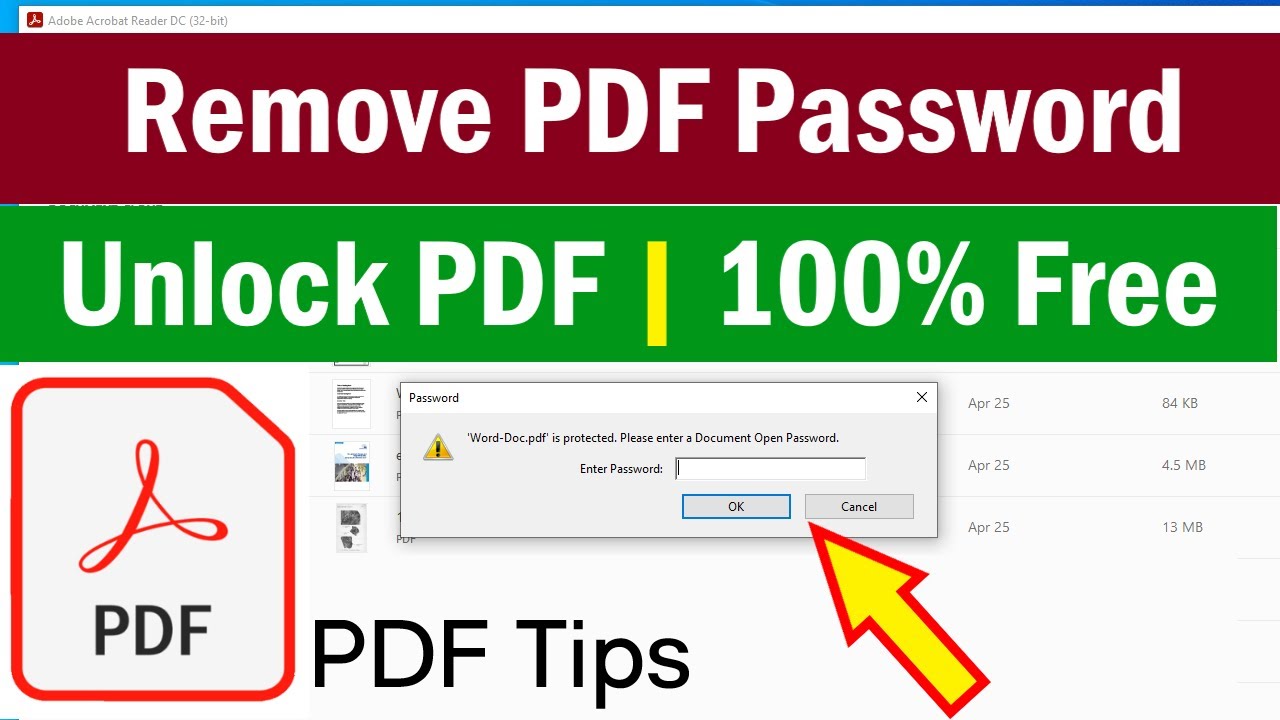
Click CHOOSE FILE It s at the middle of the page 3 Select your PDF and click Open This uploads your file to SmallPDF and displays the pages as thumbnails small images 4 Hover your mouse cursor over a page you want to delete You ll see a few icons appear at the top of the thumbnail image 5 Choose Tools Protect Encrypt Remove Security Remove Security The options vary depending on the type of password security attached to the document If the document has a Document Open password click OK to remove it from the document If the document has a permissions password type it in the Enter Password box then click OK
Remove PDF Reader For Windows 10 Completely With Easy Steps PDF Reader And PDF Viewer PDF Creator Amazon de Appstore For Android PDF Reader Adobe Acrobat Reader How To Delete Pages From PDF Files 8 Best PDF Reader Applications PDFGram Instructions About How Can Remove PDF Reader For Windows 10 On PC YouTube Page Not Found How To Remove Highlight From Pdf On Windows Riset Cracked Reader Lite For Android Download
Remove Pdf Reader
 Remove Pdf Reader
https://i.pinimg.com/736x/2f/f9/2e/2ff92ecff4cf34e17a7be79291a5cfbd--web-browser-to-remove.jpg
Use the file selection box at the top of the page to select the PDF file from which you want to remove pages Then click on the pages you want to remove Create the new PDF by pressing the corresponding button Save the new PDF on your computer by pressing the download button
Pre-crafted templates provide a time-saving service for producing a diverse range of documents and files. These pre-designed formats and layouts can be made use of for numerous individual and professional tasks, including resumes, invitations, flyers, newsletters, reports, discussions, and more, streamlining the material development procedure.
Remove Pdf Reader

4 Aplikasi PDF Reader Terbaik Untuk Membuka Pdf Trendradars Latest

PDF Reader And PDF Viewer PDF Creator Amazon de Appstore For Android
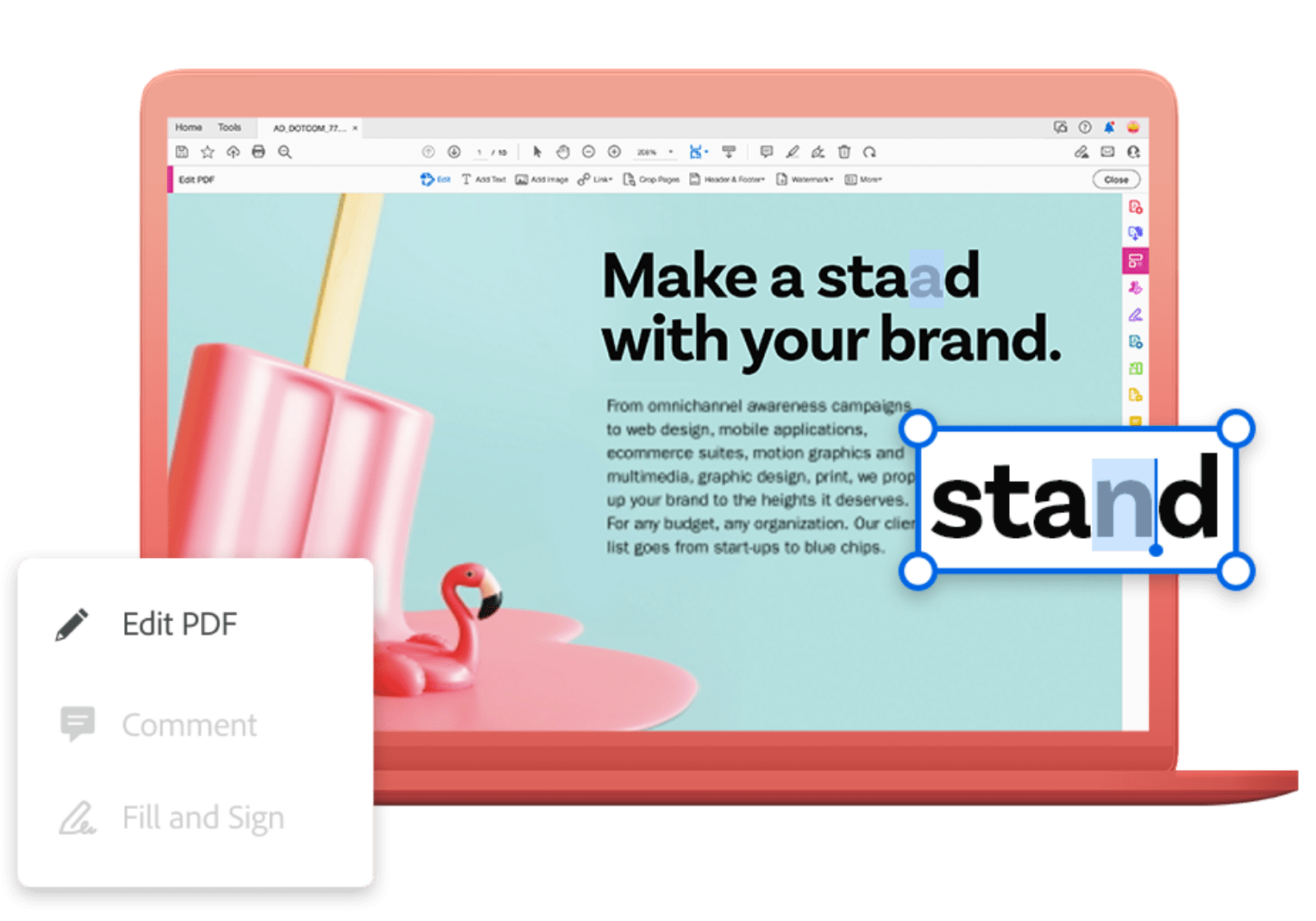
PDF Reader Adobe Acrobat Reader
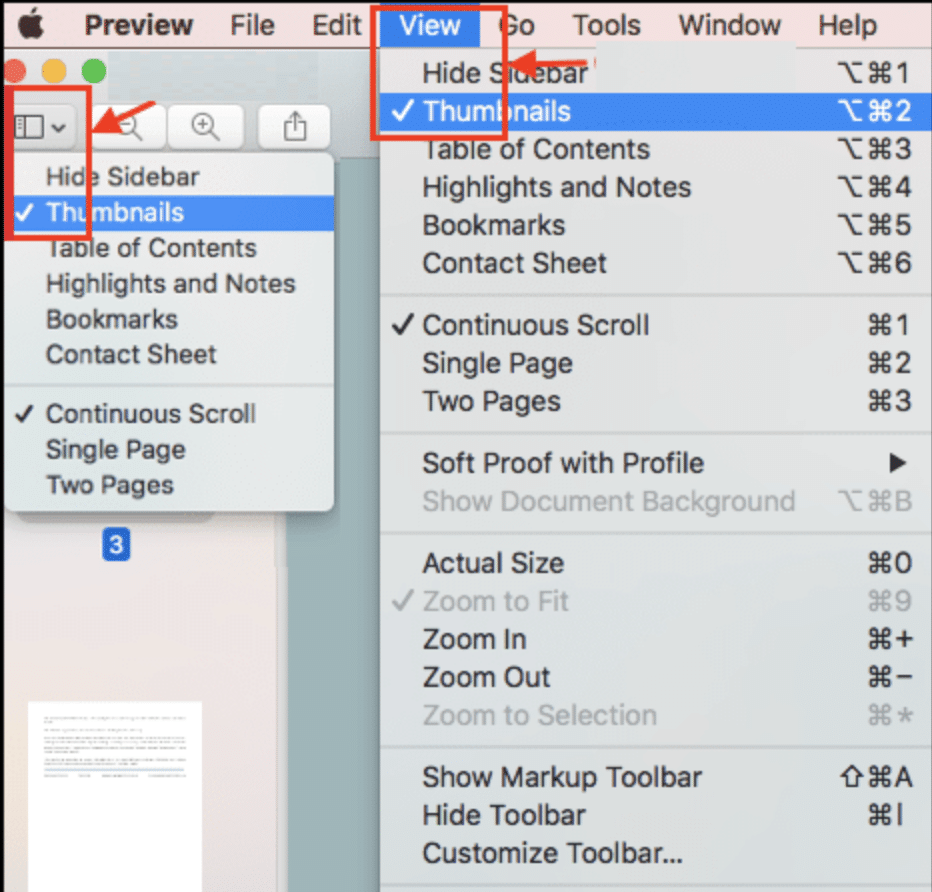
How To Delete Pages From PDF Files
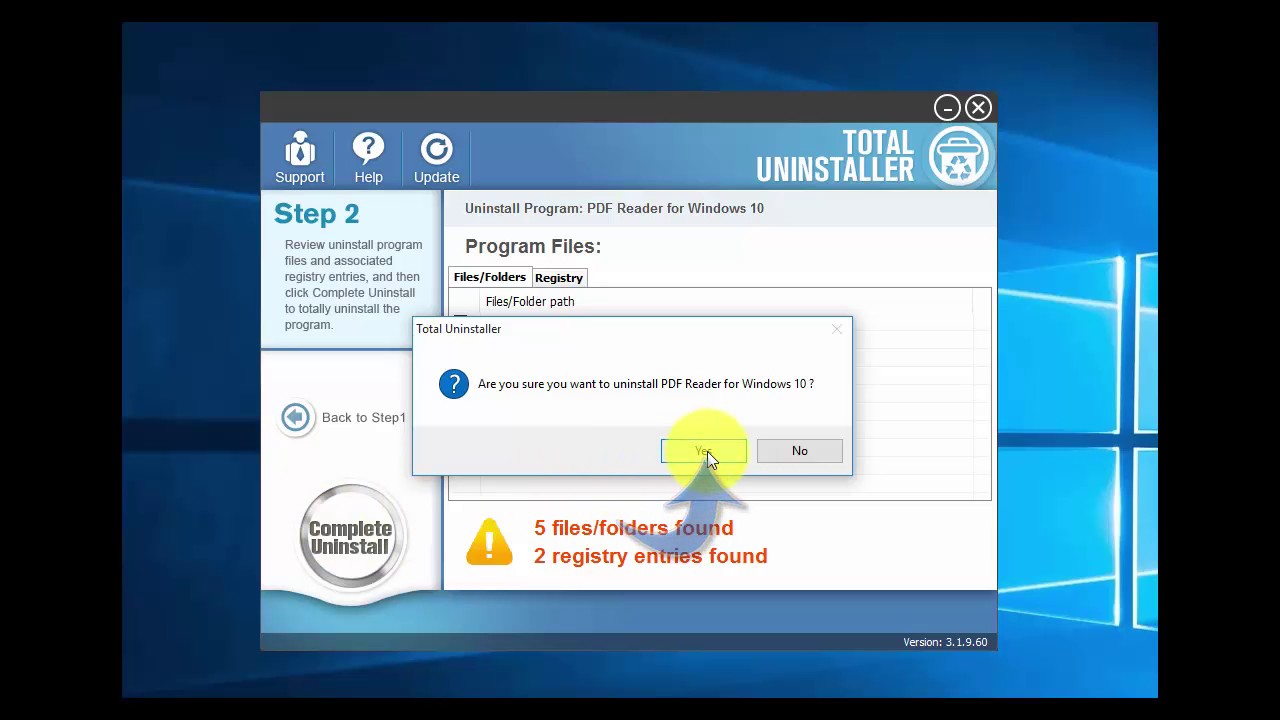
Instructions About How Can Remove PDF Reader For Windows 10 On PC YouTube

Page Not Found

If the PDF viewer is turned on but you still can t view PDFs delete temporary internet files in Chrome Clearing your cache cookies and other browser data might fix the problem Clearing your cache cookies and other browser data might fix the problem

Use the Redact a PDF tool to remove or redact sensitive images and text visible in a PDF Use the Sanitize and r emove hidden information feature to find and remove hidden content from a PDF For example if you created the PDF the document metadata normally lists your name as the author
It s easy to delete PDF pages online when you try Adobe Acrobat online services Remove pages from a PDF file in seconds Try it for free today

How to delete pages from a PDF Delete pages from a PDF Last updated on Nov 28 2023 Also Applies to Adobe Acrobat 2017 Adobe Acrobat 2020 More Acrobat User Guide Introduction to Acrobat Workspace Creating PDFs Editing PDFs Edit text in PDFs Edit images or objects in a PDF Rotate move delete and renumber PDF pages Edit scanned PDFs
Choose Files or drop files here Does your PDF have redundant pages Remove them with a single click using this free online tool to delete pages from PDF You don t need an account or provide any personal information
Deleting PDFs PDF files are stored in various folders on your computer depending upon whether you received the PDF in email from the web or via another source To quickly find a PDF search for the filename in Windows or macOS Then navigate to the found folder right click the PDF file and choose Delete Windows or Move to Trash macOS A quick and easy way to remove pages from a PDF is to use either Google Chrome or Microsoft Edge In these web browsers you basically open your PDF and use the virtual PDF printer to make a new copy of your PDF This copy only contains the pages that you wanted to keep
Press Ctrl P or click the Print button then ensure that Print to PDF Save as PDF or something similarly named is selected as your printing device You can also use Adobe Acrobat Pro to remove a PDF s password Some PDFs are encrypted with a password which you ll need to enter each time you want to view the document