Remove Password From Excel Workbook Vba 2 S tt Att Ta Bort L senord Fr n Excel filer Komplett Guide How To Remove Excel Password Without Any Software YouTube How To Remove Password From Excel Sheet Remove Password From Excel Online Pdf Open Password Remover Waterjs Forgot Excel Password How To Recover Excel Workbook Password Without Save changes place the bin file back into the zip return it to it s normal extension and open the file like normal ALT F11 to enter the VB Editor and right click in the Project Explorer to choose VBA Project Properties On the Protection tab Set a new password Click OK Close the file Re open it hit ALT F11
I have tried workbook unprotect or workbook saveas password but this fail to remove the password anyone know how i can automate this instead of manually removing the password excel vba To avoid getting prompts when overwriting the existing file you need to disable alerts Sub OpenAndSaveWithoutPasswords Dim wb As Workbook Application DisplayAlerts False Set wb Workbooks Open Filename YOUR PATH AND FILENAME Password OPEN PASSWORD WriteResPassword MODIFY PASSWORD wb SaveAs Filename YOUR PATH AND FILENAME
Forgot Excel Password How To Recover Excel Workbook Password Without Unlocking Password Protected Excel Sheets And Workbook Youtube How To How To Crack Break Or Just Remove A Forgotten Excel Password For Free Remove Password From Excel Workbook Office 365 Plewiki PDF File How To Remove Password Protection In Excel YouTube How To Remove VBA Code Password In Excel Macro Project How To Remove Password From PDF A Step by Step Guide Aplikasi Untuk Membuka Password Vba Excel Hot Sex Picture
Remove Password From Excel Workbook Vba
 Remove Password From Excel Workbook Vba
https://www.passfab.com/images/topics/excel/enter-password-to-unprotect-excel.jpg
4 Apply VBA Code to Unprotect All Open Workbooks with the Same Password Task There are multiple protected workbooks with the same password opened at the same time We want to configure our code that ll unprotect them all Solution We ll use a For Each loop to apply the Workbook Unprotect method to all the open workbooks Code Insert the following code inside the visual basic editor
Pre-crafted templates provide a time-saving option for creating a varied series of files and files. These pre-designed formats and layouts can be used for various individual and expert tasks, including resumes, invites, flyers, newsletters, reports, presentations, and more, streamlining the material development process.
Remove Password From Excel Workbook Vba
How To Remove Excel Password Using 3 Methods 2020 Free Paid YouTube
Unlocking Password Protected Excel Sheets And Workbook Youtube How To
How To Crack Break Or Just Remove A Forgotten Excel Password For Free
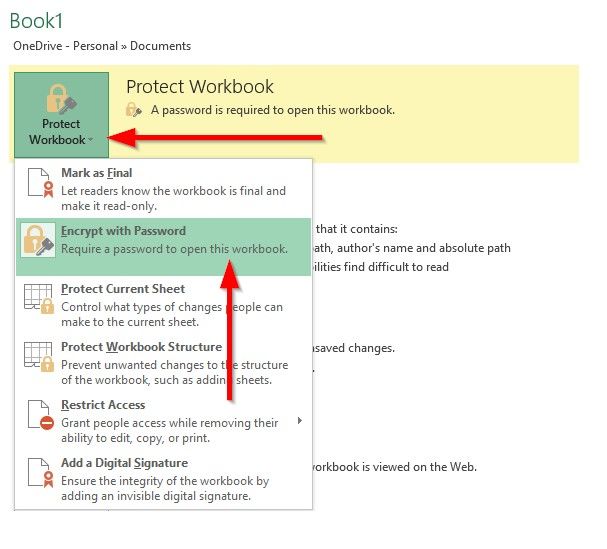
Remove Password From Excel Workbook Office 365 Plewiki
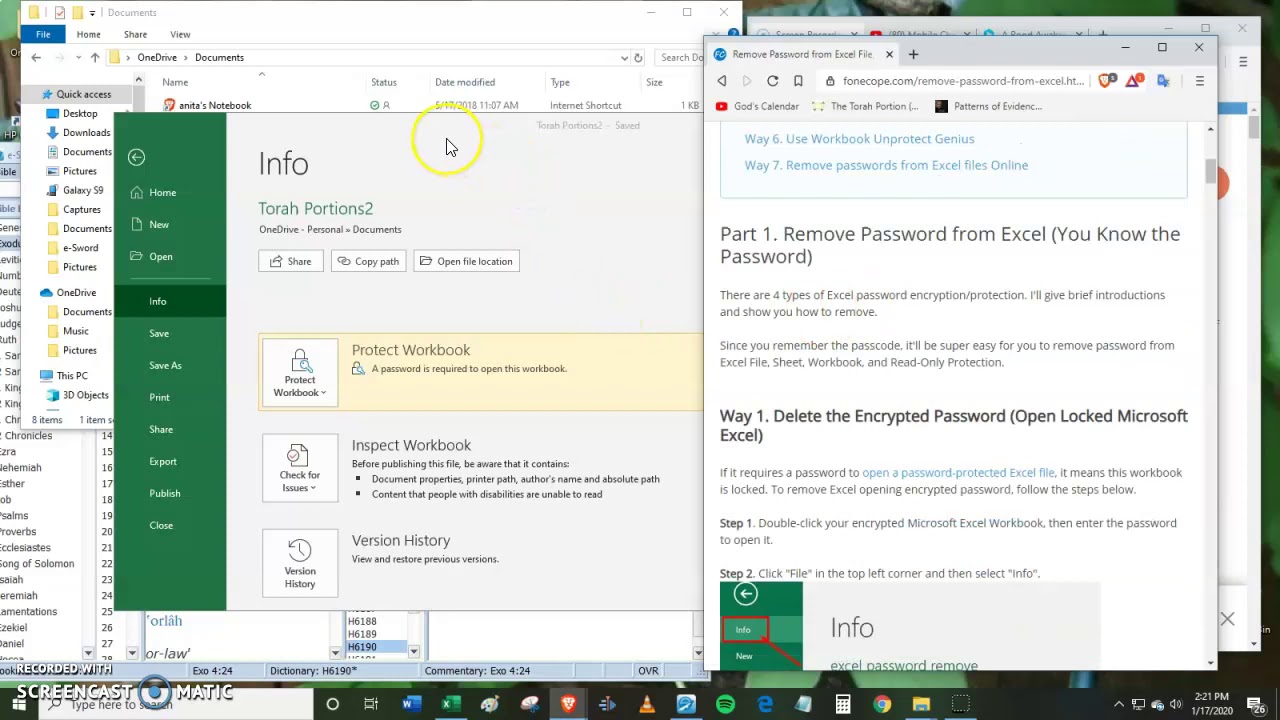
Remove Password Protection In Excel YouTube
How To Remove VBA Code Password In Excel Macro Project
Performed edit using Notepad x64 w Hexedit plugin x64 1 Using 7 zip open xl file via rt clk open archive 2 Drill down into xl 3 Rt clk vbaProject bin open as open outside 4 Open using Notepadd 5 Switch to HexEdit 6 Find DPB and rename to DPX 7 Save edit and update archive 8 Open xl file select yes wen p
To unprotect a workbook simply use the following line of code Workbooks Book1 Unprotect Note this code will only work if the workbook was protected without a password If it was protected with a password you must also enter in the password to unprotect it UnProtect Workbook With Password
How To Remove password from Excel WorkBook Press Alt F11 to open VBA page Click on Insert Module Copy the below VBA code and paste in the module
Follow these steps to quickly remove the VBA password from your Excel 2013 workbook First make a backup copy of your workbook This is a precautionary measure in case something goes wrong during the process Next open the workbook that contains the VBA project you want to unlock

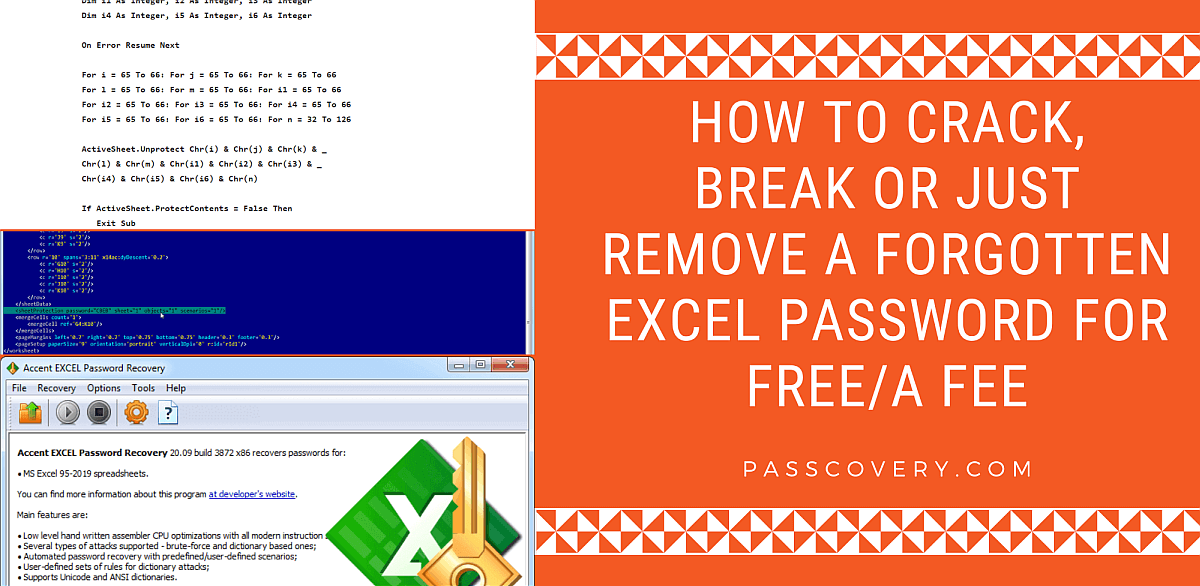
How to remove Excel keys with VBA all 5 types There is nothing more fretting than finding out a back employee has used passwords go protect einer Excel record and it turns out nobody else knows the password Or maybe it s worse when it s your date insert watchword and you ve forgotten it Either way you re stuffed
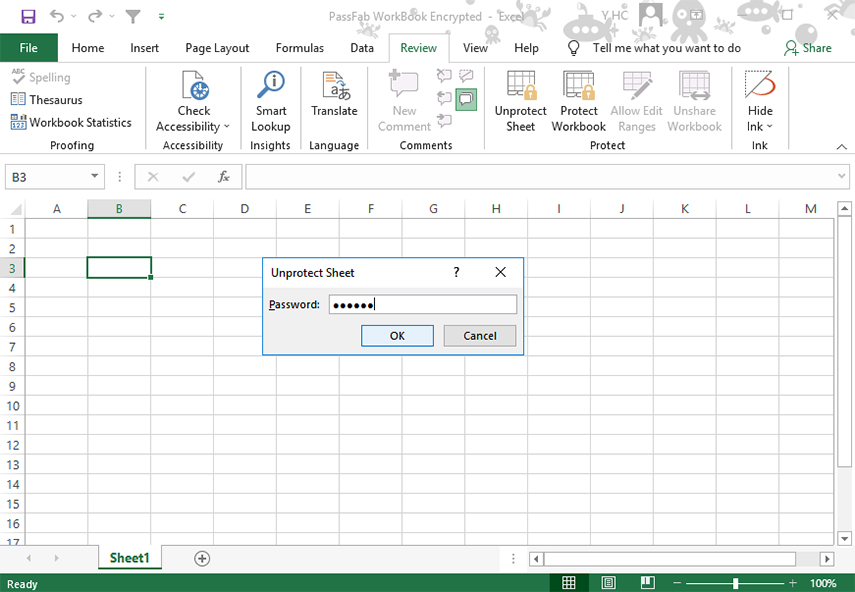
In Method 1 we used the Encrypt Document feature to remove a file level password in Excel This method uses the Save As feature to remove a workbook level password We use the following steps Double click the password protected workbook to open it In the Password dialog box that opens enter the password that is needed to open the file Open the workbook that you want to change or remove the password for On the Review tab click Protect Sheet or Protect Workbook Click Unprotect Sheet or Protect Workbook and enter the password Clicking Unprotect Sheet automatically removes the password from the sheet To add a new password click Protect Sheet or Protect Workbook type and
Here you will get a manual that will help you remove Excel VBA password using Hex Editor and an automated tool that will help you reset your VBA password in just a few clicks Let s first start with the manual procedure 3 Steps total Step 1 Remove VBA Password from Excel File Using Hex Editor