Remove Password From Excel Sheet Without Password How To Make Excel Sheet Unprotected Gasemasters Quick Guide How To Unlock Excel Sheet Without Password How To Remove Password From Excel Sheet Remove Password From Excel Without Password How To Remove Password From Excel Worksheet How To Remove Password From Excel Lost Utility To unprotect a sheet without password in Excel 365 2013 you can save the document as Excel 97 2003 workbook xls first Then close Excel and reopen the workbook it will be opened in
In the Encrypt Document pop up box remove the existing password and press OK If the password was accepted press Save to save the file without the password Once you ve removed file To change the password type the new password in the text box and then click OK Or to remove the password delete the password in the textbox leave the textbox blank and then click OK If
How To Remove Password From Excel Lost Utility How To Remove Password From Excel 3 Simple Ways ExcelDemy How To Remove Password From A Protected Excel Sheetworkbookspreadsheet Vrogue How To Remove Unknown Password From Excel Sheet Howtoremova How To Unprotect Excel Sheet Without Password Amarindaz 2 Ways To Remove Passwords From Excel Files Complete Guide How To Remove Passwords From Excel 2023 How To Remove Password From Excel File quick Guide Excel Explained How To Remove Unknown Password From Excel Sheet Howtoremova
Remove Password From Excel Sheet Without Password
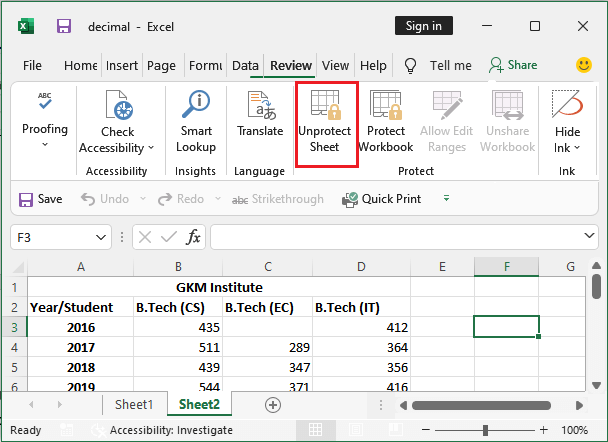 Remove Password From Excel Sheet Without Password
https://static.javatpoint.com/ms/excel/images/how-to-unprotect-excel-sheet-without-password4.png
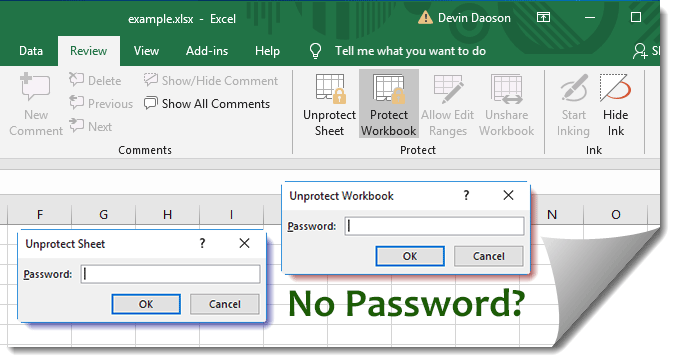
On the Review tab from the Protect section choose Protect Workbook If you didn t use a password to protect your workbook your workbook is now unprotected In case you used a password for
Templates are pre-designed documents or files that can be used for different functions. They can save effort and time by supplying a ready-made format and layout for producing different kinds of material. Templates can be utilized for individual or professional projects, such as resumes, invitations, leaflets, newsletters, reports, presentations, and more.
Remove Password From Excel Sheet Without Password

How To Remove Password From A Protected Excel Sheetworkbookspreadsheet Vrogue
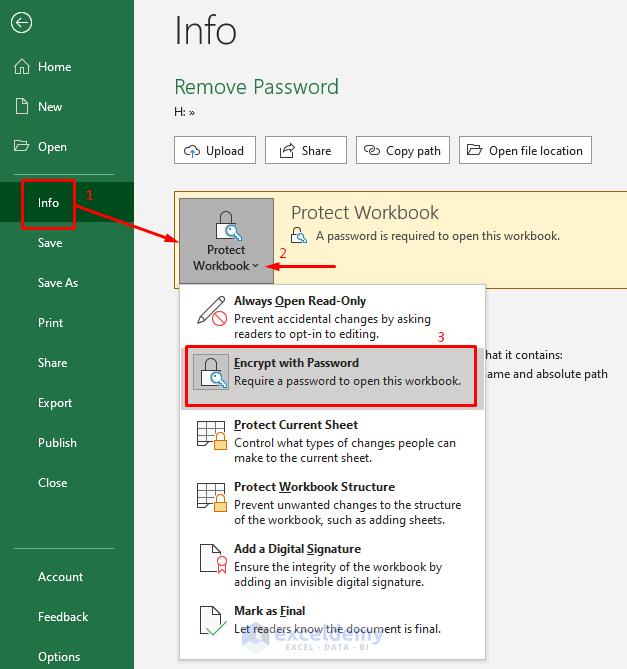
How To Remove Password From Excel 3 Simple Ways ExcelDemy

How To Remove Password From A Protected Excel Sheetworkbookspreadsheet Vrogue
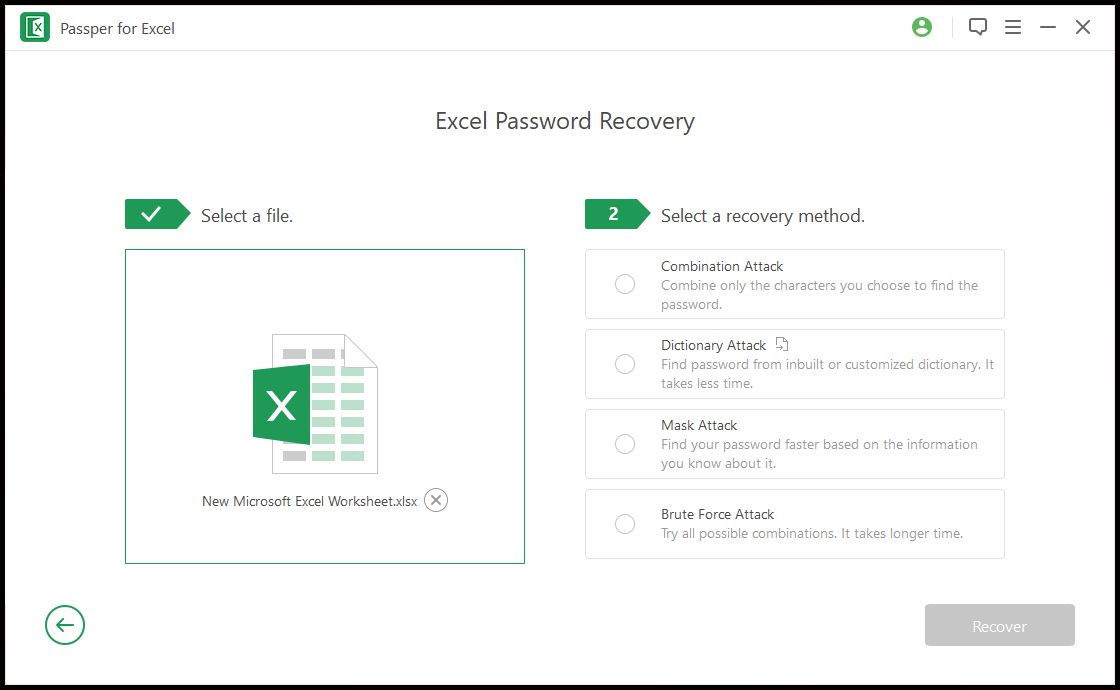
How To Remove Unknown Password From Excel Sheet Howtoremova
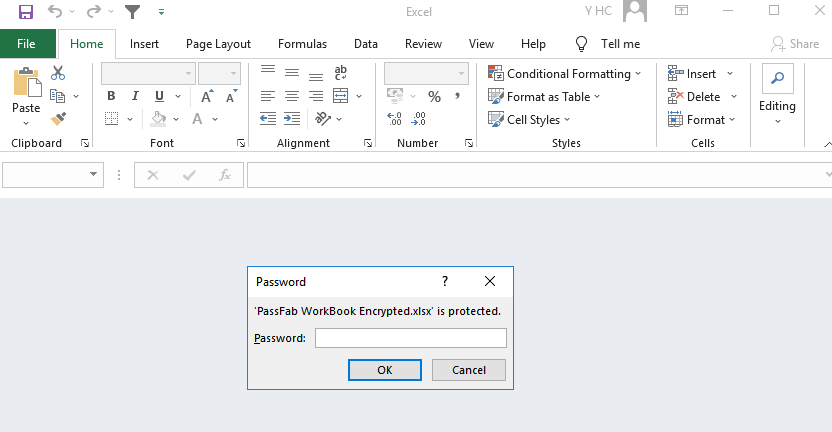
2 Ways To Remove Passwords From Excel Files Complete Guide
How To Remove Passwords From Excel 2023
Step 1 Go to your Excel sheet and go to File Info Step 2 From there go to Protect Unprotect Sheet Image credit Microsoft Step 3 If it s password protected

You can unprotect an Excel Sheet or Workbook with or without a password by using a VBA code a ZIP file or Google Sheets If a password is known use the
Convert Excel Sheet to Zip File Well there is not any direct way of removing the password of an excel file if you don t know the password However there are multiple tricks to it that can come in
Click Unprotect Sheet or Protect Workbook and enter the password Clicking Unprotect Sheet automatically removes the password from the sheet To add a new password
1 Open the workbook with a protected sheet in Microsoft Excel You can usually do this by double clicking the file s name on your
The file can now be opened again without a password Quick guide Remove the password of an Excel file Open the file and enter the password Go to How to Unlock Excel files Upload your Excel files to unlock Enter the protection password Press the UNLOCK button Download the unlocked files instantly or send a download
Delete the password on the Encrypt Document dialog box that appears and click OK The password is deleted from the Excel file Notice that the message indicating that a