Remove Non Empty Directory How to Remove a Non-Empty Directory in Linux How to Remove a Non-Empty Directory in Linux How to Remove a Non-Empty Directory in Linux How to Remove a Non-Empty Directory in Linux How to Remove Delete Empty and Non empty Directory in Linux Terminal - YouTube Web Jul 15 2022 nbsp 0183 32 The confusion comes because rmdir cannot be used to delete a directory with files or folders inside of it Remove a non empty directory on Linux To remove a directory on linux which is not empty pass the r flag to rm r means recursive so it
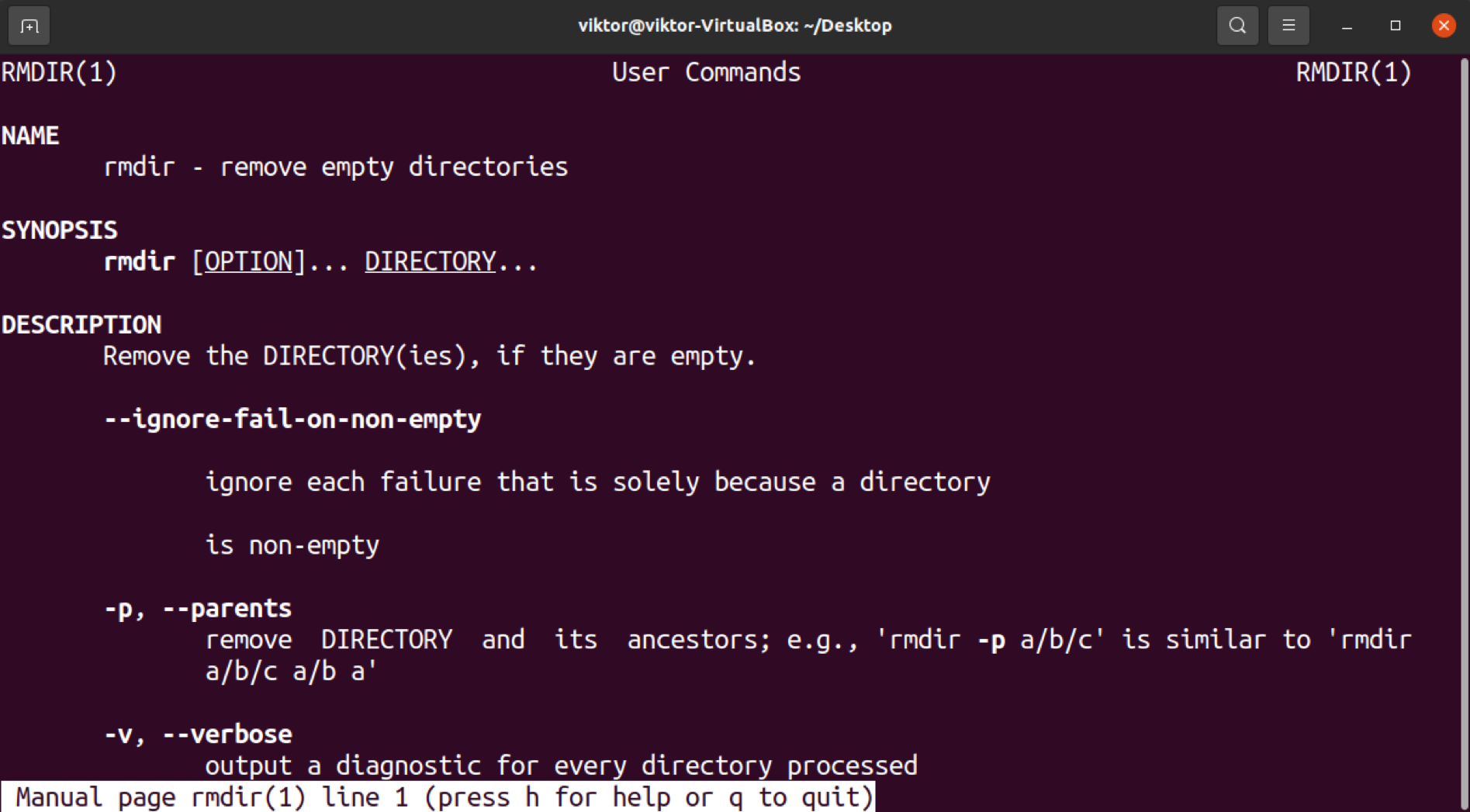
Web Jan 21 2013 nbsp 0183 32 The rmdir utility removes the directory entry specified by each directory argument provided it is empty To remove non empty directory use the rm command as follows warning the following command can delete all the files and its subdirectories Web In Linux distributions you can delete the non empty directory by executing the sudo rm r lt dir name gt command in the terminal Users can delete the specific file all files subdirectories and multiple directories
How to Remove Delete Empty and Non empty Directory in Linux Terminal - YouTube How to Remove Empty and Non Empty Directories in Linux - DEV Community 👩💻👨💻 PHP remove non-empty directory programmatically - Tryvary Fix "You have to delete all the items in this folder before you can delete the folder" Error in SharePoint Online - SharePoint Diary How to fix Error 0x80070091: The directory is not empty. - The easy way! - YouTube Linux Command Line (11) Delete Files and Directories - YouTube Fix "You have to delete all the items in this folder before you can delete the folder" Error in SharePoint Online - SharePoint Diary How to Remove a Directory in Linux – Delete a Folder Command How to remove files and directories in Terminal | Macworld
Remove Non Empty Directory
 Remove Non Empty Directory
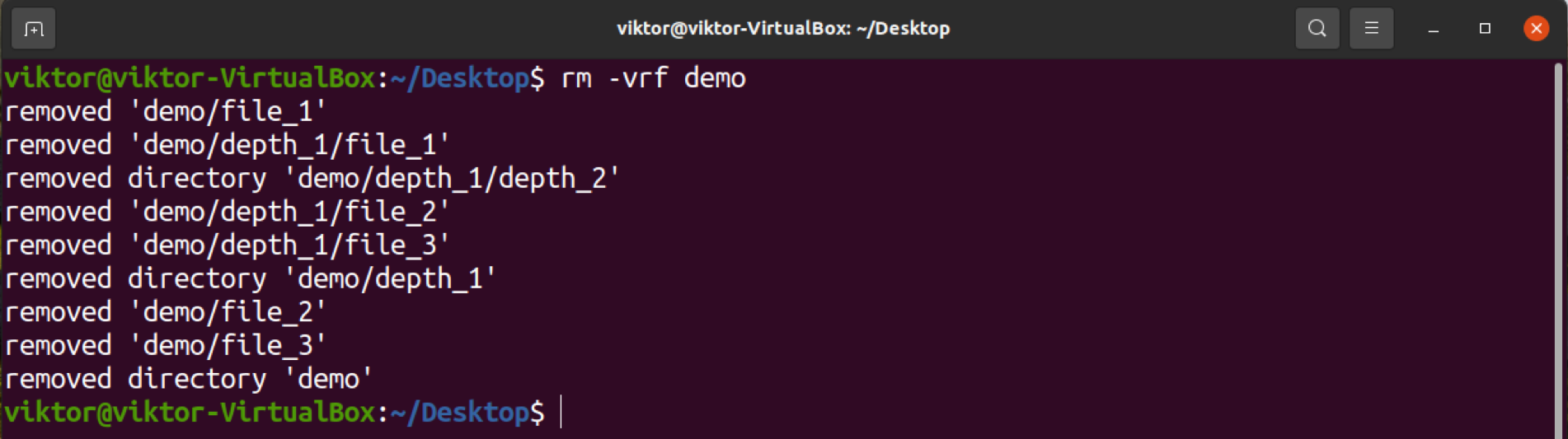
https://linuxhint.com/wp-content/uploads/2021/09/remove-non-empty-directory-linux-11.png
Web Removing Non Empty Directories When you need to remove directories that contain files or subdirectories you can use the rm command with the r recursive option The recursive option ensures that all contents within the directory are removed as well Here s the
Templates are pre-designed documents or files that can be utilized for numerous functions. They can conserve time and effort by providing a ready-made format and layout for creating different sort of material. Templates can be utilized for individual or expert projects, such as resumes, invites, leaflets, newsletters, reports, discussions, and more.
Remove Non Empty Directory

How to Remove Empty and Non Empty Directories in Linux

How to Remove Empty and Non Empty Directories in Linux - DEV Community 👩💻👨💻

PHP remove non-empty directory programmatically - Tryvary
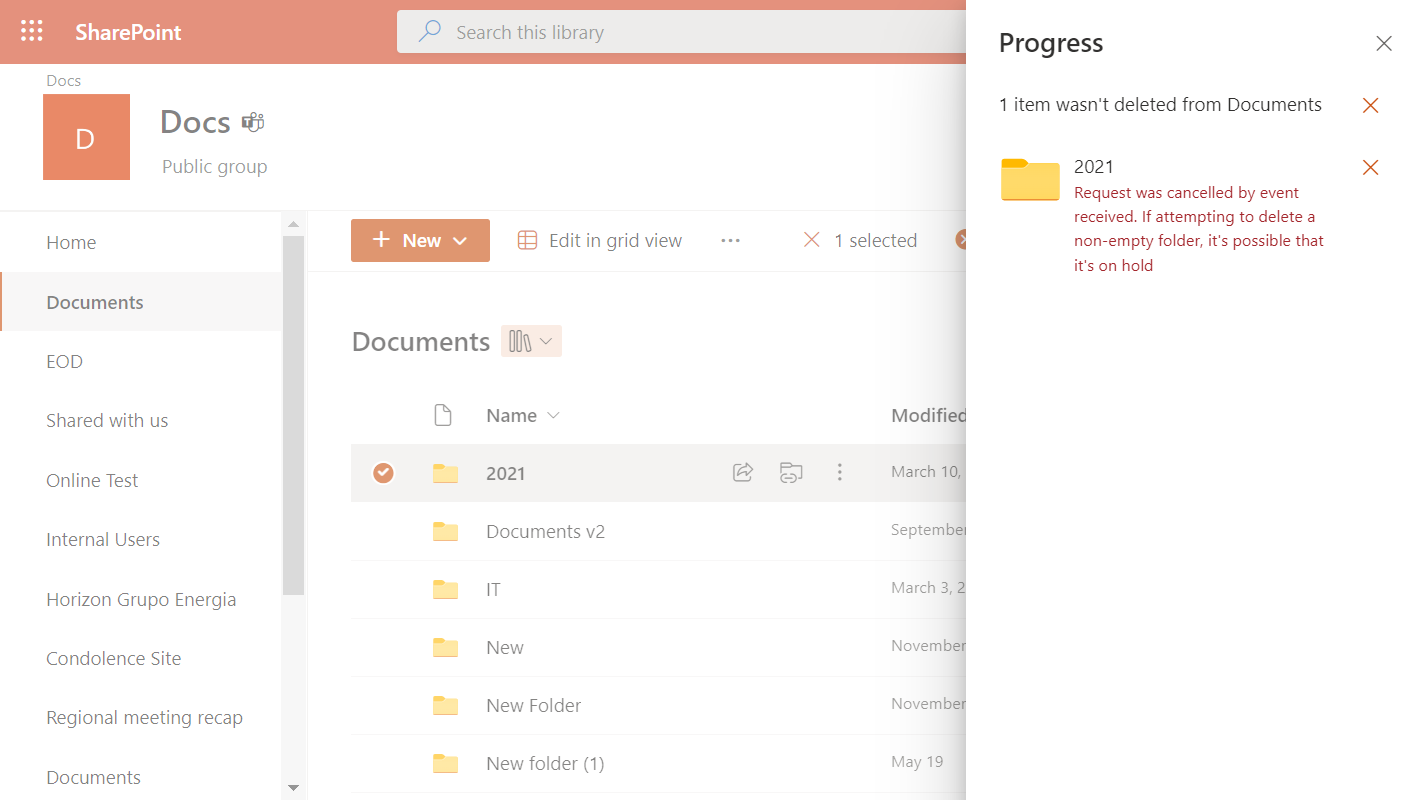
Fix "You have to delete all the items in this folder before you can delete the folder" Error in SharePoint Online - SharePoint Diary

Linux Command Line (11) Delete Files and Directories - YouTube
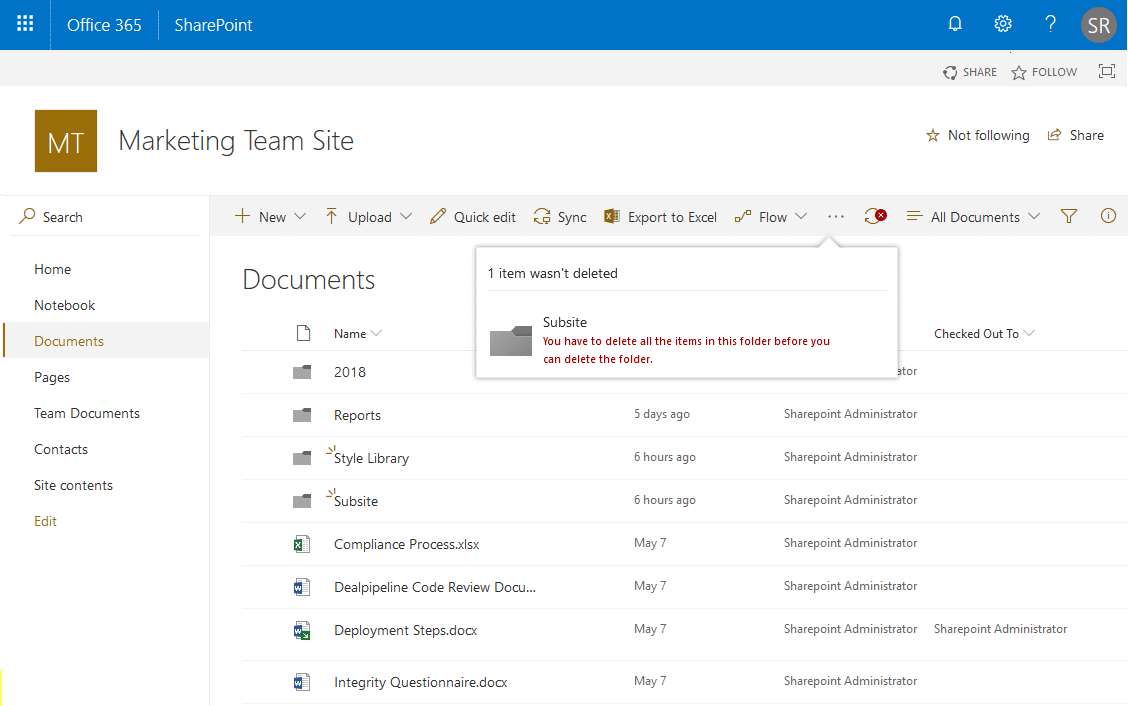
Fix "You have to delete all the items in this folder before you can delete the folder" Error in SharePoint Online - SharePoint Diary
Web Aug 30 2023 nbsp 0183 32 You can simply remove any directory that s not empty along with its contents using the rm stands for remove command with the command option recursive or r Follow the below steps to remove a non empty directory
Web Sep 12 2023 nbsp 0183 32 find dir1 delete Actually we can repeat the find command again to verify whether we successfully deleted the desired directory find dir1 find dir1 No such file or directory The output indicates that the find command isn t able to locate the dir1 directory
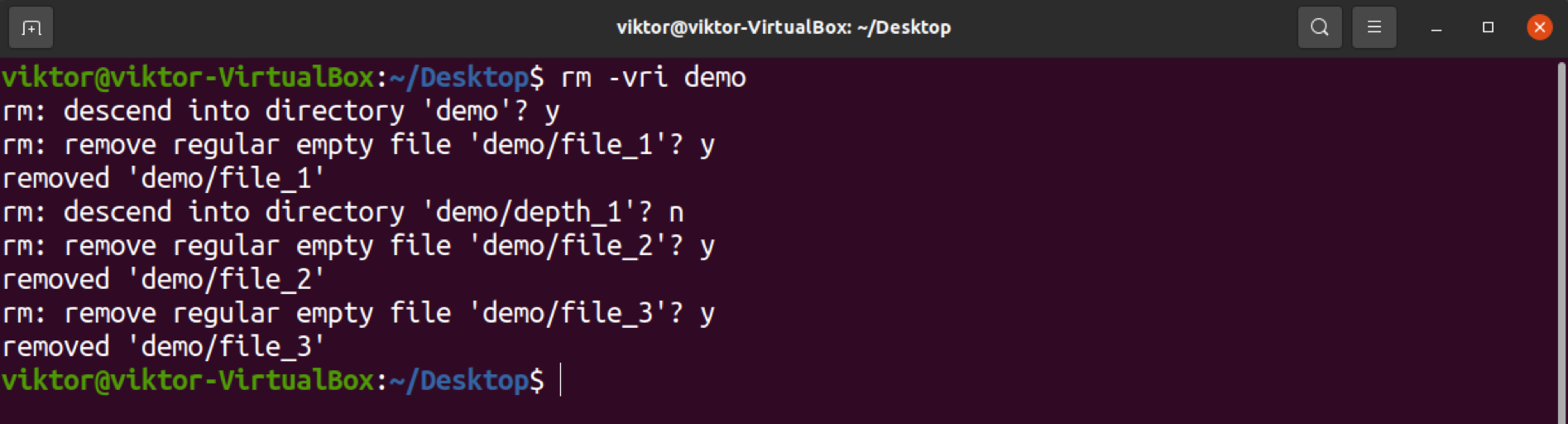
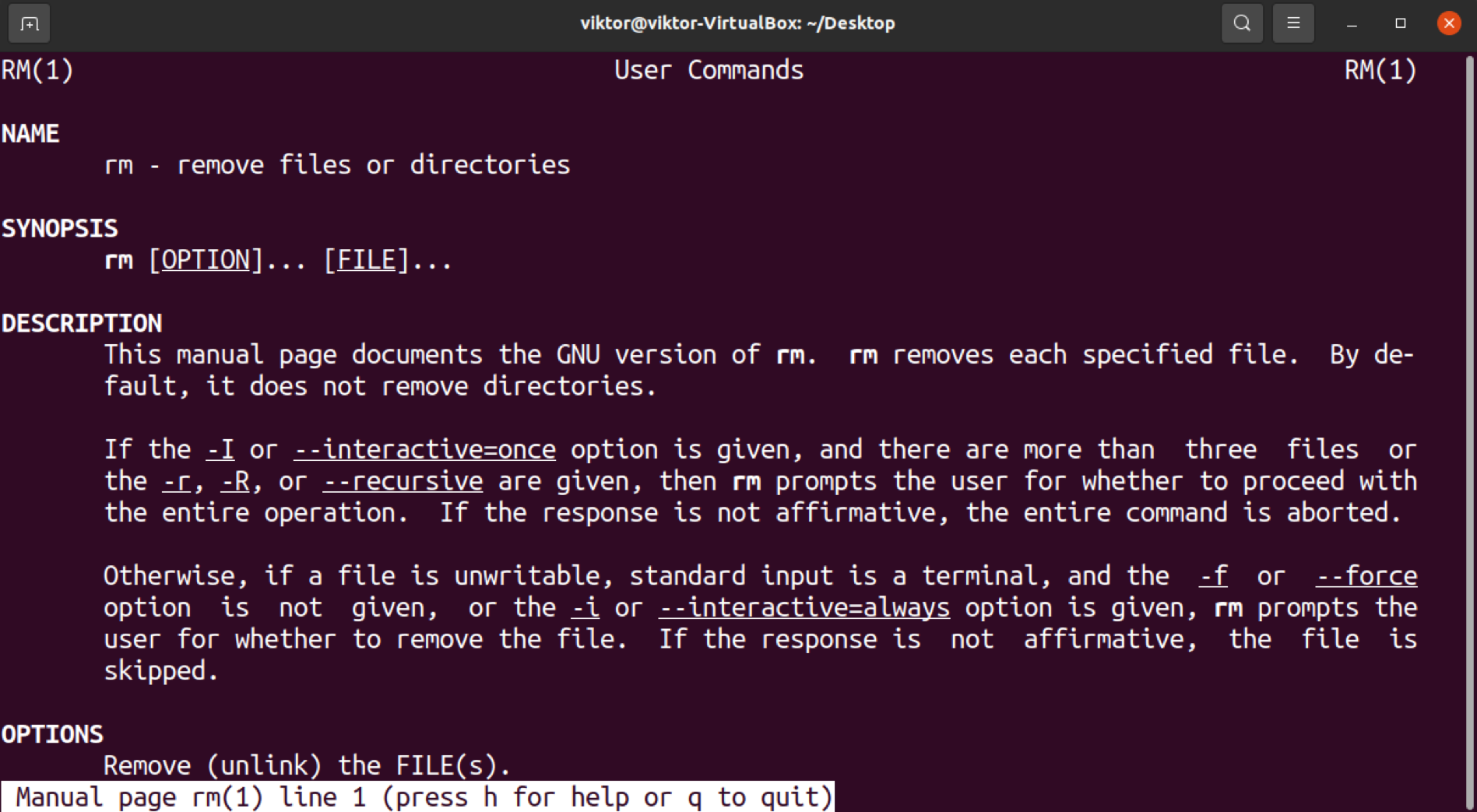
Web Feb 26 2020 nbsp 0183 32 To delete an empty directory use the d dir option and to delete a non empty directory and all of its contents use the r recursive or R option For example to delete a directory named dir1 along with all of its contents you would type rm r dir1
Web Aug 3 2014 nbsp 0183 32 How to delete a non empty directory in Terminal Ask Question Asked 10 years 11 months ago Modified 5 years 9 months ago Viewed 4 1m times 780 How do I delete the following directory I typed rmdir lampp This error comes up rmdir failed to

Web May 24 2017 nbsp 0183 32 Understanding rm command options r Attempt to remove the file hierarchy rooted in each file argument i e recursively delete all files and sub directories f Force file delete operation v Be verbose
Web Apr 27 2023 nbsp 0183 32 Method 1 Using the rm Command Method 2 Using the find Command Method 3 Using the rmdir Command with the ignore fail on non empty Option Method 1 Using the rm Command Execute the following command on terminal to remove a non Web Dec 14 2015 nbsp 0183 32 103 As Stephen Kitt mentions this is largely a duplicate of find delete does not delete non empty directories which states that you re telling it to delete directories but the directories aren t empty just like running rm
Web Example 1 Remove a Single Non Empty Directory To remove non empty directories use the rm command with the r and v options The v option only prints the actions being performed by the command while the main catalyst is the r option recursive