Remove Green Line In Visual Studio How To Fix Green Line In Premiere Pro 100 Working YouTube How To Remove Green Line In Redmi How To Remove Green Box Redmi How HOW TO REMOVE GREEN LINE ON YOUR SCREEN QUICKLY YouTube How Do I Remove The Green Line In Adobe Media Encoder YouTube 7 Ways Fix Green Lines On IPhone Screen After IOS 16 15 Update Web Jun 30 2022 nbsp 0183 32 How to remove green underline in visual studio When you open a C C project in Visual Studio 2019 a lot of green lines squiggles appear This can be turned off Options gt Text Editor gt C C gt Advanced gt Code Analysis gt Disable C Code Analysis Experience
Web Feb 17 2017 nbsp 0183 32 Modified 6 years 8 months ago Viewed 604 times 0 I was messing around in Visual Studio 2015 s Tools gt Options menu a few weeks ago with a visiting developer I must have turned this feature ON but now I want it back OFF visual studio 2015 Share Improve this question Web Sep 17 2010 nbsp 0183 32 SHIFT is absolutely necessary if you want to be able to remove the line without cutting CTRL L does the same as CTRL X or SHIFT DEL To be able to remove a line without copying it you need to use CTRL SHIFT L
7 Ways Fix Green Lines On IPhone Screen After IOS 16 15 Update How To Remove Green Line Border On Android Mobile Phone Disable Talk How To Remove Empty Lines In Visual Studio Code Almacenamiento Provisional De L neas De C digo En Visual Studio Remove Trailing Spaces Automatically In Visual Code Studio How To Run JavaScript In Visual Studio Code Visual Studio 2022 For Mac Preview 3 And Upcoming Native M1 Processor Visual Studio Code Install Extension Command Line Lasinabox Visual Studio Code Yaml File Formatting In Vscode Stack Overflow Manage
Remove Green Line In Visual Studio
 Remove Green Line In Visual Studio
https://i.ytimg.com/vi/VFASW5oZtwg/maxresdefault.jpg
Web May 15 2023 nbsp 0183 32 In this article Applies to Visual Studio Visual Studio for Mac Visual Studio Code You can define code style settings per project by using an EditorConfig file or for all code you edit in Visual Studio on the text editor Options page For C code you can also configure Visual Studio to apply these code style preferences using the Code
Templates are pre-designed files or files that can be utilized for various purposes. They can save time and effort by providing a ready-made format and design for producing different sort of material. Templates can be utilized for personal or professional tasks, such as resumes, invitations, leaflets, newsletters, reports, presentations, and more.
Remove Green Line In Visual Studio

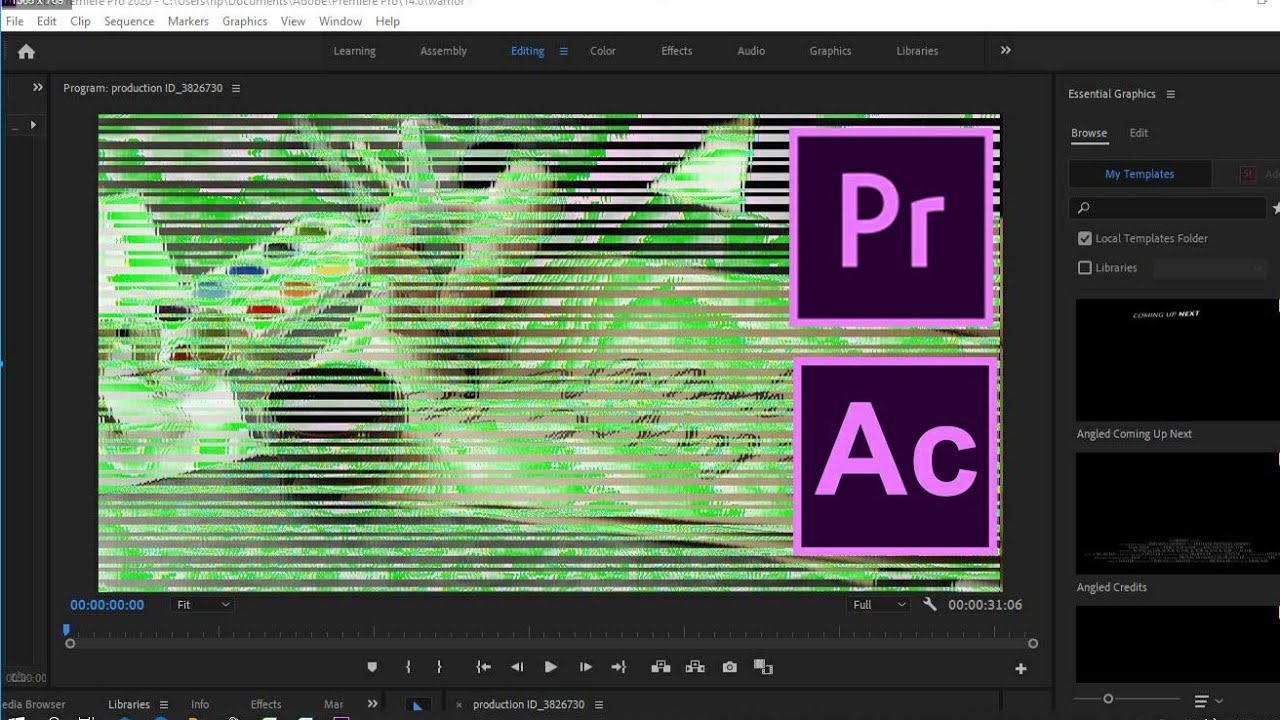
How To Fix The Green Line In After Effects Or Adobe Premiere Pro YouTube

How To Remove Green Line Border On Android Mobile Phone Disable Talk
How To Remove Empty Lines In Visual Studio Code
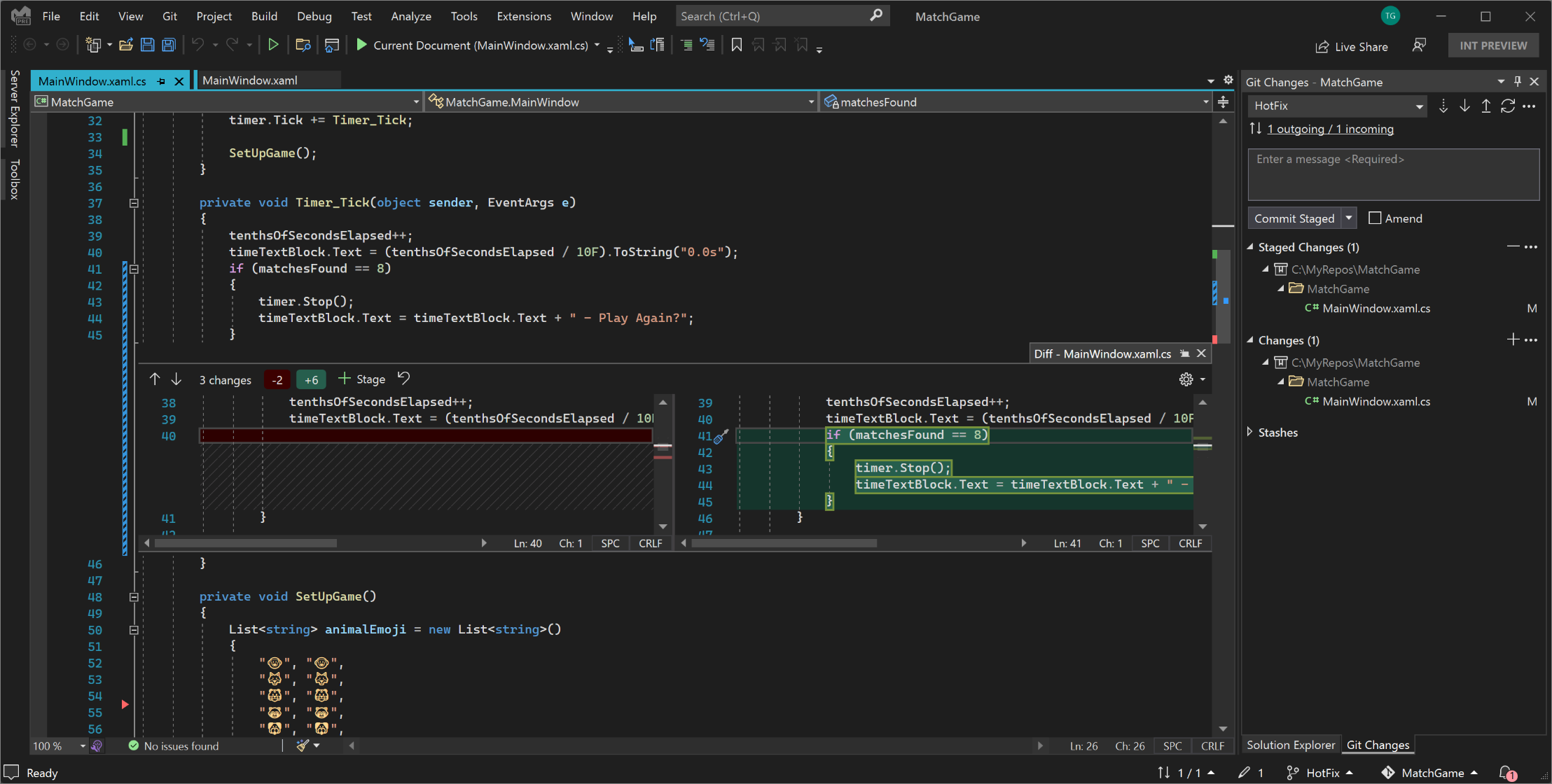
Almacenamiento Provisional De L neas De C digo En Visual Studio
How To Run JavaScript In Visual Studio Code
Visual Studio 2022 For Mac Preview 3 And Upcoming Native M1 Processor
Web Jan 25 2023 nbsp 0183 32 The squiggly green lines in VS 2019 is a bit annoying See for example How to disable the display of green warnings but not the error red type of warning in VS 2019 I tried to go to Tools gt Options gt Text Editor gt C C gt Advanced gt Disable Code Analysis Squiggles but it disables all warnings

Web Feb 21 2012 nbsp 0183 32 I m having a strange problem in Visual Studio Today it s decided to add green wiggly underlines to my code in the aspx files I ve tried to remove some of the code I ve written today in the hope of finding what is tripping up the IDE but I can t work it out Everything compiles and runs fine

Web Using Visual Studio Color Theme Editor plugin from the Microsoft you can focus on the following 3 items The same plugin is available also for more recent versions of Visual Studio for example Visual Studio 2015 Color Theme Editor Share Improve this answer

Web Aug 1 2013 nbsp 0183 32 I wouldn t honestly suggest this but since you asked From the menu Tools Options Then select Environment Fonts and Colors and under Display Items choose Warning and change the item foreground to match the item background typically white Share Improve this answer

Web Jul 25 2022 nbsp 0183 32 1 Answer Sorted by 0 You can disable the warnings squiggly lines in Solution Explorer from the Visual Studio options Go to Tools gt Options gt Productivity Power Tools gt Solution Error Visualizer Uncheck the Underline items contains warnings Options gt Productivity Power Tools gt Solution Error Visualizer Share
Web Oct 14 2021 nbsp 0183 32 They help you identify changed saved lines Yeah I know but I don t need them and I am minimalist so I want to remove them I think its called quot indicator margin quot in the Text Editor settings Web Nov 4 2017 nbsp 0183 32 VDOMDHTMLtml gt Microsoft Visual Studio How to remove coloured bitslines from vertical scroll bar YouTube remove yellow red and green lines from
Web Sep 27 2006 nbsp 0183 32 Answers 0 Sign in to vote You can find the meanings of the squiggly lines under Tool gt Options gt Fonts and Colors In this case the green squiggly line indicates a warning Let me know if that helps Wednesday September 27 2006 4 40 PM Moderator 0