Remove Git Repository From Local Windows How To Remove Delete A Local Git Repository YouTube Set Up Git Repository Locally Contributor Guide Microsoft Learn How To Push Local Git Repository To Github YouTube How To Delete File On Git Removing Files From Git Repository Using How To Use Git Delete File For Git Users EaseUS Use the rm rf git command to remove the folder and all its contents Make sure to double check the folder name before executing the command to avoid accidental deletion of other files folders With these simple steps you can easily remove local git repo
17 Answers Sorted by 2068 Git keeps all of its files in the git directory Just remove that one and init again If you can t find it it s because it is hidden HowTo Git Howtos Fully Delete a Git Repository Ashok Chapagai Nov 23 2021 Git Git Repository Remove Git Directory Using GUI Rename Git Directory Using Command Line Initializing git repository using git init or cloning the git repo from GitHub also comes with a git directory containing different directories files related to the project
How To Use Git Delete File For Git Users EaseUS Work In Your Local Git Repository Manage Your Code Project With Git How To Create And Sync Git And GitHub Repositories How To Push Local Git Repository To Github Youtube Www vrogue co How To Clone A Git Repository Clone A Git Repository With Command ROB 102 Introduction To AI And Programming Trabalhando No Git Para GUI Acervo Lima Work In Your Local Git Repository Manage Your Code Project With Git How To Create A New Git Repository DNT
Remove Git Repository From Local Windows
 Remove Git Repository From Local Windows
https://i.ytimg.com/vi/-sdYsDumGgM/maxresdefault.jpg
If you simply wish to delete a Git repository from your local machine you re essentially looking to delete the git folder present in your repository On Windows Using the Command Prompt or PowerShell rmdir git If you have gitignore and gitmodules files you want to get rid of too del git
Templates are pre-designed files or files that can be utilized for numerous purposes. They can save time and effort by providing a ready-made format and layout for developing different sort of content. Templates can be utilized for personal or professional projects, such as resumes, invites, flyers, newsletters, reports, presentations, and more.
Remove Git Repository From Local Windows
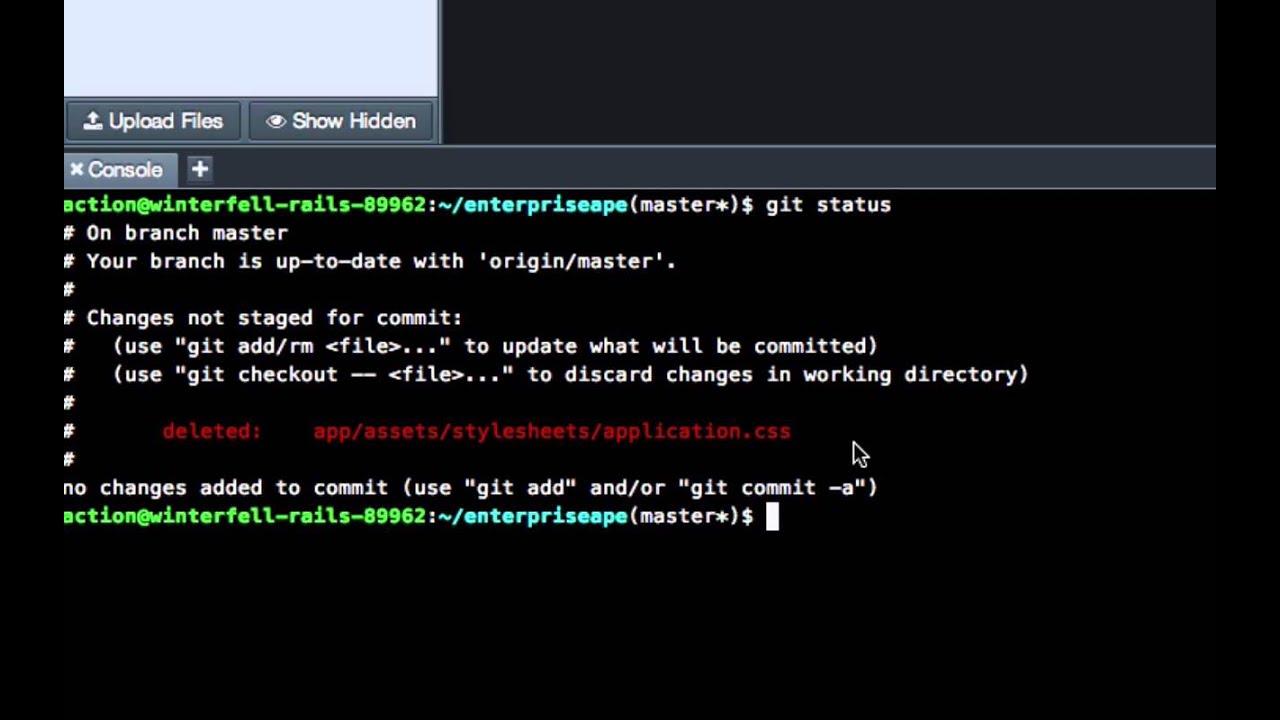
How To Remove A File From Git YouTube
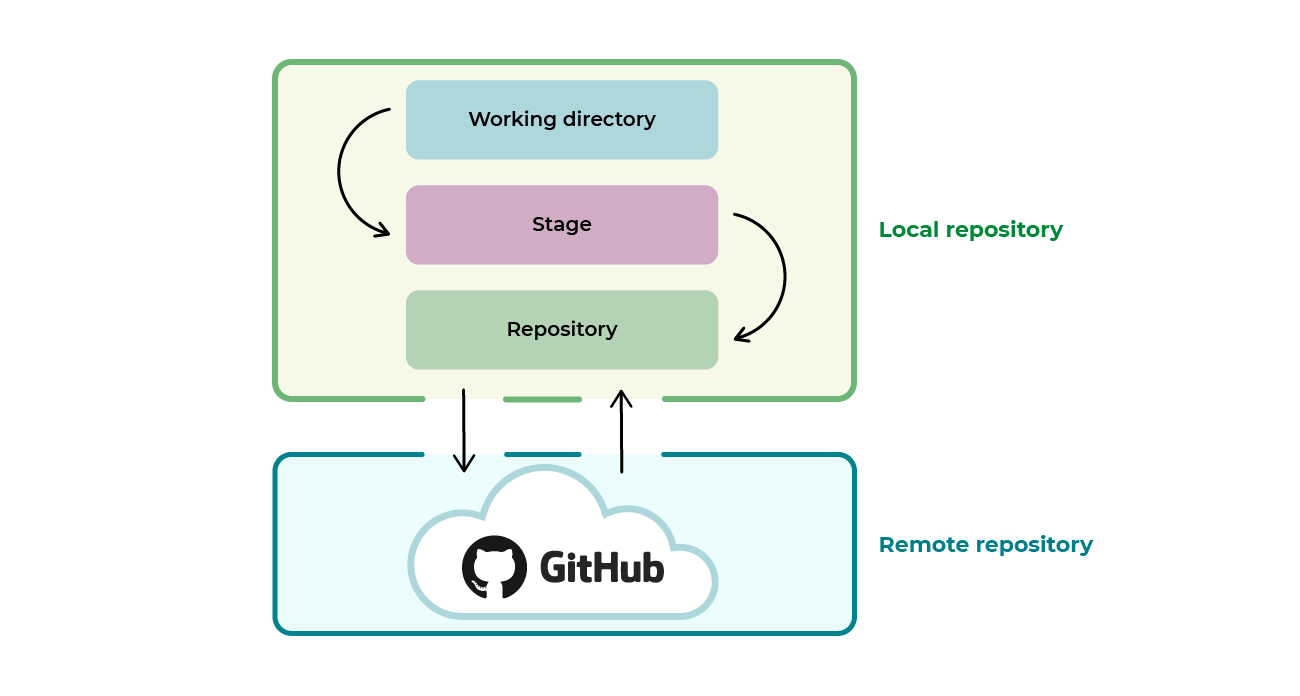
Work In Your Local Git Repository Manage Your Code Project With Git
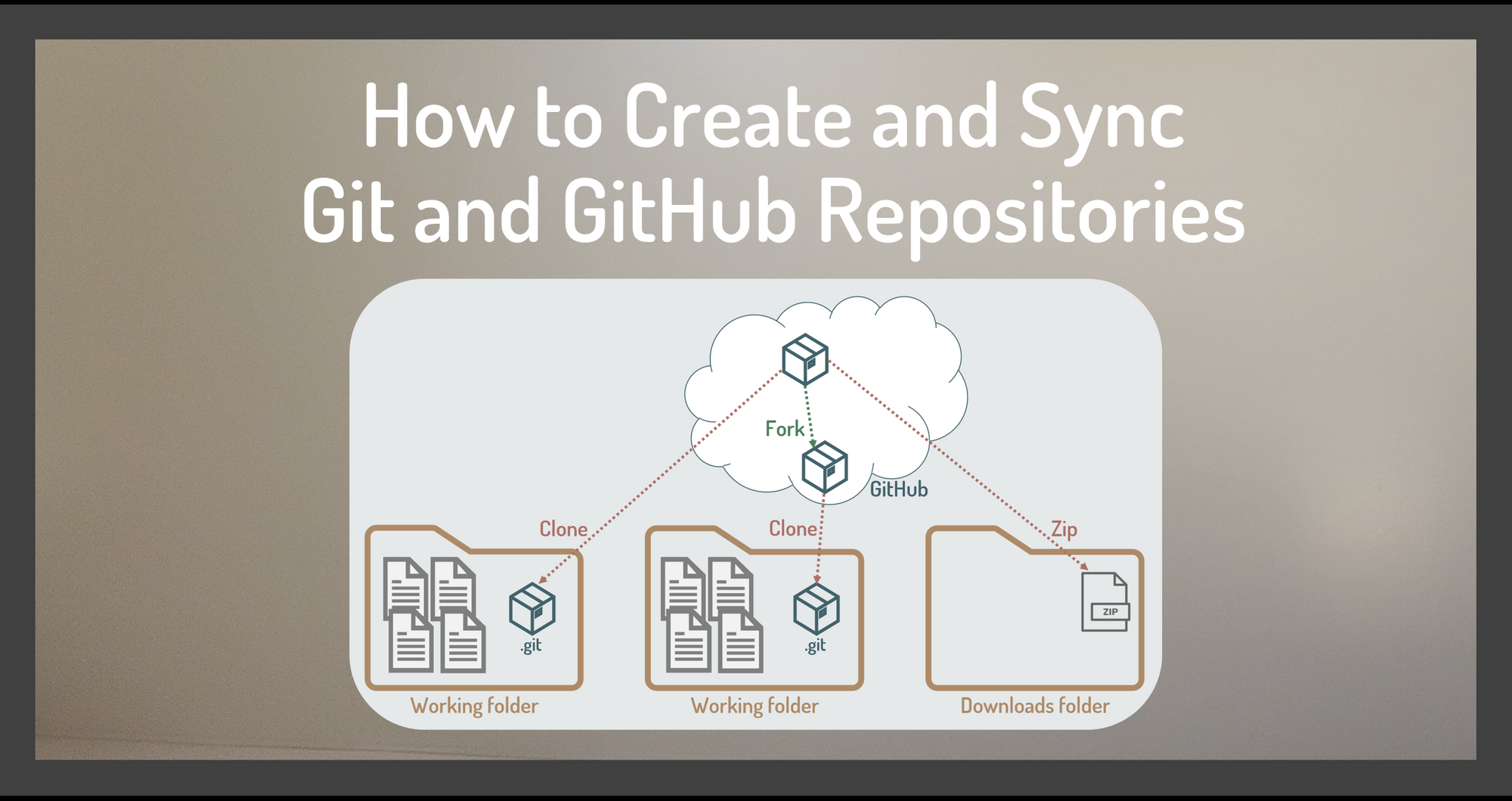
How To Create And Sync Git And GitHub Repositories
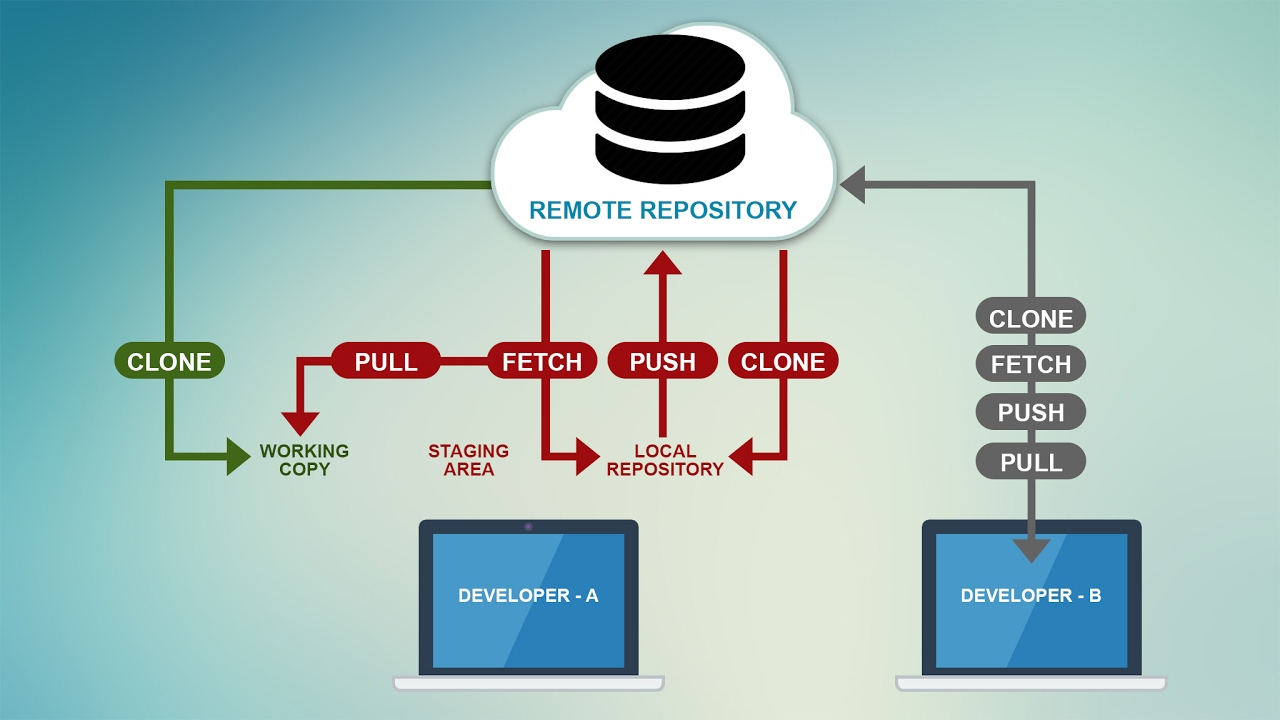
How To Push Local Git Repository To Github Youtube Www vrogue co
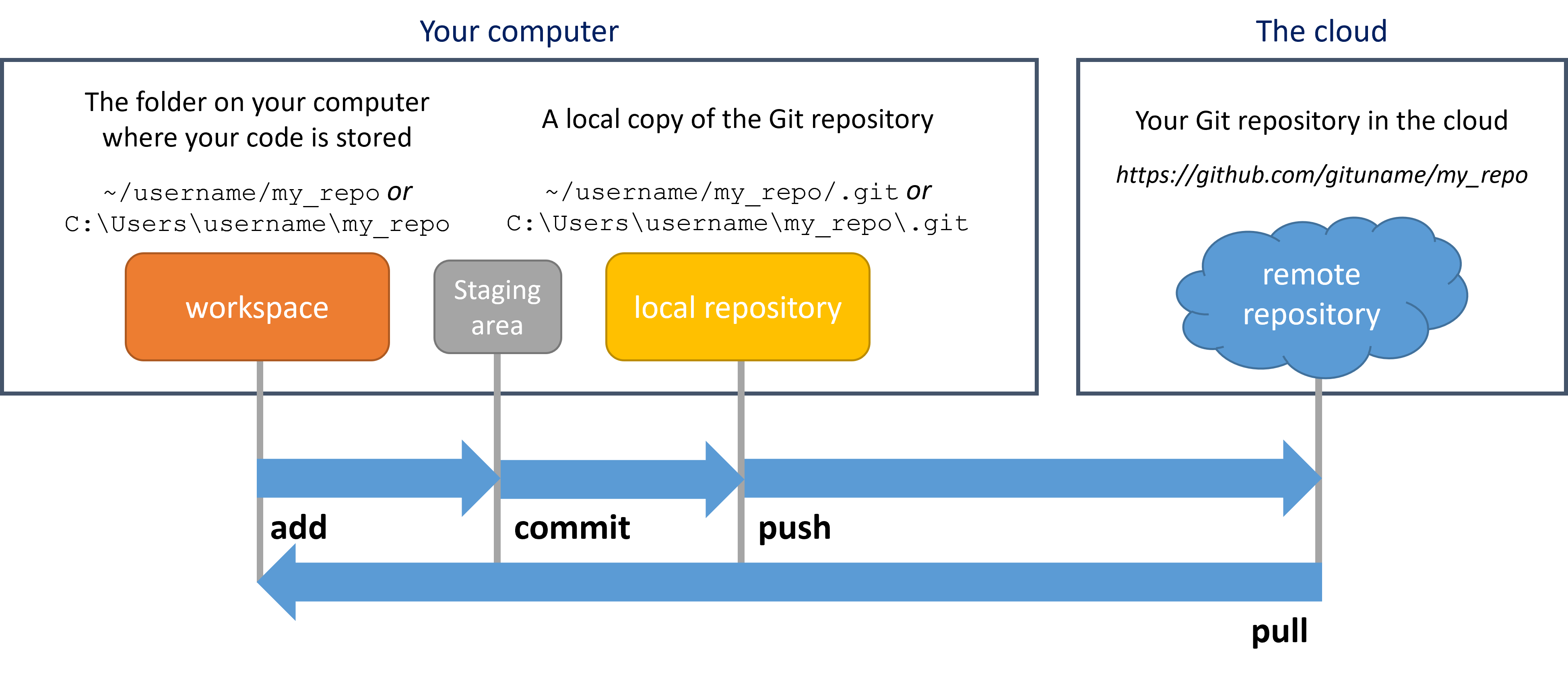
ROB 102 Introduction To AI And Programming
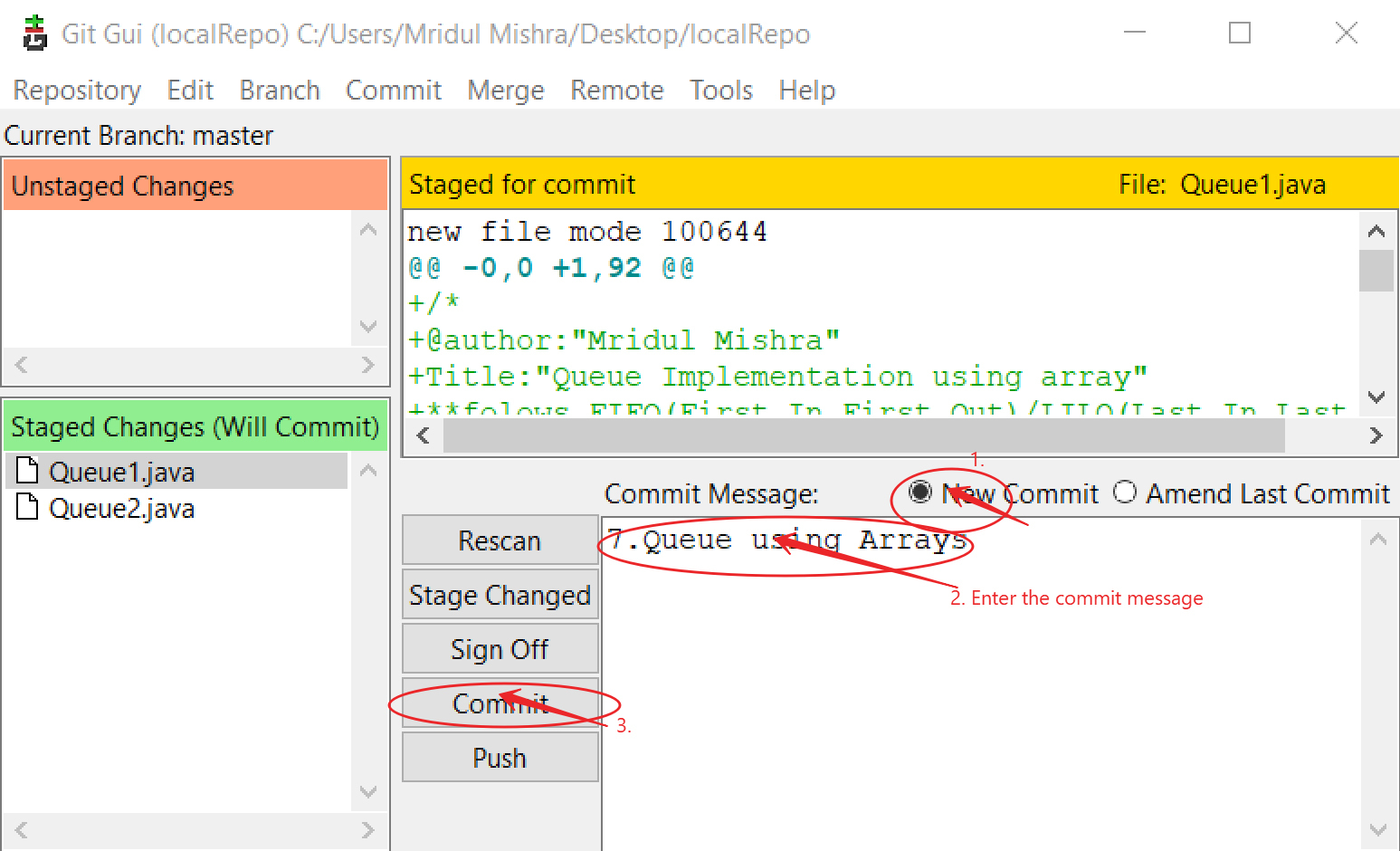
Trabalhando No Git Para GUI Acervo Lima

You can remove a Git repository created locally by git init by simply removing the resulting git folder When this folder is removed it will no longer be a valid Git repository as that is what Git uses to identify a repository
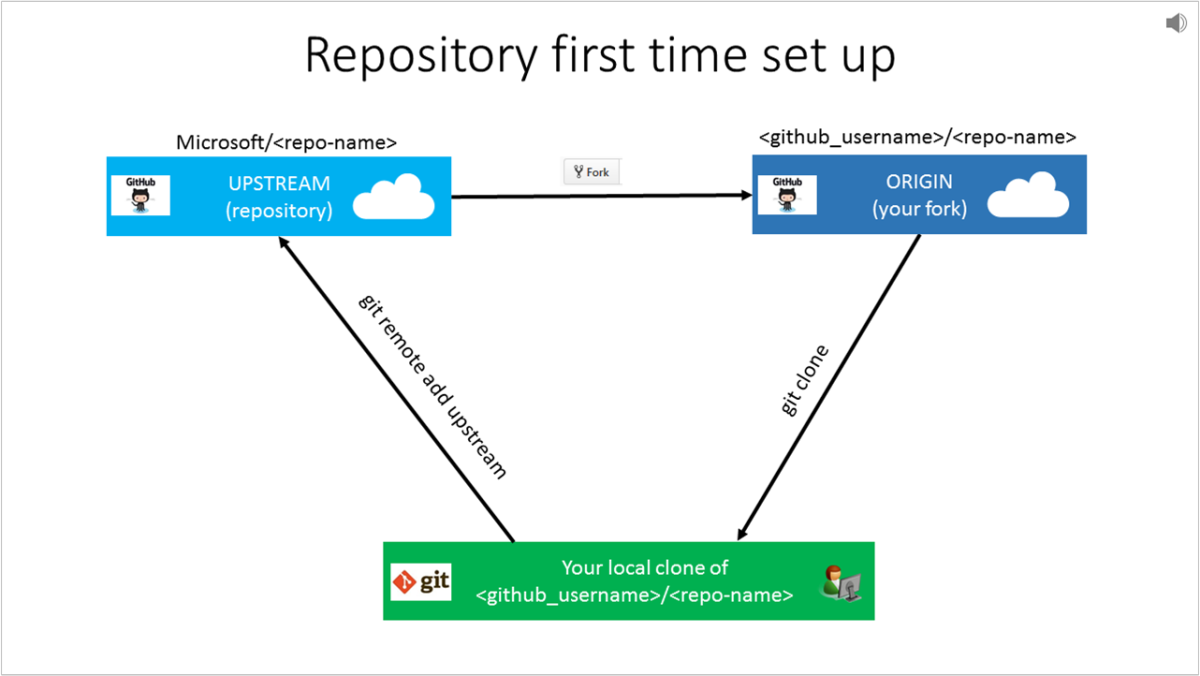
If you want to delete a local Github Repository that was cloned from to local computer without touching or making any changes to the Remote GitHub repository then follow the commands below Step 1 Go into your project file cd project name rm rf repository folder git
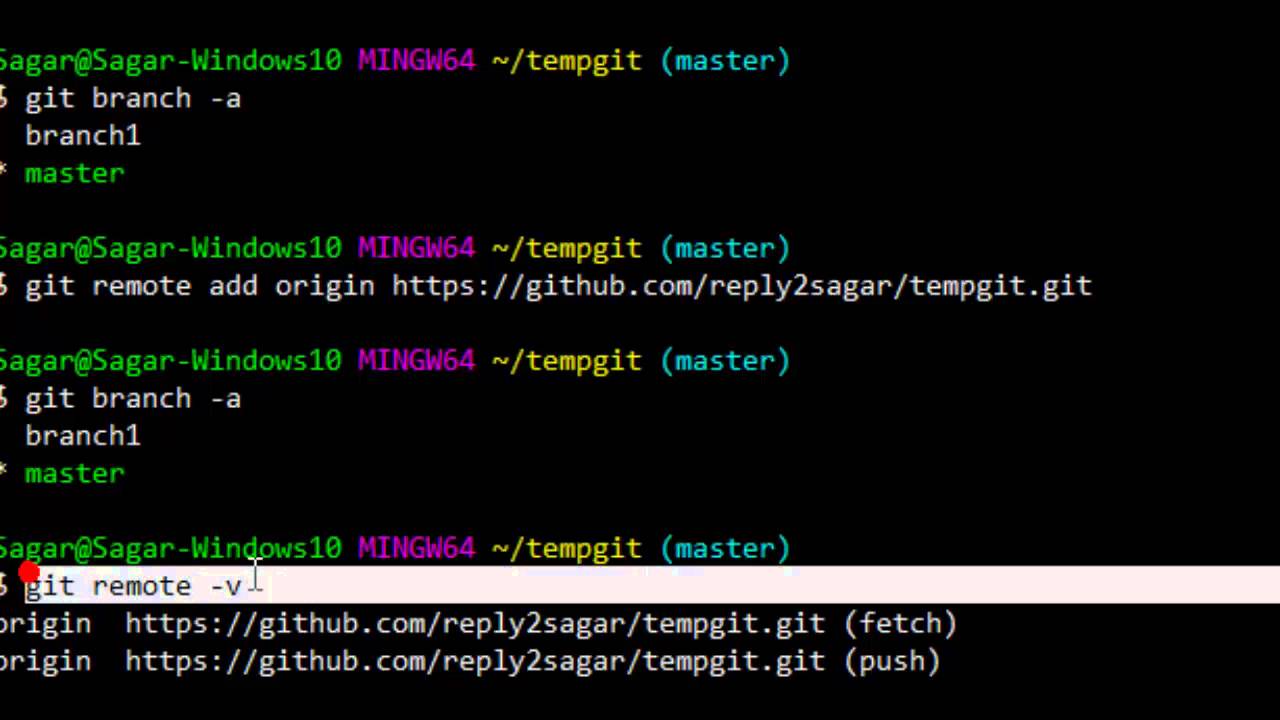
2 Answers Sorted by 2 del only deletes files To delete folders use one of the following rmdir s q git rd s q git That will delete the directory recursively without prompting Share Improve this answer Follow answered Sep 9 2021 at 14 56
To delete a Git repository locally follow these steps Open the the local Git repo s root folder Delete all of the files and folder in the Git repo s root folder Delete the hidden git folder with File Explorer or through the command line Run a git status command A fatal not a git repository error verifies that the Git repo is deleted

1 Answer Sorted by 2 Unless you want to have a repository on your desktop you should probably delete it One way to do this is to delete git folder Note the folder is marked as hidden so you will probably need to configure your windows option to show hidden folders Share
We have to just run the rm command with the f and r switch to recursively delete the Git repository and all of the files and folders it contains The following command will delete an entire command line Git repository rm f r Projects MyProject git When we will run this command we will first get a warning 52 It s worth noting that the most upvoted answer is dangerous for some If you are using a remote repo than when you push your local then pull elsewhere those files you removed from git only WILL BE DELETED This is mentioned in one of the replies but not commented upon RichieHH Aug 24 2018 at 4 17 2
If you want to delete everything git folder files and folders just delete the whole directory Mac OSX Open Terminal and run the following Code Block 1 rm rf directoryname Windows Right click the folder and choose Delete It will goes to Recycle bin