Remove First Two Digits In Excel Column Remove Duplicates From An Unsorted Arrray How To Remove The First Two Digits Of A Number From A Cell In Excel Quora Excel Tutorial In Hindi Excel Lesson 2 How To Add Two Digits In How To Insert A Dot Between Numbers In Excel Sheetaki How To Remove Formula In Excel Without Copy Paste Riset Delete text from multiple cells with Find Replace Remove part of text from a cell with a formula Remove Nth occurrence of specific character Delete first character from string Remove last character
To always remove just the first character simply hardcode both the start number and number of characters like this REPLACE A1 1 1 To remove the first N characters from a text value use the generic form of 1 Using RIGHT and LEN Functions to Remove First Character in Excel You can use the RIGHT function and the LEN function of Excel to remove the first character from the Student IDs The steps
How To Remove Formula In Excel Without Copy Paste Riset How To Remove Last 2 Digits In Excel Column YouTube How To Insert A Dot Between Numbers In Excel Sheetaki How To Remove The Last Four Digits In Excel Basic Excel Tutorial Removing First Two Digits In Excel If The Character Length Is Greater How To Highlight Current Row And Column In Excel Column Excel Cara Menambahkan Angka Di Excel ITugas The Sum Of The Digits Of A Two Digit Number Is 9 If 9 Is Added To How To Add 2 Digits To A Number In Excel 4 Easy Methods
Remove First Two Digits In Excel Column
 Remove First Two Digits In Excel Column
https://afteracademy.com/images/remove-duplicates-from-an-unsorted-array-banner.png
Step 1 Select the cell or range of cells from which you want to remove the first two characters Step 2 Enter the following formula in a blank cell LEFT cell reference
Templates are pre-designed documents or files that can be used for different purposes. They can save time and effort by providing a ready-made format and design for creating various sort of material. Templates can be utilized for individual or professional jobs, such as resumes, invitations, leaflets, newsletters, reports, presentations, and more.
Remove First Two Digits In Excel Column

How To Extract First Middle And Last Names In Microsoft Excel CLOUD
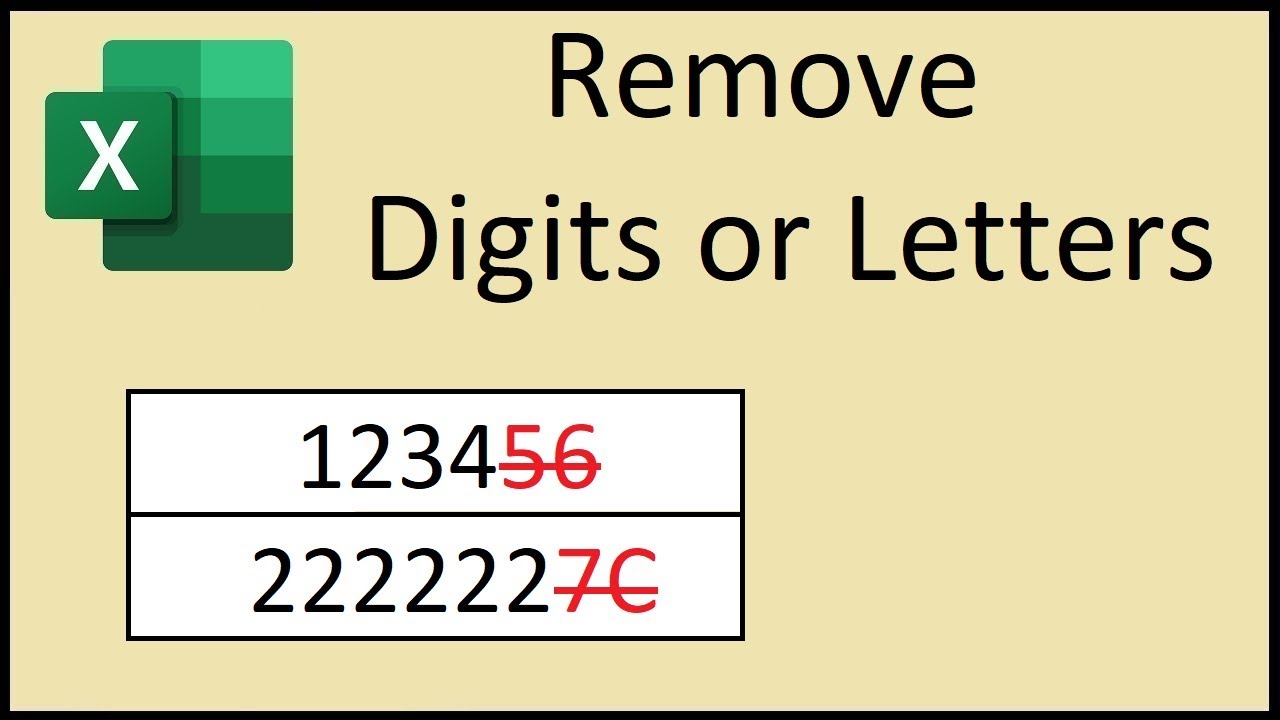
How To Remove Last 2 Digits In Excel Column YouTube
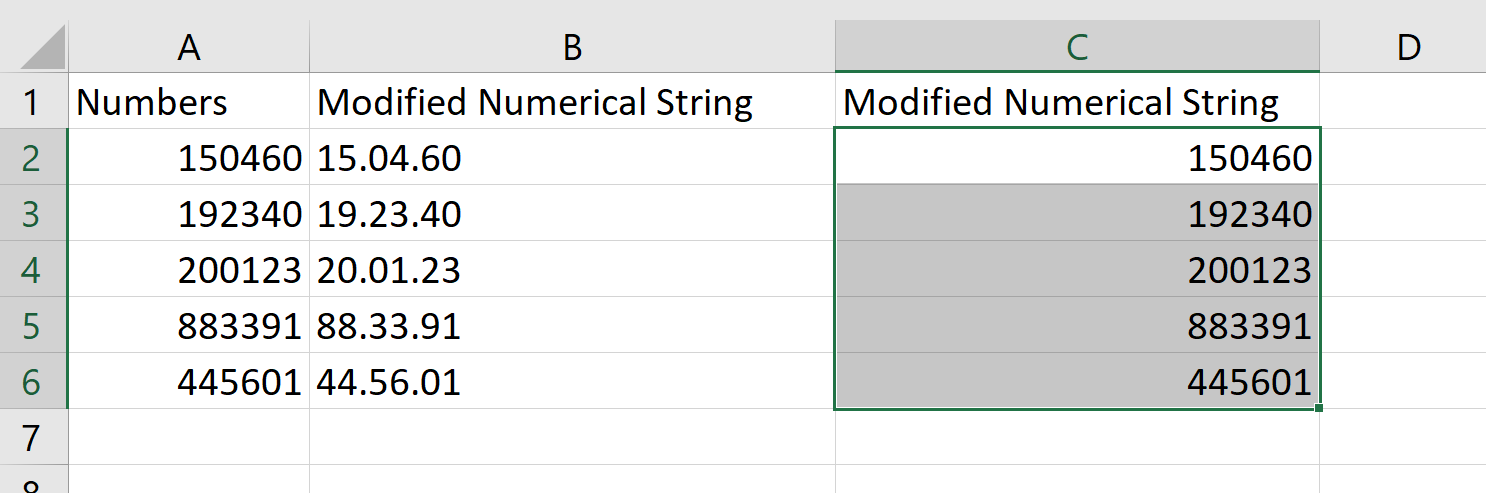
How To Insert A Dot Between Numbers In Excel Sheetaki

How To Remove The Last Four Digits In Excel Basic Excel Tutorial

How To Highlight Current Row And Column In Excel Column Excel

Cara Menambahkan Angka Di Excel ITugas
Writing The Excel Formula To Delete The First Two Digits In Excel Finally it is time to bring all of this together and delete the first
For instance to remove first 2 characters from the string in A2 the formulas are REPLACE A2 1 2 RIGHT A2 LEN A2 2 To remove first 3 characters

B How to use the RIGHT function to remove the first two digits To remove the first two digits from a cell using the RIGHT function you can use the formula RIGHT A1

Rjtees Guest Delete first two digits in column I need to delete 1 digit and then the decimal point so that the in the cell is only what was after the decimal point
Method 1 Remove the First Character Using Flash Fill Option In Excel there is a fantastic feature that automatically fills the cell by following a pattern It s called Flash Fill
Using a combination of RIGHT and LEN is the most suitable way to remove the first character from a cell or from a text string This formula simply skips the first character METHOD 1 By using the RIGHT function In this method we ll use the RIGHT function to remove the first digits of cells This method is useful when the total
Firstly open your Excel workspace 2 Locate the column which contains the cell that you want to edit 3 Insert a new column by the right side of the cell that you