Remove Files Ubuntu Terminal How To Delete Directories And Files In Ubuntu A Step By Step Tutorial Ubuntu Remove Directory From Terminal Or File Manager Remove File Linux Terminal Ubuntu 20 04 Ubuntu 22 04 How To Uninstall Ubuntu From Your Computer Apr 22 2025 nbsp 0183 32 Oblivion Remastered supports some of the old commands but not all of them this guide will go through the useful working commands and also the brand new ones Warning
Feb 26 2024 nbsp 0183 32 I also had to go into controller settings and then quot joysticks quot and remove the setting from there as well Thank you for this but after following these instructions it still happened A question often asked is how to remove not delete as that is something totally different Google Accounts from the list of Google Accounts on the sign in page For example if someone used
How To Uninstall Ubuntu From Your Computer How To Install Software On Ubuntu Using The Terminal Systran Box How To Set Up Linux And Linux Apps On A Windows PC Canada Today How To Install Gdm3setup Ubuntu Vitalasopa Cuota Distraer Soberano Crear Archivo En Linux Fuente Cuota De Admisi n Cara Keluar Dari Terminal Ubuntu Linux Www sridianti How I Built A Typical Ubuntu Terminal Using HTML CSS By FOBABS Medium Ubuntu Terminal Desktop Blogthinkbig How To Set Up DNS Server On Ubuntu 22 04 Ubuntu 20 04 ITzGeek
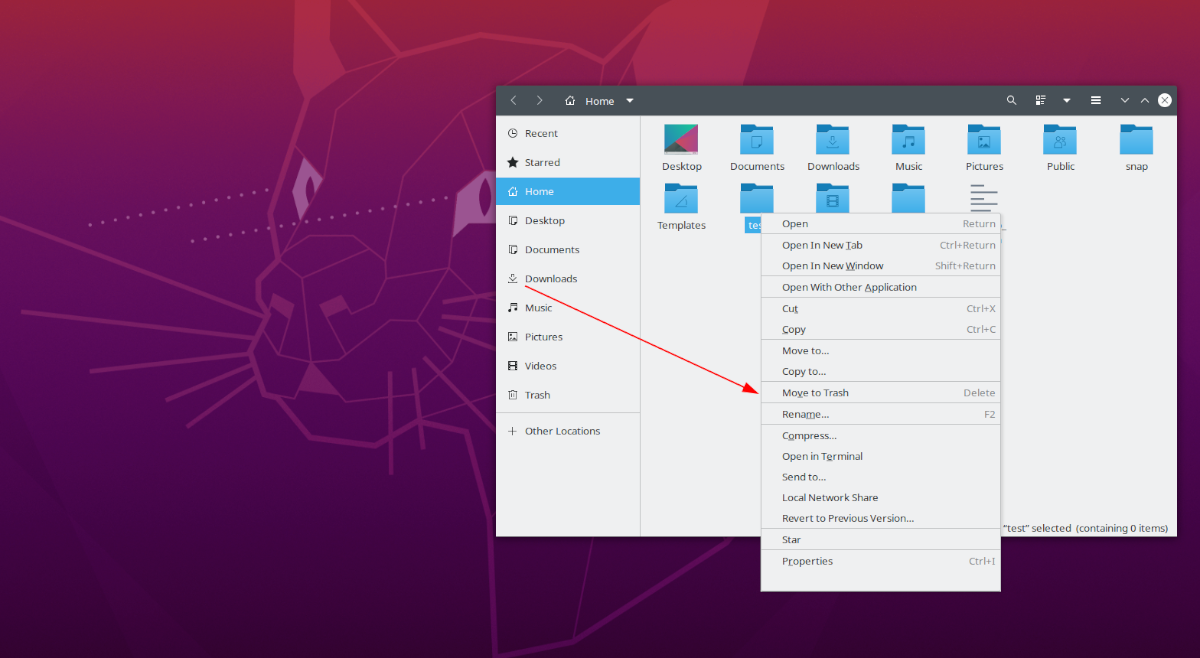
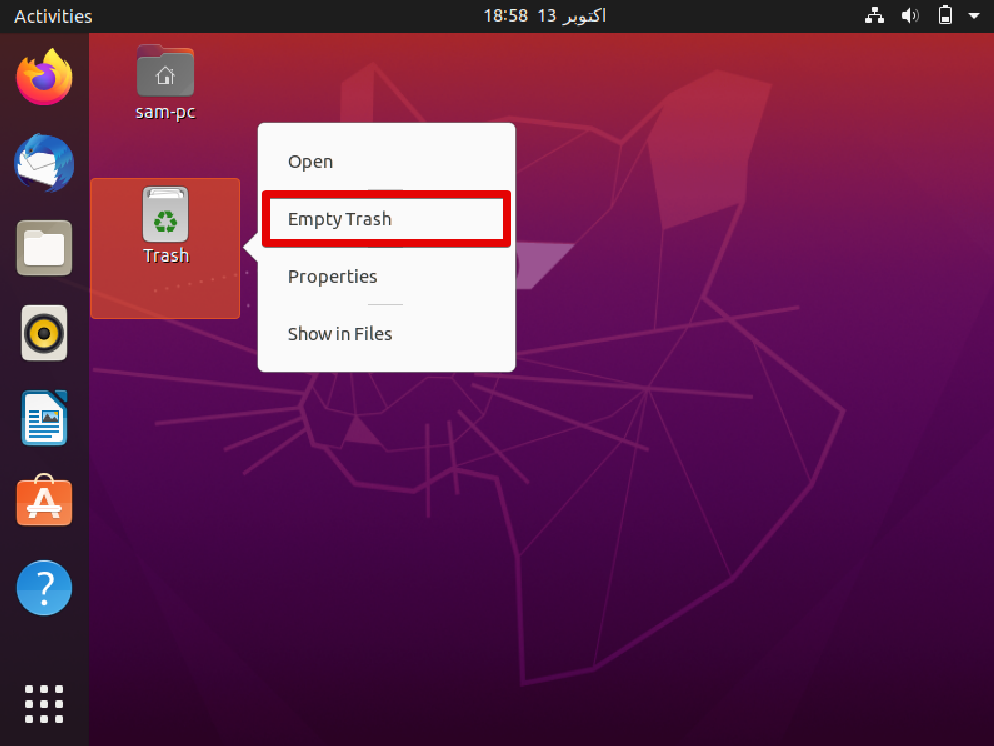
Remove Files Ubuntu Terminal
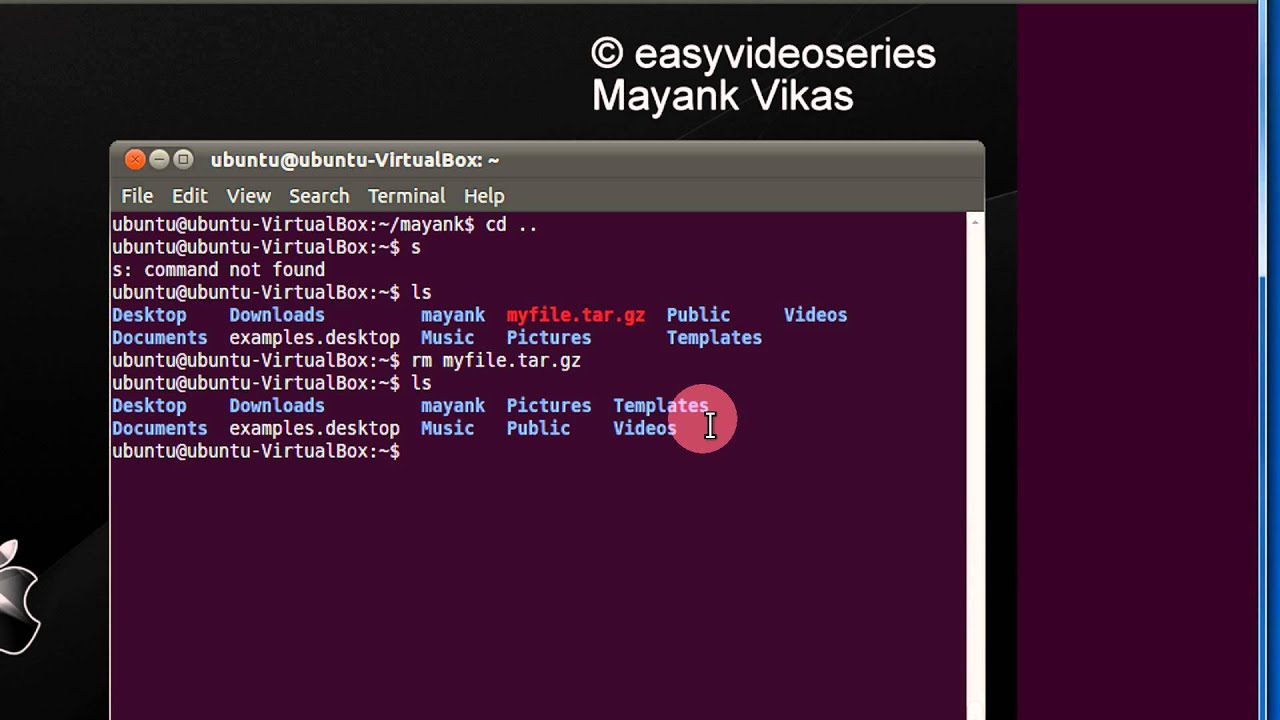 Remove Files Ubuntu Terminal
https://i.ytimg.com/vi/R77EYQrDPno/maxresdefault.jpg
You can add edit or remove site search shortcuts and set a default search engine In some countries custom site searches aren t able to be set as default for Guest profiles
Pre-crafted templates provide a time-saving option for developing a varied variety of files and files. These pre-designed formats and designs can be used for various individual and professional tasks, consisting of resumes, invitations, leaflets, newsletters, reports, discussions, and more, enhancing the content creation process.
Remove Files Ubuntu Terminal

Updated Windows Terminal And Now Ubuntu Won t Load Process Exited With

How To Install Software On Ubuntu Using The Terminal Systran Box

How To Set Up Linux And Linux Apps On A Windows PC Canada Today
How To Install Gdm3setup Ubuntu Vitalasopa
Cara Keluar Dari Terminal Ubuntu Linux Www sridianti
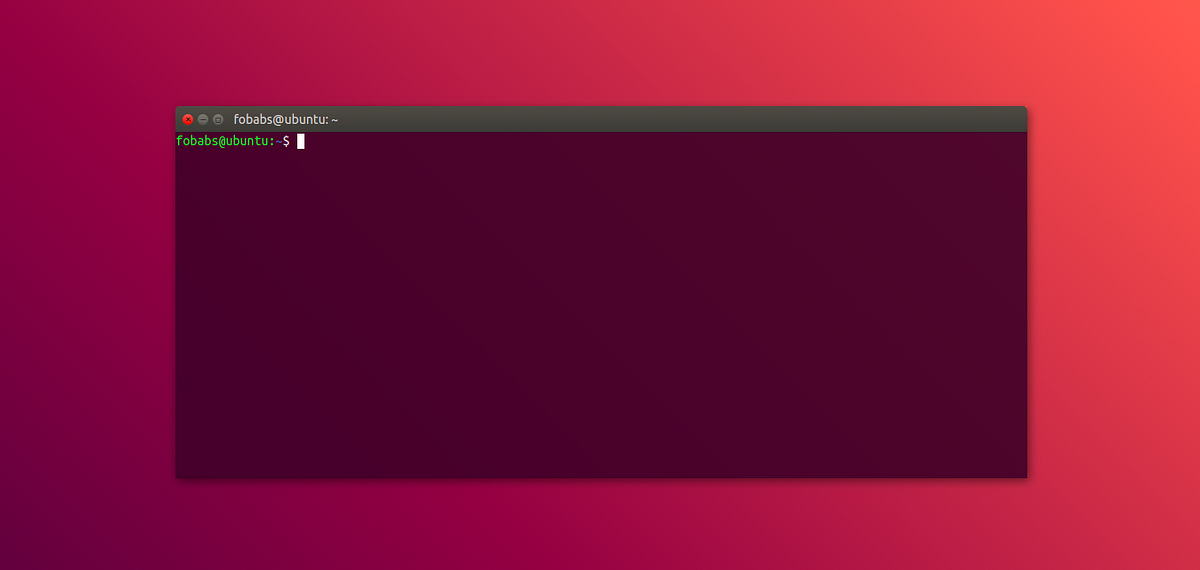
How I Built A Typical Ubuntu Terminal Using HTML CSS By FOBABS Medium

We may remove intimate or explicit images and videos that were created or shared without consent This article is intended to support you through the process to request removal of such
Remove people during a video meeting Important For meetings with Host Management on only a meeting host or co host can remove another participant from an ongoing meeting
If you remove a campaign you permanently stop it and you can t resume it You can t create new entities or edit removed entities in a removed campaign Also when you resume a paused

How do I remove Gemini from my phone completely This also applies to the Gemini icon on my Messages app above the New Message button I have already started a conversation with

Add or remove inbox categories in Gmail To help keep your inbox organized use inbox categories With inbox categories Gmail sorts your emails into different categories
[desc-11] [desc-12]
[desc-13]