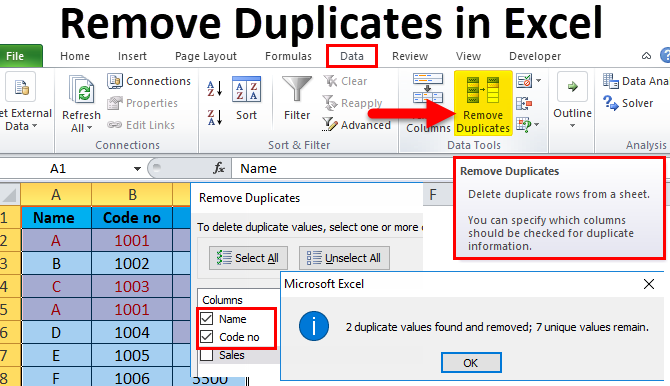
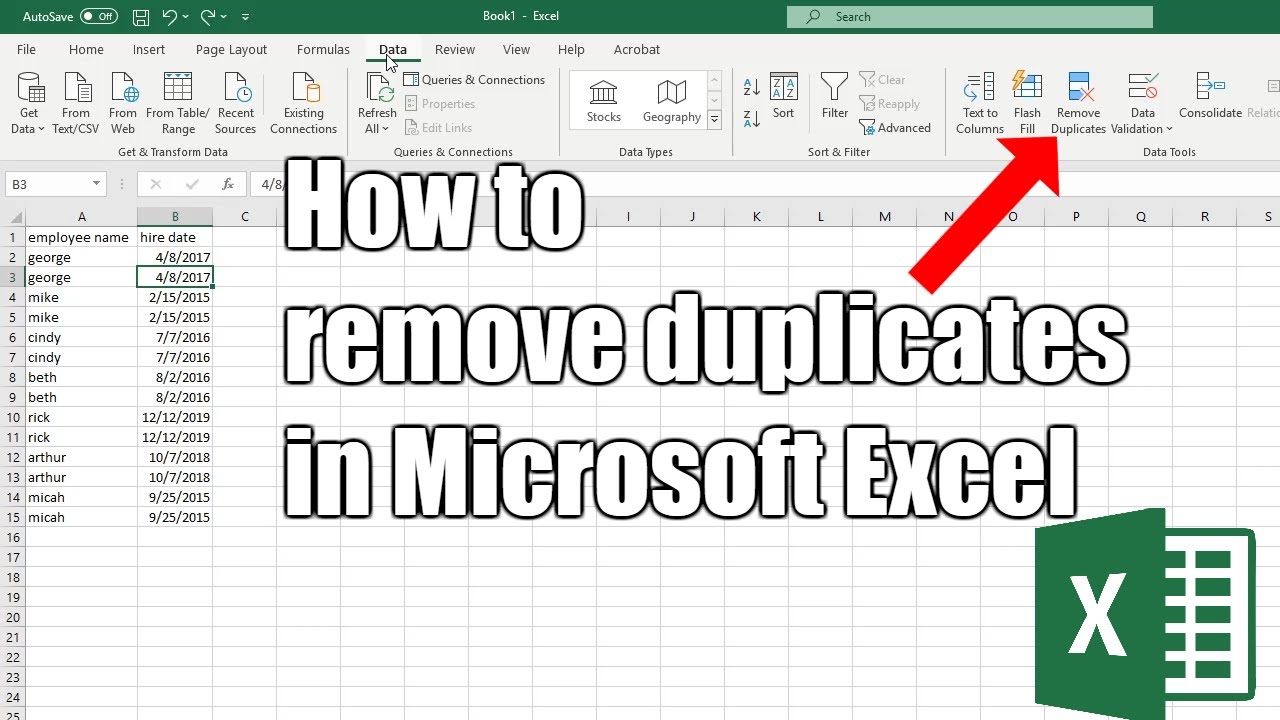
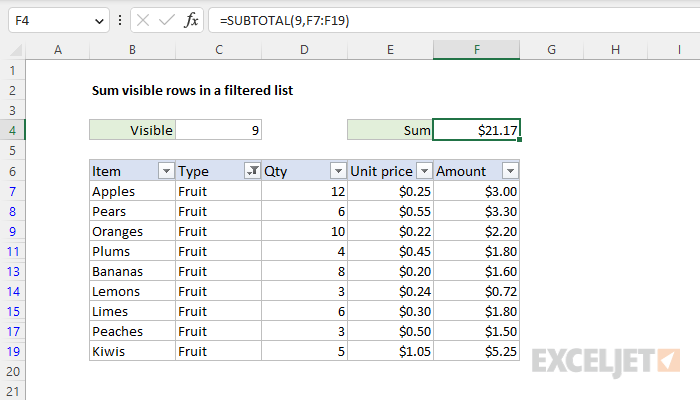
Remove Duplicates From Filtered List Excel Count Visible Rows In A Filtered List Excel Formula Exceljet Excel Formula To Remove Duplicates In A Column Mountainlasopa Sum Visible Rows In A Filtered List Excel Formula Exceljet And Delete Duplicates In Excel REMOVE DUPLICATES EXCEL FORMULA YouTube Once the data range is selected navigate to the Data tab on the Excel ribbon Within the Data Tools group you will find the Remove Duplicates feature Choosing the columns
Select Data Remove Duplicates and then under Columns check or uncheck the columns where you want to remove the duplicates For example in this worksheet the January column has price information I To remove duplicates in Excel use the tool on the Data tab that deletes duplicates in a few clicks You can also use the Advanced Filter to remove duplicates 1 Click any
REMOVE DUPLICATES EXCEL FORMULA YouTube How To Find And Remove Duplicates In Excel Excel Examples Excel Formula To Remove Duplicates From A List Lupassl How To Cut And Paste Filtered Data In Excel For Macbook Dasaus Remove Duplicates From Python List Spark By Examples 5 Effortless Tricks To Handle Duplicates In Excel Bonus Tip How To Remove Duplicates In Excel 3 Easy Ways Python How To Remove Duplicates From A List BTech Geeks How To Remove Duplicates From An Excel Sheet TurboFuture
Remove Duplicates From Filtered List Excel
 Remove Duplicates From Filtered List Excel
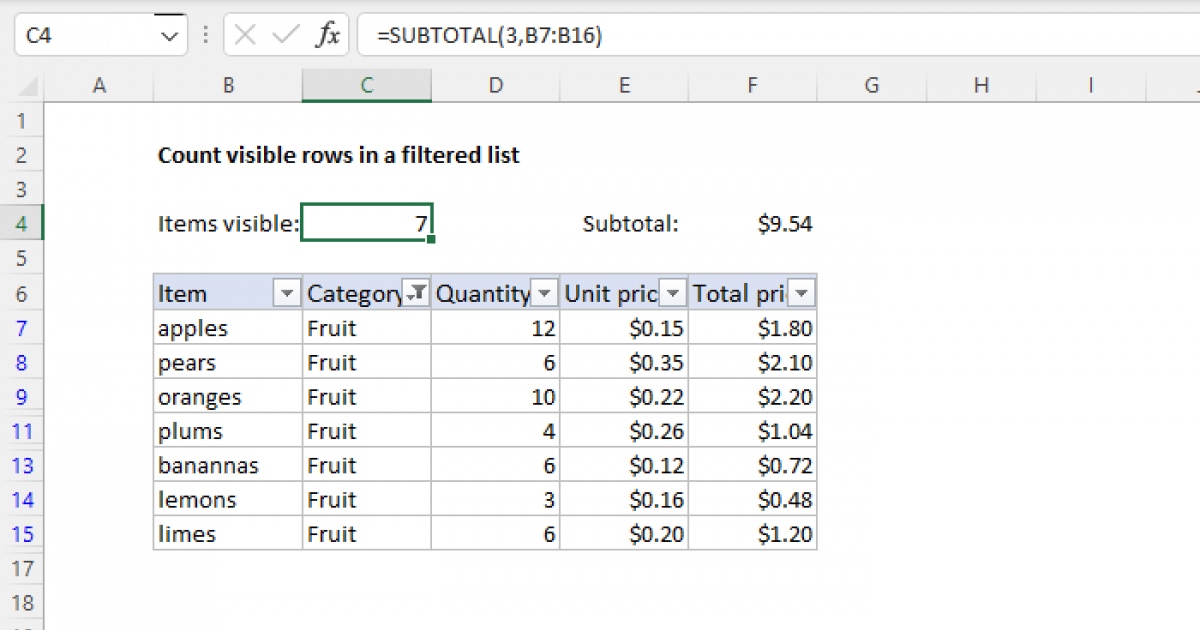
https://exceljet.net/sites/default/files/styles/og_image/public/images/formulas/Count visible rows in a filtered list.png
Select any cell in the list range or select the entire list On the Excel Ribbon s Data tab in the Data Tools group click Remove Duplicates In the Remove
Templates are pre-designed files or files that can be utilized for different purposes. They can conserve effort and time by providing a ready-made format and design for producing different kinds of content. Templates can be utilized for individual or expert projects, such as resumes, invites, leaflets, newsletters, reports, discussions, and more.
Remove Duplicates From Filtered List Excel

How To Remove Duplicates From List Using LINQ
How To Find And Remove Duplicates In Excel Excel Examples
Excel Formula To Remove Duplicates From A List Lupassl

How To Cut And Paste Filtered Data In Excel For Macbook Dasaus
5 Effortless Tricks To Handle Duplicates In Excel Bonus Tip

How To Remove Duplicates In Excel 3 Easy Ways
To filter for unique values click Data Sort Filter Advanced To remove duplicate values click Data Data Tools Remove Duplicates To highlight unique or duplicate values use the Conditional Formatting

I have an excel file that runs to around 54 645 rows showing individual expenses for FY 2015 month wise I need to replace duplicate expenses with zero only
You need to select which columns to remove duplicates based on You can hold Ctrl to select multiple columns Right click on the selected column heading and choose Remove Duplicates from the

How to use the UNIQUE function The UNIQUE function is so simple to use Just write the UNIQUE in a cell And select the column containing the values with duplicates Immediately the function returns
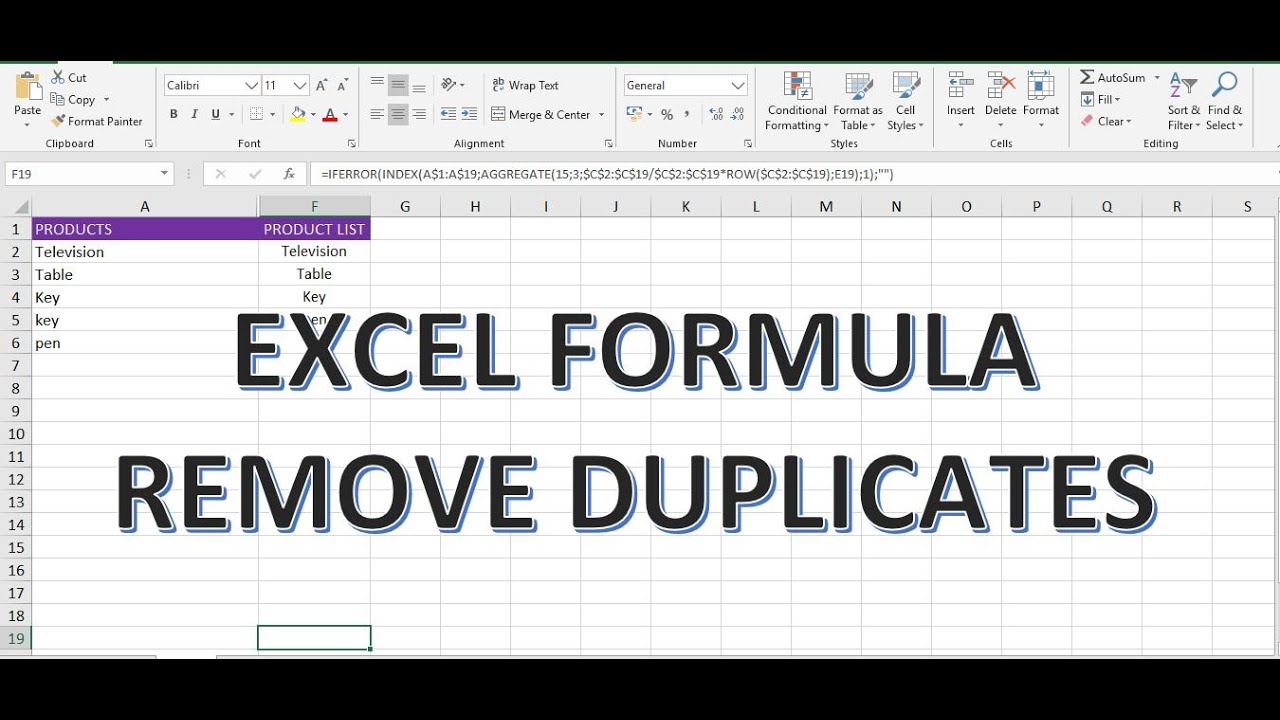
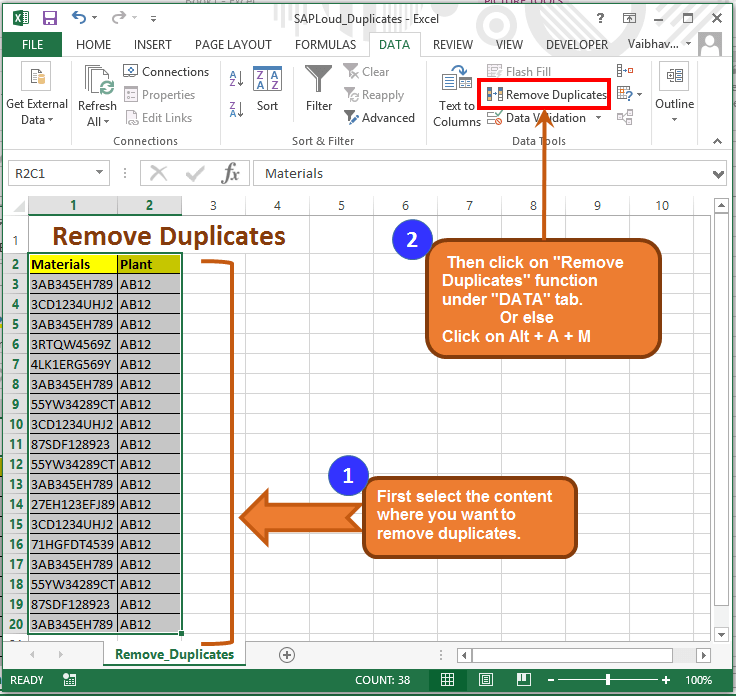
You can remove duplicates in Excel in several ways When you use the Remove Duplicates tool Excel will keep the first instance and the remaining
The shortcut to remove duplicates in Excel is as follows Select the range of cells or columns containing the data you want to check for duplicates Press the Alt Open your Excel spreadsheet document and highlight the range of cells with the data from which you want to remove duplicates Navigate to the Data tab located at
UNIQUE B5 D15 FALSE TRUE Formula Breakdown UNIQUE B5 D15 FALSE TRUE the UNIQUE function finds a number of unique data in an