Remove Command In Autocad How To Use The Count Command In AutoCAD 2022 AUTOCAD TRAINING CREATING LINES AUTOCAD LINE COMMAND IN DETAIL YouTube How To Change Command Command On Autocad Cad Of Autocad Block Command Insert Command Block Edit Command In AutoCAD How To Use Trim Command In AutoCAD AutoCAD Trim Command Tutorial Example of the Erase command in AutoCAD 1 For example I want to erase one line as shown 2 Select the Erase command from the modify panel
Choose Delete Duplicate Objects from the Modify menu or type Overkill the command line Please note that if you have overlapping lines in an array or object the Type E or Erase and hit Enter on the command line or command prompt Select the two lines indicated in the diagram above Press Enter key The
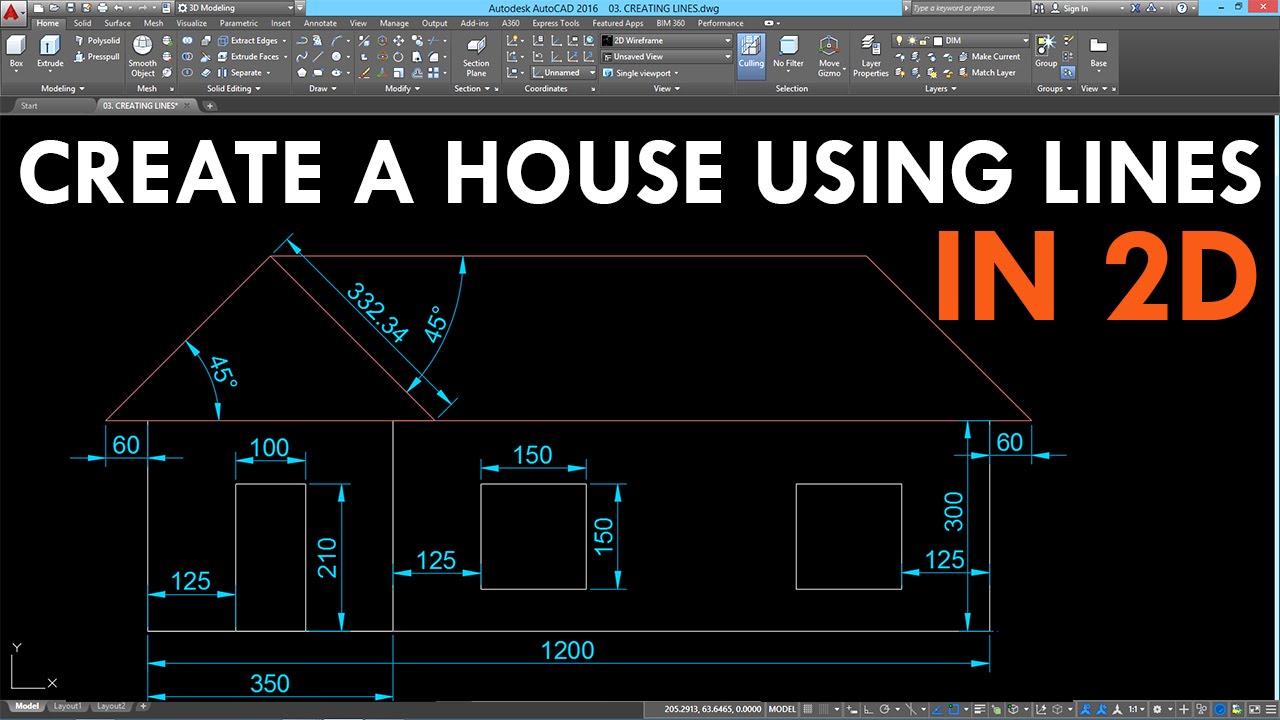
How To Use Trim Command In AutoCAD AutoCAD Trim Command Tutorial How To Use Line Command In AutoCAD Explode Command In AutoCAD TAE Write Block Command In AutoCAD YouTube AutoCAD 2022 The Fillet Command Cadline Community How To Solve The Problem Of Orbit Command In AutoCAD 3D Modelling Quora Trim Command In AutoCAD TAE How To Apply Hatch Command In Auto Cad 2017 In Urdu Hindi YouTube How To Use Line Command In AutoCAD
Remove Command In Autocad
 Remove Command In Autocad
https://atgusa.com/wp-content/uploads/2022/02/How-to-Use-the-Count-Command-in-AutoCAD-2022.jpg
1 To access the Purge command click on the application button on the top left corner of the AutoCAD window Then go to Drawing Utilities Purge
Pre-crafted templates use a time-saving solution for creating a varied range of files and files. These pre-designed formats and designs can be utilized for different individual and expert tasks, including resumes, invitations, leaflets, newsletters, reports, discussions, and more, enhancing the material development procedure.
Remove Command In Autocad
How To Remove Region Command In Autocad
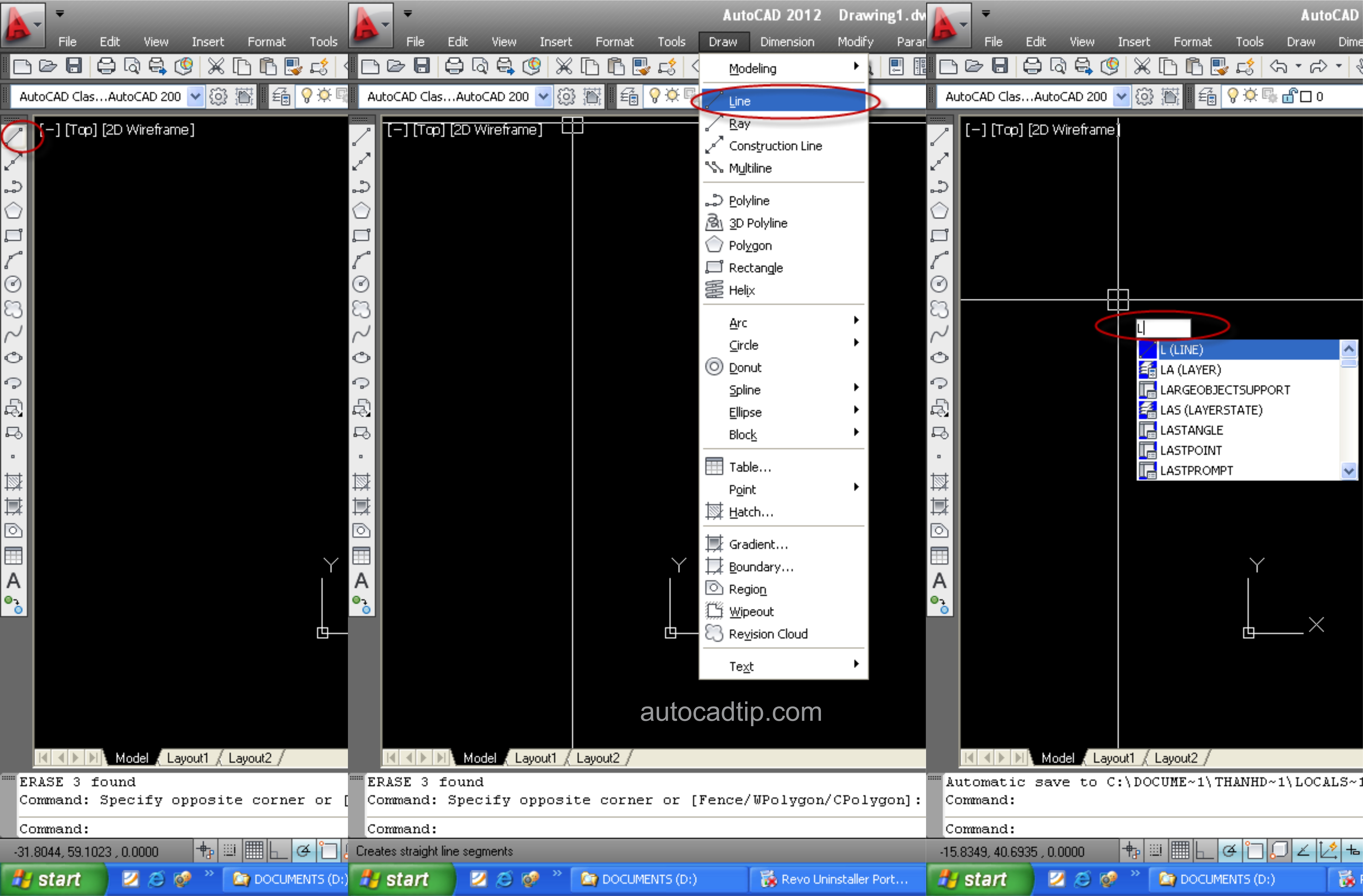
How To Use Line Command In AutoCAD
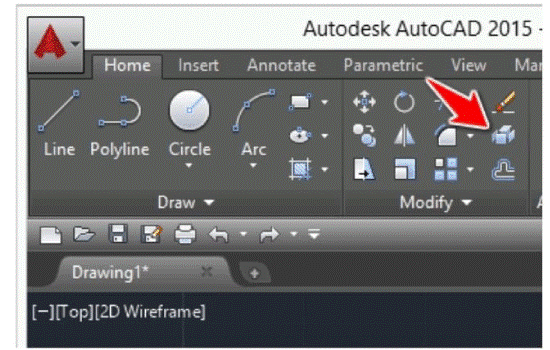
Explode Command In AutoCAD TAE
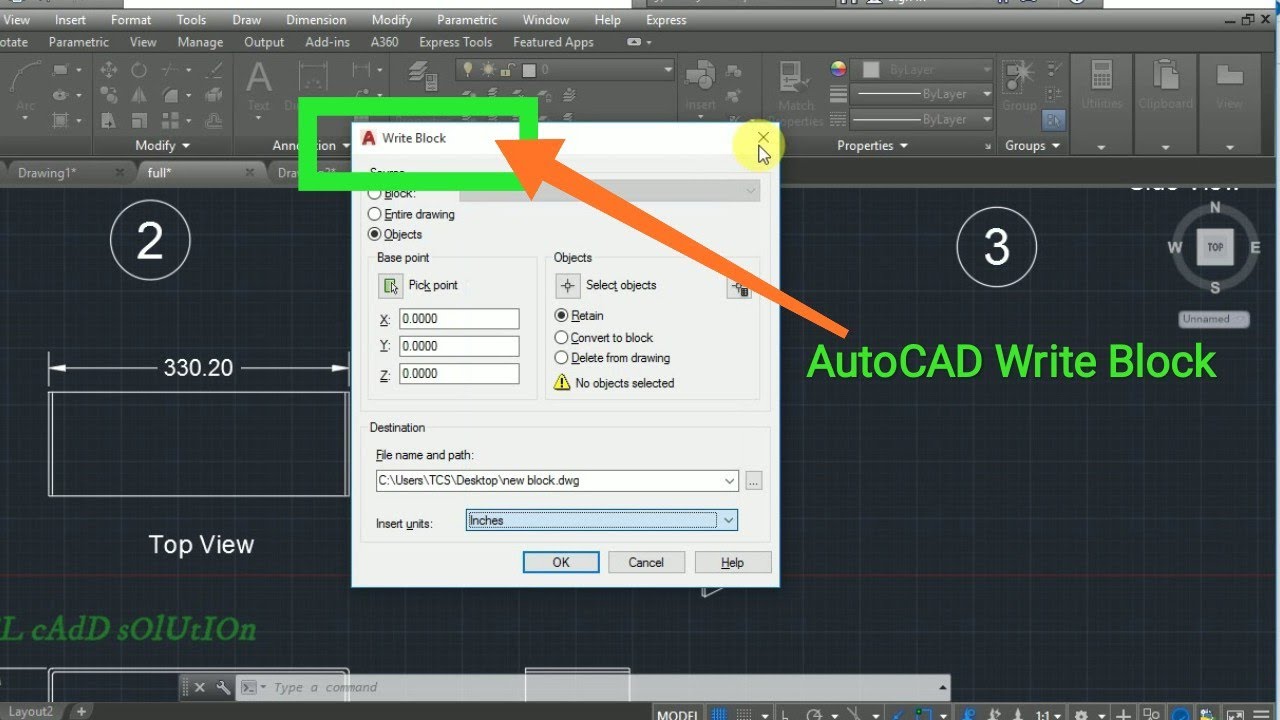
Write Block Command In AutoCAD YouTube
How To Solve The Problem Of Orbit Command In AutoCAD 3D Modelling Quora
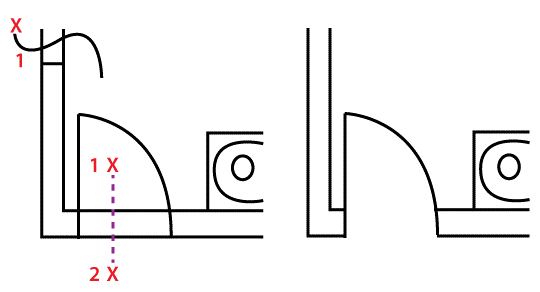
Trim Command In AutoCAD TAE

Type E or Erase on the command line or command prompt and press Enter Select the inner circle with a small square cursor as shown in the below image Erase in
Select the command to be removed and right click over the command Click Remove NoteA command only can be removed when it is not being referenced by a user
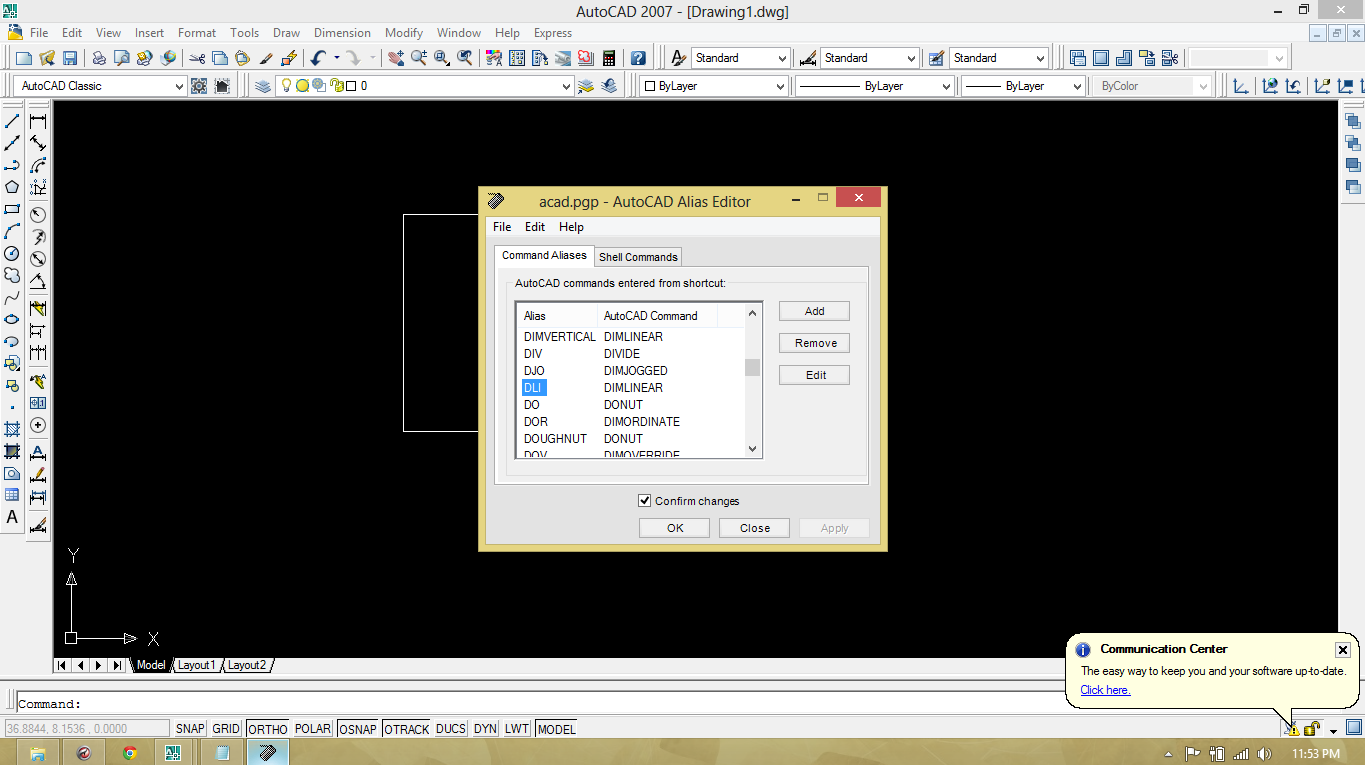
For disabling a required command use the UNDEFINE command followed by name of the undefined command For restoring the undefined command use REDEFINE command

The erase tool in AutoCAD removes objects from the drawing To erase an object from the Ribbon Home tab Modify panel click the Erase button Command line

Then begin the purge command This will eliminate any risk of deleting layers that contain needed blocks Of course OOPS and undo are always
These layers can be eliminated with LAYDEL and LAYMRG commands which allow you to remove unused layers from your drawing You can even delete Defpoints layer The AutoCAD software provides you with Purge tools to remove these items The various Purge tools are available in the Manage tab Cleanup
Type PickFirst Command and press enter Once you press enter key it will ask you to choose the value In that value you have to choose 1 to