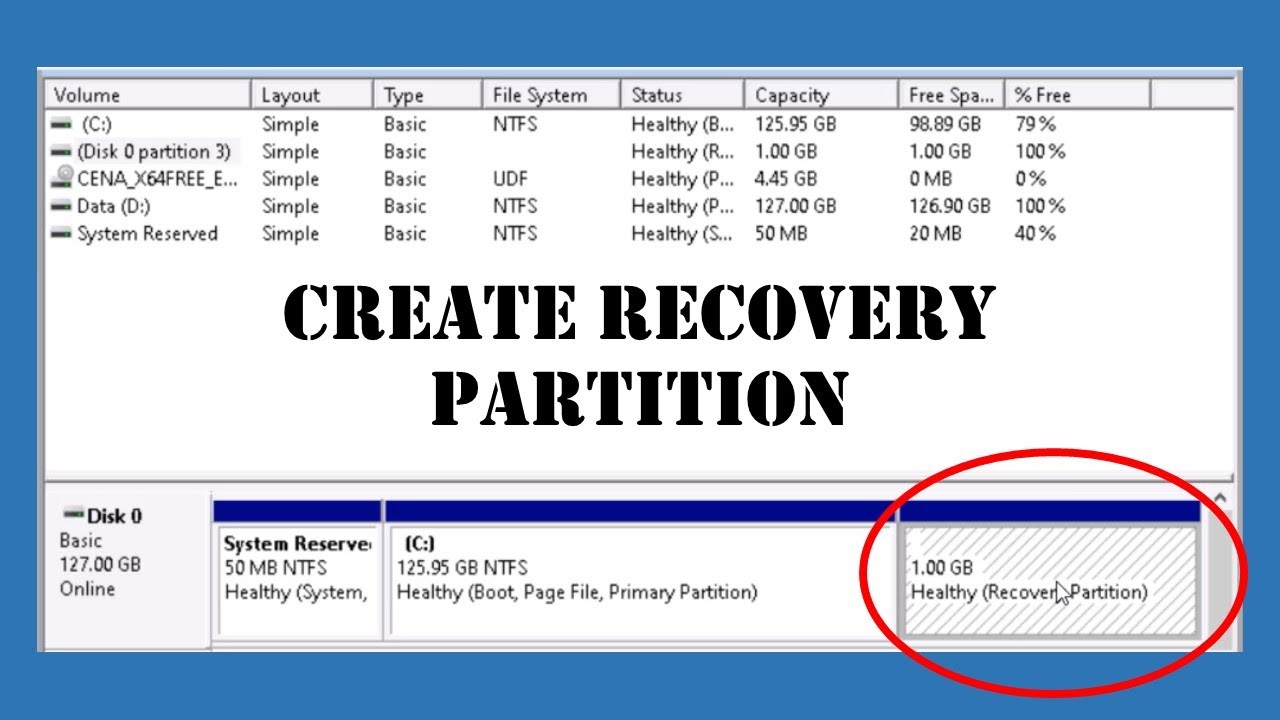
Remove Cd Rom Partition Usb Drive How To Create A Recovery Partition In Microsoft Windows 10 11 YouTube How To Remove CD ROM From Laptop YouTube How To Remove The CD ROM Drive From Laptop YouTube How To Create Partition On Windows 11 C Drive Partition In HP Laptop How To Create Partition USB Drive How To Partition USB Flash Drive Remove image background with Picsart s free BG remover tool Generate change replace edit and create transparent backgrounds all in one solution
Remove background from an image with just a few clicks using Pixlr s AI powered tool which automatically detects and erases the background leaving you with a transparent backdrop Remove backgrounds effortlessly with AI powered precision perfect for e commerce design and personal projects
How To Create Partition USB Drive How To Partition USB Flash Drive How To Change Hard Drive Partition Letters And CD DVD Rom Letter In How To Convert A CD ROM Into A CD Player YouTube Room Divider Or Rom Partition Made In Wood woodenfurniture How To Remove A CD Rom Disk That Is Stuck In A Slot Loading Apple s USB Duplication Service USB Duplication Services How To Partition Usb Drive Apple Community How To Partition Usb Drive Apple Community Download Partition Logic ISO CD ROM Version V0 77 freeware
Remove Cd Rom Partition Usb Drive
 Remove Cd Rom Partition Usb Drive
https://i.ytimg.com/vi/hlNtLcFqfOo/maxresdefault.jpg
AI powered tool to remove image backgrounds Select your image start the removal process and download the background free image
Templates are pre-designed files or files that can be utilized for numerous functions. They can conserve effort and time by offering a ready-made format and design for developing different sort of content. Templates can be utilized for individual or professional projects, such as resumes, invitations, flyers, newsletters, reports, discussions, and more.
Remove Cd Rom Partition Usb Drive

How To Replace Optical Drive CD ROM On The Laptop Lenovo G505 YouTube

How To Change Hard Drive Partition Letters And CD DVD Rom Letter In

How To Convert A CD ROM Into A CD Player YouTube

Room Divider Or Rom Partition Made In Wood woodenfurniture

USB Duplication Service USB Duplication Services
How To Partition Usb Drive Apple Community
Remove the background from your image to make standout content Easily get rid of any background make your subject stand out or layer cutout images to make a unique collage

Remove backgrounds from product photos to create clean images that highlight your products Our background remover is designed to handle large volumes of photos showcasing your

Remove image backgrounds in HD instantly and free No account no limits no quality loss download full resolution results easily

Remove image backgrounds online with our powerful background removal tool Save time editing with this AI powered tool that instantly removes unwanted backgrounds with amazing accuracy

Easily remove the background highlight your subject and drop it into any design whether you re creating content for social media showcasing a product or building marketing visuals
[desc-11] [desc-12]
[desc-13]