Remove Blank Spaces In Notepad 5 Ways To Find And Remove Blank Spaces In Exce Ms Word Remove Space Between Lines Lasopalottery How To Remove Double Spaces In Windows Notepad What Is Mark Down How To Remove Tab Space In Notepad What Is Mark Down 5 Ways To Find And Remove Blank Spaces In Exce Web No Comments To get rid of leading space s and all empty lines even if the empty line contains spaces or tabs follow the followings Go to Search gt Replace Select Regular expression under Search mode Use s for Find what and leave Replace with blank Click Replace all
Web You should be able to do a regular expression find replace in Notepad using a pattern like s There are also a few options under menu Edit gt Blank Operations that may fit your needs Under the quot Macro quot menu there s an option for quot Trim trailing and save quot Web Feb 17 2024 nbsp 0183 32 To remove spaces in Notepad you can use the Find and Replace feature Go to Edit gt Find and Replace In the Find what field type a space Leave the Replace with field blank Click the Replace All button When you add spaces tabs or blank lines to a document it can be easier to read
5 Ways To Find And Remove Blank Spaces In Exce Uzatv racie Ploch D le itos String Remove Spaces F zy Skontrolova Pr za Eliminate Spaces Excel Hot Sex Picture Gro H ufig Exegese C String Is Empty Or Whitespace Tappen Markieren Civil lbum Insatisfactorio Remove Gaps In Excel Casete Querer Polilla C Program To Remove Characters In A String Except Alphabets Riset Solved How To Remove Blank Spaces From Form Document Adobe Community Excel Trim Function Removes Spaces From Text My Online Training Hub Riset 5 Ways To Find And Remove Blank Spaces In Excel Excel Campus
Remove Blank Spaces In Notepad
 Remove Blank Spaces In Notepad
https://tanducits.com/images/image-20211019113043-3.png
Web Here is how you canremove or replace spaces and empty lines in Notepad It is possible to remove all the spaces or extra spaces and empty lines at once or you can remove extra spaces only That said if there is more than one space between two characters you can remove or replace it with one space Remove or replace Spaces in Notepad To
Pre-crafted templates provide a time-saving service for producing a varied range of files and files. These pre-designed formats and designs can be made use of for different individual and expert projects, including resumes, invitations, flyers, newsletters, reports, discussions, and more, enhancing the content creation process.
Remove Blank Spaces In Notepad

How To Delete Blank Rows In Excel The Right Way 2021 Riset

Uzatv racie Ploch D le itos String Remove Spaces F zy Skontrolova Pr za
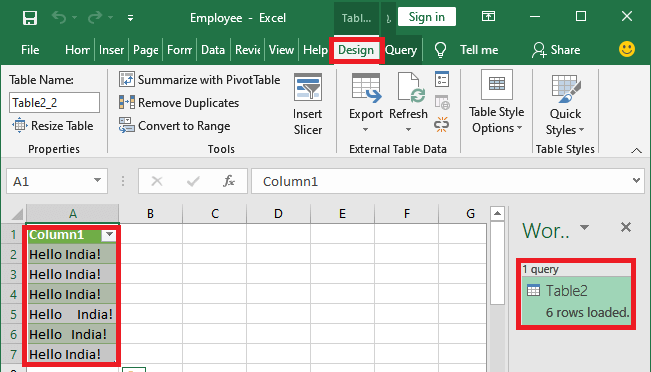
Eliminate Spaces Excel Hot Sex Picture
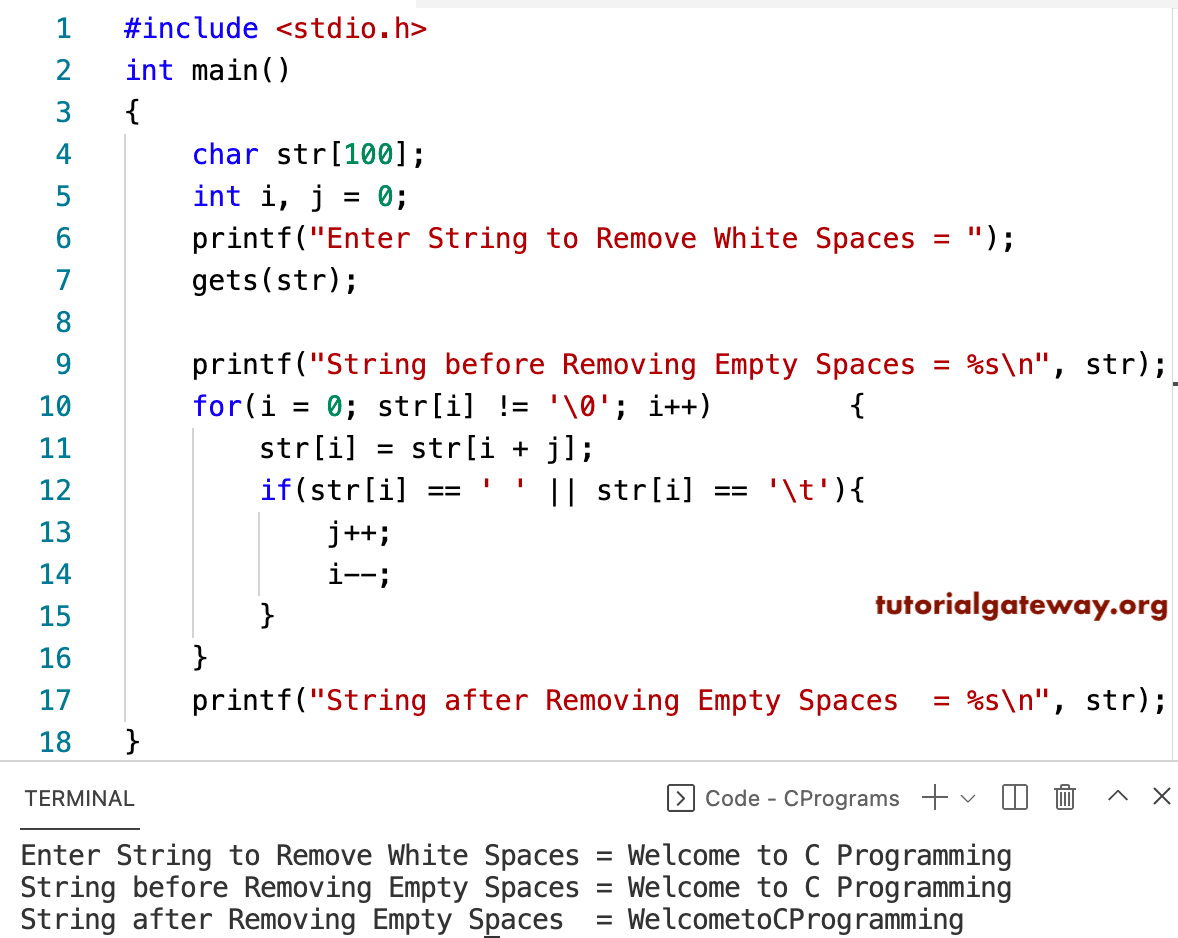
Gro H ufig Exegese C String Is Empty Or Whitespace Tappen Markieren
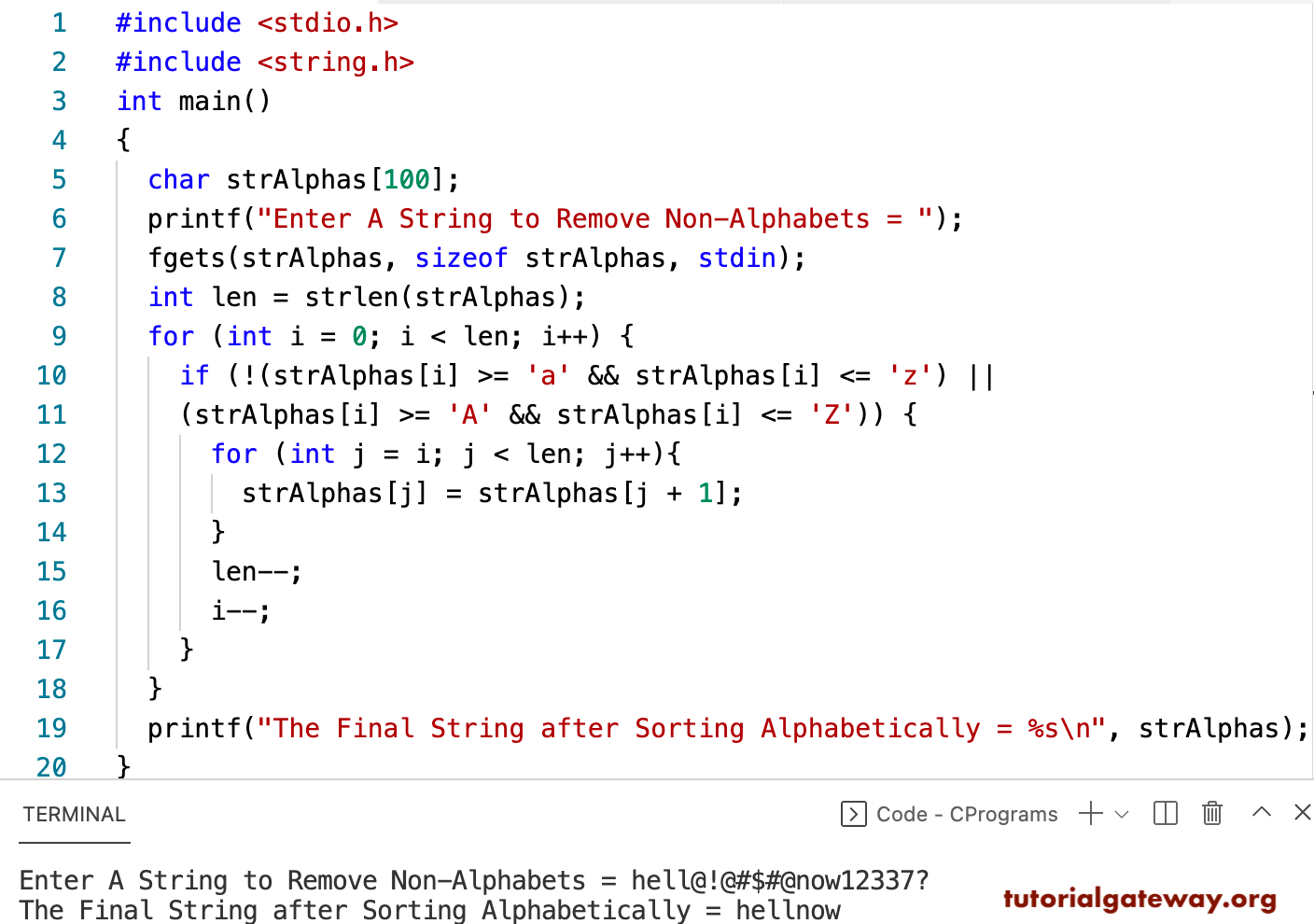
C Program To Remove Characters In A String Except Alphabets Riset
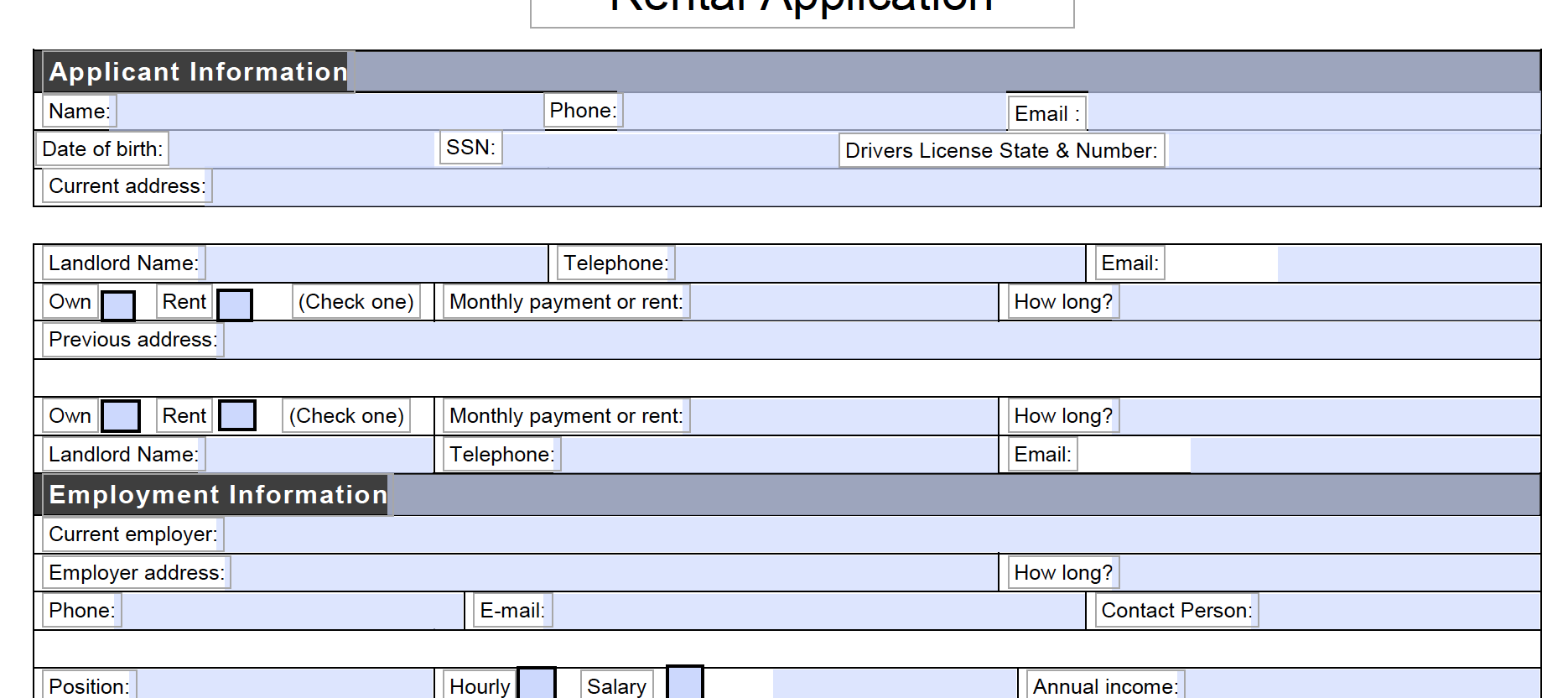
Solved How To Remove Blank Spaces From Form Document Adobe Community

Web Apr 21 2017 nbsp 0183 32 3 Answers To delete all spaces in the file replace with quotes only for demonstration please remove them You need to have the checkbox quot Regular expression quot checked To remove all spaces and tabs replace t with remove quotes

Web Dec 11 2013 nbsp 0183 32 Sorted by 0 If I understood your question correctly you want to remove all lines that are empty or have only spaces If so in Notepad go to Search gt Replace menu shortcut CTRL H and do the following Find what s Replace with leave empty Select radio button quot Regular Expression quot

Web Aug 17 2023 nbsp 0183 32 To remove or replace spaces in Notepad follow these steps Open the file in Notepad on your computer Click on the menu Select the option Find what the parameter like this r n s

Web Sep 6 2016 nbsp 0183 32 I want to use notepad regex to remove all empty space and just leave the IP PORT For example below 1 160 0 224 8080 1 160 1 49 8080 1 160 1 70 8080 1 160 1 170 8080 1 160 1 239 8080 regex notepad

Web Apr 24 2019 nbsp 0183 32 1 Answer Here a workaround that work on most of the software Open the quot Search and Replace quot function CTRL H in the quot Search quot field type two space quot quot and in the quot Replace quot field type one space quot quot then click on quot Replace All quot button as many time as you need to replace all the useless space 0 occurrences found
Web The action to remove leading and trailing space is found in Edit gt Blank operations gt Remove leading and trailing space You can map it by going to Settings gt Shortcut Mapper gt Then scrolling to whichever one you want such as 29 and double clicking on the cell under Shortcut Share Improve this answer Follow answered Apr 29 2011 at 6 30 Web Feb 2 2019 nbsp 0183 32 Edit gt Line operations gt Remove Empty Lines and NotePad removes ALL the empty lines in the entire document unfortunately the menu edit gt line operations gt remove empty lines only handles the entire document but you can remove empty lines from a text selection by installing the textfx plugin once textfx is installed select the text
Web Use the control key and regular expression in Notepad to remove blank spaces and paragraphs by replacing the expression between the brackets with a retained barrel and clicking quot replace all quot