Remove Blank From Pivot Table Excel Array Formula Remove Blank Cells Ms Excel 2010 Hide Empty Cells How To remove blank From Pivot Table Layout Microsoft Tech Community How To Remove Blanks From A Pivot Table In Excel Techwalla How To Remove Blanks From A Pivot Table In Excel Techwalla How To Remove Blank From Pivot Table Brokeasshome Dec 14 2024 nbsp 0183 32 The easiest way to hide blanks in a pivot table is using Excel s built in Remove Blank Line After Each Item option This option can be found in the pivot table s settings under
Select the cells you want to remove that show blank text It could be a single cell a column a row a full sheet or a pivot table On the Home tab go on Conditional Formatting and click on Mar 20 2017 nbsp 0183 32 Hi I think that setting applies only to the numbers in the value area section of the Pivot Table To remove the word Blank from the row or column labels use Filter
How To Remove Blank From Pivot Table Brokeasshome How To Remove Blanks In A Pivot Table In Excel 6 Ways Avantix Learning Excel 2016 How To Exclude blank Values From Pivot Table IT How To Delete A Pivot Table In Excel Easy Step by Step Guide How To Remove Pivot Table Errors And Blanks YouTube MS Excel 2016 Hide Blanks In A Pivot Table How To Fill Blank Rows In Pivot Table YouTube How To Remove Blanks From Pivot Table SpreadCheaters How To Remove Blank From Pivot Table Slicer Brokeasshome
Remove Blank From Pivot Table
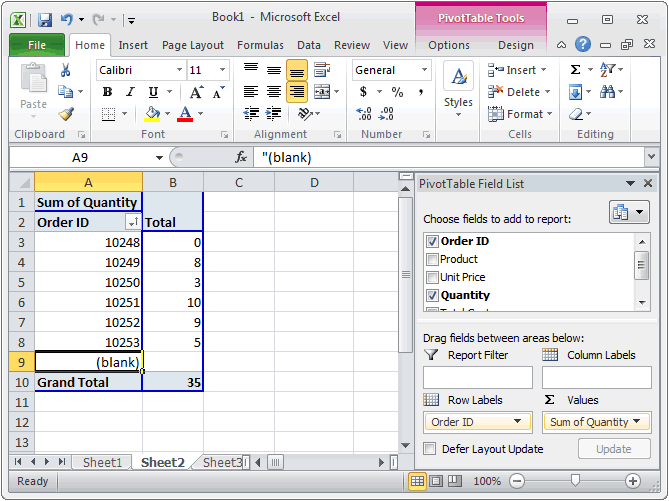 Remove Blank From Pivot Table
https://www.techonthenet.com/excel/pivottbls/images/hide_empty2010_001.gif
May 4 2022 nbsp 0183 32 Often you may want to remove blank values from a pivot table in Excel Fortunately this is easy to do using the Options button within the PivotTable Analyze tab
Pre-crafted templates provide a time-saving solution for developing a diverse variety of documents and files. These pre-designed formats and designs can be used for different personal and expert projects, including resumes, invites, leaflets, newsletters, reports, presentations, and more, simplifying the content development process.
Remove Blank From Pivot Table

Remove Blank From Pivot Table In Excel
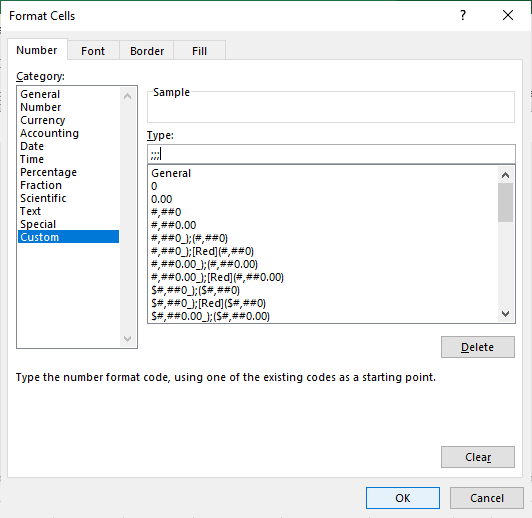
How To Remove Blanks In A Pivot Table In Excel 6 Ways Avantix Learning
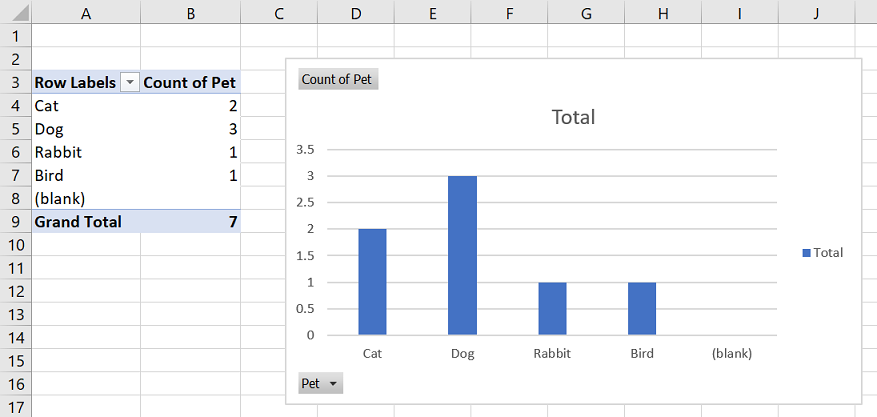
Excel 2016 How To Exclude blank Values From Pivot Table IT
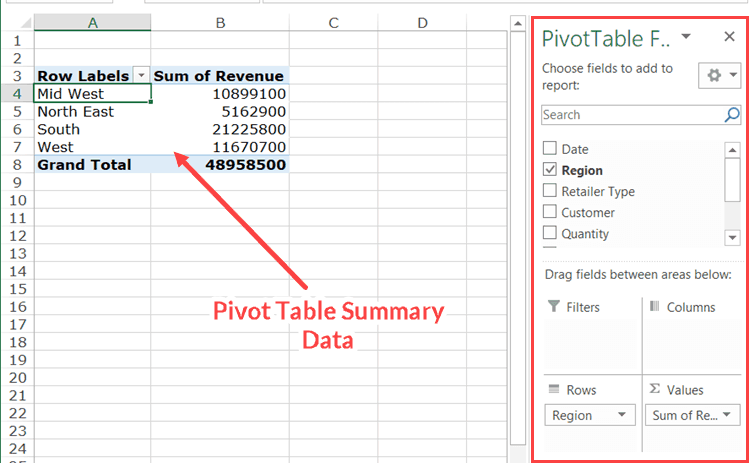
How To Delete A Pivot Table In Excel Easy Step by Step Guide
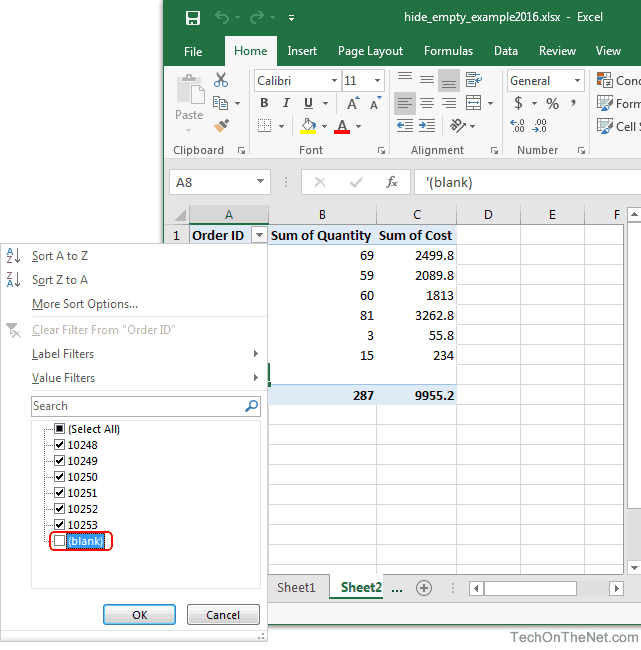
MS Excel 2016 Hide Blanks In A Pivot Table
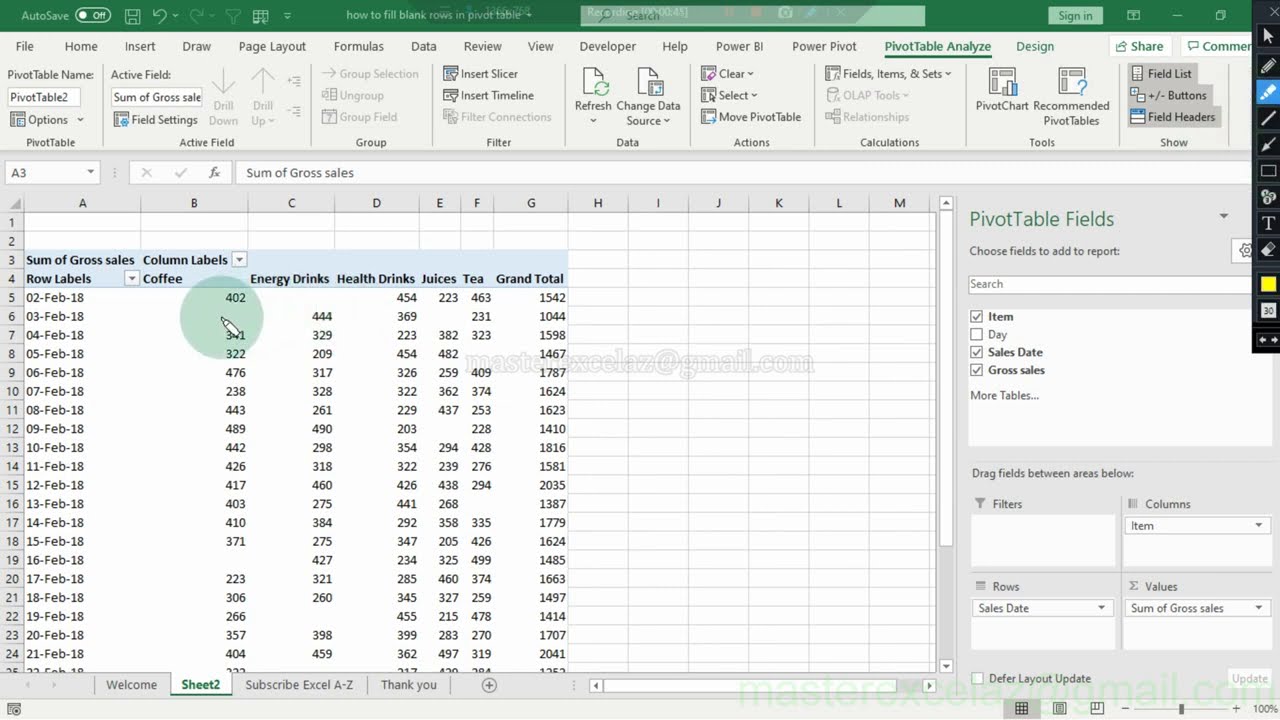
How To Fill Blank Rows In Pivot Table YouTube

Apr 5 2021 nbsp 0183 32 To remove blanks in pivot tables you can set pivot table options to display data in empty cells filter to remove blanks apply conditional formatting find and replace blanks

Jul 5 2018 nbsp 0183 32 Under the PivotTable Options tab there is a button under the PivotTable Name field called quot Options quot Click on that The option you want is under Format Check the quot For empty

Aug 4 2024 nbsp 0183 32 Remove blank rows in excel pivot table is achieved by pivot table option conditional formatting filter feature amp find and replace method

Jan 13 2024 nbsp 0183 32 In this article I have discussed 5 methods to remove blanks from Excel Pivot Table Here you will able to replace the blank cells with a text or number or fill color within the

Aug 6 2024 nbsp 0183 32 Follow these steps to get rid of the blank row values which appear in your pivot table 1 Select the drop down filter button on your pivot table 2 Select Label Filters and Does
[desc-11] [desc-12]
[desc-13]