Remote Desktop Not Saving Password Easily Fixed Remote Desktop Not Saving Credentials Easily Fixed Remote Desktop Not Saving Credentials Saving Password On Google Chrome Read This And You Might Delete Them Easily Fixed Remote Desktop Not Saving Credentials Remote Desktop Connection Mac Setup Paaspaper Click the Start button or press the Windows key Type credential manager and select the top search item To edit any saved credentials click either Web Credentials or Windows Credentials in the
TechNet Hi Wong Using usernames passwords that are saved within a rdp file are not supported with RemoteApp The standard way is to preferrably use Remote Desktop Client version 7 with RD Web Access SSO and or deploy signed rdp files with optionally stored credentials using the option in the interface
Remote Desktop Connection Mac Setup Paaspaper QuickBooks Mac Desktop Not Saving Entries TommyNation How To Fix RDP Not Saving Password Credentials Easily Fixed Remote Desktop Not Saving Credentials TommyNation How To Fix RDP Not Saving Password Credentials Win10 Seriously 19 Hidden Facts Of How To Setup Remote Desktop Connection TommyNation How To Fix RDP Not Saving Password Credentials Remote Desktop Connection Fasrmesh
Remote Desktop Not Saving Password
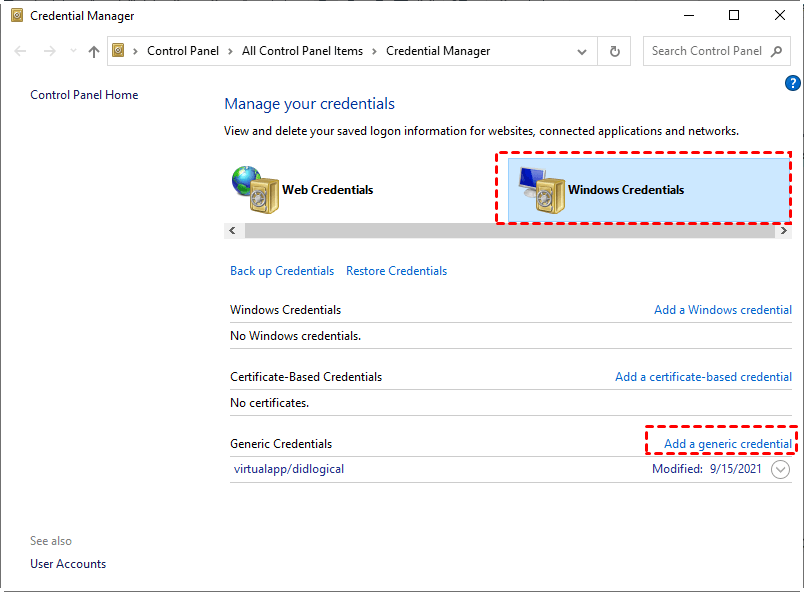 Remote Desktop Not Saving Password
https://www.anyviewer.com/screenshot/windows/add-a-generic-credential.png
[desc-9]
Pre-crafted templates provide a time-saving service for creating a varied series of documents and files. These pre-designed formats and designs can be made use of for various personal and expert jobs, consisting of resumes, invites, leaflets, newsletters, reports, discussions, and more, simplifying the material creation procedure.
Remote Desktop Not Saving Password
How To Change The Password For Remote Desktop VPS Malaysia

QuickBooks Mac Desktop Not Saving Entries

TommyNation How To Fix RDP Not Saving Password Credentials
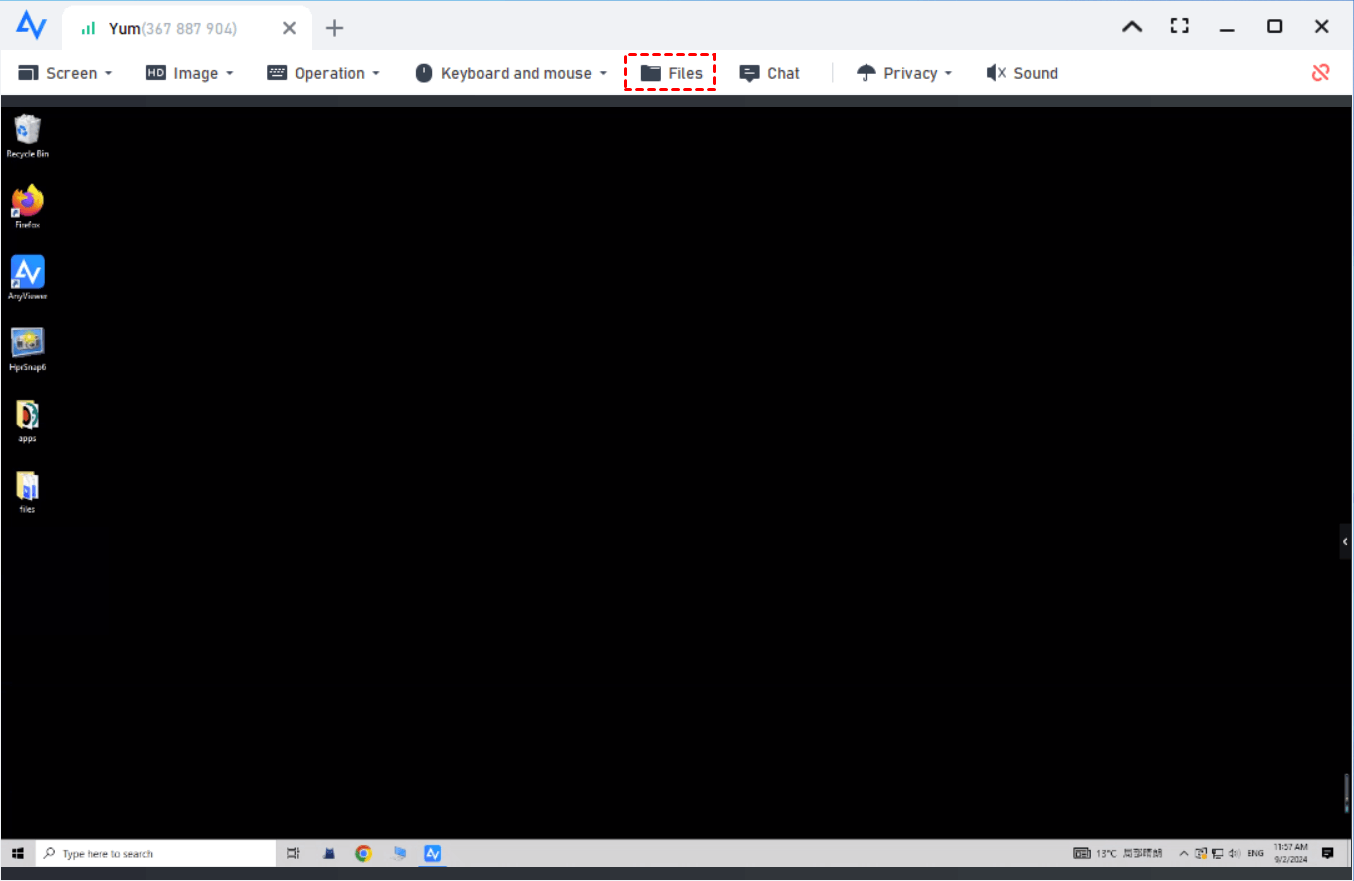
Easily Fixed Remote Desktop Not Saving Credentials

Win10

Seriously 19 Hidden Facts Of How To Setup Remote Desktop Connection
I open RD type in zotac type in my name hit Connect it goes to the login page that asks for my password of the PC I m logging into I m assuming that s the same password t I put in the login window when the computer boots up I get the message Your credentials don t work
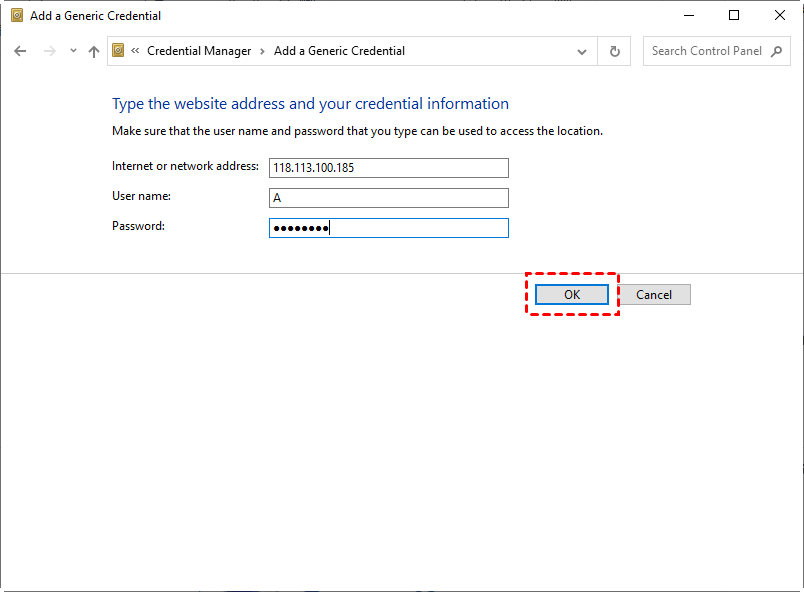
Step 1 Launch Remote Desktop Connection Client App Every Windows system has a preinstalled Remote Desktop Connection client application There are a few ways to open the application Open Start and search for Remote Desktop Connection Open the Run box Windows Key R and enter mstsc
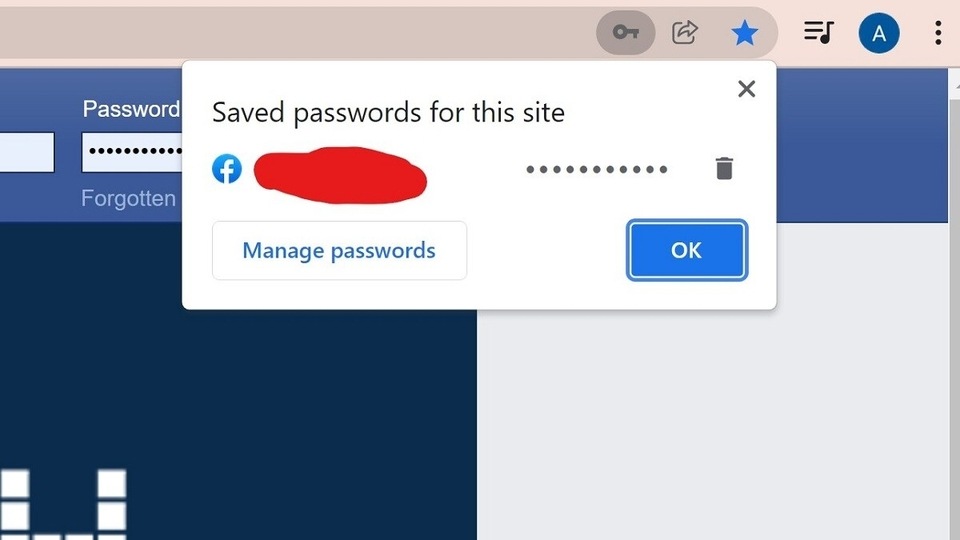
Passwords must not be saved in the Remote Desktop Client Overview Details Security Technical Implementation Guides STIGs that provides a methodology for standardized secure installation and maintenance of DOD IA and IA enabled devices and systems
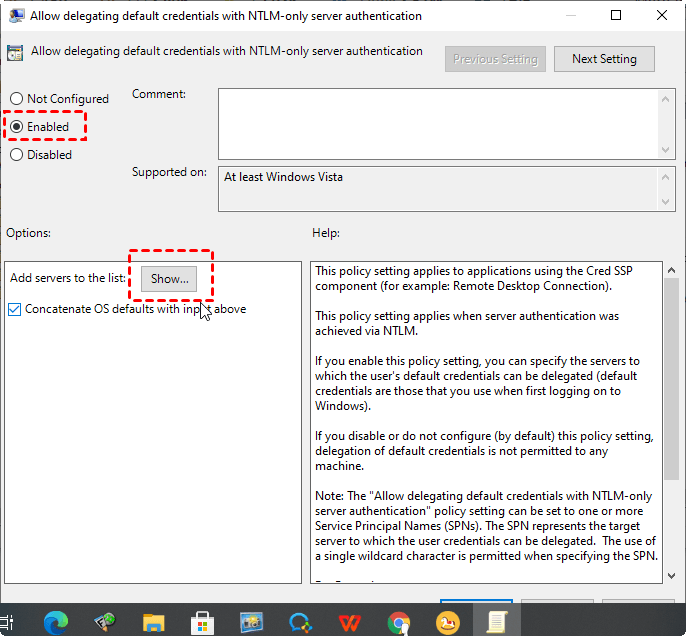
On server 2 it gives them an error message You must change your password before logging on for the first time It does not log them in nor allow them to change their password I have a group policy that has disabled Require user authentications by using network level authentication Remote Desktop Sign in to follow 0 comments Report a concern

Replies 1 Hello and welcome to the Microsoft Community A question about Remote desktop connection is beyond the scope of the Response Support Community It is better suited for posting on Microsoft Learn English only where you can click on Ask a Question and there are experts there who can provide more specialized solutions
[desc-11] [desc-12]
[desc-13]